
AI Tattoo Generator for Surrealism Tattoos: Design Dreamlike Ink and Preview It
How an AI tattoo generator helps you design surrealism tattoos: understanding the style, writing prompts for dreamlike imagery, choosing placements and previewing the design on your own body before you book.
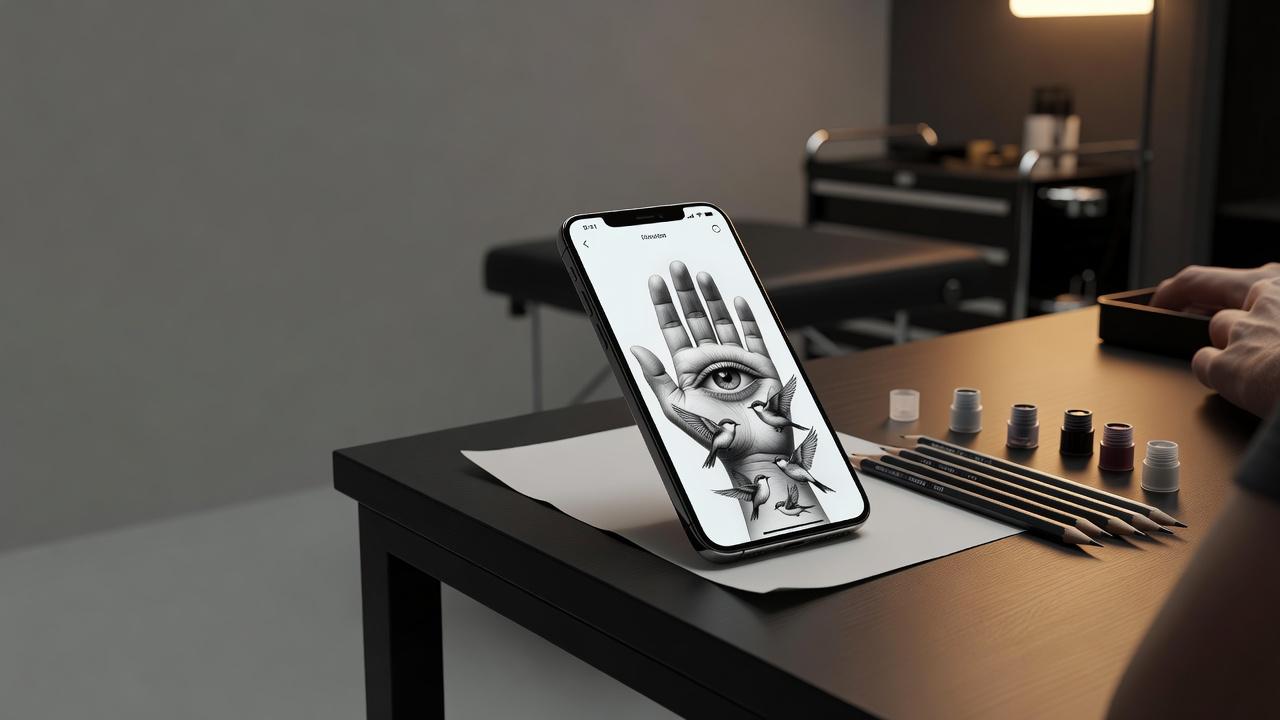
Surrealism tattoos turn dreams and impossible scenes into skin art, such as an eye growing out of a hand, a tree whose roots are veins, or a staircase floating in the sky, and an AI tattoo generator for surrealism tattoos lets you explore those strange ideas before you commit: you describe the scene, compare several compositions and preview how the design sits on your own body.
In short: designing a surreal tattoo with AI means choosing one clear impossible idea, describing the objects and the mood, picking a shading style and checking the scale in AR before you book an artist. This guide covers where the style comes from, which ideas work, how to write prompts that produce usable results and how to turn the final design into a real tattoo.
What Is an AI Tattoo Generator for Surrealism Tattoos? (Quick Answer)
An AI tattoo generator for surrealism tattoos is a tool that creates dreamlike, impossible-scene designs from a text description or a reference photo. You describe the central image and the mood, such as an eye in the palm of a hand or a tree growing from a ribcage, the AI composes it, and you can preview the result on your own body before choosing an artist. In INK, you can generate, compare and refine surreal designs for free.
What Is a Surrealism Tattoo? Origins and Meaning
A surrealism tattoo borrows the logic of dreams: familiar objects are combined, distorted or placed in impossible settings so that the image feels strange but meaningful. The look draws on the early twentieth-century art movement described on Wikipedia's page on Surrealism, and on painters such as Salvador Dalí, who aimed to express the unconscious mind.
The meaning is personal rather than fixed. Many people choose surreal imagery for the subconscious, memory, transformation or the feeling that reality is stranger than it looks, and because no tradition dictates the symbols, the design can be as literal or as abstract as you like.
How Does an AI Tattoo Generator Handle Surreal Designs?
An AI generator renders artwork from your description or a photo. Surreal designs suit it well because the style depends on unexpected combinations that you can name precisely: "a hand opening to reveal an eye, with small birds flying out of the wrist, black and grey, soft shading" gives the AI a clear brief.
The honest limit is control. Surreal images are easy to overload, and a flat picture cannot show how a design wraps around a limb, so use the generator to explore ideas and compositions, then preview the fit and ask your artist to adapt the stencil to your anatomy. Our guide to using an AI tattoo generator covers the full workflow.
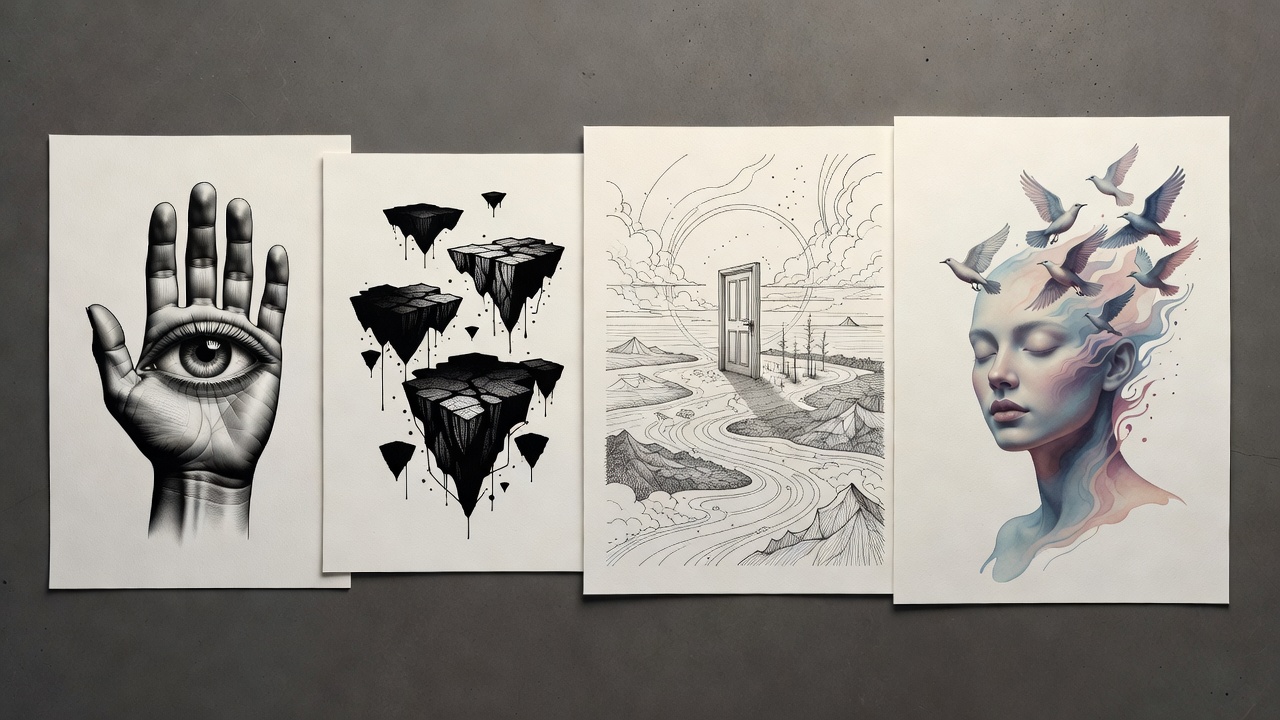
How to Prompt an AI Tattoo Generator for a Surrealism Tattoo
A few habits separate a design an artist can use from a confusing collage:
- Start with one central image. "An eye inside an open hand" or "a tree growing from a ribcage" gives the piece a focal point.
- Add one impossible twist. Floating, melting, growing or merging objects create the dreamlike feel; pick one rather than all of them.
- Describe the setting. A desert horizon, a night sky or a plain background changes the mood and keeps the design readable.
- Set the shading style. Black and grey realism, blackwork, fine line or soft colour changes how the piece reads and ages.
- Name the body area. "Surreal design for the upper arm" or "vertical composition for the forearm" helps the shape fit the limb.
- Generate several variations. Compare three or four and keep the one with the clearest idea and the most breathing room.
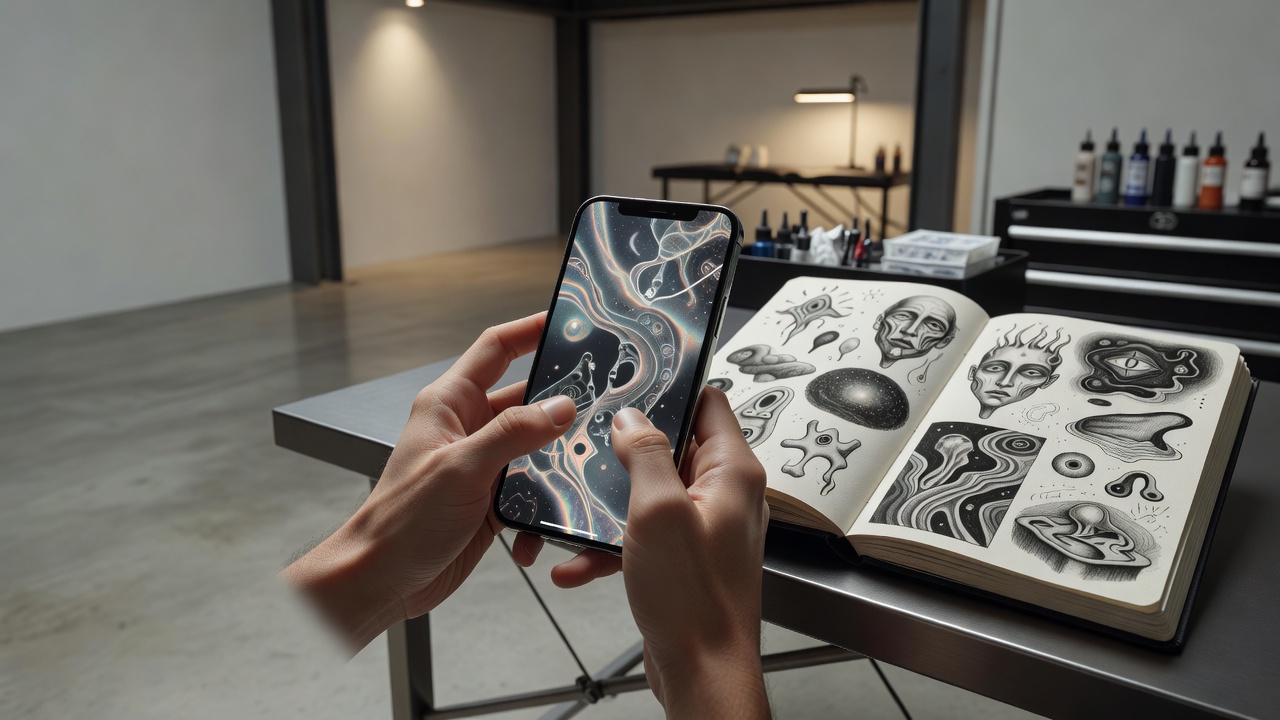
Surrealism Tattoo Ideas That Work
These themes suit the style, with common modern readings rather than fixed rules:
- Eye in the hand. A classic surreal image, often read as insight or seeing beyond the surface.
- Roots and veins. Trees, flowers or roots merging with the body, often chosen to represent growth and connection to nature.
- Floating islands and doorways. Landscapes in the sky or a door opening onto open space, popular for transformation and new chapters.
- Hybrid creatures. Animals combined with plants or objects; see the illustrative tattoo generator guide for storybook-style layouts.
- Melting or fragmenting portraits. Faces that dissolve into birds, smoke or stars, which pair well with the portrait tattoo generator guide.
- Small dream symbols. A single floating eye, moon or staircase, for people who want the look without a large commitment.
Best Surrealism Styles: Black and Grey, Blackwork, Fine Line and Colour
- Black and grey realism. Smooth gradients make impossible scenes feel real; the realism tattoo style guide explains how depth and contrast are built.
- Blackwork. Strong fills and clear shapes for contrast and longevity; see the blackwork tattoo generator guide.
- Fine line. Delicate outlines give a quiet, dreamlike mood, but they demand a skilled artist; the fine-line tattoo guide explains what holds up over time.
- Watercolour and colour. Soft washes suit sunsets and skies, as in our watercolor tattoo generator guide.
If you are planning a large piece, a generator helps you settle the overall composition first and the finer details later.
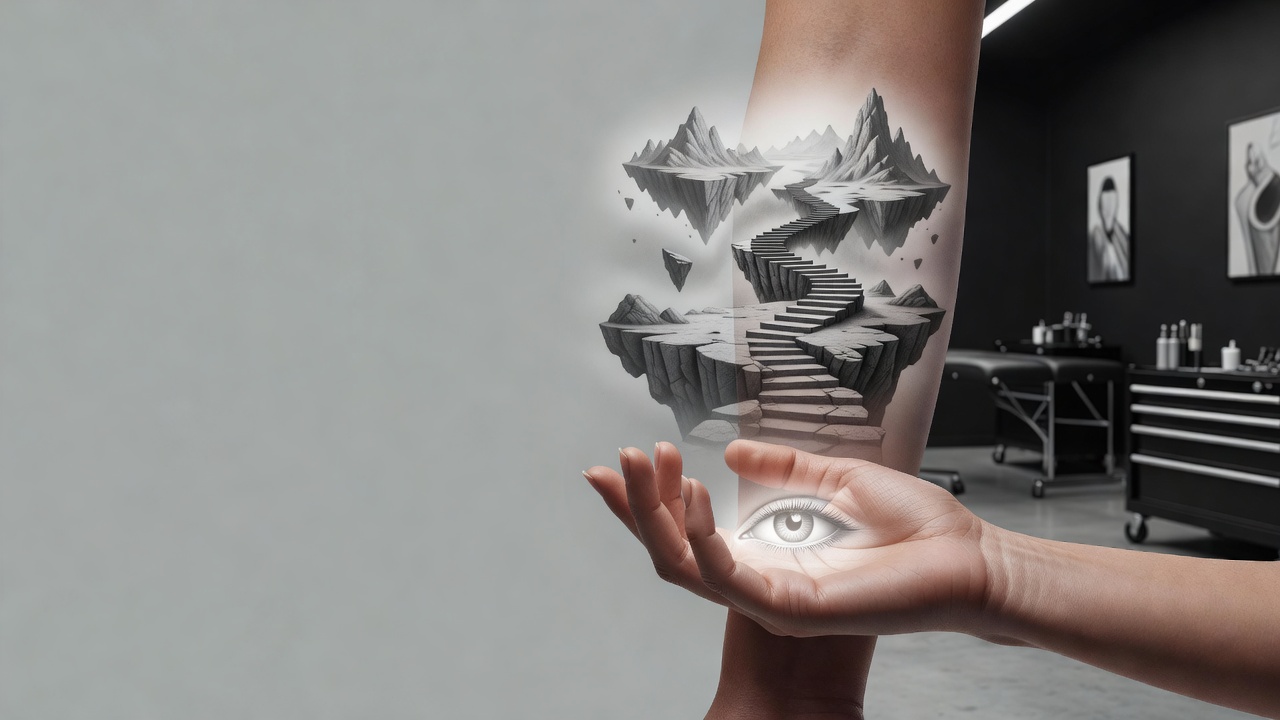
Surrealism Tattoo Placement, Healing and Pain
The style works on most areas, but scenes that need space, such as landscapes and portraits, suit the upper arm, thigh, back and chest, while a single floating symbol can sit on the wrist or ankle. To compare spots overall, read the guide to the best tattoo placements.
Pain and healing depend on the size and the shading. Large pieces involve long sessions, so expect more discomfort than a small outline; our tattoo pain chart compares areas across the body. Plan several sittings, follow your artist's advice on healing and protect the shading from the sun afterwards.
Common Surrealism Tattoo Mistakes a Generator Helps You Avoid
- Too many ideas at once. Eyes, clocks, birds, stairs and faces in one piece become a muddle; pick a clear focal point.
- No breathing room. Dense collages blur together over time; leave some empty skin around the main image.
- Too much detail at a small size. Tiny textures can soften over the years; simplify when the piece is small.
- Weak contrast. Without deep shadows and clear highlights the scene looks flat; ask for strong light and dark areas.
- Skipping sun protection. Soft shading fades faster in the sun, so sunscreen matters.
Previewing a Surrealism Design on Your Own Body
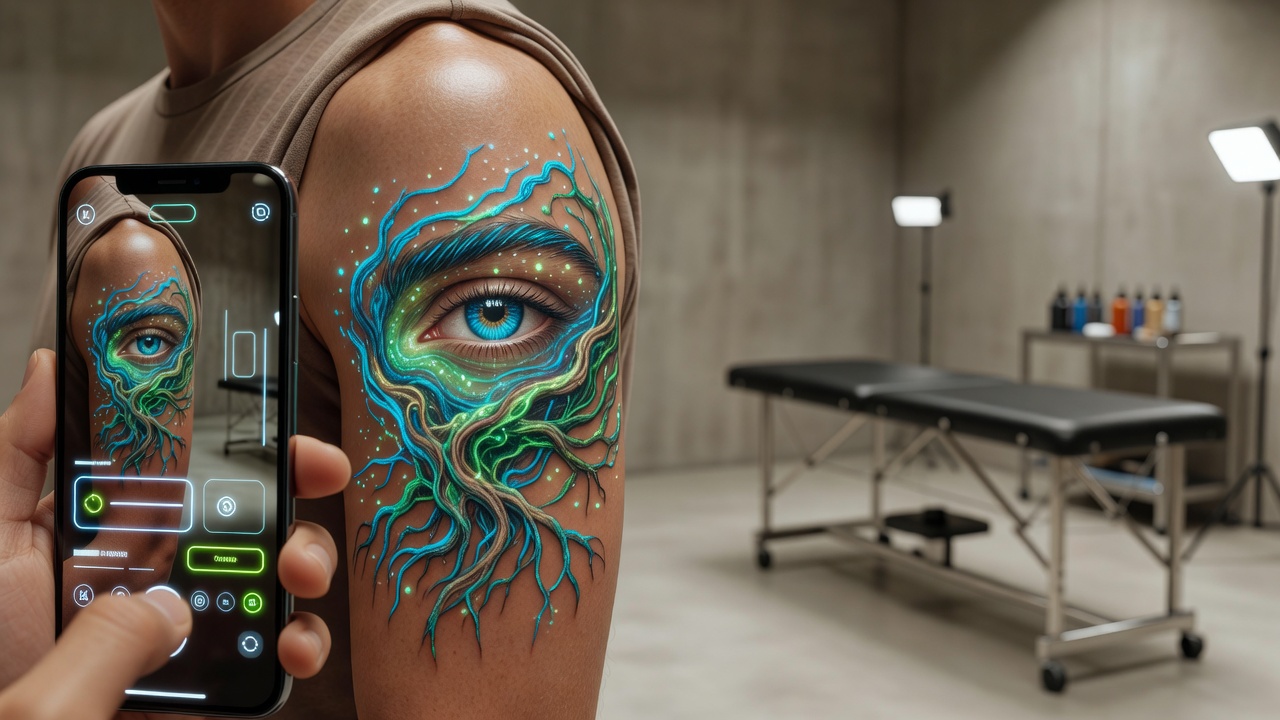
Because a layered, dreamlike scene is hard to judge on a flat screen, a preview matters. AR try-on lets you check the scale, the placement and how the design sits on your limb before it becomes permanent. Our guide to tattoo try-on technology explains how this works and what to look for.
From AI Design to a Real Surrealism Tattoo
Once you have a design you like, bring a high-resolution export to your artist and talk through shading, scale and how the piece should sit on your body. A good artist will adapt the stencil to your anatomy and advise on sessions and healing; for aftercare, see our tattoo aftercare guide. To plan the budget for a large piece, see how much tattoos cost. Finally, INK lets you export a stencil-ready file when you are ready.
The Final Word
An AI tattoo generator for surrealism tattoos will not replace an artist's hand, but it settles the questions that matter most: which impossible image you love, how the design sits on your body, and how big it should be. Choose one idea, describe the scene, preview it on your skin, then let a skilled artist adapt the final stencil.
Design Your Surrealism Tattoo Free in INK
Describe your dreamlike scene, compare layouts, and preview the design on your own body before you ink. No sign-up needed.
Try INK Free →

Create Your Perfect Tattoo Design
Use AI to generate unique tattoo designs and preview them on your body before committing to ink.
Start Designing for FreeWritten by
INK Team