
Free AI Tattoo Generator: Create Custom Designs Without Paying
Use free AI tattoo generators to create custom designs without spending a dime. No sign up required for basic features.

Let's cut straight to the question everyone's asking: can you actually generate tattoo designs with AI for free? The short answer is yes. The longer answer involves understanding what "free" really means, what you get versus what costs money, and how to squeeze the most value out of free tiers.
I've tested every free AI tattoo generator I could find, and I'm going to tell you exactly what you can expect without spending a cent. No fluff, no upsells—just the truth about free tattoo generation in 2026.
Can You Really Generate Tattoos with AI for Free?
Yes, but with caveats. Most AI tattoo generator free options work on a freemium model. You get limited access to the core features, and if you want more, you pay. This isn't a scam—it's just how software companies stay in business while still letting you try before you buy.
Here's what's typically free:
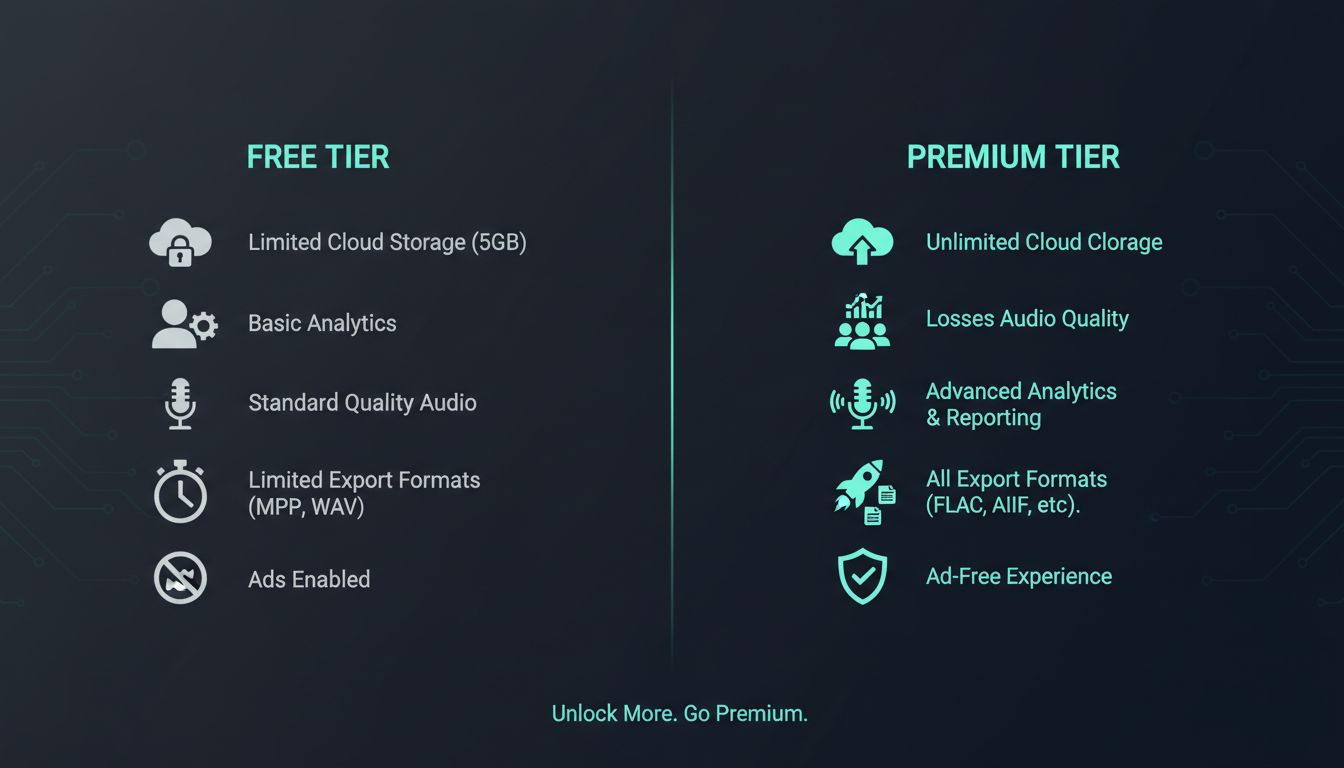
- A handful of generations per day (usually 3-10)
- Access to basic tattoo styles
- Standard resolution outputs
- Basic editing and saving features
The catch? Free tiers usually have limitations like watermarks, lower resolution exports, restricted style options, or daily generation caps. But here's the thing—for many people exploring tattoo ideas, these free tiers are genuinely enough.
If you're casually exploring what a wolf tattoo might look like, or testing whether you prefer geometric or traditional styles, free generations give you plenty to work with. You don't need unlimited generations to figure out your basic direction.
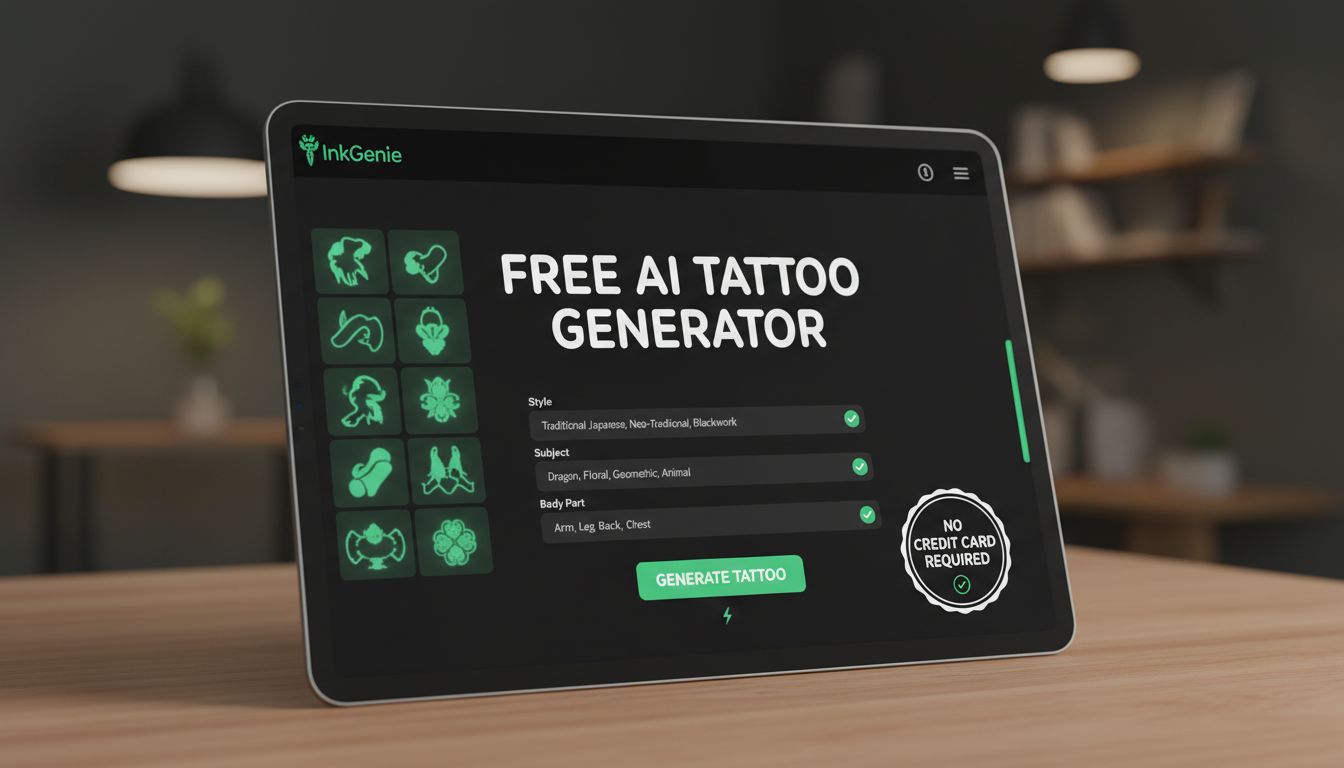
How Free AI Tattoo Generators Work
Understanding the technology helps you use it better. Free AI tattoo generators use the same underlying AI as paid versions—there's no "cheap AI" running the free tier. The difference is purely in access limits, not generation quality.
When you type "Japanese dragon with cherry blossoms" into a free generator, here's what happens:
- Your text gets processed by a language model that understands tattoo concepts
- The AI generates a unique image based on your description and chosen style
- You receive the result, usually within 10-30 seconds
- Your daily generation count decreases by one
The AI doesn't know whether you're on a free or paid plan when generating—it produces the same quality output either way. What differs is how many times you can do this per day and what additional features (like AR try-on or high-res export) you can access.
According to MIT Technology Review's coverage of AI democratization, this freemium approach has made powerful creative AI accessible to millions who couldn't afford enterprise-level tools.
Some apps even offer AI tattoo generator free no sign up options—you can start generating immediately without creating an account. This is great for quick exploration, though you'll usually need an account to save designs or access your history.
What You Get with Free Tattoo Generation
Let's be specific about what ai tattoo free tiers actually include. Taking INK as an example (since I know it best), here's the breakdown:
Free Features:
- Several free generations to start
- Access to core tattoo styles (Traditional, Japanese, Minimalist, Geometric, Blackwork)
- Text-to-tattoo generation
- Basic try-on functionality
- Ability to save favorites
- Share designs with friends
What's typically restricted on free tiers:
- Daily generation limits (resets every 24 hours)
- Some advanced or specialty styles
- High-resolution exports
- Advanced AR features
- Photo-to-tattoo conversion
- Priority generation speed
For someone just starting to explore tattoo ideas, the free tier is genuinely useful. You can generate enough designs to understand what styles you like, test basic concepts, and get a feel for how AI tattoo generation works.
Want to learn more about what's possible? Check out our complete AI tattoo generator guide for a full breakdown of features and capabilities.
What Makes the Best Free AI Tattoo Generator?
"Free" covers a lot of ground, and the gap between free tiers is bigger than the gap between paid ones. If you are comparing options, the best free AI tattoo generator for you is the one that scores well on these five things — all of which you can check in about ten minutes without paying anything.
- Is it actually free, or a countdown? A permanent free tier you can come back to every day is worth more than a seven-day trial that expires while you are still deciding what you want. Check whether the free access ends.
- Does it need a card up front? Being asked for payment details before you have seen a single design is a bad sign, and it is not necessary — you should be able to generate something before committing to anything.
- Is it trained on tattoos, or on everything? A general image model produces pictures that look good on a screen. A tattoo-specific one accounts for line weight, contrast and how a design holds up once it is on skin, which is what an artist actually needs from your reference.
- What do the free exports look like? Resolution and watermarking are the usual free-tier limits. That is a reasonable trade — but you should still be able to see the full design clearly enough to judge it.
- What happens to your photos? If you upload a photo of yourself, the free tier still has to answer for retention, deletion, and whether anything you make is public by default.
INK is built around the first two: three generations every day that do not expire, and no sign-up needed to start. The trade on the free tier is a small watermark and standard resolution — the honest exchange for unlimited daily access rather than a countdown.
One thing worth settling before you upload anything: what a free tool does with your photos. We covered that separately in are AI tattoo generators safe, which walks through retention, deletion and what to ask any app before handing it a picture of your body.
Free vs Premium: Is Upgrading Worth It?
This is the real question, right? When does it make sense to pay?
Stick with free if:
- You're casually exploring and not committed to getting a tattoo soon
- You just want to see what AI tattoo generation looks like
- You're comparing styles and need basic examples
- Budget is genuinely tight and you can be patient with daily limits
Consider upgrading if:
- You're actively planning a tattoo and need to iterate on designs
- You've found a direction and want to explore variations
- You need high-resolution exports for your tattoo artist
- You want access to all styles and advanced features
- Daily limits are frustrating your creative process
Here's my honest take: if you're seriously planning a tattoo that'll cost $200-2000+ to actually get inked, spending about $15 a month on INK Pro — or $39.99 for a year on the web, or $179 once for lifetime access — to remove the daily cap and export without a watermark is a no-brainer. The design phase is where you figure out what you'll wear forever—it's not the place to cut corners.
But if you're just curious? Free is absolutely fine. Use it, enjoy it, see what's possible. There's no pressure to upgrade until you're ready.
If you are weighing free against paid across the whole category rather than just here, the AI tattoo generator pricing guide breaks down the models — subscriptions, credit packs and watermark-gated exports — and what each one actually costs you.
Tips to Maximize Free Tattoo Generations
Want to get the most out of your free generations? Here's how to be strategic:
1. Plan before you generate
Don't waste generations on vague prompts. Before you hit generate, know exactly what you want to try. "Wolf" is a waste. "Geometric wolf head, blackwork style, minimalist, suitable for forearm" is much better.
2. Test one variable at a time
If you're trying to decide between styles, keep the subject the same and just change the style. This lets you compare apples to apples with fewer generations.
3. Save everything you like
Even if a design isn't perfect, save it if there's something you like. You can reference these later when describing what you want—"like that one, but with more detail in the eyes."
4. Use your generations strategically throughout the day
If you have 5 daily generations, don't burn them all at once. Spread them out. You might have a better idea later.
5. Take screenshots
Even with watermarks, screenshots of free generations are useful for remembering what you liked. They're also helpful when talking to tattoo artists about your vision.
6. Check if generations reset at midnight
Some apps reset at midnight local time, others at midnight UTC. Knowing this lets you time your sessions for maximum generations.
Need help with the app itself? Our help center has detailed guides on making the most of every feature.
No Sign Up Required: Quick Start Guide
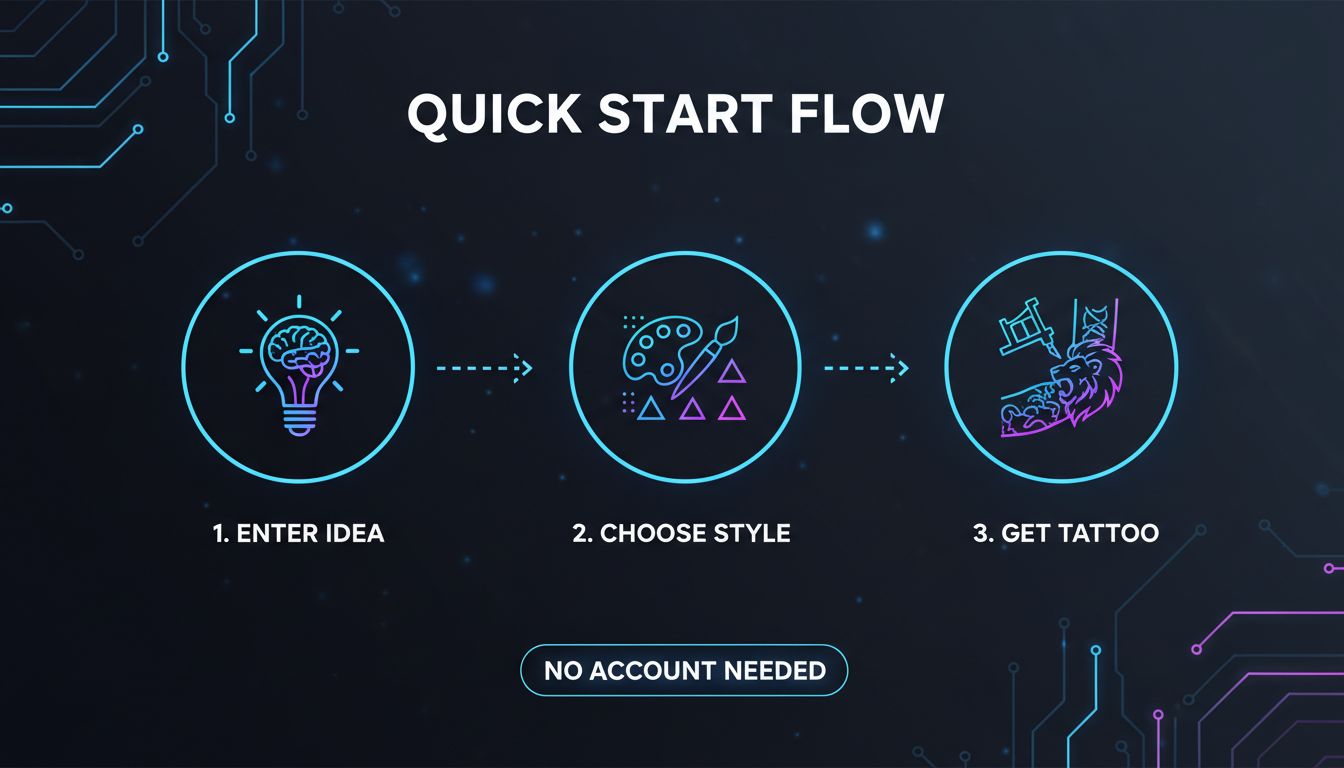
Want to try AI tattoo generation right now without creating an account? Here's the fastest path:
- Go to the app — Start generating free tattoos now or download for iOS / Android
- Skip account creation — Look for "continue as guest" or "try without account" options
- Enter your idea — Describe what you want: subject, style, any special elements
- Choose a style — Traditional, Japanese, Minimalist, Geometric, Blackwork, etc.
- Generate — Wait 10-30 seconds for your design
- Iterate — Use your remaining free generations to explore variations
That's it. No email verification, no payment info, no commitment. Just ideas transformed into tattoo designs.
As Forbes has noted, the accessibility of AI creative tools has fundamentally changed how people approach design decisions—and tattoos are no exception.
Ready to Design Your Tattoo for Free?
Stop wondering what your tattoo idea might look like. Generate real designs in seconds—completely free to start.
Start Generating Free →Create Your Perfect Tattoo Design
Use AI to generate unique tattoo designs and preview them on your body before committing to ink.
Start Designing for FreeWritten by

Laura Schmitz
Tattoo Content Lead, INK
Laura Schmitz leads tattoo content at INK. She has spent years researching tattoo styles, symbolism and aftercare, and works directly with the AI tattoo generator to test how each style translates from prompt to skin — so every guide here reflects designs that are actually tattooable, not just images that look good on screen.
More about the author