
AI Tattoo Art Generator: Turn Any Idea Into Tattoo Art
How an AI tattoo art generator turns a text prompt or photo into finished, tattoo-ready art in seconds — plus styles, tips, and how to go from art to a real tattoo.

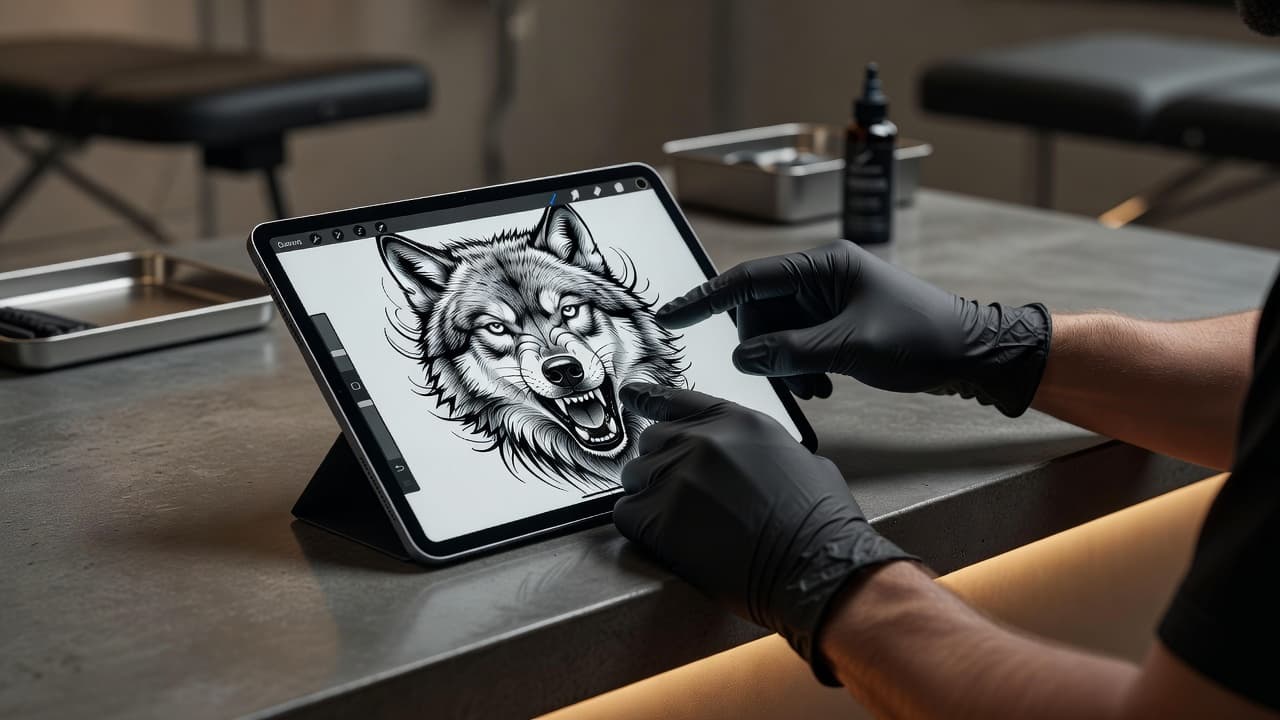
An AI tattoo art generator turns a plain-language idea — a phrase, a photo, or a rough sketch — into finished, tattoo-ready art in seconds, so you can see the piece before a needle ever touches your skin.
Tattoo art used to live in two places: a flash sheet on a studio wall, or the sketchbook of an artist who might take weeks to get back to you. AI tattoo art generators collapse that timeline. Describe the tiger, the botanical sleeve, the fine-line portrait, or the abstract geometric piece you're picturing, and an AI tattoo art generator like INK renders it as clean, high-contrast artwork built for skin — not just a pretty picture, but something a tattoo artist could actually work from.
What Is an AI Tattoo Art Generator? (Quick Answer)
An AI tattoo art generator is a tool that uses image-generation AI, trained on tattoo-style linework and shading, to create original tattoo art from a text description or an uploaded photo. Unlike a general AI image generator built for wallpapers or illustrations, a dedicated tattoo art generator understands the constraints that actually matter for skin — bold outlines that won't blur as they age, shading that holds up at small scale, and compositions that wrap naturally around a forearm, calf, or shoulder.
How Does an AI Tattoo Art Generator Work?
Most AI tattoo art generators, including INK, follow the same basic loop, even if the interface looks different from app to app.
- You describe the idea. Type a prompt ("a fine-line snake wrapped around a rose, minimalist style") or upload a photo you want turned into tattoo art.
- The AI generates tattoo-specific art. The model produces artwork with tattoo conventions in mind: clean linework, readable shading, and a composition sized for a body part.
- You refine it. Adjust the style, size, color palette, or level of detail, and regenerate until the piece matches what's in your head.
- You preview it on your body. Good tattoo art generators, INK included, let you place the finished art over a photo of your own skin so you can judge scale and placement before committing.
- You export or bring it to an artist. Download the final art to save, print, or hand to a tattoo artist as a reference for the actual session.
Because the whole loop takes seconds per iteration, you can test a dozen variations of an idea in the time it would take to describe one version to a human artist over email.
Text-to-Art vs. Photo-to-Art: Two Starting Points
Most AI tattoo art generators support two different entry points, and knowing which one fits your idea saves time.
Starting From Text
If you have a concept but no reference image — "a phoenix rising from geometric flames, blackwork style" — a text prompt is the fastest path. Our AI tattoo generator from text guide covers how to write prompts that actually produce usable tattoo art instead of generic AI art.
Starting From a Photo
If you already have a photo — a pet, a family member, a landscape from a trip — you can turn that image directly into tattoo art rather than describing it from scratch. Our AI tattoo generator from photo guide walks through the process, including how to pick a photo that will translate well into linework.
What Tattoo Art Styles Can AI Generate?
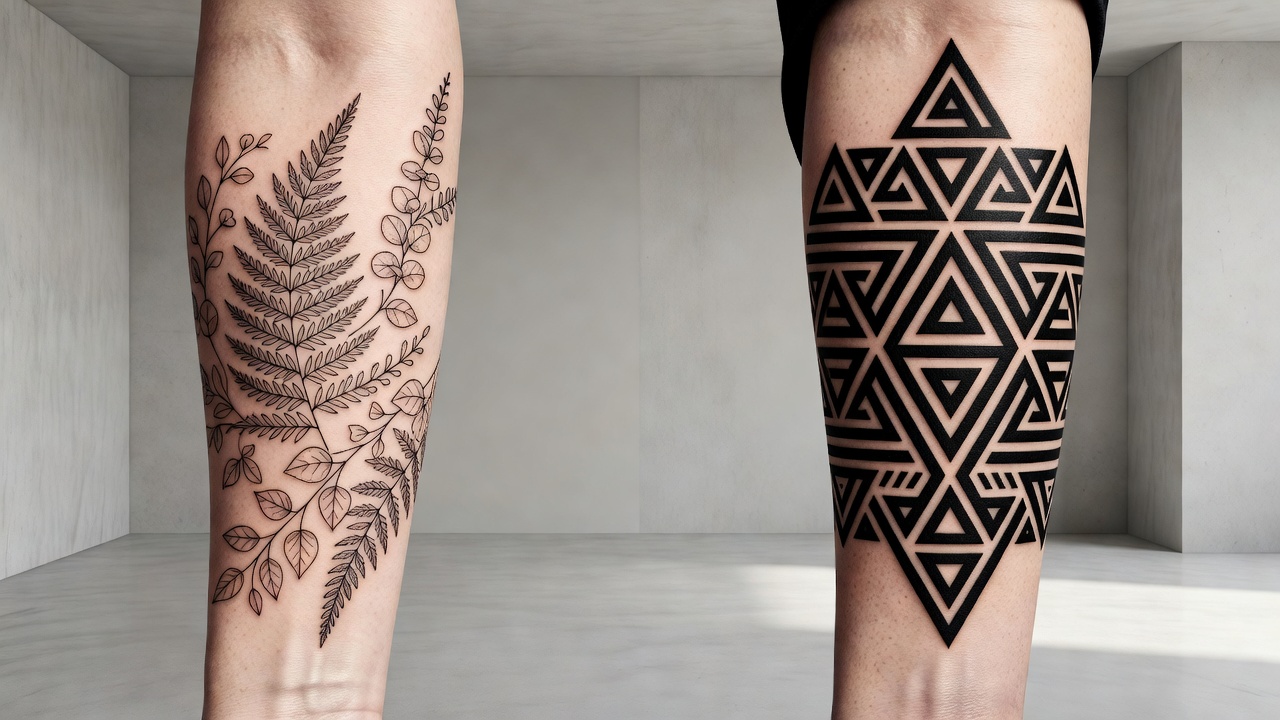
A capable AI tattoo art generator isn't limited to one look. The style you pick changes the entire feel of the piece, so it's worth generating the same idea in a few different styles before settling on one.
| Style | Best For |
|---|---|
| Fine line | Delicate, minimal pieces on wrists, ankles, and ribs |
| Blackwork | Bold, high-contrast art that ages well over decades |
| Japanese traditional | Large-scale, story-driven pieces like sleeves and back panels |
| Watercolor | Soft, painterly art with color washes and less rigid outlines |
| Geometric | Symmetrical, structured art built from precise linework |
| Realism | Portraits and detailed nature scenes with fine shading |
With INK, you generate the same concept across multiple styles side by side, which makes it much easier to notice that, say, the geometric wolf you pictured actually reads better as bold blackwork once you see both.
Why Use an AI Tattoo Art Generator Instead of Starting From Scratch?
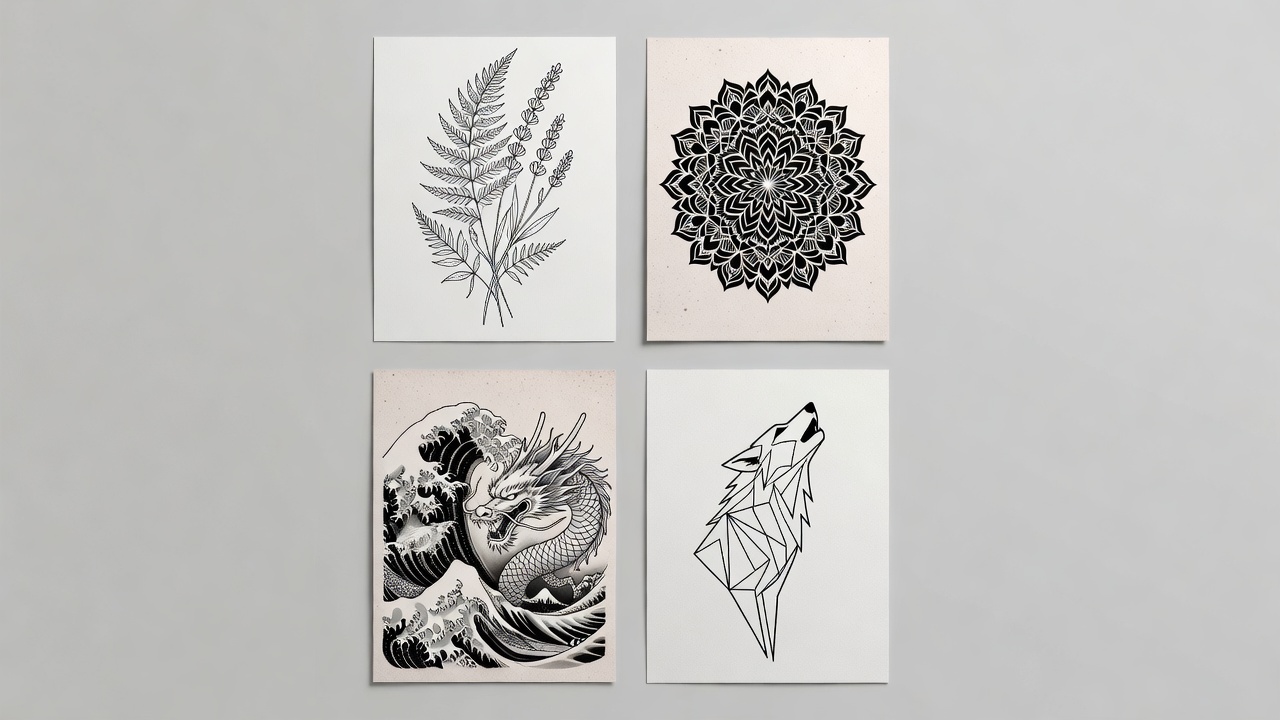
Tattoo flash art has always been a starting point people work from rather than a strict template — walk into any studio and you'll see walls of pre-drawn designs artists refine on request. An AI tattoo art generator modernizes that same idea, but personalized to you instead of picked from a fixed sheet.
- Speed: Go from a vague idea to visual art in seconds instead of waiting days for a custom sketch.
- Iteration: Generate dozens of variations at no extra cost, instead of paying for revision after revision.
- Clarity for your artist: Arriving at a consultation with concrete art, rather than a verbal description, makes it far easier for a tattoo artist to understand exactly what you want.
- Confidence before commitment: Seeing the art placed on your actual body through AR preview removes a lot of the guesswork tattoos have historically required.
A good AI tattoo art generator doesn't replace the tattoo artist — it gives you a clearer starting point to bring into the chair.
Is an AI Tattoo Art Generator Free?
INK's AI tattoo art generator is free to start — no sign-up required to generate your first designs. You can describe an idea, generate tattoo art, and preview it on your body without creating an account. This makes it easy to experiment with several concepts before deciding which one is worth bringing to a tattoo artist or downloading for yourself.
From AI Tattoo Art to a Real Tattoo
Generating the art is only step one. Before booking anything, it's worth thinking through placement and pain tolerance — our best tattoo placements guide breaks down which body areas suit which kind of art, and our AI tattoo try-on guide covers how to preview a design on your own skin before you commit to it permanently.
Once you've locked in a design, most people either save the high-resolution art for their own reference or bring it directly to a professional tattoo artist as a starting point for the session. If you want a broader look at how the whole process fits together, our tattoo design app guide covers the end-to-end workflow from idea to finished tattoo.
Tips for Getting Better Results From an AI Tattoo Art Generator
- Be specific about style, not just subject. "A wolf" gives you something generic; "a fine-line wolf howling, minimalist single-needle style" gives you something you can actually use.
- Mention placement. A design meant for a full back reads very differently than one meant for a wrist — say where it's going.
- Generate several versions. Don't settle on the first result; comparing three or four variations almost always surfaces a stronger composition.
- Think about long-term aging. Bold outlines and clear contrast hold up better over 10–20 years than fine, low-contrast detail.
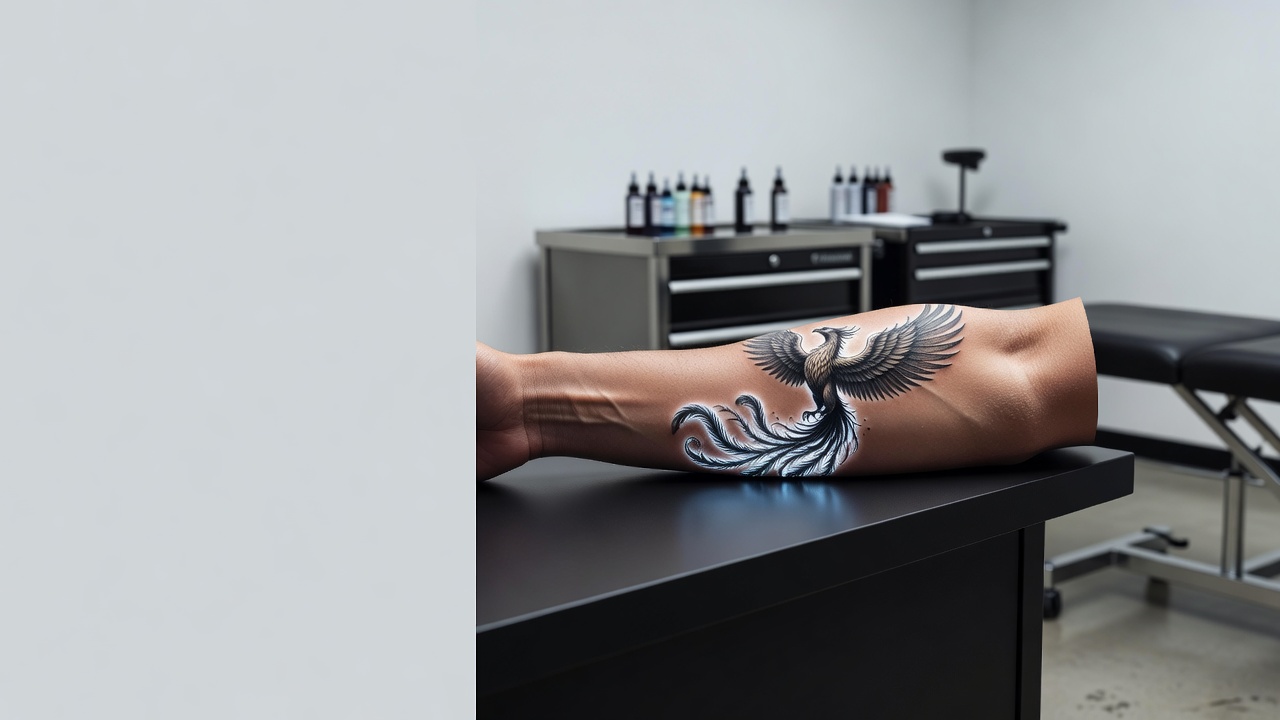
- Preview before you commit. Use AR preview to check how the art actually sits on your body at real scale, not just how it looks as a flat image.
Tattooing has been used to create meaningful, permanent body art for thousands of years across cultures worldwide — the history of tattooing spans far longer than most people realize, and modern AI tools are simply a new way to arrive at that same permanent art with more confidence in the outcome. If you want more inspiration before you start, our AI tattoo ideas guide is a good next stop.
Turning Your Idea Into Tattoo Art
An AI tattoo art generator gives you something that used to be hard to get quickly: real, tattoo-ready art built around your exact idea, not a generic template. Describe it, refine it, preview it on your skin, and only then decide it's worth making permanent.
What is an AI tattoo art generator? A tool that turns text prompts or photos into original, tattoo-ready artwork with proper linework and shading.
Is it free? Yes — INK lets you generate and preview tattoo art free, with no sign-up required to start.
Do I still need a tattoo artist? Yes — the generator gives you finished art and a clear starting point; a professional artist still does the actual tattooing.
Generate Your Tattoo Art Free
Describe your idea, explore styles, and preview the finished art on your own skin with INK's AI tattoo art generator. No sign-up needed.
Try INK Free →

Create Your Perfect Tattoo Design
Use AI to generate unique tattoo designs and preview them on your body before committing to ink.
Start Designing for FreeWritten by

Laura Schmitz
Tattoo Content Lead, INK
Laura Schmitz leads tattoo content at INK. She has spent years researching tattoo styles, symbolism and aftercare, and works directly with the AI tattoo generator to test how each style translates from prompt to skin — so every guide here reflects designs that are actually tattooable, not just images that look good on screen.
More about the author