
AI Tattoo Generator: The Complete Guide to Creating Custom Tattoos with AI
Everything you need to know about using AI to design your perfect tattoo. From text prompts to photo transformations.

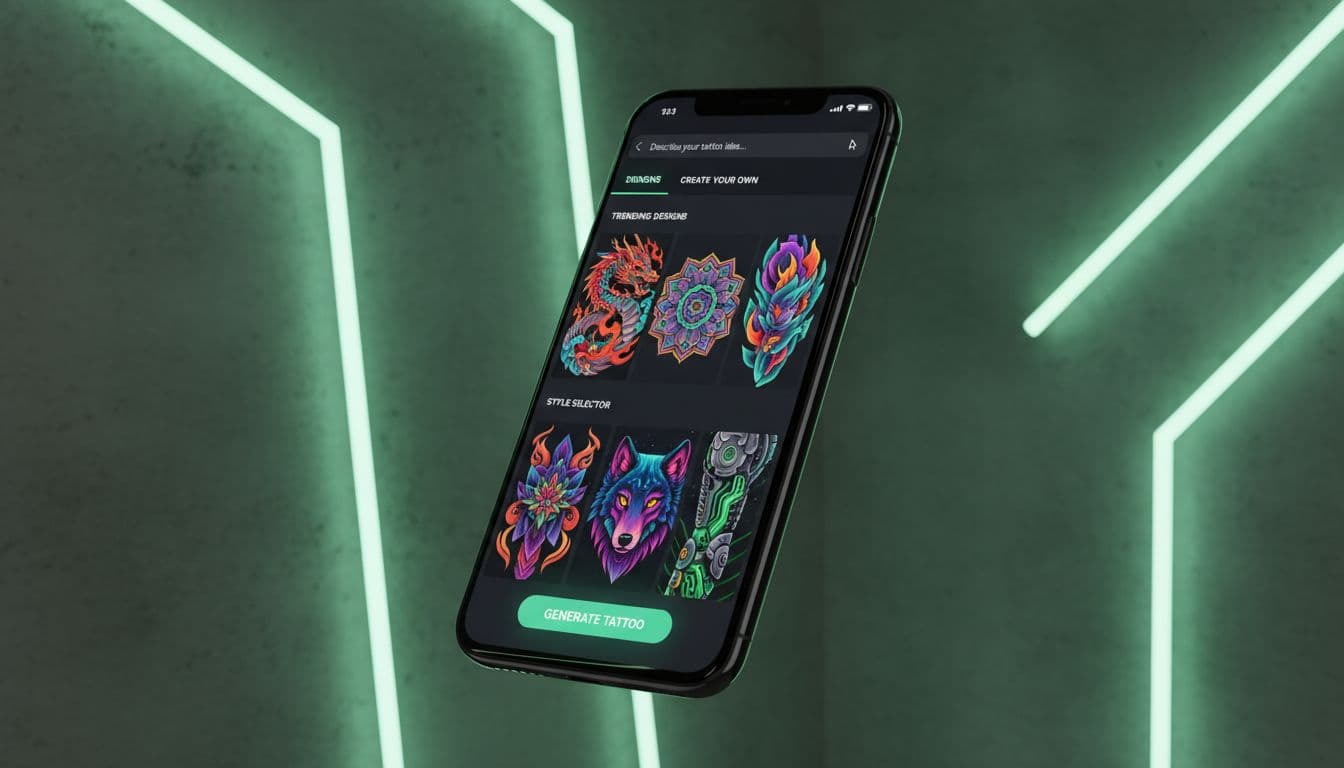
Getting your first tattoo is exciting, nerve-wracking, and maybe a little overwhelming. Where do you even start when there are literally millions of design possibilities? That's exactly where AI tattoo generators come in—and honestly, they've changed the whole game for anyone thinking about getting inked.
I've spent the last year watching this technology evolve from a cool novelty to something that genuinely helps people design tattoos they'll love forever. Whether you're planning your first piece or your fifteenth, this guide breaks down everything you need to know about using AI to create custom tattoo designs.
What is an AI Tattoo Generator?
An AI tattoo generator is software that uses artificial intelligence to create unique tattoo designs based on your input. You describe what you want—maybe "a phoenix rising from flames in Japanese style" or "minimalist mountain range for my forearm"—and the AI produces original artwork in seconds.
But here's what makes these tools genuinely useful: they're not just random image generators. The best tattoo AI systems have been trained specifically on tattoo artwork, meaning they understand things like:
- How designs need to flow with body contours
- Which styles work best at different sizes
- The difference between designs that look good on screen versus on skin
- Traditional tattoo rules around line weight, contrast, and negative space
Think of it like having access to a tattoo artist who can sketch unlimited concepts for you before you commit to anything permanent. According to Wikipedia's overview of tattoo history, tattooing has been practiced for thousands of years across cultures—but the design process has never been this accessible.
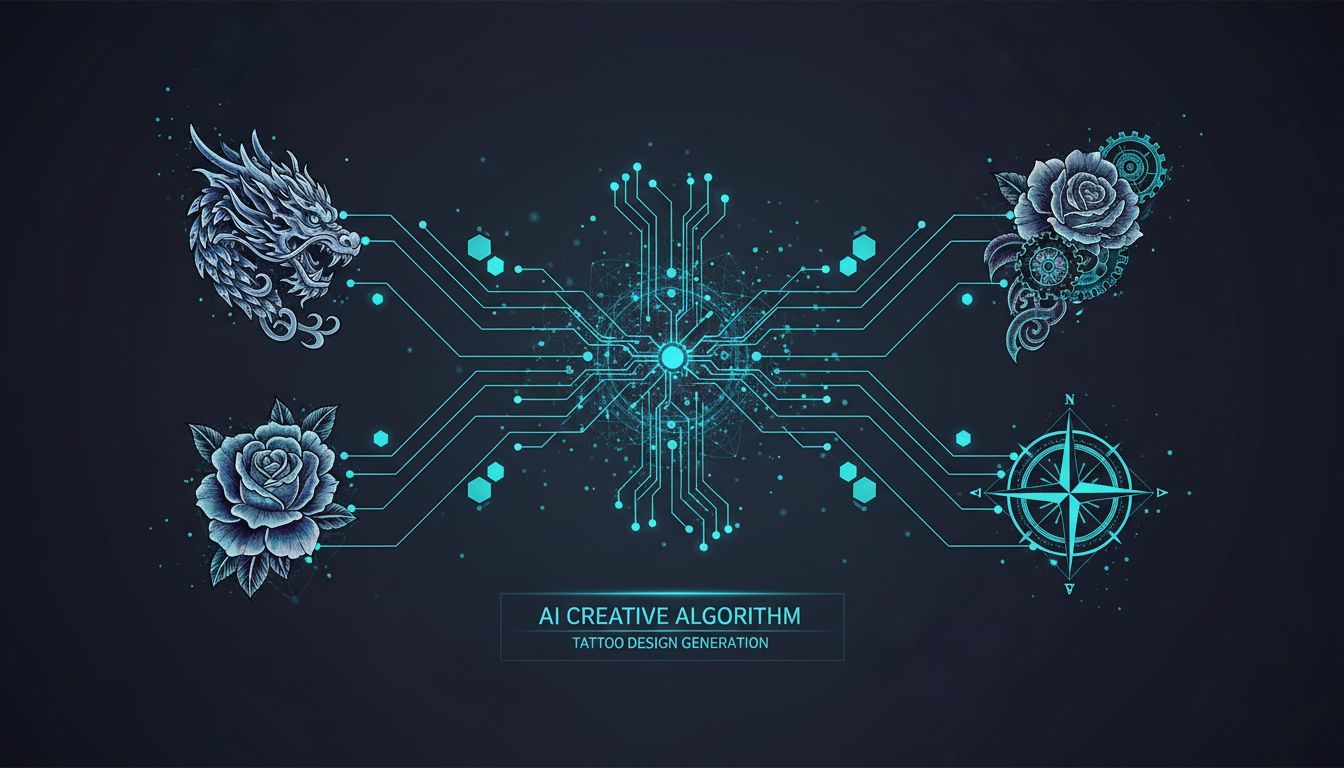
How AI Tattoo Generators Work
Without getting too technical, here's what's actually happening when you use an AI tattoo design tool:
These systems use something called diffusion models—the same technology behind tools like Midjourney and DALL-E, but fine-tuned specifically for tattoo artificial intelligence. They've been trained on millions of tattoo images, learning patterns like how traditional roses are shaded, how geometric patterns maintain symmetry, and how different styles handle fine details.
When you type "fierce dragon wrapped around a sword," the AI isn't searching a database for existing dragon tattoos. It's generating something entirely new by understanding the visual concepts of "dragon," "sword," "fierce," and "wrapped around"—then combining them in ways that follow tattoo design principles.
The process typically works like this:
- Input your idea — Text description, reference image, or both
- Select a style — Traditional, Japanese, minimalist, blackwork, etc.
- AI generation — The model creates multiple unique variations
- Refinement — Adjust, regenerate, or combine elements you like
- Preview — Some tools let you see the design on your body using AR
The whole thing takes seconds. What used to require booking a consultation, explaining your vision, waiting for sketches, and paying for revisions now happens on your phone while you're waiting for coffee.
How Long Does AI Tattoo Generation Take?
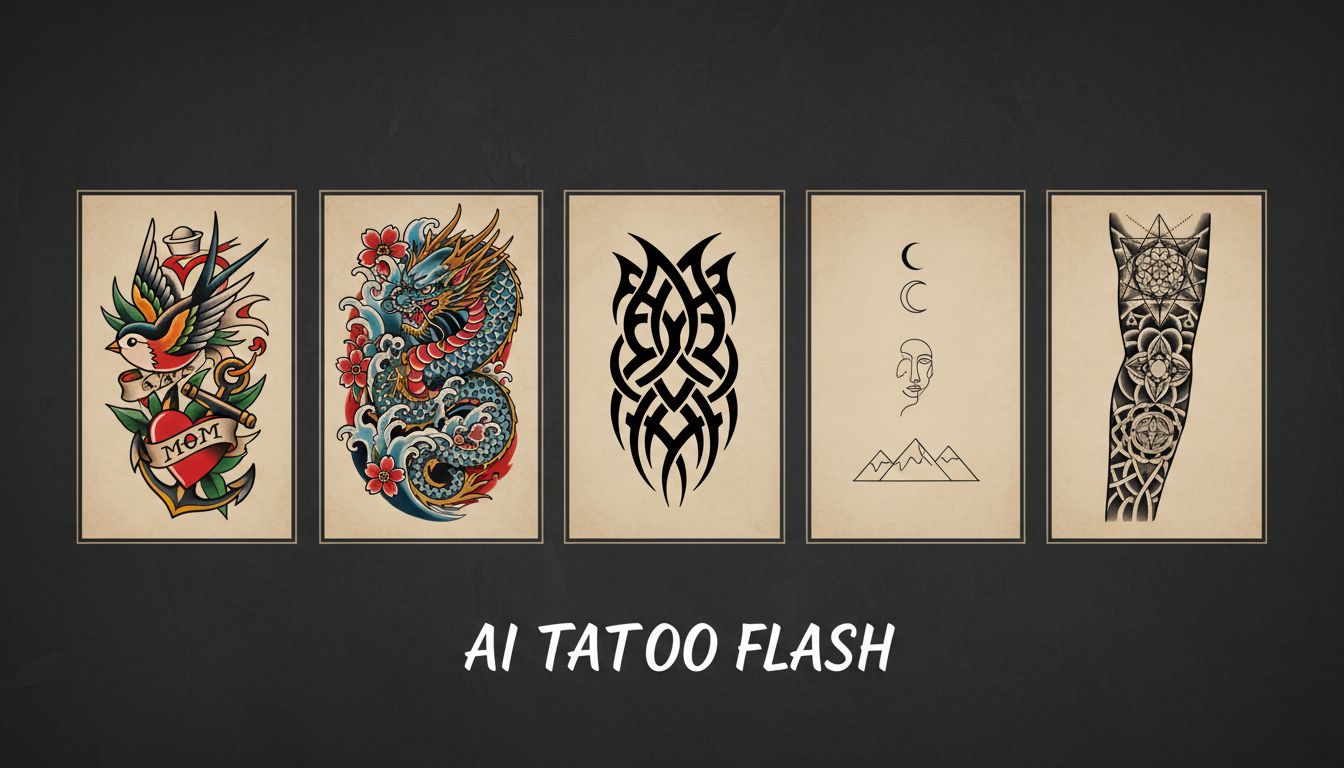
Seconds, not days. A single round of AI tattoo generation typically returns a finished design in well under a minute, which is the part that changes how you work: when a design costs you a moment instead of a consultation fee, you stop trying to get it right on the first attempt and start comparing options instead.
That speed is the real advantage over the traditional route. A custom design from an artist means booking a consultation, describing your idea, waiting days for a first sketch, and then paying again for revisions — so most people accept the first drawing that is close enough. AI tattoo generation inverts that: generate six versions of the same idea, discard five, and only bring the survivor to an artist. You arrive at the studio knowing what you want instead of hoping to discover it there.
The practical limit is not the model but your own judgement. After a dozen variations most people stop seeing the differences, so it is worth generating a batch, stepping away, and reviewing them cold before deciding.
Text to Tattoo: Creating Designs from Descriptions
The most common way people use AI tattoo creators is through text prompts. You describe your idea, and the AI brings it to life. But there's definitely an art to writing prompts that get great results.
Let's look at the difference between a basic prompt and a detailed one:
- Basic: "Lion tattoo"
- Better: "Realistic lion portrait with geometric patterns, blackwork style, suitable for upper arm placement"
The second prompt tells the AI about subject, style, technique, and placement—all factors that affect the final design. Here are prompts that consistently produce great results:
"Delicate botanical illustration of lavender stems, fine line single needle style, small size for inner wrist, black ink only"
"Neo-traditional wolf head with roses, bold colors, full saturation, designed for shoulder placement"
The key is being specific about style, size, placement, and any special elements you want included. The AI can't read your mind, but it's remarkably good at interpreting clear descriptions.
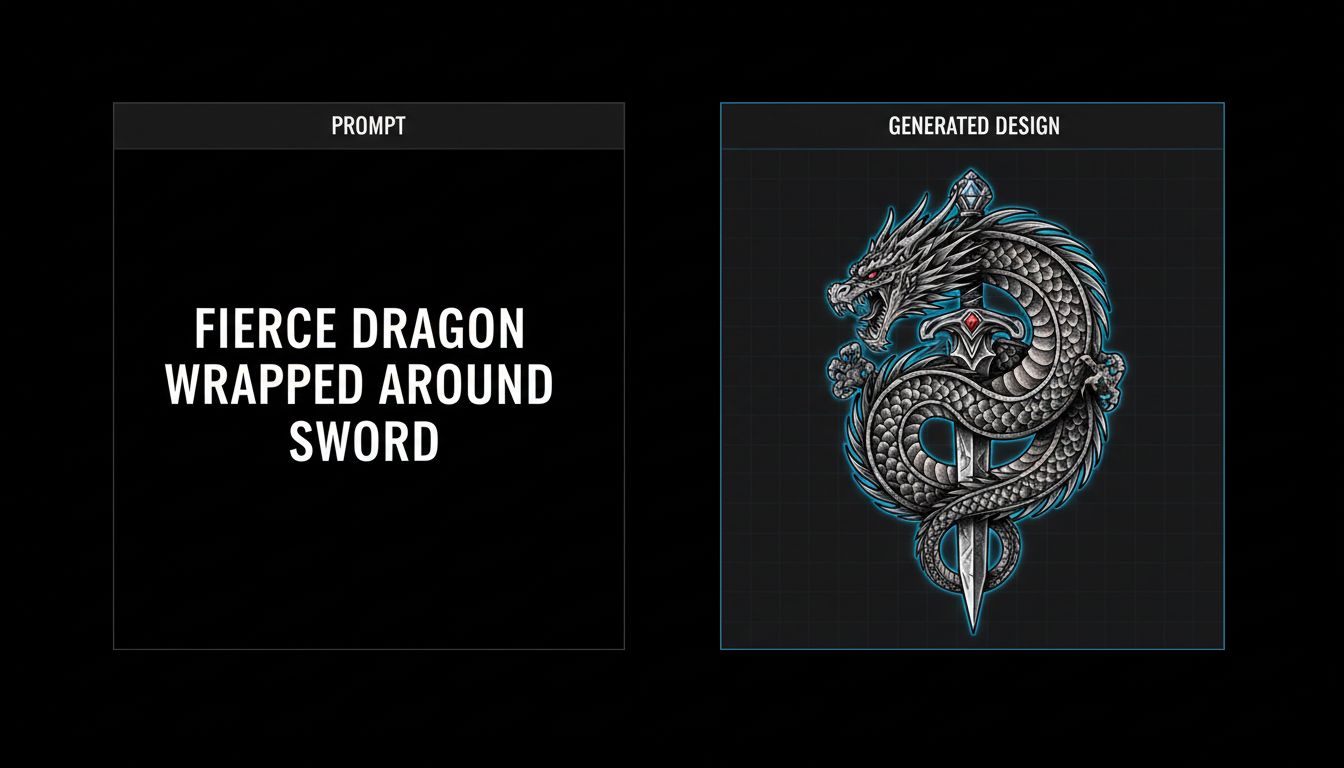
Photo to Tattoo: Transforming Images into Ink
Maybe you have a photo that means something to you—a pet, a loved one, a landscape from a meaningful trip. Photo-to-tattoo AI lets you transform these images into tattoo-appropriate artwork.
This is particularly powerful for:
- Memorial portraits — Turning photos of loved ones into lasting tributes
- Pet tattoos — Capturing your companion's likeness in ink
- Nature scenes — Converting landscape photos into stylized designs
- Personal artwork — Transforming sketches or paintings into tattoo-ready designs
The AI doesn't just trace your photo—it interprets it through the lens of tattoo artistry. It understands that what works as a photograph doesn't always work as a tattoo, adjusting contrast, simplifying details where needed, and ensuring the design will hold up on skin over time.
The Smithsonian has documented how tattooing has evolved from traditional methods to incorporate modern technology—and AI represents the latest evolution in how we approach tattoo design.
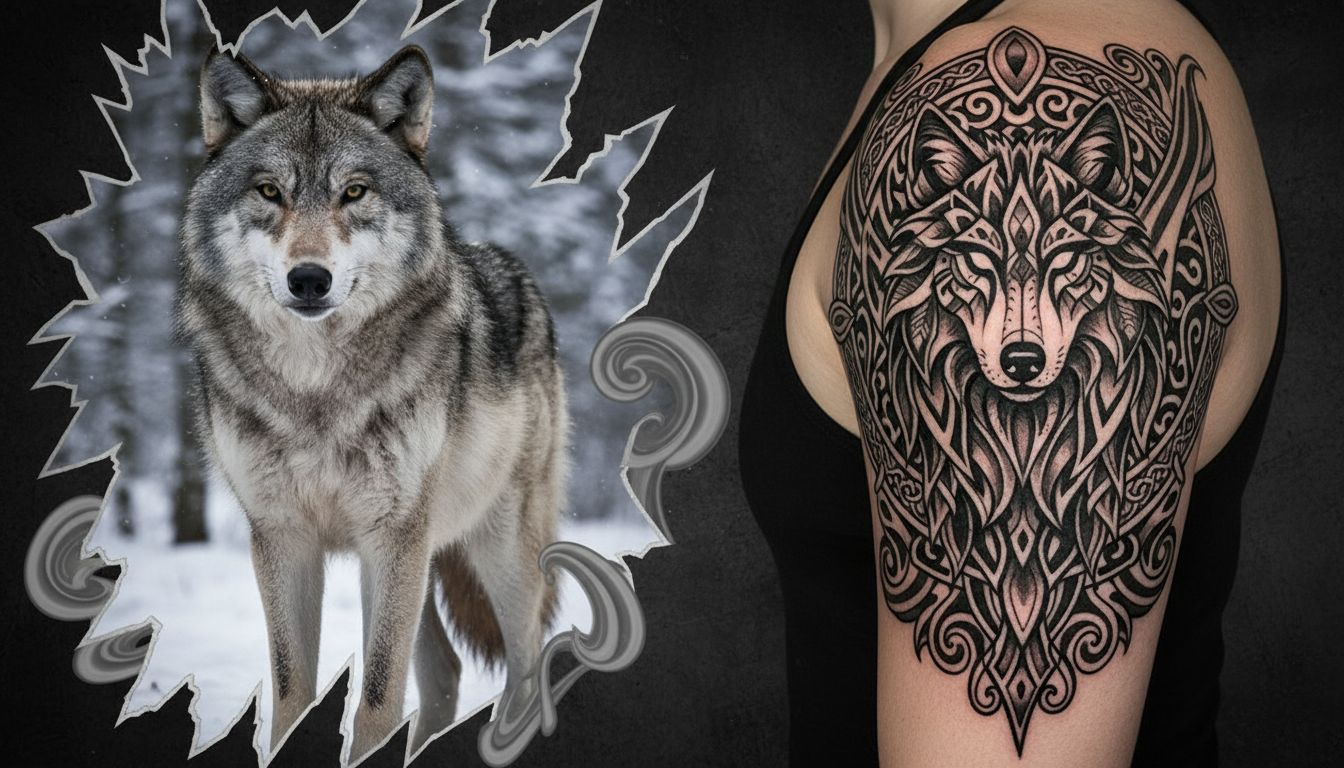
Choosing the Right Tattoo Style
One of the biggest advantages of using an AI tattoo generator is exploring styles you might never have considered. You can see the same concept rendered in Traditional, Japanese, Geometric, or Minimalist styles before deciding which feels right.
Here's a quick breakdown of popular styles the AI handles well:
Traditional (American Traditional) — Bold black outlines, limited color palette, iconic imagery. Roses, eagles, anchors, hearts. This style was developed in the early 1900s and remains incredibly popular because it ages beautifully.
Japanese (Irezumi) — Flowing compositions that work with body contours. Dragons, koi fish, cherry blossoms, waves. Each element carries specific meaning, and the AI has learned these traditional associations.
Minimalist/Fine Line — Delicate single-needle work, subtle shading, elegant simplicity. Perfect for smaller pieces or first tattoos. The AI excels at clean lines and thoughtful negative space.
Blackwork — Bold solid black designs, from tribal patterns to intricate dotwork. High contrast and striking visual impact.
Geometric — Sacred geometry, mandalas, mathematical patterns. AI's precision is particularly suited to these symmetrical, complex designs.
Not sure which style fits you? Explore our complete tattoo styles guide to learn about 40 styles with examples.
Tips for Getting the Best AI Tattoo Results
After generating thousands of designs and talking to users about what works, here are the tactics that consistently produce better results:
Be specific, but not restrictive. "Koi fish swimming upstream through waves, Japanese traditional style" gives the AI direction while leaving room for creative interpretation. "Koi fish exactly 3 inches long facing left at 45 degrees" is too rigid.
Include style references. If you love a particular artist's work, mention stylistic elements. "In the style of bold neo-traditional with bright saturated colors" helps the AI understand your aesthetic.
Think about placement. A design that works on a bicep might not work on a ribcage. Mentioning intended placement helps the AI optimize proportions and orientation.
Generate multiple variations. The first result isn't always the best. Generate 4-5 options and you'll often find elements from different versions that you can combine or iterate on.
Use reference images. If text isn't capturing your vision, upload reference images. The AI can blend inspiration from existing artwork with your textual description.
Consider longevity. Some details that look amazing in a digital image won't hold up in actual tattoos. If a design has extremely fine lines or tiny details, the AI might be creating something that won't age well.
Understanding why people get tattoos can also inform your design choices. Research from Psychology Today shows that tattoos serve as markers of identity, commemoration, and self-expression—all factors worth considering when designing yours.
Need more guidance? Check out our step-by-step guide to using INK for detailed walkthroughs.
Trying On Your AI-Generated Tattoo
Here's where things get really powerful. The best AI tattoo generators let you preview designs on your actual body before you commit to anything permanent.
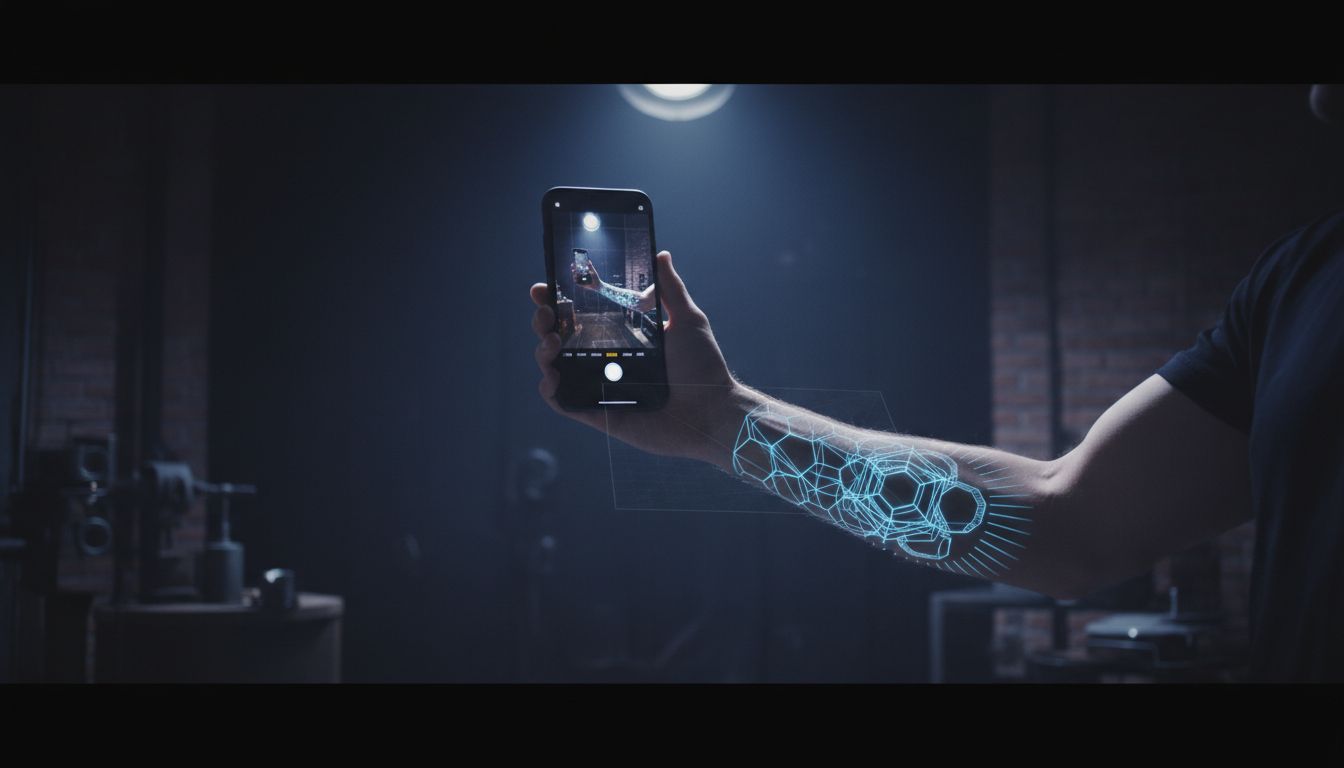
Using augmented reality, you can point your phone camera at your arm, leg, or chest and see exactly how a tattoo will look on your skin. This helps you:
- Test different sizes to find the perfect scale
- Experiment with placement before your appointment
- Share realistic previews with friends for feedback
- Show your tattoo artist exactly what you're envisioning
This try-on technology eliminates so much guesswork. Instead of describing what you want and hoping the artist interprets it correctly, you walk into your appointment with a clear visual reference. Learn more about how to preview tattoos on your body before getting inked.
Before you take a design anywhere, it is worth knowing where you stand on rights. Who owns an AI-generated tattoo? explains what you can do with the output, what is registrable, and who holds copyright once the design is tattooed.
From AI Design to Real Tattoo
It's worth emphasizing: an AI tattoo generator is a design tool, not a replacement for skilled tattoo artists. The AI creates the artwork; a professional tattoo artist brings it to life on your skin.
Here's the ideal workflow:
- Use AI to explore ideas and generate designs you love
- Refine and iterate until you have a solid concept
- Preview the design on your body using AR
- Bring your AI-generated designs to a tattoo artist as reference
- Collaborate with the artist to optimize the design for tattooing
- Get inked with confidence, knowing exactly what you're getting
Most tattoo artists appreciate when clients come prepared with clear visual references. It eliminates the back-and-forth of trying to describe something abstract, and it gives both of you a shared starting point for discussion.
Some artists will use your AI design exactly as-is. Others might suggest adjustments based on their expertise—maybe a slight repositioning for better flow, or thickening certain lines that might blur over time. Either way, you're starting the conversation with a concrete visual instead of a vague idea.
The result? Fewer miscommunications, less wasted time, and tattoos that match your vision from the very first needle stroke.
Ready to Design Your Dream Tattoo?
Stop scrolling through endless tattoo galleries. Use INK to generate unique, personalized tattoo designs in seconds. Try it free – no sign up required.
Generate Your Tattoo Free →Create Your Perfect Tattoo Design
Use AI to generate unique tattoo designs and preview them on your body before committing to ink.
Start Designing for FreeWritten by

Laura Schmitz
Tattoo Content Lead, INK
Laura Schmitz leads tattoo content at INK. She has spent years researching tattoo styles, symbolism and aftercare, and works directly with the AI tattoo generator to test how each style translates from prompt to skin — so every guide here reflects designs that are actually tattooable, not just images that look good on screen.
More about the author