
AI Tattoo Generator from Text: Turn Your Words Into Stunning Tattoo Art
Learn how to transform text descriptions into stunning tattoo designs with AI. Master the art of writing prompts that create exactly what you envision.

You've got a tattoo idea floating around in your head—maybe it's been there for months, maybe it just hit you this morning. The problem? Translating that mental image into something a tattoo artist can actually work with has always been the hard part. Until now. With an AI tattoo generator from text, you can literally type out your idea and watch it transform into custom artwork in seconds.
I've spent countless hours experimenting with text-to-tattoo AI, and I can tell you that the difference between a mediocre result and a jaw-dropping design often comes down to how you describe what you want. This guide is going to teach you everything I've learned about writing prompts that get incredible results.
What is Text-to-Tattoo AI Generation?
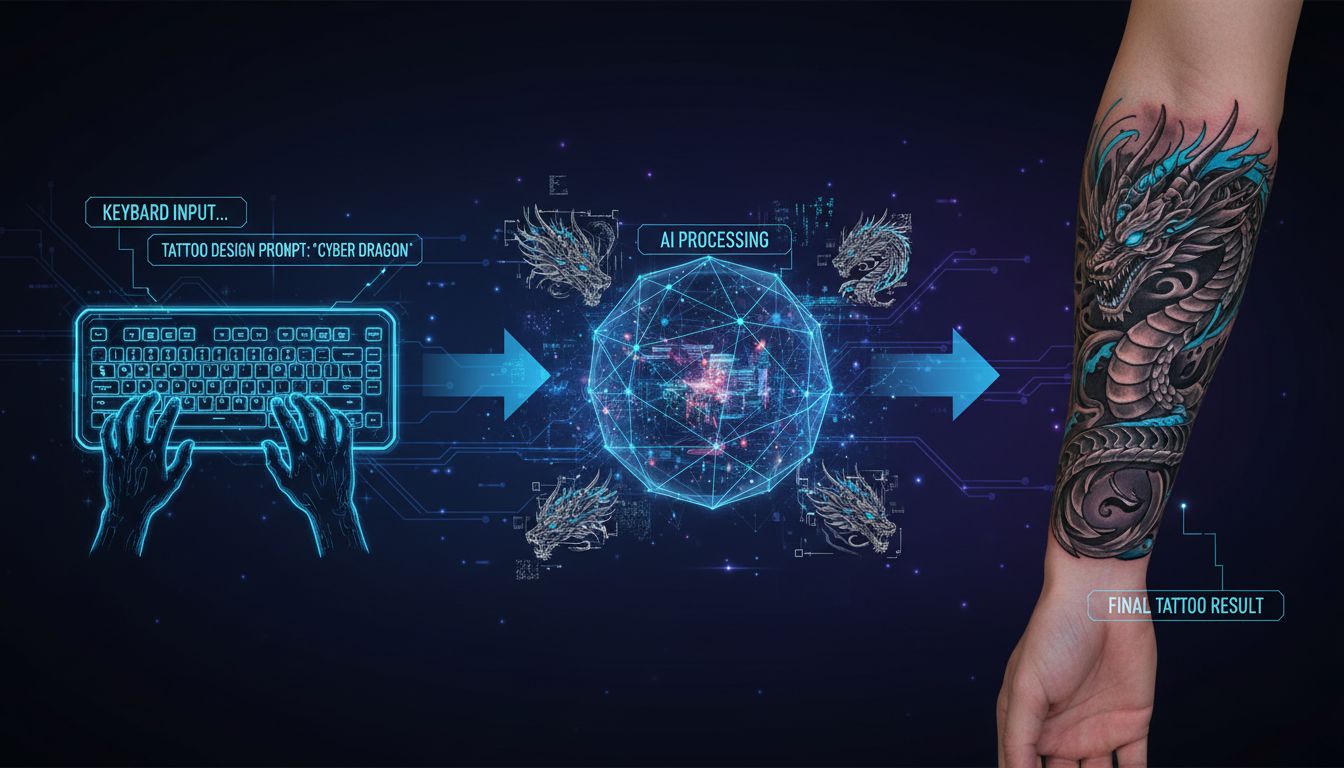
At its core, an AI tattoo generator from text uses natural language processing combined with image generation to create visual designs from written descriptions. You type something like "wolf howling at moon, geometric style, blackwork" and the AI produces original artwork matching that description.
But here's what makes this different from generic AI image generators: tattoo-specific AI has been trained to understand tattoo aesthetics. It knows the difference between a design that looks cool on a screen versus one that will actually work as permanent body art.
The technology behind this involves sophisticated neural networks that have analyzed millions of tattoo designs, learning patterns like:
- How different styles handle line weight and shading
- What level of detail translates well to skin
- How traditional tattoo compositions are structured
- The visual language of specific tattoo genres
According to research from Stanford's Human-Centered Artificial Intelligence lab, text-to-image AI has advanced dramatically in recent years, with models now capable of understanding complex, nuanced descriptions and producing highly detailed outputs.
How to Write the Perfect Tattoo Prompt
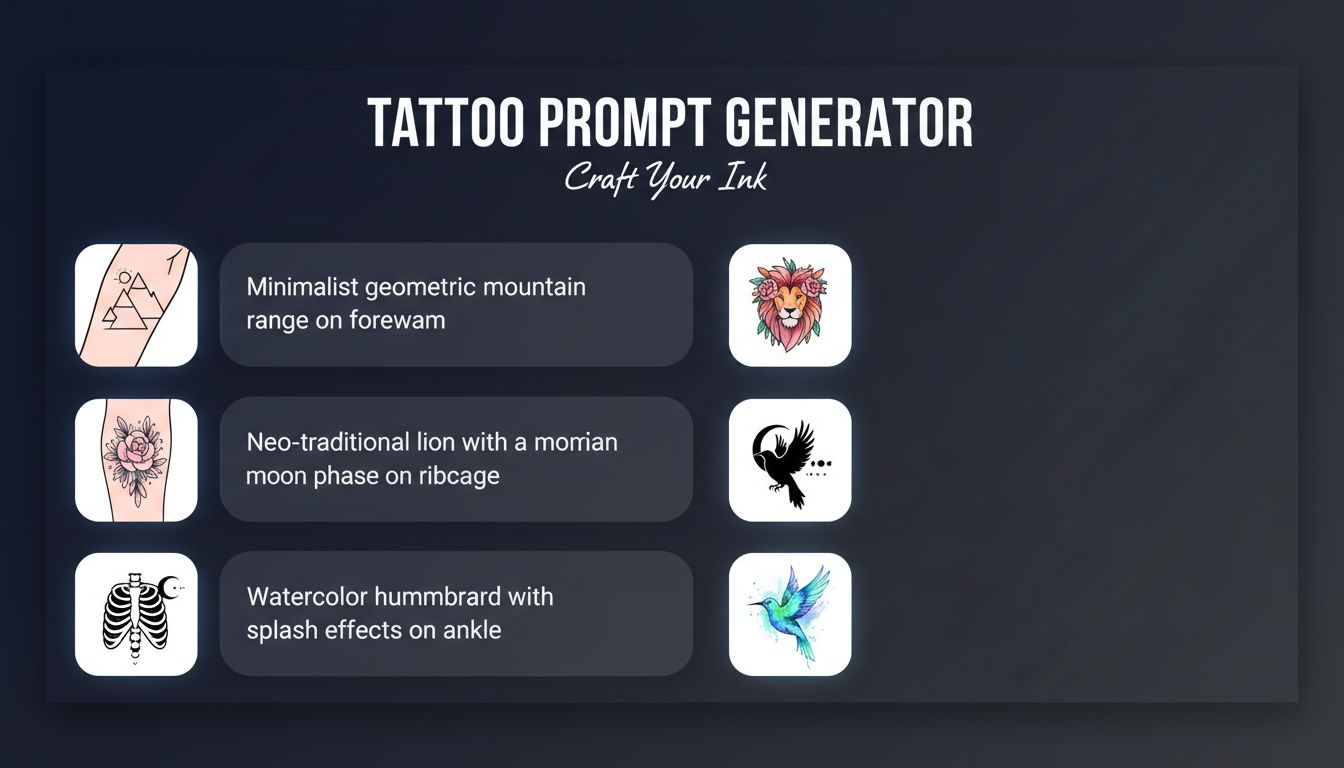
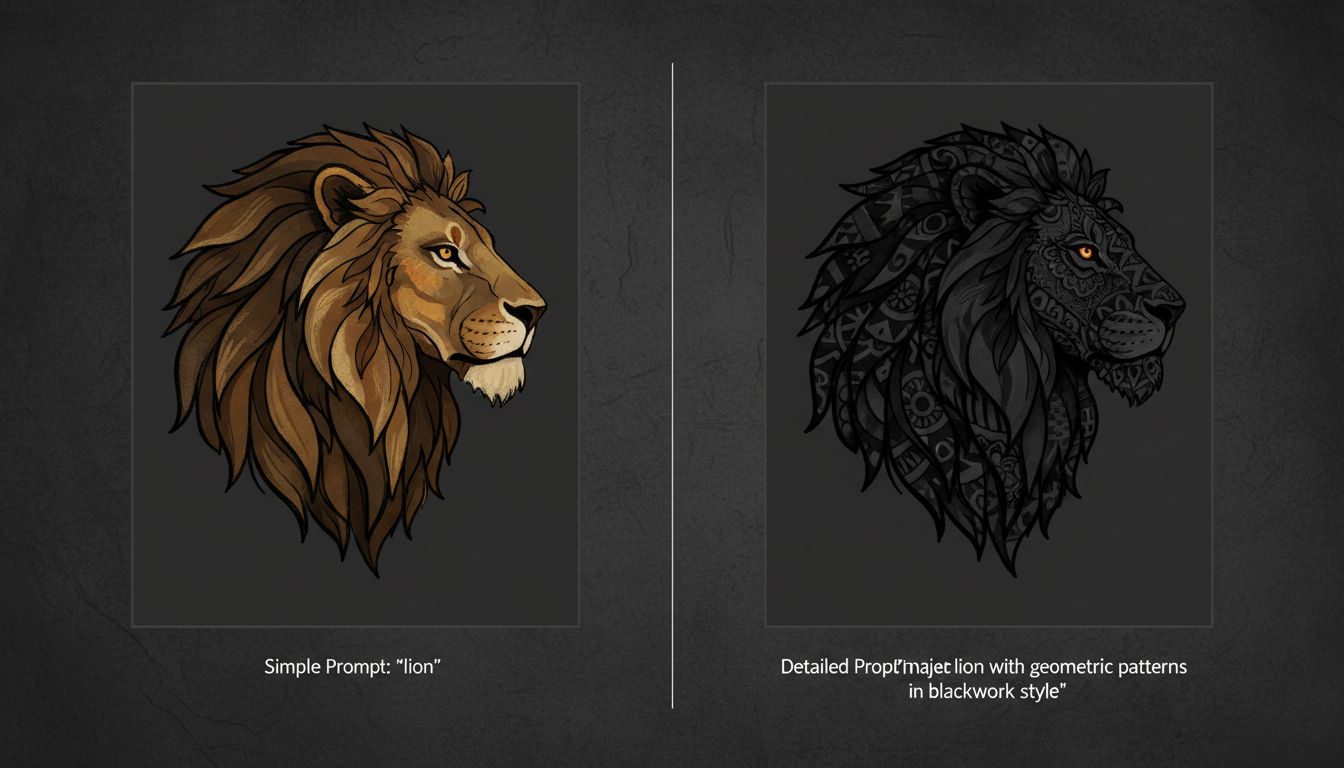
This is where most people go wrong. They type something vague like "cool dragon tattoo" and then wonder why the result doesn't match what they imagined. The AI isn't psychic—it needs details to work with.
Think of writing a prompt like giving directions to someone who's never been to your neighborhood. "Turn left at the thing" isn't going to cut it. You need specifics.
Here's a framework I use for every prompt:
1. Start with Your Subject
What is the main focus of the tattoo? Be specific. Not just "bird" but "raven in flight" or "hummingbird feeding from flower." The more precise your subject, the better the AI can visualize it.
2. Add Style Information
Tell the AI what tattoo style you want. Options include traditional, neo-traditional, Japanese, blackwork, geometric, minimalist, realism, watercolor, dotwork, tribal, and many more. This single detail dramatically changes the output.
3. Include Technical Details
Mention things like "bold outlines," "fine line work," "heavy shading," "no color—black and grey only," or "bright saturated colors." These technical specifications help the AI match your vision.
4. Specify Composition Elements
If you want additional elements, name them. "Wolf surrounded by pine trees," "rose with thorny stem wrapping around it," or "compass with map elements in background."
5. Consider Placement
Adding intended placement helps the AI optimize proportions. "Designed for forearm placement" produces a different shape than "full back piece design."
Prompt Examples That Get Great Results
Let me share some real prompts that consistently produce impressive designs. Study these patterns and adapt them for your own ideas.
"Fierce dragon coiled around a samurai sword, Japanese irezumi style, bold black outlines with traditional cloud and wave background elements, designed for upper arm sleeve"
This prompt works because it specifies: subject (dragon + sword), style (Japanese irezumi), technical details (bold black outlines), composition (clouds/waves), and placement (upper arm sleeve).
"Delicate botanical illustration of wildflowers including lavender, poppy, and chamomile, fine line single needle style, small design suitable for inner wrist, black ink only with subtle stipple shading"
Notice how specific the flower types are—not just "flowers" but exact species. The style, size consideration, and shading technique are all explicit.
"Geometric wolf portrait, low poly style with sharp angular shapes, blackwork with no shading—pure solid black shapes and negative space, medium size for shoulder or chest"
Here the style is highly specific (low poly geometric), and the technical direction (solid black, negative space) leaves no room for misinterpretation.
Want to see what different styles look like? Explore our complete tattoo styles guide with visual examples of each.
Common Mistakes to Avoid
After watching hundreds of people try text-to-tattoo generation for the first time, I've seen the same mistakes repeated over and over. Here's what to watch out for:
Being Too Vague
"Cool snake tattoo" gives the AI almost nothing to work with. Which snake species? Coiled or striking? What style? Color or black and grey? The AI will make these decisions for you, and they probably won't match what you imagined.
Being Too Restrictive
Conversely, over-specifying with measurements, exact angles, and rigid requirements can confuse the AI. "Snake precisely 4.7 inches long at exactly 32 degrees from vertical" is too mechanical. Focus on artistic direction, not engineering specifications.
Conflicting Instructions
"Minimalist design with lots of intricate detail" contradicts itself. "Colorful blackwork" doesn't make sense. Make sure your prompt elements work together logically.
Ignoring Tattoo Practicality
Some things that look great in AI-generated images won't work as actual tattoos. Extremely fine details at small sizes, certain color combinations, and overly complex compositions might not translate well to skin. Keep real-world tattoo constraints in mind.
Not Iterating
Your first prompt rarely produces your perfect design. Treat it as a starting point. Generate, analyze what's working, adjust your prompt, and try again. The magic often happens in revision.
Adding Style and Details to Your Prompt
Let's get more specific about style vocabulary. Knowing the right terms helps you communicate exactly what you want.
Traditional/American Traditional: Bold black outlines, limited color palette (red, green, yellow, blue), iconic imagery like roses, eagles, anchors, daggers. Specify "old school traditional" for vintage authenticity.
Japanese/Irezumi: Flowing compositions, specific elements like dragons, koi, cherry blossoms, waves, clouds. Mention "traditional Japanese tattoo" or "irezumi style" for authenticity.
Blackwork: Pure black ink, can range from solid black fill to intricate patterns. Specify "ornamental blackwork," "geometric blackwork," or "tribal blackwork" for different variations.
Minimalist/Fine Line: Delicate single-needle aesthetic, thin precise lines, often with thoughtful negative space. Add "single needle style" or "delicate fine line" for the cleanest results.
Geometric: Mathematical precision, sacred geometry, mandalas, low-poly art. Specify "sacred geometry," "mandala," or "geometric abstract" for different approaches.
Realism: Photorealistic rendering, portraits, nature scenes. Add "black and grey realism" or "color realism" and mention "high detail" or "photographic quality."
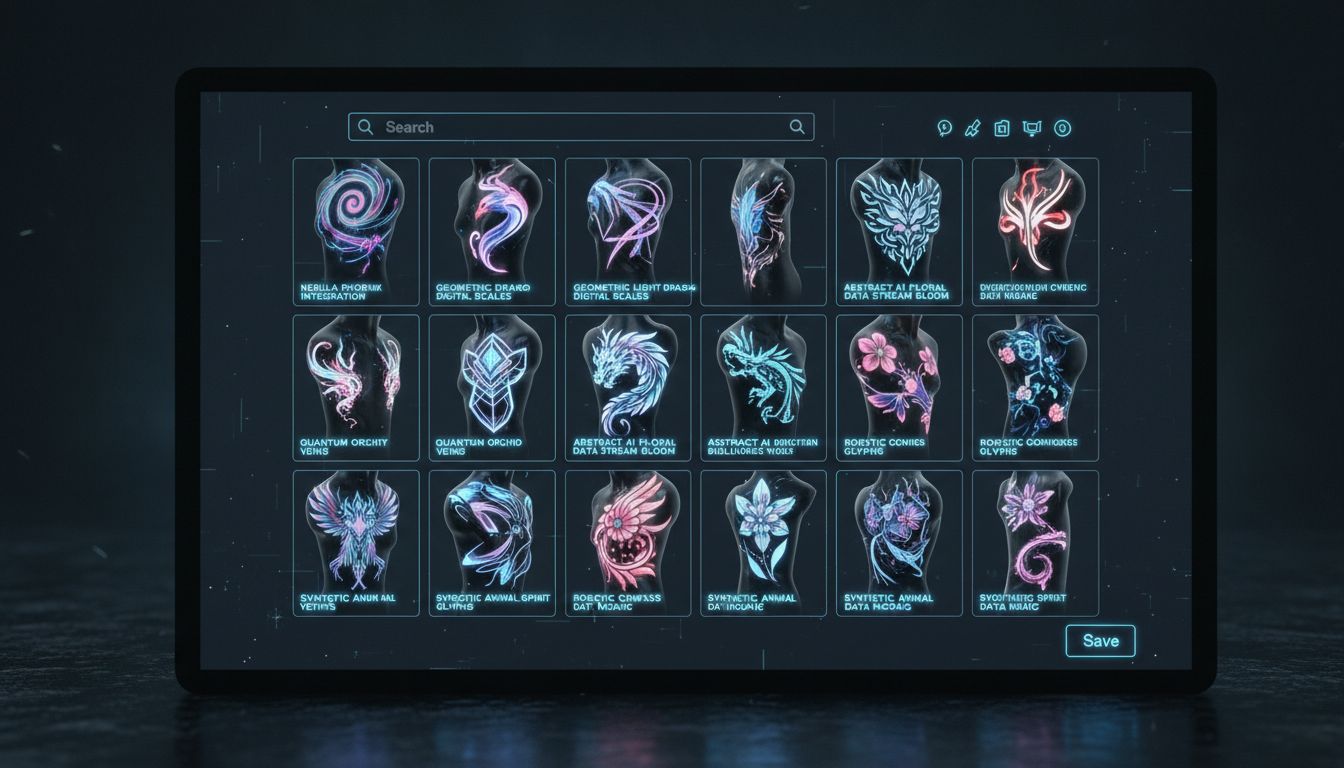
The underlying principle is the same across text-to-image systems: the model has learned associations between words and visual features, so the more precisely your words map onto visual qualities — line weight, contrast, composition, density — the closer the output lands to what you pictured.
Advanced Prompt Techniques
Once you've mastered the basics, these advanced techniques can take your results to the next level.
Combining Styles
Try merging styles for unique results: "traditional rose with geometric mandala background" or "Japanese wave with minimalist fine line execution." Hybrid styles create distinctive designs.
Mood and Emotion
Add emotional descriptors: "fierce," "serene," "mysterious," "playful," "dark," "ethereal." These influence the AI's interpretation in subtle but significant ways.
Reference Famous Works
You can reference artistic movements or famous styles: "Art Nouveau style butterfly" or "inspired by Hokusai's wave." Just avoid referencing living tattoo artists or copyrighted characters directly.
Negative Prompts
Some AI tools let you specify what you don't want: "no color," "no background elements," "no facial features." If available, use these to refine results further.
From Text to Skin: The Full Process
Generating a design from text is just the beginning. Here's how to take that AI creation and turn it into a real tattoo:
Step 1: Generate Multiple Versions
Don't stop at one. Generate at least 5-10 variations by tweaking your prompt slightly. You might discover that changing one word completely transforms the result in a direction you love.
Step 2: Refine Your Favorites
Take the designs you like best and iterate. Use elements from one as inspiration for adjusting your prompt and generating again. This iterative process often leads to unexpected breakthroughs.
Step 3: Preview on Your Body
Use INK's try-on feature to see how your AI-generated design looks on your actual body. Test different sizes and placements before committing.
Step 4: Consult with Your Artist
Bring your AI-generated designs to a professional tattoo artist as reference. They can advise on what will work best on skin, suggest refinements, and customize the design for your body's contours.
Step 5: Collaborate on the Final Design
Your tattoo artist may want to make adjustments for practicality or add their artistic touch. The AI design serves as a communication tool and starting point, not necessarily the final blueprint.
Want to try a different approach? Learn about generating tattoos from photos instead.
Best Subjects for Text-to-Tattoo
Some subjects work particularly well with AI tattoo generator from text free tools:
Animals: The AI has extensive training data on animal tattoos. Lions, wolves, eagles, snakes, and mythological creatures all generate well. Be specific about pose, expression, and style.
Botanical: Flowers, plants, and botanical illustrations translate beautifully. Specify flower species, arrangement, and whether you want realistic or stylized treatment.
Mythological/Fantasy: Dragons, phoenixes, and mythical creatures generate well because they exist primarily in art rather than photos. The AI has learned from countless artistic interpretations.
Geometric/Abstract: Sacred geometry, mandalas, and abstract patterns are ideal for text-to-tattoo because they can be precisely described mathematically.
Nature Scenes: Mountains, waves, forests, and celestial bodies respond well to text prompts. Describe mood and style alongside the subject.
For more inspiration on what to create, check out our guide to AI tattoo ideas with trending concepts for 2026.
Ready to Turn Your Words Into Art?
Stop struggling to explain your tattoo ideas. Type a description, pick a style, and let AI create exactly what you're imagining. It's free to try—no sign up required.
Start Creating From Text →

Create Your Perfect Tattoo Design
Use AI to generate unique tattoo designs and preview them on your body before committing to ink.
Start Designing for FreeWritten by

Laura Schmitz
Tattoo Content Lead, INK
Laura Schmitz leads tattoo content at INK. She has spent years researching tattoo styles, symbolism and aftercare, and works directly with the AI tattoo generator to test how each style translates from prompt to skin — so every guide here reflects designs that are actually tattooable, not just images that look good on screen.
More about the author