
AI Tattoo Try On: Preview Tattoos on Your Body Before Getting Inked
Try on tattoos before getting inked with AI technology. Upload your photo, place designs on your body, and see exactly how your tattoo will look. Free simulator.

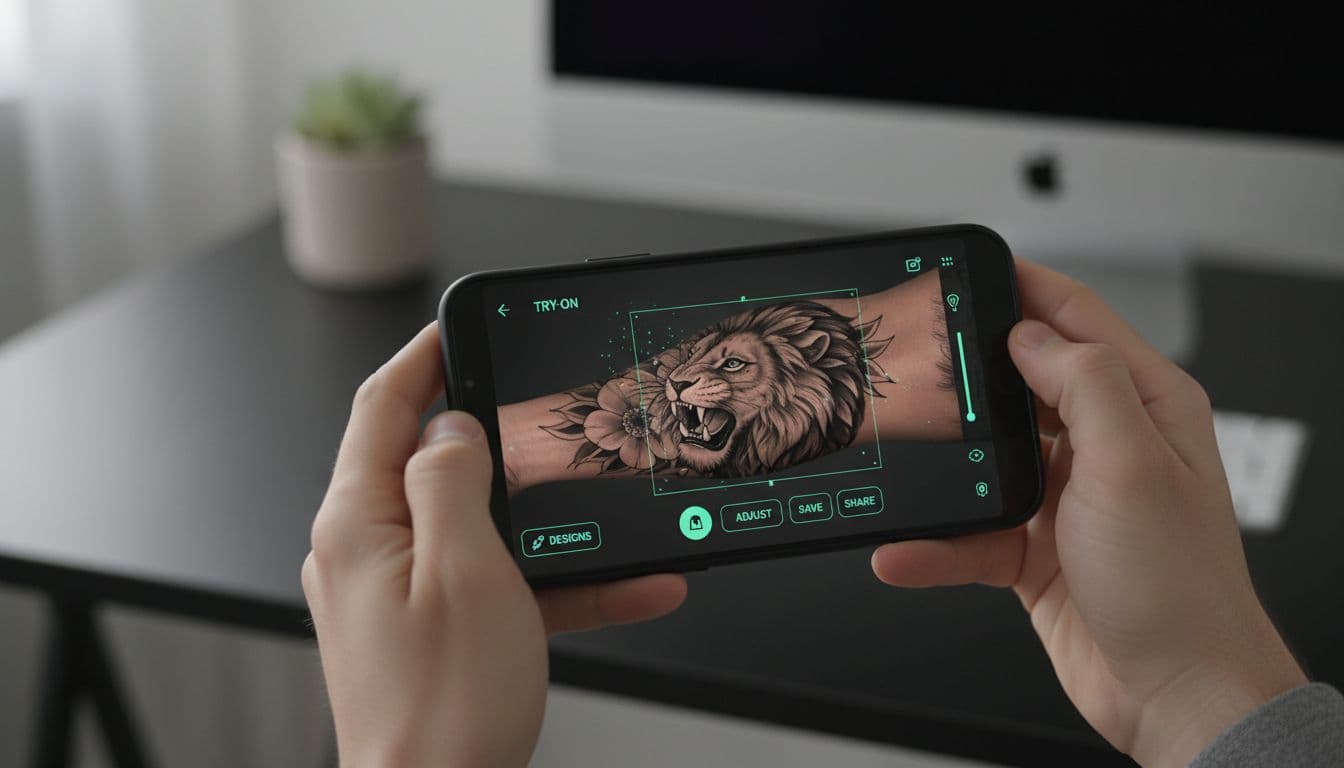
What if you could see exactly how a tattoo would look on your body before committing to permanent ink? That's not a hypothetical anymore. AI tattoo try-on technology lets you preview designs on your actual body, adjust size and placement, and make confident decisions before your appointment.
No more wondering "will this be too big?" or "should I go with forearm or bicep?" You can literally see the answers on your own skin—virtually, of course.
Let's explore how AI tattoo try-on works and why it's becoming an essential tool for anyone planning new ink.
Why Try On Tattoos Before Getting Inked
Tattoos are permanent. That's kind of the point—but it also means mistakes are permanent too. The placement that seemed perfect in your head might look awkward on your actual anatomy. The size you imagined might be completely wrong for the spot.
Common tattoo regrets that try-on prevents:
- "It's too small/big" — The most common complaint. What looks substantial on paper might look tiny on a large canvas like your thigh
- "The placement is off" — Slightly too high, too low, or not centered properly
- "It doesn't flow with my body" — Designs that look great flat don't always work with your body's curves
- "I should have seen it first" — General uncertainty that proper previewing would have resolved
According to surveys, around 25% of people with tattoos have some regret about at least one of them. Much of that regret comes from placement and sizing issues—exactly what try-on technology addresses.
Think of it like trying on clothes before buying. You wouldn't buy a suit without seeing how it fits. Why would you get permanent body art without the same consideration?
How AI Tattoo Try On Works
The technology behind virtual tattoo try-on combines several AI capabilities to create realistic previews.
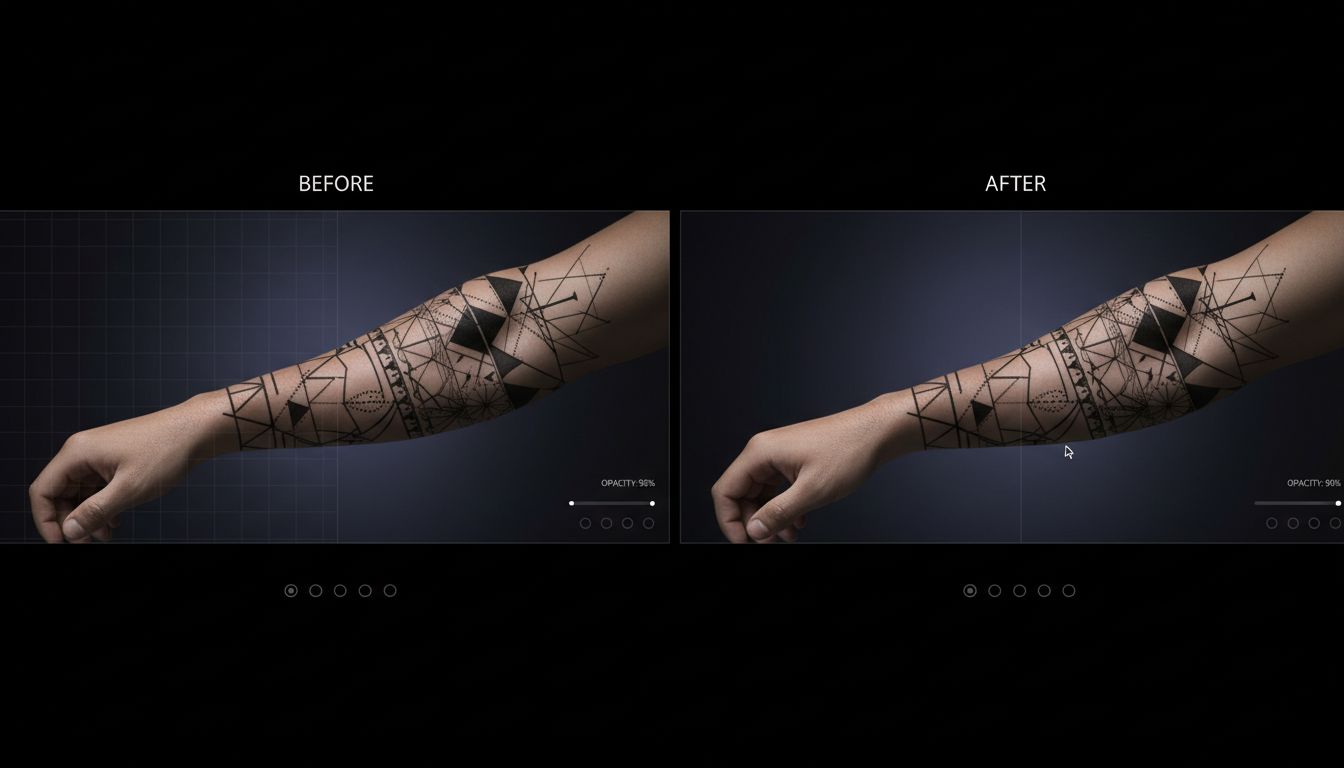
The process:
- Photo upload: You provide a clear photo of the body area where you want the tattoo
- Body detection: AI identifies your skin, its contours, lighting conditions, and skin tone
- Design placement: You position your chosen tattoo design on the image
- Realistic rendering: The AI blends the design with your skin texture, adjusting for curves, shadows, and lighting
- Adjustment: You can resize, rotate, and reposition until it looks right
The best try-on tools go beyond simple image overlay. They account for how tattoos actually look on skin—slightly faded compared to flash art, following the contours of muscle and bone, affected by your skin's undertone.
Getting Realistic Preview Results
Not all try-on previews are created equal. Here's how to get the most accurate results:
Photo quality matters:
- Good lighting: Natural, even lighting shows your skin accurately. Avoid harsh shadows or direct flash
- Clear focus: Blurry photos make placement difficult and results unrealistic
- Proper angle: Photograph the area from the viewing angle you care about. A forearm photographed from above looks different than from the side
- Clean background: Helps the AI focus on your skin without distractions
Design considerations:
- Use tattoo-appropriate designs: Designs meant for tattooing preview more accurately than random images
- Consider line weight: Fine lines look different on skin than bold lines
- Account for healing: Fresh tattoos look different than healed ones—previews typically show the "healed" appearance
Try On Tattoos Right Now
Generate designs and preview them on your body instantly. See exactly how your tattoo will look. Free on iOS and Android.


Testing Different Sizes and Placements
One of the biggest advantages of virtual try-on is the ability to test variations quickly. What takes minutes digitally would take hours of stencil application in a shop.
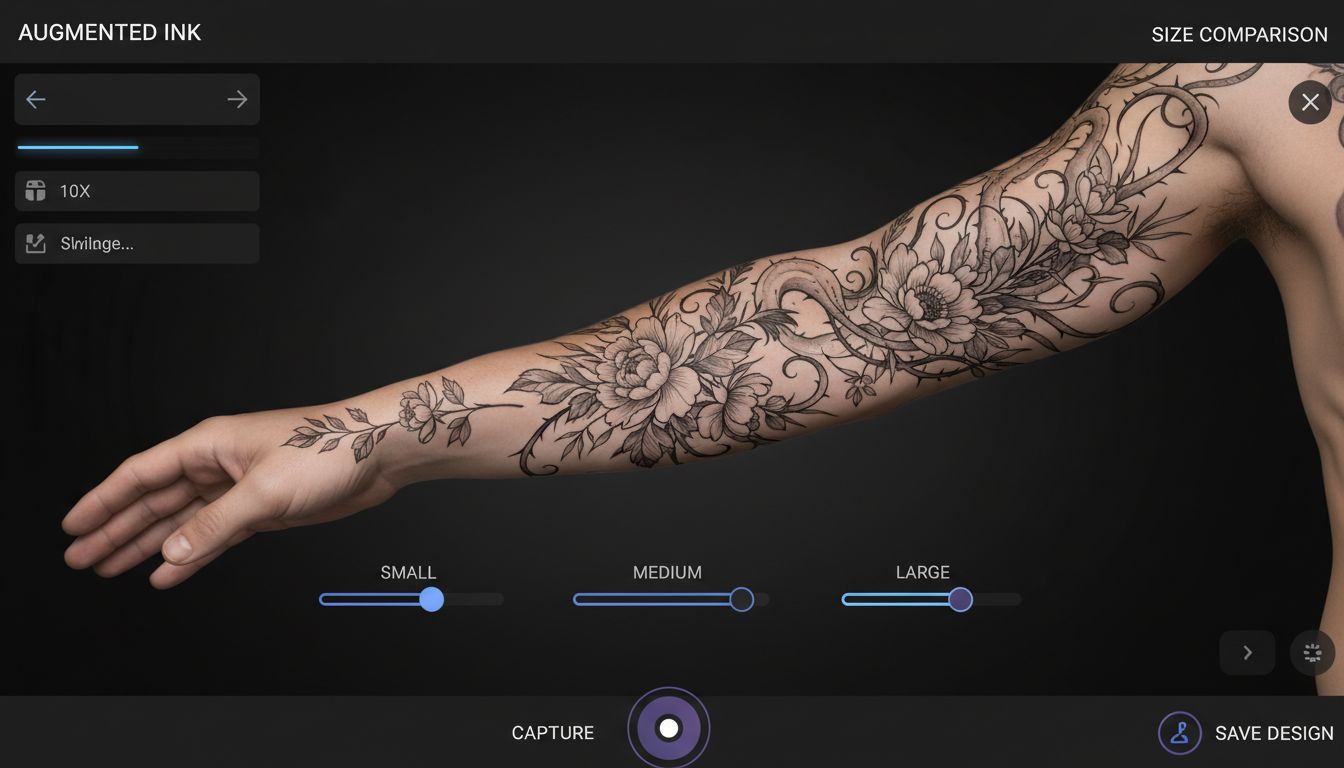
Size testing:
- Try your design at multiple scales on the same spot
- Compare small, medium, and large versions side by side
- See how detail holds up at different sizes (fine lines may disappear when too small)
- Understand the visual impact of larger vs. more subtle work
Placement testing:
- Try the same design on multiple body parts
- Compare inner forearm vs. outer forearm
- Test high vs. low placement on the same area
- See how the design wraps around curves
This exploration often leads to better final decisions. Many people discover that their initial placement idea wasn't optimal—maybe it's too close to the elbow joint, or too centered when offset would look better.
For guidance on which placements work best for different designs, check our complete tattoo placement guide.
Sharing Your Preview with Friends (or Your Artist)
Virtual try-on isn't just for your own decision-making—it's a powerful communication tool.
Sharing with friends and family:
- Get honest opinions before committing
- Show exactly what you're planning, not just a vague description
- Avoid the "it looked different in my head" conversation later
- Build excitement for your new ink
Sharing with your tattoo artist:
- Show precise placement preferences
- Communicate size expectations clearly
- Demonstrate how you want it to flow with your body
- Save consultation time by arriving with concrete visuals
Artists appreciate clients who come prepared. A virtual try-on preview tells them exactly what you're envisioning, which leads to better communication and ultimately a better tattoo.
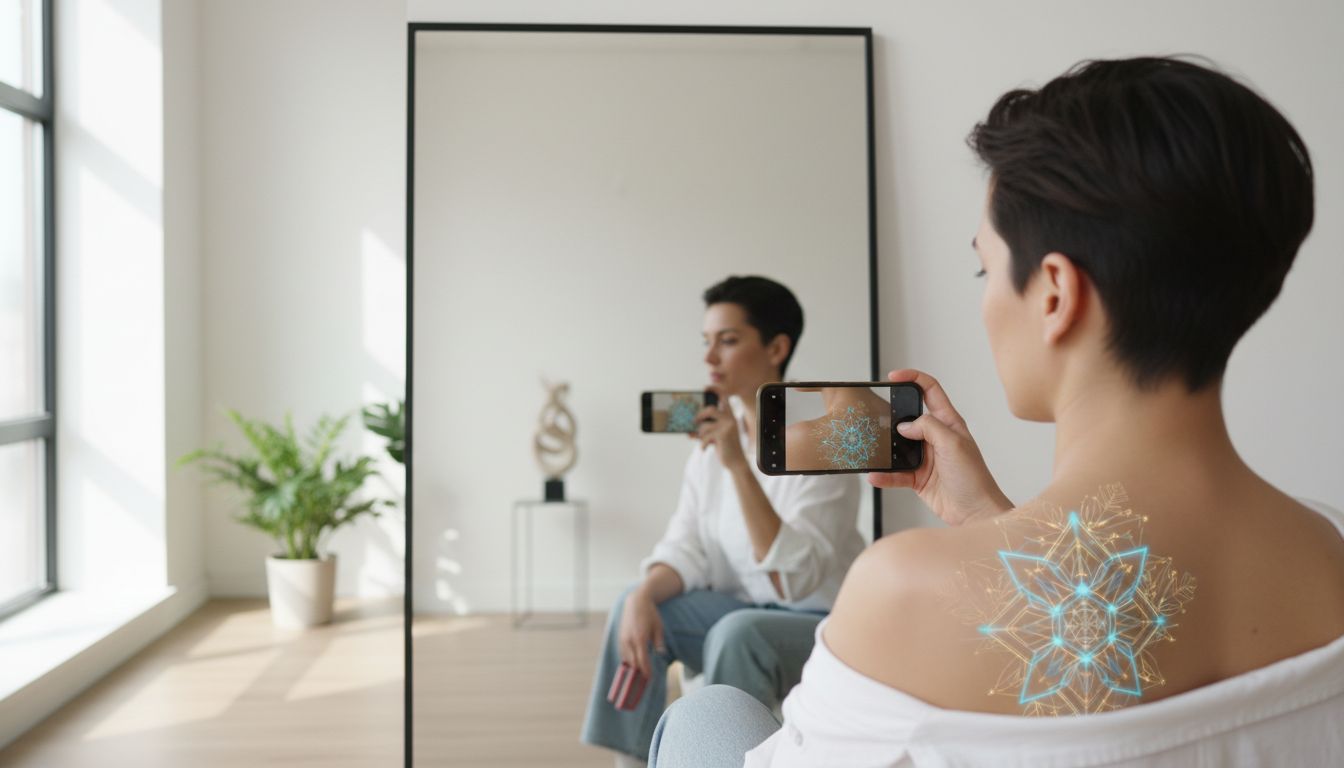
How Realistic Are These Simulations?
Modern AI try-on technology is impressively realistic, but it's important to understand both capabilities and limitations.
What AI does well:
- Skin tone matching: Good algorithms adjust designs to work with your skin's undertone
- Curve adaptation: Designs wrap realistically around muscle and bone contours
- Lighting integration: Shadows and highlights from your photo affect the preview naturally
- Tattoo appearance: Designs look like actual tattoos, not just stickers on skin
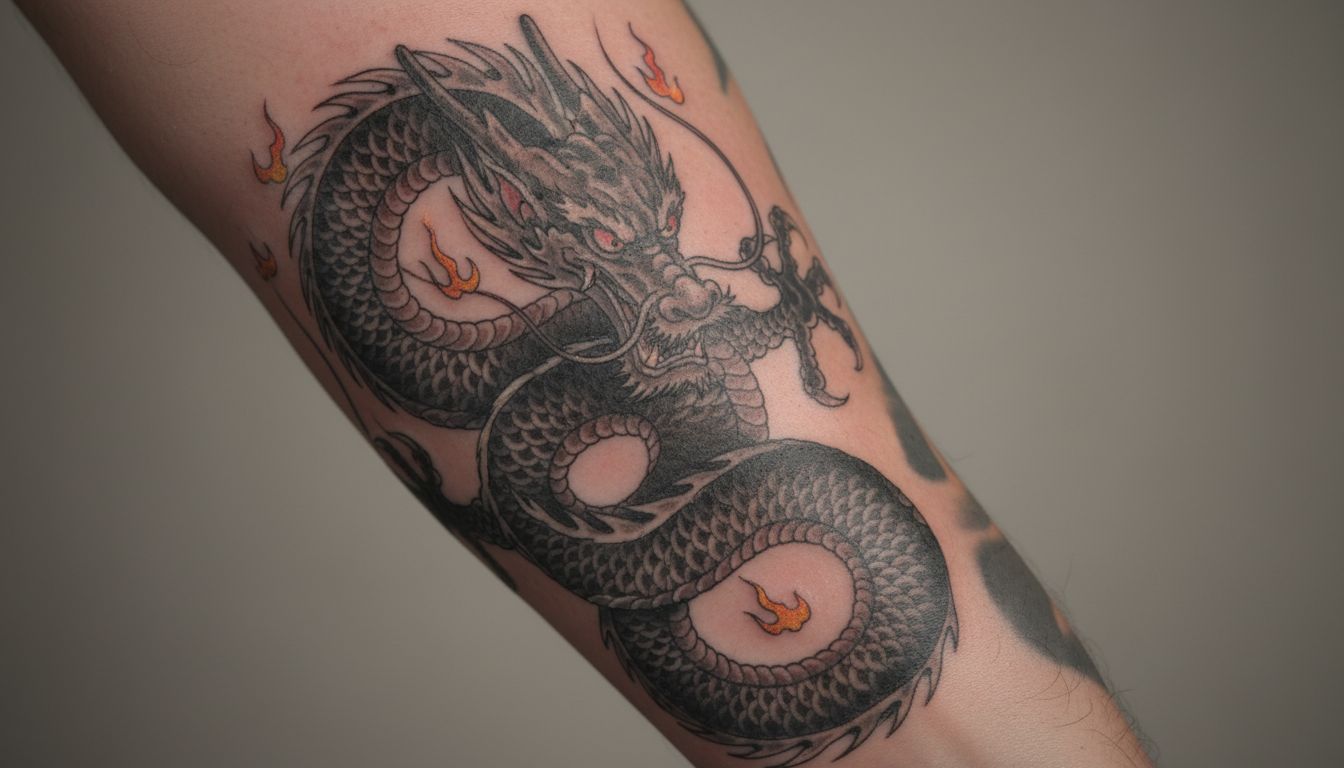
Current limitations:
- Movement: Static images can't show how tattoos look when muscles flex
- Skin texture: Very detailed skin features (moles, scars, freckles) may interact differently with real ink
- Aging simulation: Previews show new tattoos, not how they'll look in 10 years
- Color accuracy: Exact ink colors may vary based on your specific skin tone
Think of try-on previews as highly accurate approximations. They're incredibly useful for decision-making, but the final result will still depend on your artist's skill and your skin's unique characteristics.
From Preview to Real Tattoo
You've used AI to design your tattoo, tried it on, tested placements, and you love what you see. What's next?
Step 1: Save your best previews
Screenshot or save the versions you like best. Having multiple options is fine—you can narrow down with your artist.
Step 2: Find the right artist
Look for artists whose style matches your design. Use your previews to identify which portfolios resonate with what you've created.
Step 3: Bring your visuals to the consultation
Show your artist the try-on previews. Explain what you love about the placement and sizing. Be open to their professional suggestions—they may recommend adjustments for better tattooing.
Step 4: Trust the process
Your artist will create a stencil and place it on your actual body. This is where virtual meets reality. The preview gave you confidence; the stencil confirms everything before needles touch skin.
For design tips, explore our guide to generating tattoos from text prompts.
Common Try-On Mistakes to Avoid
To get the most value from virtual try-on, avoid these common pitfalls:
- Only testing one size: Always try at least 2-3 sizes. Your first instinct isn't always right
- Poor photo quality: Bad lighting or blurry images lead to unrealistic previews
- Ignoring body movement: Consider how the area looks when you move, not just in the preview pose
- Not testing multiple placements: Explore options before settling
- Forgetting about clothing: Will your favorite shirts show this tattoo? Do you want them to?
- Skipping the artist conversation: The preview is a starting point, not the final word
See Your Tattoo Before It's Real
Generate custom designs and preview them on your body in seconds. Test sizes, placements, and styles until you find exactly what you want.
Try On Tattoos Free →
Create Your Perfect Tattoo Design
Use AI to generate unique tattoo designs and preview them on your body before committing to ink.
Start Designing for FreeWritten by

Laura Schmitz
Tattoo Content Lead, INK
Laura Schmitz leads tattoo content at INK. She has spent years researching tattoo styles, symbolism and aftercare, and works directly with the AI tattoo generator to test how each style translates from prompt to skin — so every guide here reflects designs that are actually tattooable, not just images that look good on screen.
More about the author