
Best AI Tattoo Generator Apps in 2026: How to Choose the Right One
We tested and compared the best AI tattoo generator apps for iOS and Android. Features, pricing, pros and cons of INK and alternatives.

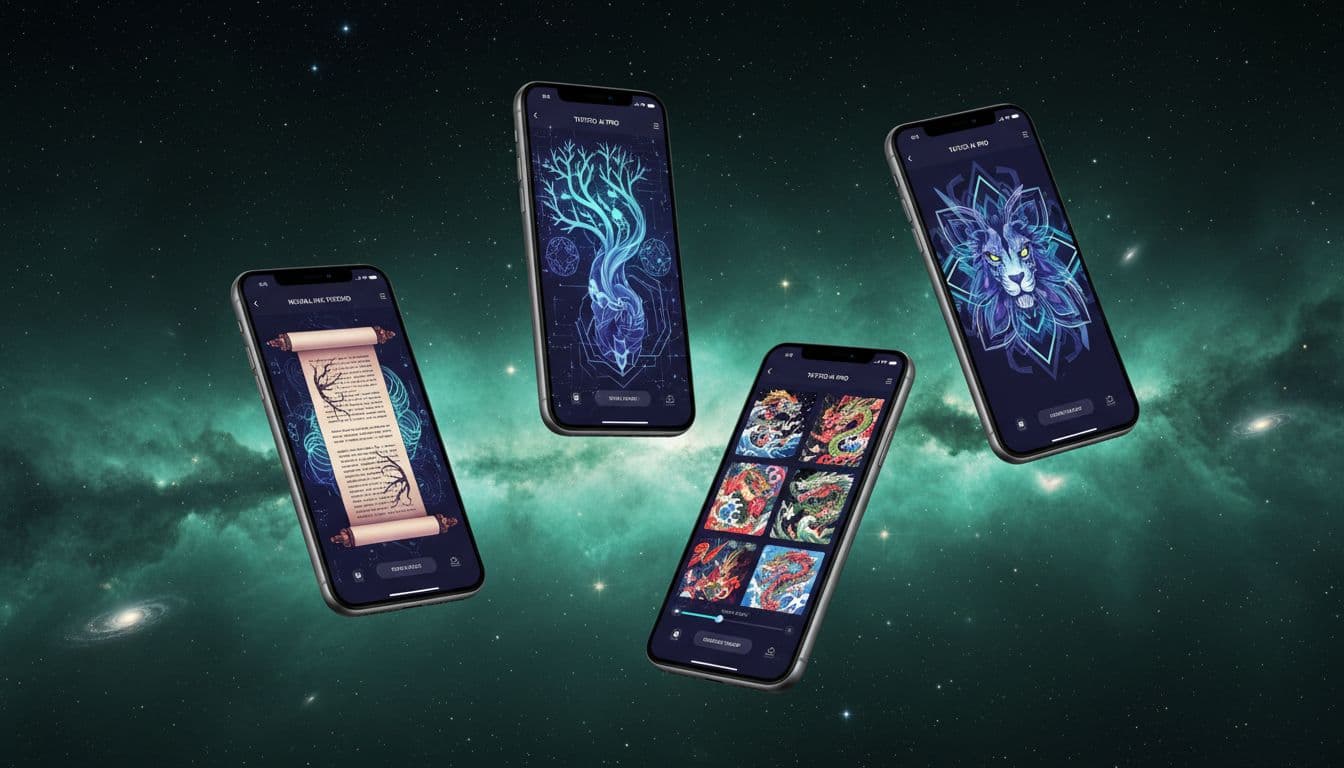
So you want to design a tattoo using AI, but you've got no idea which app to download. I get it—there are literally dozens of options out there now, and they all claim to be "the best." Some are genuinely impressive. Others... not so much.
I've spent the past few months testing every AI tattoo app I could find on iOS and Android. I generated hundreds of designs, compared features, tested the free tiers, and even paid for premium subscriptions to see what you actually get. Here's what I found.
Why Use an AI Tattoo Generator App?
Before we get into the comparisons, let's talk about why these apps exist in the first place—and whether you actually need one.
Traditional tattoo design works like this: you find an artist, describe what you want, maybe bring some reference images, and they sketch something for you. It's a process that works, but it has limitations. You're paying for every revision. You might feel awkward asking for major changes. And you're limited by how well you can articulate your vision.
AI tattoo generators flip this completely. You can explore unlimited ideas without any social pressure. Don't like a design? Generate another one in seconds. Want to see how a completely different style looks? Try it instantly. The best apps even let you preview designs on your actual body before committing to anything.
According to TechCrunch's coverage of AI creative tools, this kind of rapid iteration is transforming how people approach creative decisions—not replacing human expertise, but making exploration more accessible.
What to Look for in a Tattoo Generator App
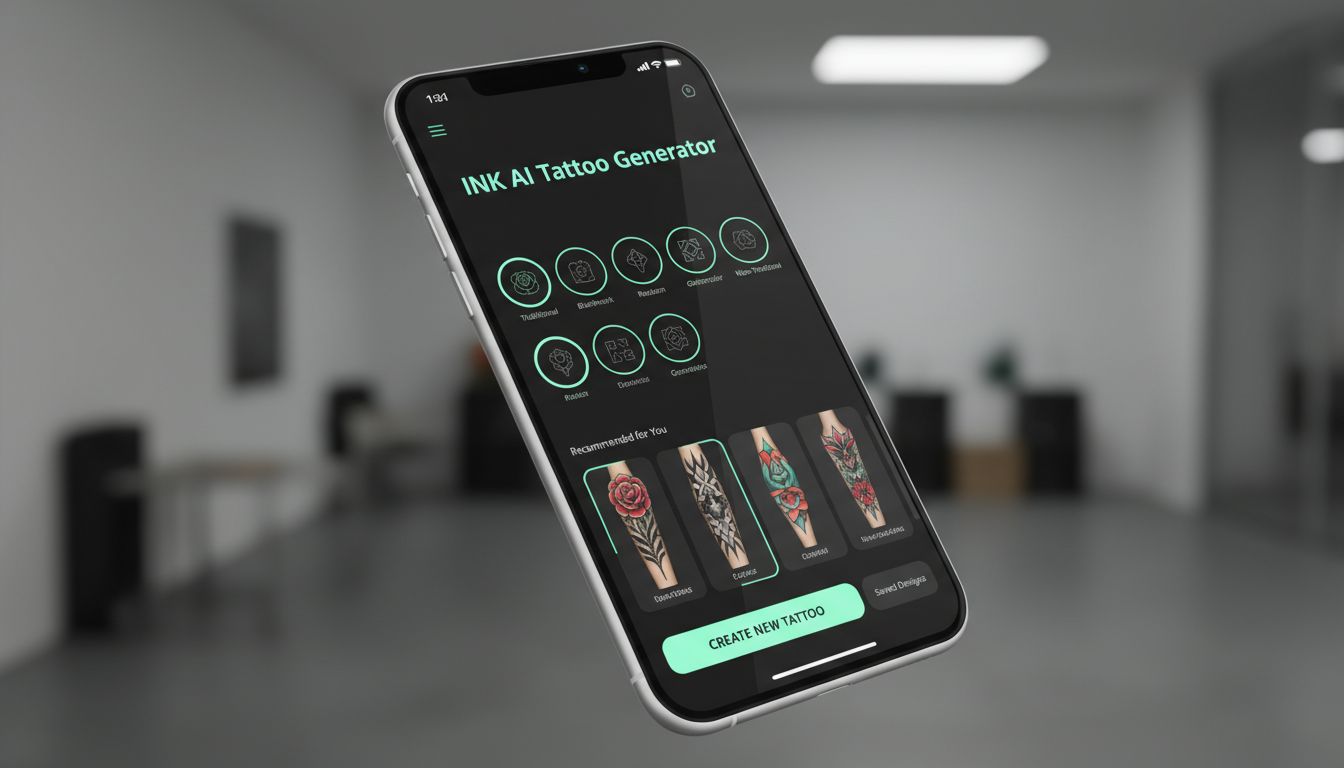
Not all AI tattoo generator apps are created equal. After testing so many, here are the features that actually matter:
Tattoo-Specific AI Training
This is the big one. Generic AI image generators (like Midjourney or DALL-E) can create tattoo-style images, but they don't understand tattoo-specific requirements. They don't know that certain details will blur over time, that some designs won't wrap well around an arm, or that what looks good on screen might not translate to skin. The best AI tattoo generators have been trained specifically on tattoo artwork and understand these nuances.
Style Variety
Tattoo styles are incredibly diverse—Traditional, Japanese, Minimalist, Geometric, Blackwork, Neo-Traditional, Tribal, Fine Line, and many more. A good app should handle multiple styles convincingly, not just produce generic "tattoo-looking" images.
Try-On / AR Preview
This feature alone can save you from tattoo regret. Being able to see a design on your actual body—at the right size, in the right position—is incredibly valuable. Some apps do this with simple photo overlays; the best ones use augmented reality for real-time previews.
Text-to-Design AND Image-to-Design
Sometimes you know exactly what you want and can describe it in words. Other times, you have a photo of your pet or a piece of artwork you want transformed. The best apps handle both input methods well.
Generation Quality vs. Speed
There's usually a tradeoff here. Fast generation often means lower quality. The best apps find a good balance—or let you choose based on your needs.
INK AI Tattoo Generator — Our Top Pick
Full disclosure: this is our app. But I'm going to be honest about what it does well and where it could improve, because that's actually useful to you.
What INK Does Best:
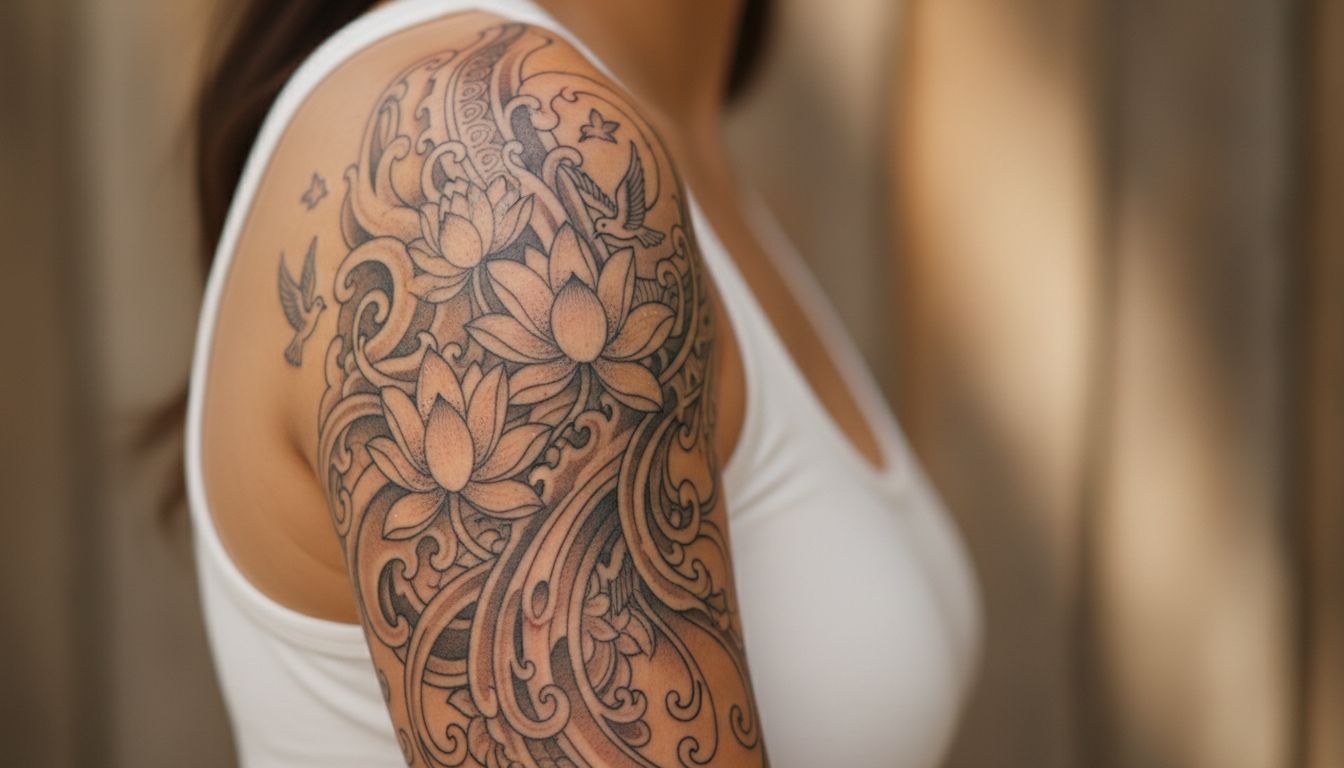
INK was built specifically for tattoo design from day one—not adapted from a general-purpose image generator. This matters because the AI understands tattoo conventions: proper line weight, how designs need to flow with body contours, which details will hold up over time, and how different styles handle shading and color.
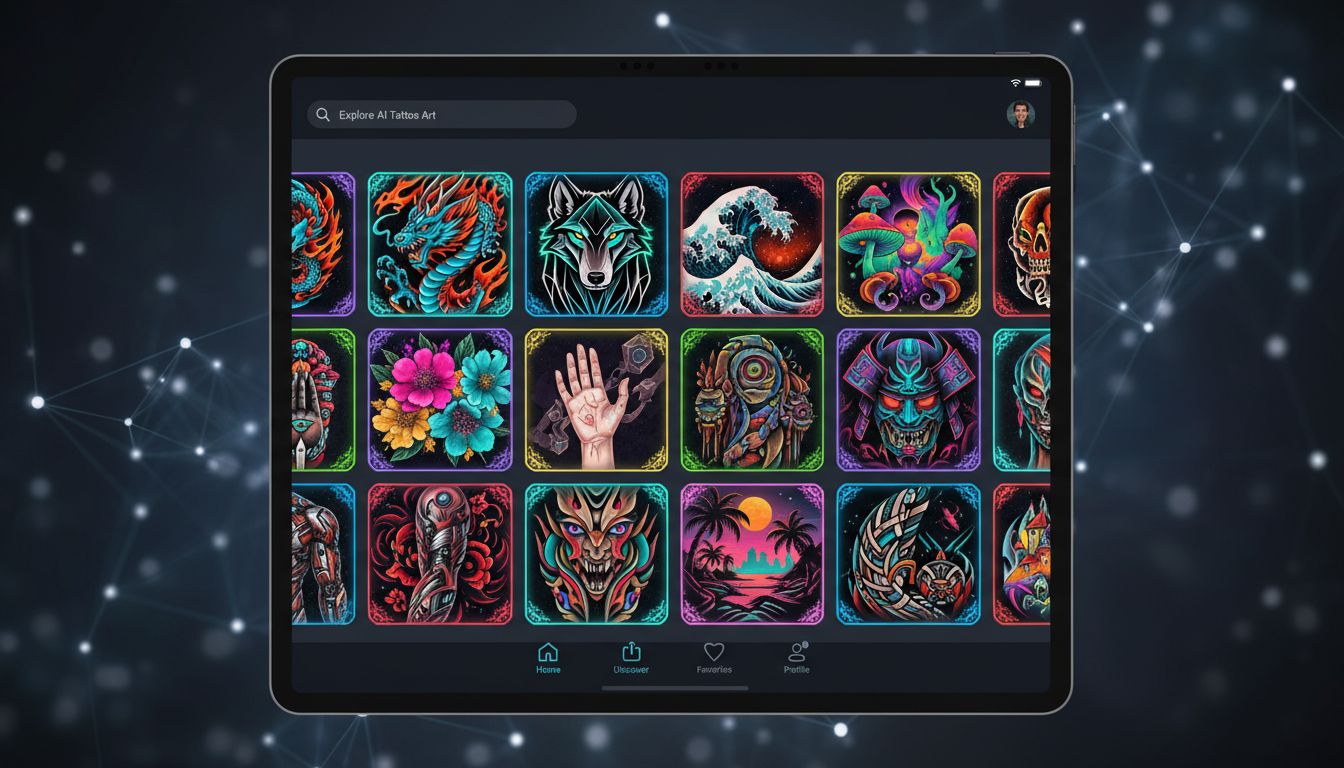
The app offers 40 distinct tattoo styles, from bold American Traditional to delicate Fine Line work. Each style isn't just a filter—the AI actually generates designs that follow the conventions of that style.
The AR try-on feature is genuinely impressive. Point your camera at your arm, leg, or chest, and see the design placed realistically on your skin in real-time. You can resize, rotate, and reposition until it looks exactly right. This alone has saved countless users from placement regret.
Both text-to-tattoo and photo-to-tattoo work well. Describe "a geometric wolf with mountain elements" or upload a photo of your dog, and you'll get tattoo-ready results. You can try INK AI Tattoo Generator free to see for yourself.
Where INK Could Improve:
The free tier is limited—you get a taste of the capabilities, but serious exploration requires the Pro subscription. Some users wish for more granular control over specific design elements. And like all AI tools, it occasionally produces results that miss the mark (though regenerating usually fixes this).
Pricing: Free tier with 3 generations a day, permanently — no credit card and no sign-up needed to start. Pro on the web is $14.99/month, $39.99/year or $179 once for lifetime access; in the iOS and Android apps Pro is billed through the App Store and Google Play, which set their own prices per country and also offer a weekly plan.
Available on: iOS App Store and Google Play Store
Other Notable AI Tattoo Apps
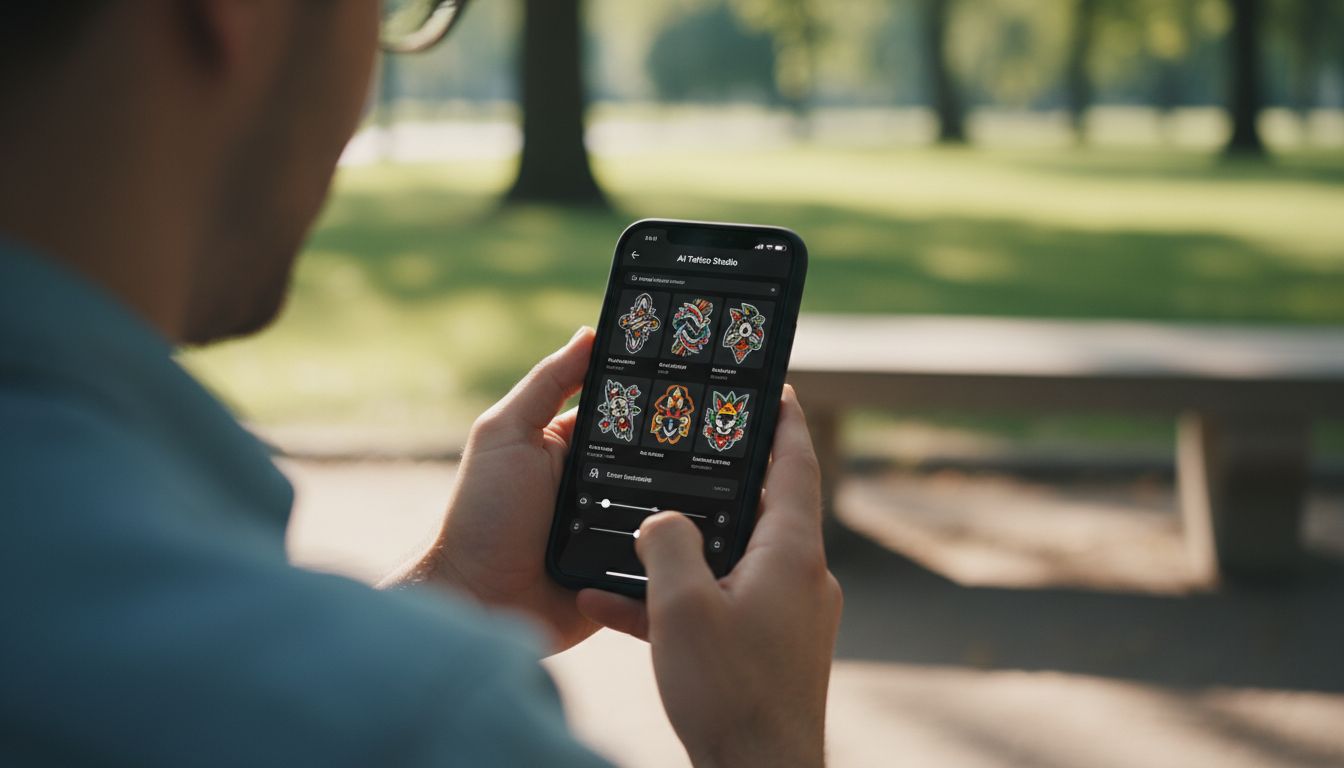
In the interest of giving you a complete picture, here's how other options stack up:
General AI Image Generators (Midjourney, DALL-E, Stable Diffusion)
These are incredibly powerful tools that can create tattoo-style artwork. The quality ceiling is high—if you know what you're doing. The catch? They require significant prompt engineering knowledge, have no tattoo-specific training and offer no try-on features, and their full-access tiers are typically priced well above a tattoo-specific app.
If you're already a Midjourney power user, you can absolutely create tattoo concepts with it. But for most people, it's like using Photoshop when you need a simple photo editor—way more capability than necessary, with a steep learning curve.
Basic Tattoo Filter Apps
There are dozens of apps that essentially apply tattoo-style filters to photos or offer pre-made templates. These can be fun for quick experimentation, but they're not really "AI tattoo generators" in any meaningful sense. The designs are generic, customization is minimal, and the results rarely look like actual tattoos.
Tattoo Artist Portfolio Apps
Apps like Tattoodo focus on connecting you with tattoo artists and browsing existing designs. Great for inspiration and finding artists, but they don't generate custom designs. They're solving a different problem.
As Wired's coverage of AI art tools has noted, the landscape is evolving rapidly—what's cutting-edge today might be standard tomorrow.
Free vs Premium Features Comparison
Most AI tattoo apps use a freemium model. Here's what that typically means:
Free Tiers Usually Include:
- Limited number of generations per day (often 3-5)
- Access to basic styles
- Standard resolution outputs
- Basic try-on features (if any)
- Watermarked exports
Premium Subscriptions Typically Add:
- Unlimited or significantly more generations
- All styles unlocked
- High-resolution exports
- Advanced AR try-on features
- No watermarks
- Priority generation speed
- Design history and collections
Is premium worth it? Honestly, it depends on how seriously you're planning. If you're casually curious, free tiers let you explore. If you're actively designing a tattoo you plan to get, the unlimited generations and full features are worth the few dollars per month. You'll easily spend more on a single coffee.
Looking for completely free options? Check out our guide to free AI tattoo generators for more details on maximizing free tiers.
How to Choose the Right App for You
After all this testing, here's my simplified recommendation framework:
If you're getting your first tattoo: Choose an app with strong try-on features and style education. You need to explore and understand what actually looks good on your body. INK excels here.
If you know exactly what style you want: Make sure your chosen app handles that specific style well. Not all apps are equally good at Japanese versus Geometric versus Traditional.
If you're a tattoo artist looking for client tools: Look for apps that support collaboration, sharing, and high-resolution exports suitable for stencils.
If you're on a tight budget: Start with free tiers, but be realistic—you'll hit limitations quickly. Consider it a trial before deciding if the premium is worth it.
If you already use Midjourney/DALL-E: You can stick with those for generation, but consider a dedicated tattoo app just for the try-on and placement features.
Want to explore different styles before choosing an app? Browse all available tattoo styles to see what resonates with you.
Getting Started with Your First AI Tattoo
Ready to try AI tattoo generation? Here's the simplest path to your first design:
- Download an app — Start with INK's free tier or whatever catches your eye
- Start simple — Don't overcomplicate your first prompt. "Rose with leaves, traditional style" is better than a paragraph of requirements
- Generate multiple options — Your first result won't always be your favorite. Generate 5-10 variations
- Use the try-on feature — See how designs actually look on your body before falling in love with something that doesn't fit
- Save your favorites — Build a collection of designs you love. Patterns will emerge that tell you what you actually want
- Bring them to a real artist — AI designs make excellent references for professional tattoo artists. They'll appreciate the clarity
The goal isn't to replace the tattoo artist—it's to walk into your appointment knowing exactly what you want, with visual references that leave no room for miscommunication.
Ready to Find Your Perfect Tattoo Design?
Stop comparing apps and start designing. INK gives you everything you need to create, visualize, and perfect your tattoo idea. Try it free today.
Start Designing Free →Create Your Perfect Tattoo Design
Use AI to generate unique tattoo designs and preview them on your body before committing to ink.
Start Designing for FreeWritten by

Laura Schmitz
Tattoo Content Lead, INK
Laura Schmitz leads tattoo content at INK. She has spent years researching tattoo styles, symbolism and aftercare, and works directly with the AI tattoo generator to test how each style translates from prompt to skin — so every guide here reflects designs that are actually tattooable, not just images that look good on screen.
More about the author