
AI Tattoo Designs App: Design Custom Ink on Your Phone
How to use an AI tattoo design app to turn an idea or a photo into custom ink — exploring styles, previewing designs on your body, and exporting a clean reference for your artist.

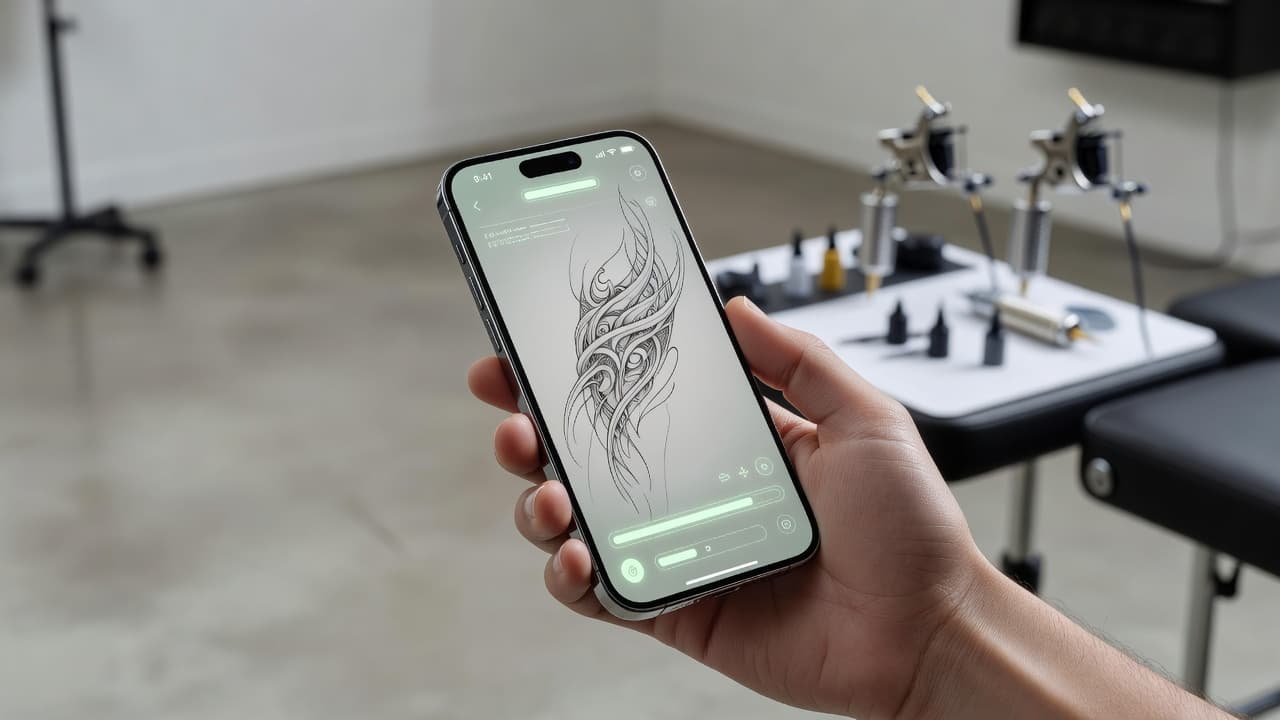
For decades, getting a custom tattoo meant either learning to draw or describing an idea to an artist and hoping it survived the trip from your head to theirs. A tattoo design app changes that: you describe what you want, the app generates tattoo-ready artwork, and you refine it and preview it on your own body — all from your phone, long before anyone picks up a machine.
In short: a tattoo design app is a mobile or web tool that turns your idea — typed in words or uploaded as a photo — into custom tattoo artwork using AI. You pick a style, generate variations, refine the one you love, and use AR try-on to see it on your body. This guide explains how a tattoo design app actually works, what separates a good one from a gimmick, and how to take a design from your screen to your skin.
What Is a Tattoo Design App?
A tattoo design app is a tool — on your phone or in a browser — that lets you create custom tattoo artwork yourself, without needing to sketch a thing. Instead of scrolling endless image searches or waiting on a studio's flash sheet, you bring the idea and the app produces the art. The newest generation, including INK, is powered by AI: you describe a concept in plain language or upload a reference photo, and the app renders polished, tattoo-ready designs you can shape until they are exactly right.
That is a real shift from how custom tattoos used to begin. The traditional path was to find an artist, book a consultation, and trust that your verbal description survived the journey into someone else's imagination. A design app flips the order: you reach the idea first, see it rendered, and refine it until it matches what you pictured — so when you do sit down with an artist, you are both looking at the same thing. Tattooing itself is an ancient craft with thousands of years of history; the only new part is how quickly you can now visualize an idea.
How Does a Tattoo Design App Work?
The flow is fast and forgiving. Exploration is free and unlimited, which is the whole point — you want to try everything before you commit to anything permanent. Here is the path from blank screen to finished reference.
- Describe your idea or upload a photo. Type what you want in plain language — "a fine-line mountain range with a crescent moon" — or upload a reference image. The clearer the input, the closer the first result.
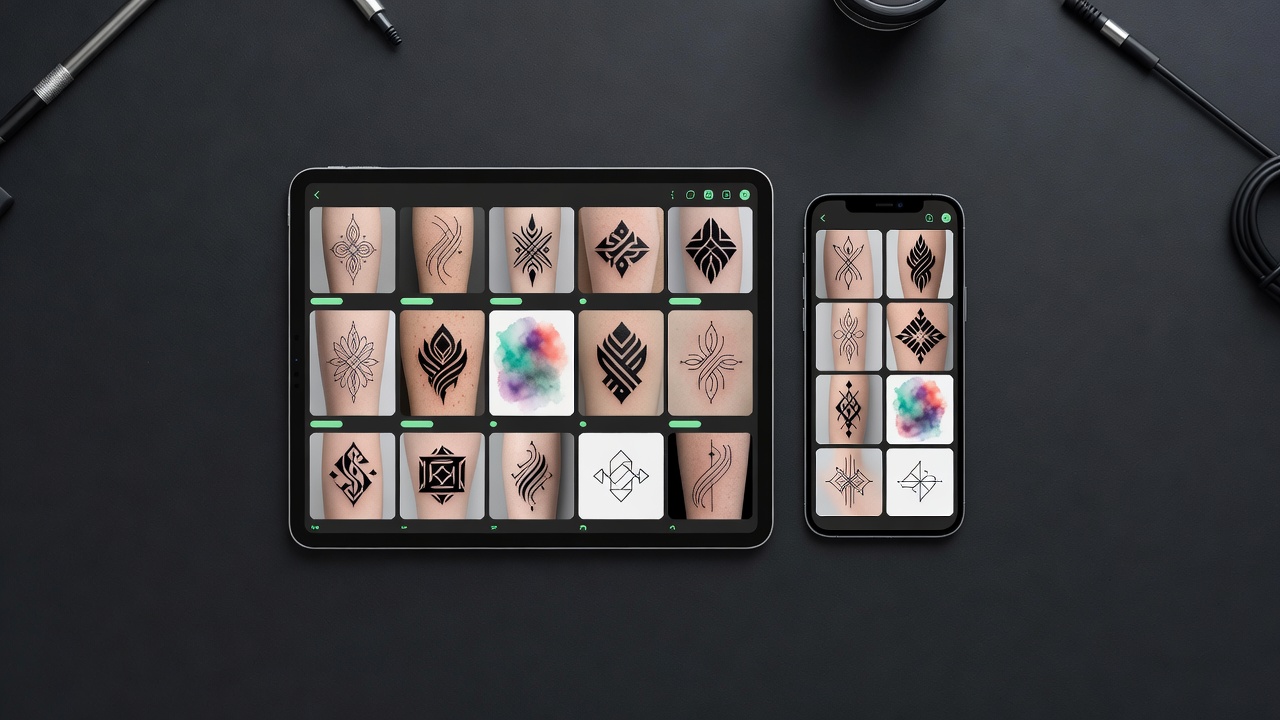
- Choose a style. Pick a direction: fine-line, traditional, blackwork, watercolor, geometric, Japanese, minimalist. Style sets the entire mood before a single line is drawn.
- Generate and refine. The app renders several variations in seconds. If the composition is off, tweak the prompt or switch styles and regenerate. Each pass costs nothing but a moment.
- Preview on your body. Use AR try-on to drop the design at real scale onto the exact spot you are considering. This is where size and placement problems reveal themselves.
- Export for your artist. Download a clean, high-resolution version as a reference and stencil starting point.
Designing From Text vs. From a Photo
The two most common ways to start in a tattoo design app are typing an idea and uploading an image. They suit different starting points, and the best apps support both.
From Text
Text-to-tattoo is the most flexible entry point: you describe a concept and the app interprets it as artwork. It is ideal when the idea lives only in your head — a phrase, a feeling, a combination of elements you have never seen drawn together. The skill is in the description: name the subject, the style, the mood, and any non-negotiable details. Our full guide to designing tattoos from text breaks down how to write prompts that land on the first few tries.
From a Photo
Uploading a photo is the move when you already have a visual anchor — a pet, a portrait, a landscape, or a piece of art you want reimagined as a tattoo. The app uses the image as a reference and translates it into a tattoo style rather than copying it literally. This is the approach covered in our photo-to-tattoo guide, and it is especially powerful for memorial and portrait pieces where likeness matters.
Previewing a Design on Your Body
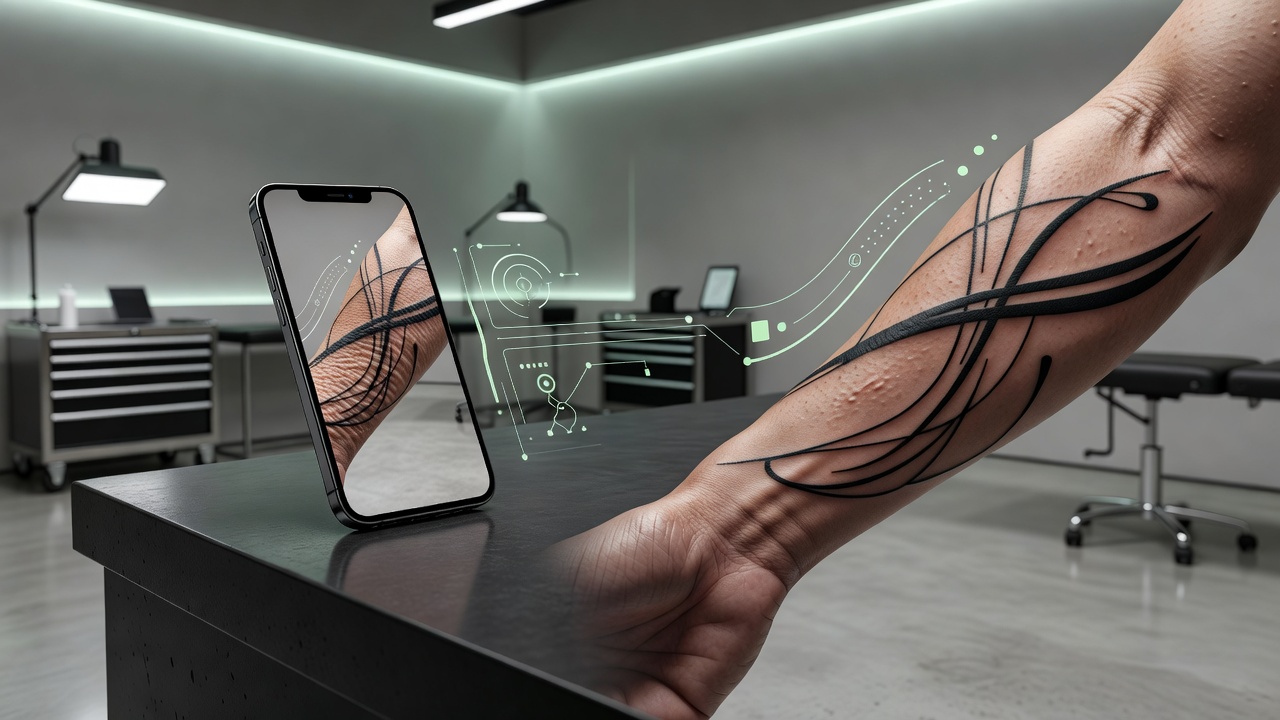
This is the feature that separates a true tattoo design app from a plain image generator. A design that looks great as a square thumbnail can read completely differently wrapped around a forearm or sitting along the ribs. AR try-on places your generated artwork onto a photo of your actual body at real scale, so you can judge three things that only matter in context: size, placement, and flow.
Seeing the design on skin catches problems early — a piece that is too small to hold detail, a composition that fights the curve of a limb, lettering that runs longer than the space allows. For a deeper look at how location affects pain, visibility, and ageing, see our guide to the best tattoo placements, and explore our AI tattoo try-on walkthrough for how the preview works step by step.
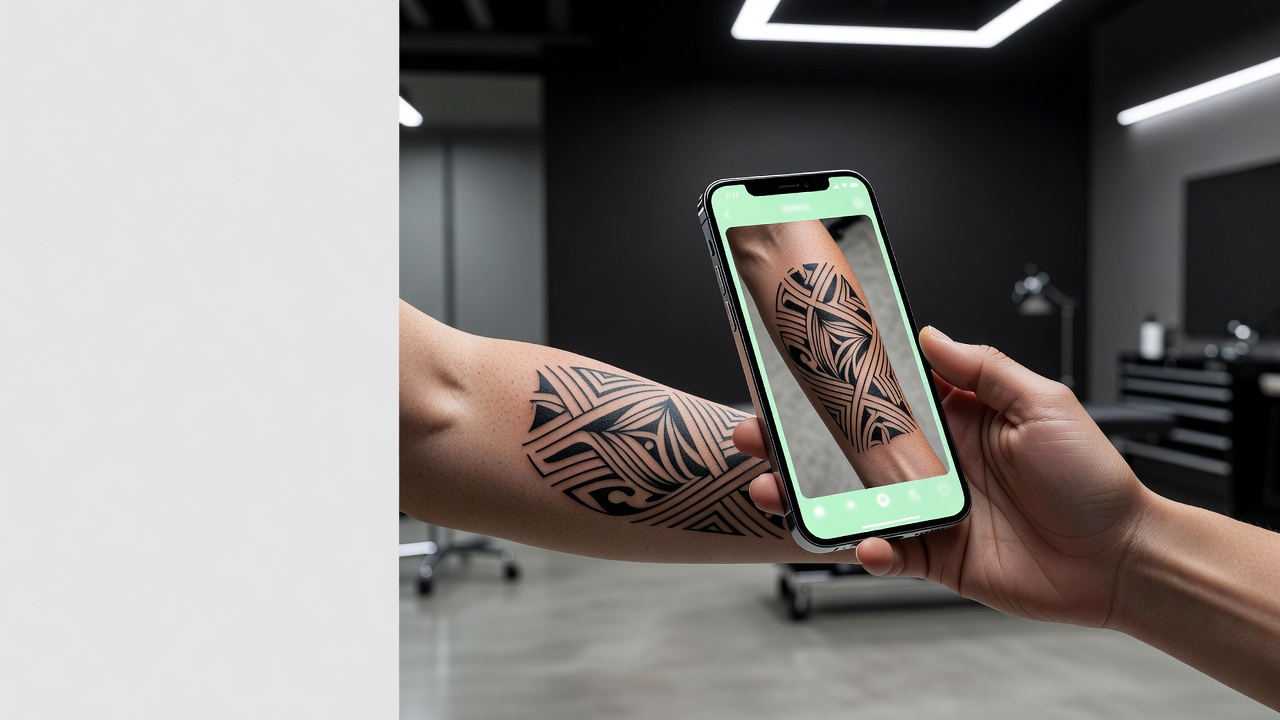
The best moment a design app gives you is the one before the needle: seeing your tattoo on your own skin while it is still just pixels, and knowing for certain it is the one.
What to Look For in a Tattoo Design App
Not every app that calls itself a tattoo tool earns the name. Some are just style filters; others are stock-art libraries. When you are choosing one, look for the features that take you all the way from idea to artist.
- Custom generation from your idea. The app should create artwork from your own text or photo, not just hand you pre-made flash. Custom is the entire point.
- A real range of styles. Look for breadth — fine-line, traditional, blackwork, watercolor, geometric, Japanese — so one tool can serve every idea you ever have. Browse our minimalist tattoo ideas to see how much a single style can vary.
- Body preview (AR try-on). Without seeing the design on skin at real scale, you are guessing. This is non-negotiable.
- Fast, free iteration. You should be able to regenerate endlessly while exploring, and only pay when you want a final high-resolution export.
- Clean, high-resolution export. The design has to leave the app in a form your artist can actually use as a reference and stencil base.
Is a Tattoo Design App Free?
The honest answer is: the part that matters most should be. In INK, generating and exploring designs is free — you can describe ideas, switch styles, and AR-preview the results on your body at no cost. You only pay if you decide to download high-resolution, stencil-ready files to take to your artist. That model exists because exploration is where you find the right design, and charging for exploration would defeat the purpose. A tattoo is a long-term decision; the tool that helps you make it should let you take your time. Speaking of long-term decisions, our guide to how much tattoos cost is worth a read before you book.
From App to Artist: Exporting Your Design
A tattoo design app does not replace your tattoo artist — it makes the collaboration better. The export is where the two worlds meet: you bring a clear, high-resolution reference, and a skilled artist adapts it to your anatomy, refines the linework, and ensures it will age well. Think of the design as a precise starting point rather than a rigid blueprint.
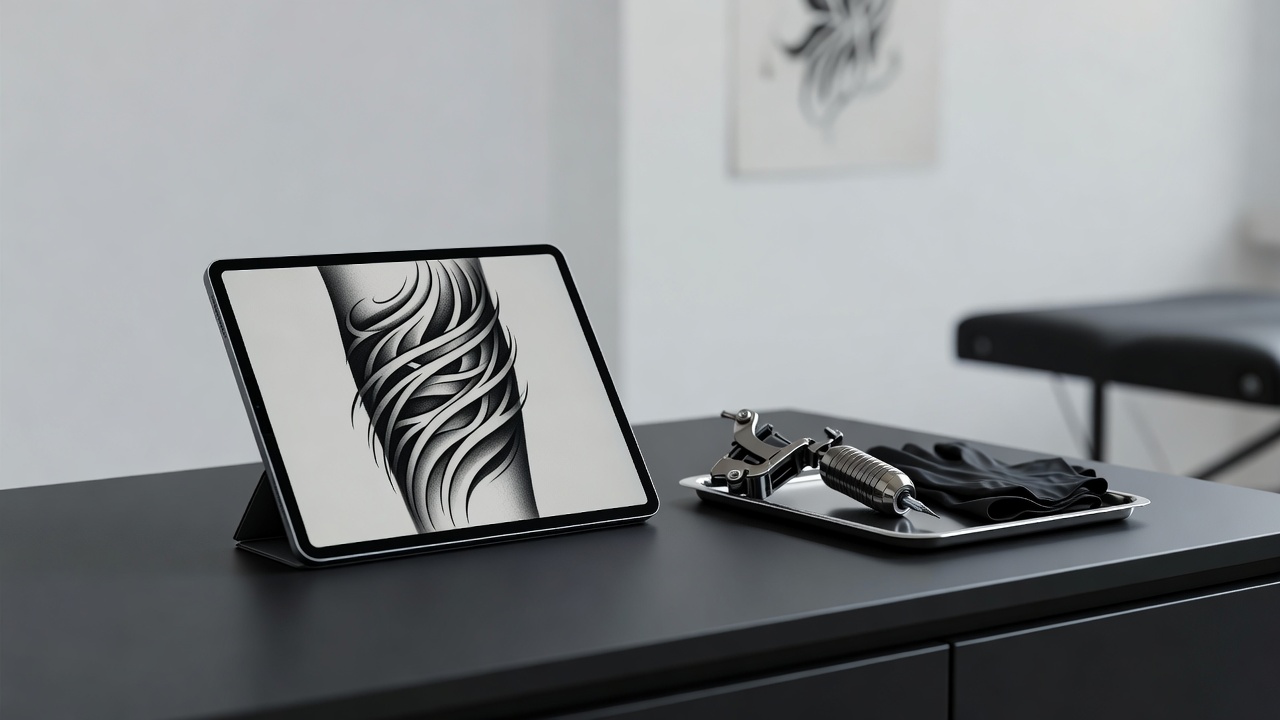
Bringing a precise reference tends to make consultations shorter and results closer to what you imagined, because you are no longer relying on words alone to convey a visual idea. The artist sees exactly what you mean, and the conversation moves straight to craft: placement, sizing, and the small adjustments that make a good design a great tattoo.
Why Design Your Tattoo in INK
INK brings every stage into one app, so your idea never gets lost between tools. You can generate a design from text or a photo, switch freely between dozens of styles, refine until it is exactly right, and then AR-preview the finished piece on your actual body at real scale — all before you book. Exploration is free; you only pay if you want stencil-ready exports for your artist.
That end-to-end flow is the real value of a dedicated tattoo design app. A search engine gives you other people's tattoos. A plain image generator gives you art with no sense of scale. INK gives you your idea, in your style, previewed on your skin, exported in a form your artist can use — the whole journey from "I have an idea" to "I am ready to book" in one place.
The Final Word
A tattoo is one of the few decisions you make once and carry for life, which makes the design stage worth getting right. A good tattoo design app gives you the room to do exactly that: to try every idea, test every style, see the result on your own body, and sit with it until you are certain. Describe it, generate it, preview it, refine it — and then make it permanent with confidence.
Design Your Tattoo Free in INK
Describe an idea or upload a photo, explore dozens of styles, and preview the design on your body — all in INK. No sign-up needed.
Try INK Free →

Create Your Perfect Tattoo Design
Use AI to generate unique tattoo designs and preview them on your body before committing to ink.
Start Designing for FreeWritten by

Laura Schmitz
Tattoo Content Lead, INK
Laura Schmitz leads tattoo content at INK. She has spent years researching tattoo styles, symbolism and aftercare, and works directly with the AI tattoo generator to test how each style translates from prompt to skin — so every guide here reflects designs that are actually tattooable, not just images that look good on screen.
More about the author