
Design Your Own Tattoo Online: A Complete Guide to Custom AI Designs
How to design your own tattoo online with AI — turning an idea into a custom design from text or a photo, choosing a style, previewing it on your body, and taking it to an artist.

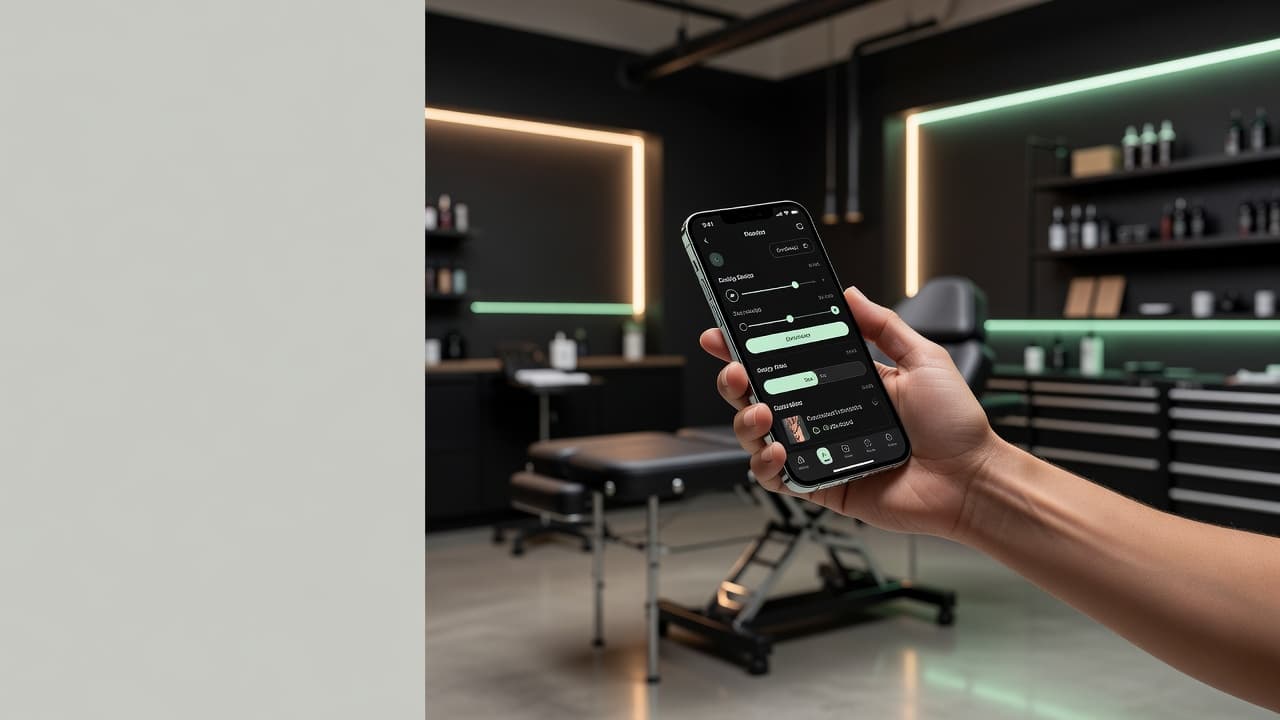
For most of tattoo history, designing your own tattoo meant either learning to draw, spending hours describing an idea to an artist, or settling for something close enough off the wall. Today you can design your own tattoo online in minutes: describe what you want, pick a style, and watch AI turn the idea in your head into custom artwork you can refine and preview on your own body — long before anyone picks up a machine.
In short: to design your own tattoo online, you use an AI design tool to turn a written idea or a photo into custom tattoo artwork, choose a style, refine the result, and preview it on your body in AR. This guide walks through the whole process step by step — from first idea to a design your artist can actually work from — and covers the choices that decide whether a design looks great on screen and on skin.
What Does It Mean to Design Your Own Tattoo Online?
To design your own tattoo online means using a web or app-based tool to create custom tattoo artwork yourself, without needing to draw it by hand or commission a sketch up front. With an AI design tool, you supply the idea — in words or as a reference photo — and the software generates the artwork, which you then shape into exactly what you want.
This is a real shift from how custom tattoos used to start. The traditional path was to find an artist, book a consultation, and hope your description survived the journey from your imagination into theirs. Designing online flips the order: you arrive at the idea first, see it rendered, and refine it until it matches what you pictured — so when you do sit down with an artist, you are both looking at the same thing. Tattooing itself is an ancient art with thousands of years of history; the only new part is how quickly you can now visualise an idea.
How to Design Your Own Tattoo Online, Step by Step
The process is fast, free to explore, and forgiving — you can run through it as many times as you like before deciding on anything. Here is the full flow from blank screen to finished reference.
- Describe your idea or upload a photo. Type what you want in plain language — the subject, the mood, the details that matter — or upload a photo to build from. A clear starting point gets you a closer first result.
- Choose a style. Select a direction such as fine-line, traditional, blackwork, geometric, watercolour, or minimalist. Style changes everything about how the idea reads.
- Generate and refine. The AI renders your design. If something is off, adjust the wording, details, or composition and regenerate. Each pass costs nothing but a few seconds.
- Preview on your body. Use AR try-on to place the design at real scale where you are actually considering it. This is where sizing and placement problems reveal themselves.
- Export for your artist. Download a clean, high-resolution version to bring along as a reference and stencil starting point.
If you want a deeper walkthrough of the tooling itself, our guide to using an AI tattoo generator covers each control in detail.
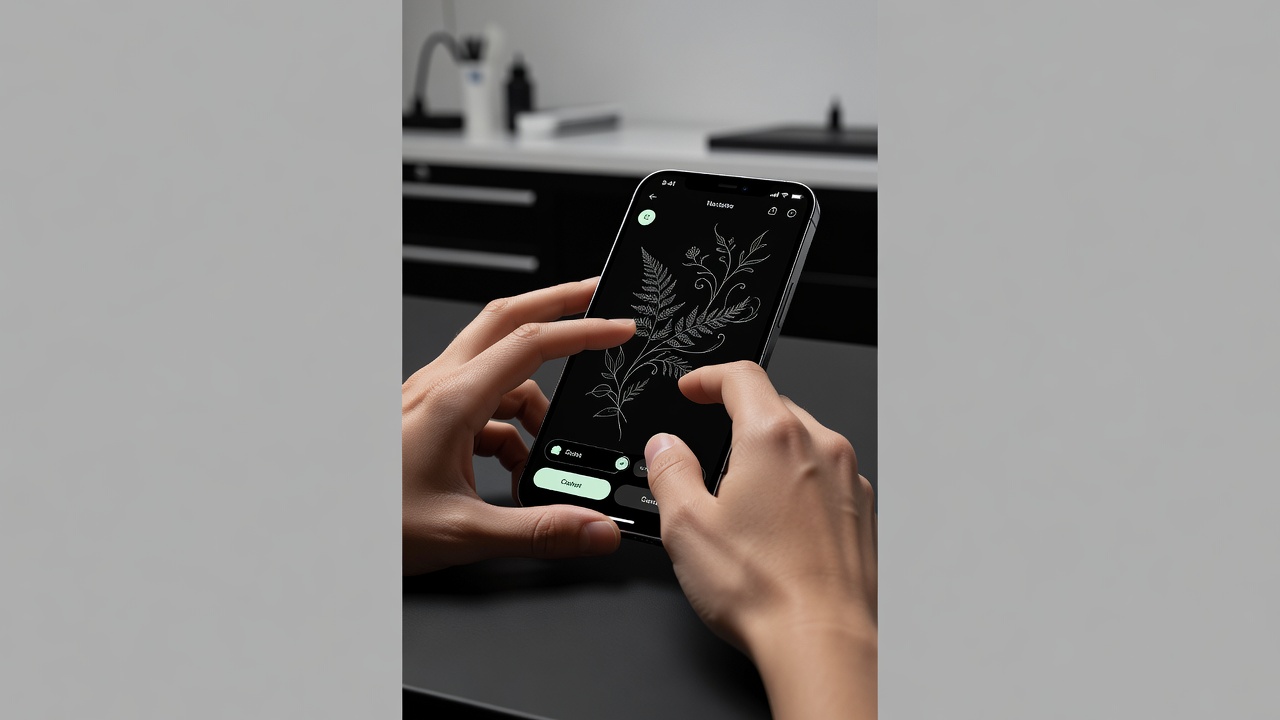
Designing From Text vs. From a Photo
There are two ways to start, and the best one depends on what you already have in mind.
Starting From Text
If your idea lives in words — "a fine-line mountain range with a crescent moon", "a snake coiled around a dagger" — start from text. Describe the subject, the style, and any specifics about composition or mood, then refine from there. Text is the most flexible starting point because you can change anything just by rewording. Our text-to-tattoo guide goes deep on writing prompts that get clean, usable results.
Starting From a Photo
If you have a reference — a pet, a portrait, a piece of art, a landscape — start from a photo and let the AI translate it into a tattoo-ready style. This is ideal for likenesses and for capturing the feel of something specific. The photo-to-tattoo guide explains how to pick images that convert well and what to expect from the result.
The best designs usually come from doing both: start from a photo to anchor the subject, then describe the style you want it rendered in. The reference grounds it; the words give it character.
Choosing a Style for Your Custom Tattoo
Style is the single biggest decision when you design your own tattoo online, because the same subject can feel delicate or bold, modern or timeless, depending on how it is drawn. The advantage of designing online is that you can generate your idea in several styles side by side and compare before committing.
- Fine-line. Thin, precise, understated — perfect for delicate, modern pieces. Explore it further in our minimalist tattoo ideas.
- Traditional. Bold outlines, limited colour, built to last — the classic American tattoo look.
- Blackwork. Heavy, graphic, high-contrast designs that hold up beautifully over decades.
- Geometric. Clean shapes, symmetry, and pattern — striking and contemporary.
- Watercolour. Soft, painterly colour washes that feel artistic and unconventional.
- Realism. Detailed, lifelike rendering, ideal for portraits and nature.
Not sure where to start? Generate the same idea in three or four styles and let your gut decide. If you need inspiration before you even have a subject, our AI tattoo ideas are a good place to begin.
Preview Before You Commit: AR Try-On
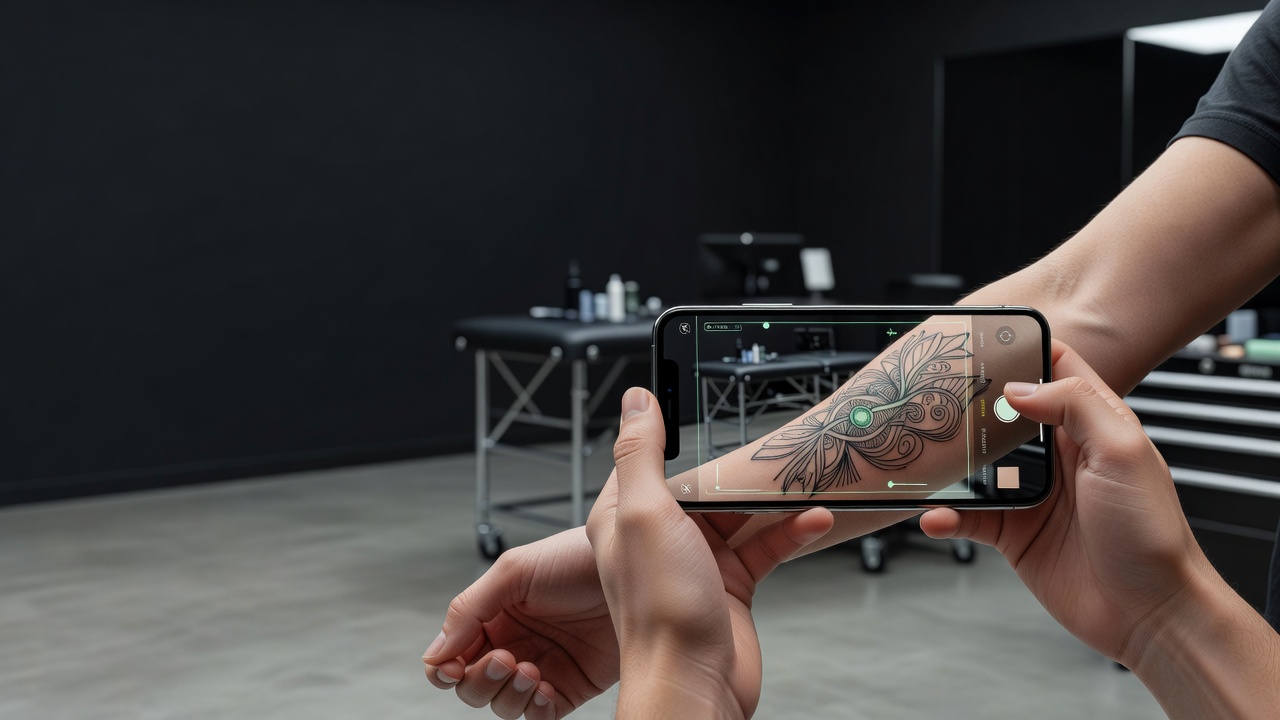
A design that looks perfect on a screen can feel completely different on skin — too big, too small, awkwardly placed, or fighting the curve of the body. This is why previewing matters as much as designing. AR try-on uses your phone camera to place your design at real scale on the actual spot you are considering, so you can judge it in context before anything is permanent.
Trying a design on does three things a flat image never can: it shows you true size, it shows you how the artwork wraps and flows with your anatomy, and it lets you compare the same design across several placements in seconds. Our AI tattoo try-on guide covers how to get the most accurate preview.
Placement & Sizing
Where a design goes shapes how it should be drawn. A piece destined for the forearm can carry more detail than one bound for a finger; a design that wraps the ribs needs to flow with the body's curve. Thinking about placement while you design — not after — leads to a far better result.
- Match detail to size. Fine detail needs room. Small placements suit simple, clean designs; intricate work needs a larger canvas.
- Follow the body's lines. Designs look most natural when they flow along a limb or curve rather than fighting the anatomy.
- Mind high-stretch, high-wear areas. Fingers, hands, and feet fade and blur fastest, so keep designs there bold and simple.
- Think about visibility. Consider how often you want to see it — and who else will.
For a full breakdown of how placement affects pain, visibility, and ageing, see our guide to the best tattoo placements.
Taking Your Design to a Tattoo Artist
Designing online does not replace your artist — it makes the collaboration better. A clear, detailed reference tells your artist exactly what you are after, which means less guesswork and a result closer to what you imagined. Most artists welcome a strong reference far more than a vague verbal description.

Bring your design as a starting point, not a rigid blueprint. A skilled artist will adapt it to your body, refine the linework so it holds up over time, and bring their own craft to the piece. If this is your first tattoo, our first tattoo guide walks through what to expect from the appointment itself.
Why Design Your Own Tattoo With INK
INK brings the whole process into one place: describe an idea or upload a photo, generate custom designs in any style, refine until it is right, and AR-preview the result on your own body at real scale — all before you book. Exploration is free; you only pay if you want stencil-ready exports for your artist.
That end-to-end flow is the real value. Designing your own tattoo online should not mean juggling a sketch tool, a style reference, and a separate way to imagine it on your skin. With INK you go from idea to body-previewed design in one continuous, free flow — and arrive at your appointment certain of what you want.
The Final Word
The permanence of a tattoo is exactly why being able to design it yourself, slowly and visually, is such a gift. When you design your own tattoo online, you give yourself room to try every idea, compare every style, test every placement, and sit with the result until you are sure. Describe it, see it, refine it, preview it on your body — then make it permanent with confidence.
Design Your Own Tattoo Online Free
Describe any idea or upload a photo, explore every style, and preview your custom design on your body — all in INK. No sign-up needed.
Try INK Free →

Create Your Perfect Tattoo Design
Use AI to generate unique tattoo designs and preview them on your body before committing to ink.
Start Designing for FreeWritten by

Laura Schmitz
Tattoo Content Lead, INK
Laura Schmitz leads tattoo content at INK. She has spent years researching tattoo styles, symbolism and aftercare, and works directly with the AI tattoo generator to test how each style translates from prompt to skin — so every guide here reflects designs that are actually tattooable, not just images that look good on screen.
More about the author