
AI Tattoo Generator for Portrait Tattoos: Realistic Faces on Skin
How an AI tattoo generator handles portrait tattoos — turning a photo of a person or pet into a realistic design, choosing a style that ages well, and previewing the result before you commit.
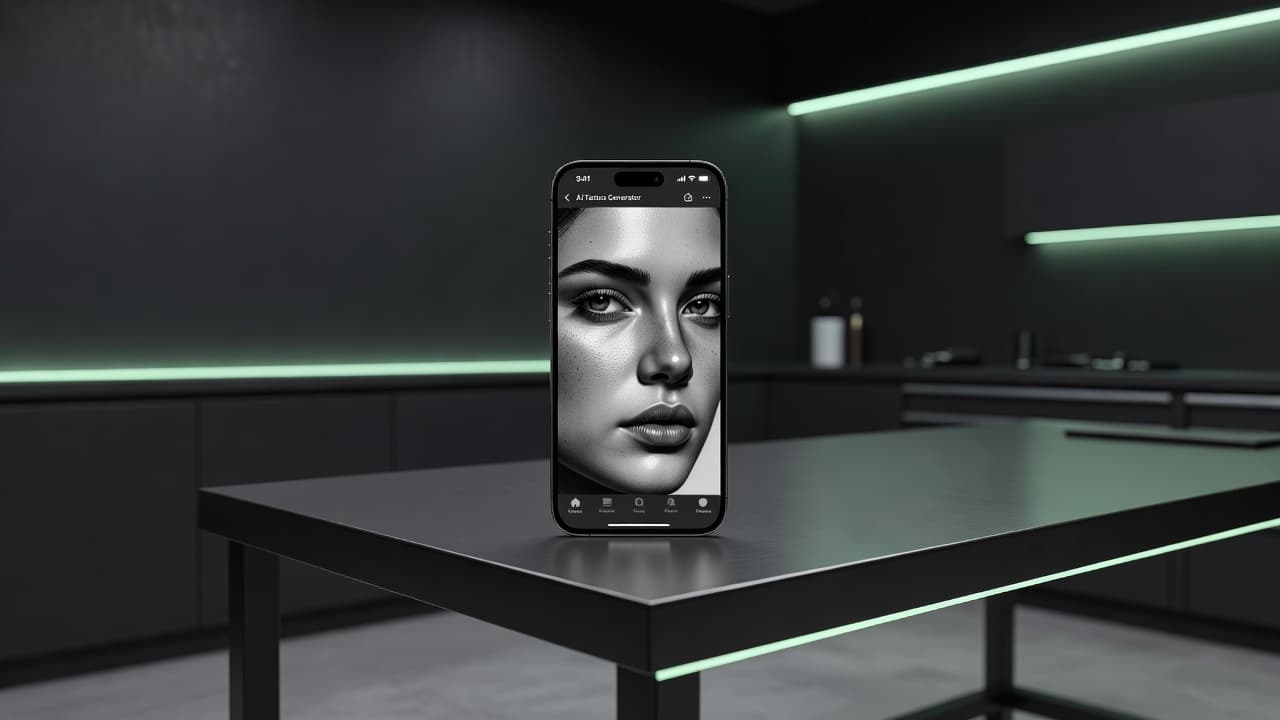
Turning a face into a tattoo is one of the hardest things to get right in ink — too little detail and the likeness disappears, too much and it can blur into a smudge within a few years. An AI tattoo generator for portrait tattoos lets you test that balance before committing: upload a photo of a person or pet, generate the design in a tattoo-appropriate style, and see whether the likeness actually holds up as linework and shading instead of a flat photo print.
In short: designing a portrait tattoo with AI means starting from a clear reference photo, choosing a style built to age well on skin — usually black-and-grey realism or a more illustrative approach — and previewing the composition before an artist ever picks up a machine. This guide covers what makes a good reference photo, which styles hold a likeness longest, how to prompt for a portrait that reads as art rather than a printed photograph, and what to expect once you bring the design to a tattoo artist.
Why Portrait Tattoos Are a Different Design Problem
Most tattoo subjects can absorb some stylization without losing their meaning — a stylized rose or a geometric wolf still reads clearly as a rose or a wolf. A portrait doesn't have that flexibility: if the proportions drift even slightly, the piece stops looking like the specific person or pet it's meant to represent. That makes portrait work uniquely dependent on two things a generic tattoo design doesn't need to worry about as much — a genuinely good source photo, and a style that translates fine facial detail into tattoo linework without losing the likeness in the process.
How Does an AI Tattoo Generator Handle Portrait Tattoos?
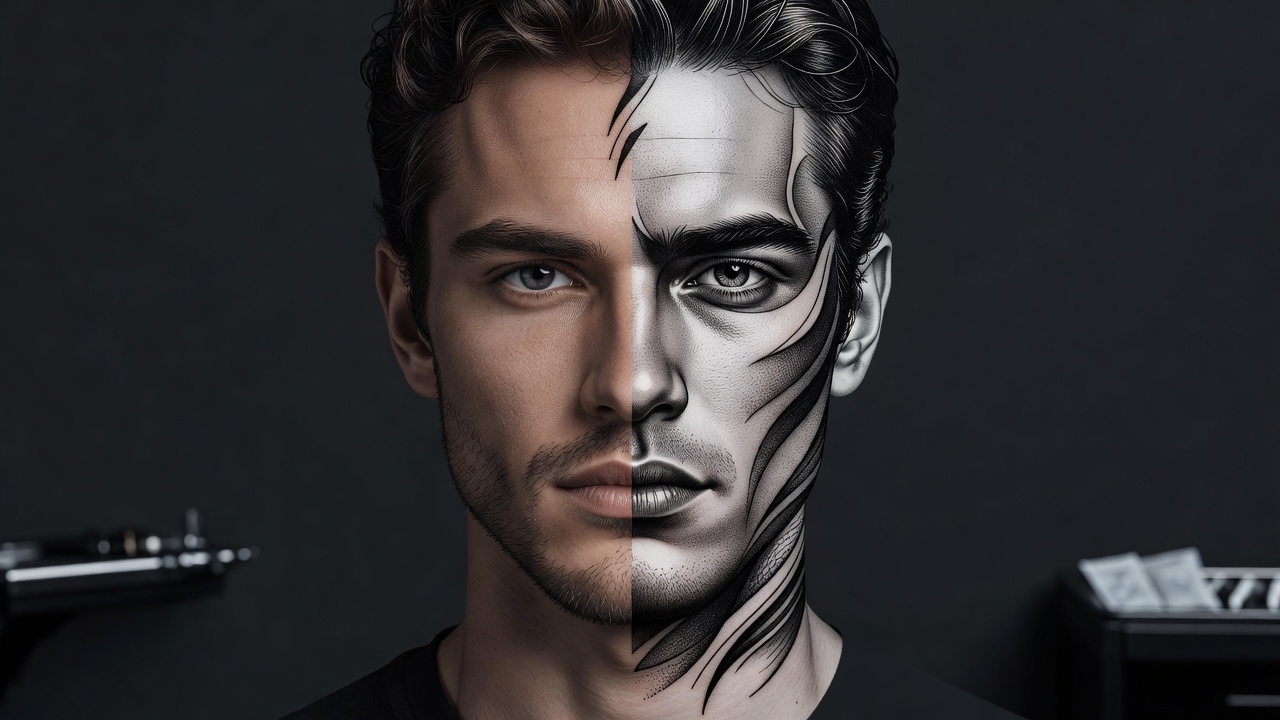
An AI tattoo generator built around photo uploads analyzes the structure of a face or animal's features — the shape of the eyes, the line of the jaw, the pattern of fur or hair — and re-renders it in a style meant for tattooing rather than photography. Instead of simply filtering the photo, a good generator restructures the shading and contrast into something a tattoo machine can actually reproduce: cleaner value transitions, deliberate linework around key features, and less reliance on the ultra-fine photographic detail that fades fastest on skin.
In INK, you can upload a photo directly, choose a style suited to portrait work, and generate a few options to compare before deciding which one keeps the likeness clearest.
What Makes a Good Reference Photo?
The single biggest factor in how well a portrait tattoo turns out isn't the AI model — it's the photo you start with. A few things matter more than people expect:
- Resolution and sharpness. A blurry or low-resolution photo forces the AI to guess at detail it can't actually see, which shows up as mushy or inconsistent features in the final design.
- Even, front-facing lighting. Harsh side lighting or deep shadows across half the face can get baked into the design as permanent dark patches rather than natural shading.
- A clear, forward or slightly angled pose. Extreme angles, sunglasses, or a face partly turned away make it much harder for the AI — and later, an artist — to capture an accurate likeness.
- Minimal filters or heavy editing. Beauty filters and heavy photo edits smooth over the exact structural detail that makes a portrait recognizable as a specific person.
How to Prompt an AI Tattoo Generator for a Portrait Tattoo
Beyond the photo itself, a few prompting habits consistently produce better portrait results:
- Name the style explicitly. Ask for "black-and-grey realism," "illustrative portrait," or "neo-traditional portrait" rather than leaving the AI to default to a generic photo-style render.
- Describe the framing. Specify a tight close-up on the face, a bust-length composition including the shoulders, or a portrait framed by additional elements like flowers, wings, or a decorative border.
- Mention the mood. Words like "soft and warm," "bold and high-contrast," or "solemn and timeless" push the shading and linework in noticeably different directions.
- Ask for tattoo-appropriate contrast. Request stronger separation between light and dark areas than the original photo may have, since subtle photographic shading tends to blur together once tattooed.
- Compare styles side by side. Generate the same photo in two or three styles before deciding — a style that looks great as a digital image doesn't always hold a likeness as well once you imagine it as line-and-shade tattoo work.
Best Styles for Portrait Tattoos
Not every tattoo style holds a likeness equally well over time. A few stand out for portrait work specifically:
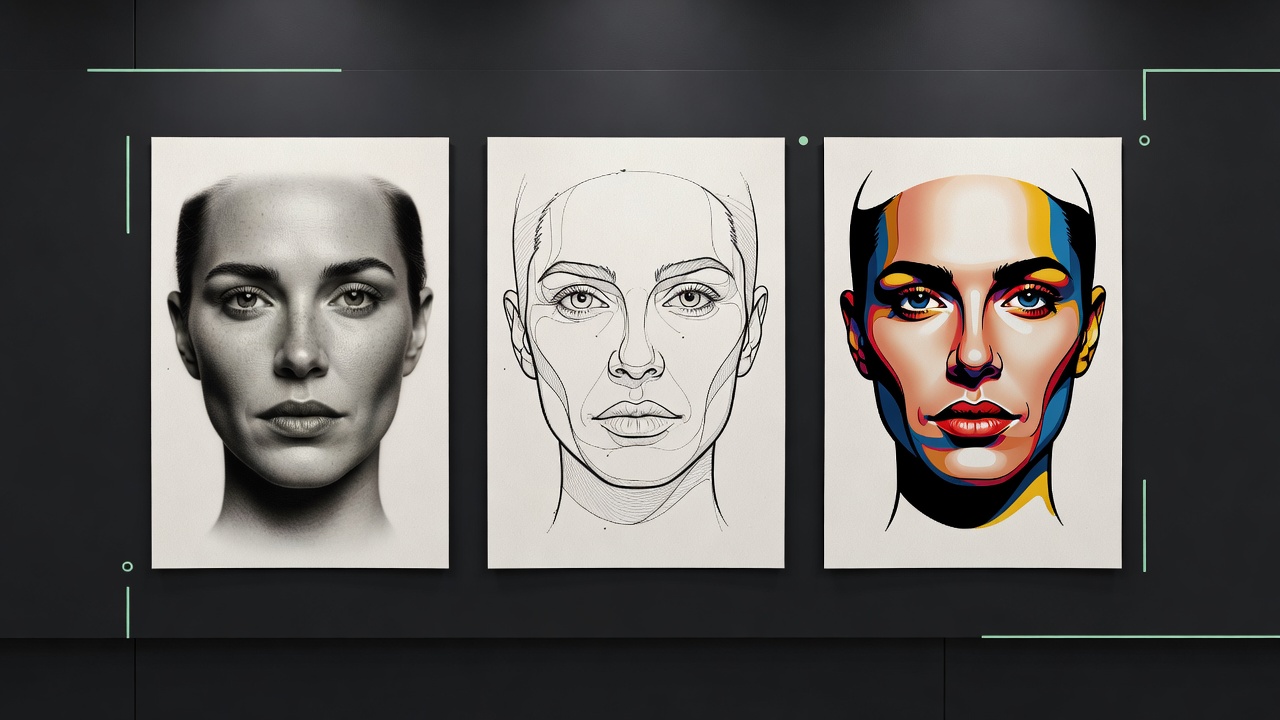
- Black-and-grey realism. The most common choice for portraits, especially memorials, because strong value contrast reads clearly and ages more predictably than color work.
- Full-color realism. Captures more of the original photo's warmth and detail, best suited to placements with enough space to let the added color and shading breathe.
- Illustrative portrait. Blends accurate proportions with a more graphic, hand-drawn feel — a good middle ground for people who want the piece to read as art rather than a printed photo.
- Neo-traditional portrait. Adds bold outlines and a limited, stylized color palette around the face, trading some photographic accuracy for a design that ages with cleaner lines.
If you're deciding between a fully photographic approach and something more stylized, our AI tattoo generator for realism tattoos guide goes deeper into how realistic shading is best prompted and where it tends to hold up best on skin.
Portrait Tattoos as Memorial Pieces
Memorial portraits are one of the most common — and most emotionally weighted — reasons people choose a portrait tattoo, whether of a parent, a partner, a friend, or a beloved pet. Because a memorial piece often has to work from a single treasured photo rather than a fresh photoshoot, an AI tattoo generator can be genuinely useful here: it lets you test how that specific photo translates into a tattoo design, and try more than one style, before committing to a piece with this much personal significance. Our memorial tattoo ideas guide covers additional ways to build a tribute piece around a portrait, from framing elements to meaningful dates and symbols.
For pets specifically, a clear photo showing their distinctive markings, ear shape, or expression tends to produce a far more recognizable design than a generic "cute dog" description ever could — the same principle behind our photo-to-tattoo guide applies just as much to pets as to people.
Previewing Scale Before You Commit
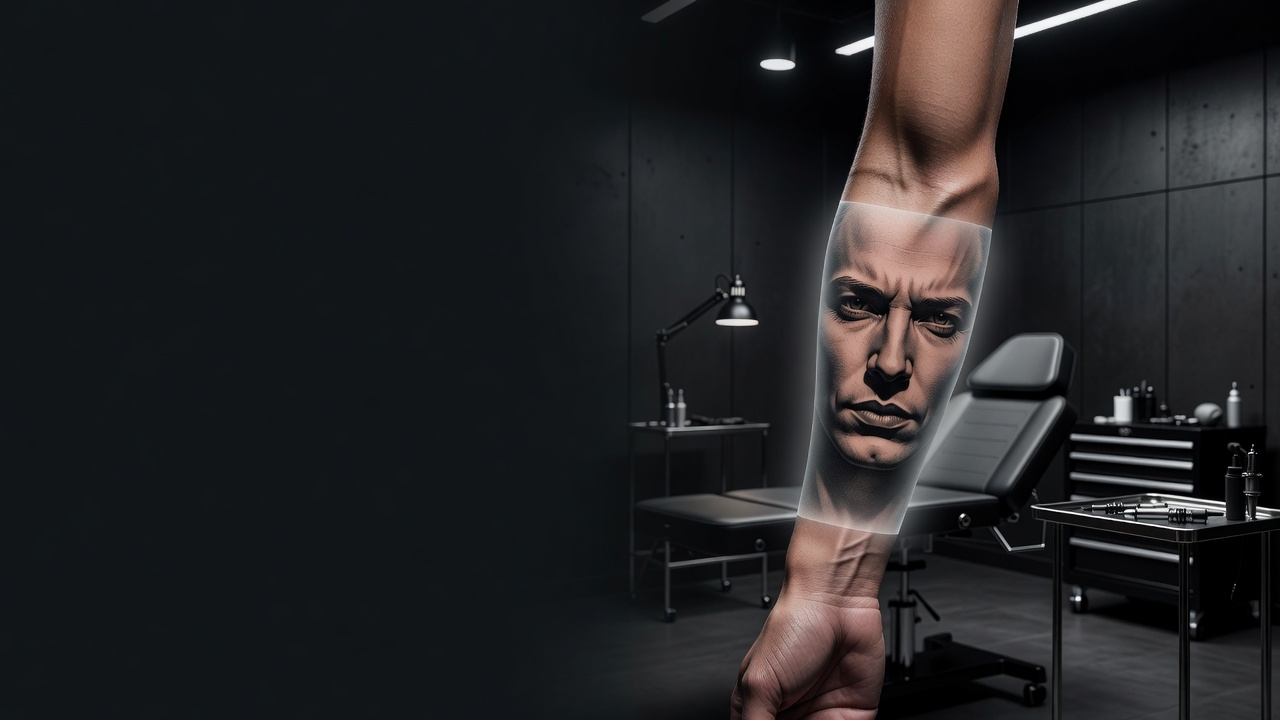
Portrait detail is unforgiving about size — a face that reads clearly at four inches can lose all its defining detail shrunk down to fit a smaller placement. Before finalizing a design, it's worth previewing roughly how large the portrait needs to be for the eyes, nose, and mouth to stay legible once healed, since skin softens fine detail slightly over time even under the best conditions. Using AR try-on to see the design mapped onto your actual forearm, calf, or upper arm — rather than judging it purely as a flat image — helps catch sizing issues early. Our tattoo try-on technology guide explains how this preview process works in more detail.
From AI Design to a Real Portrait Tattoo
Once you have a portrait design you're happy with, bring it to an artist who specializes in portrait or realism work specifically — this is one of the least forgiving tattoo styles to execute, and portrait specialists develop a trained eye for exactly the kind of proportion and shading issues that can make or break a likeness. Ask to see healed photos of previous portrait work in their portfolio, not just fresh photos taken right after the session, since portrait detail is where the gap between fresh and healed tattoos shows up most.
A good artist will also talk you through touch-up expectations upfront. Even a well-executed portrait tends to benefit from a touch-up every few years as skin ages and fine linework softens, and knowing that going in helps set realistic expectations for how the piece will look a decade from now rather than just on day one.
Aftercare for a Portrait Tattoo
Portrait tattoos follow the same fundamentals as any other piece — keep it clean, moisturized, and protected from the sun — but the fine detail in eyes and shading makes proper healing especially important. Picking or over-moisturizing during the peeling phase can pull out small amounts of ink exactly where it matters most for a recognizable likeness. Our tattoo aftercare guide covers the full healing timeline, and the American Academy of Dermatology's aftercare guidance is a solid reference for keeping any fresh tattoo protected from sun exposure long after it's healed, which matters even more for detail-heavy portrait work.
The Final Word
An AI tattoo generator for portrait tattoos won't replace a skilled portrait artist, but it will help you test whether a photo actually translates into a design worth tattooing before you ever book a session. Start with a clear, well-lit reference photo, choose a style built to age well rather than one that just mimics the original picture, compare a few variations, and preview the scale before bringing your design to an artist who specializes in this kind of detail work.
Turn a Photo Into a Portrait Tattoo Free in INK
Upload a photo, choose a style built to age well, and preview the design on your skin before you commit. No sign-up needed.
Try INK Free →

Create Your Perfect Tattoo Design
Use AI to generate unique tattoo designs and preview them on your body before committing to ink.
Start Designing for FreeWritten by
INK Team