
Realism AI Tattoo Generator: Design Photorealistic Tattoos
How a realism AI tattoo generator renders photorealistic portraits, wildlife, and detailed art — what the AI handles well, where a skilled artist still matters, and how to prompt it for results that hold up on skin.

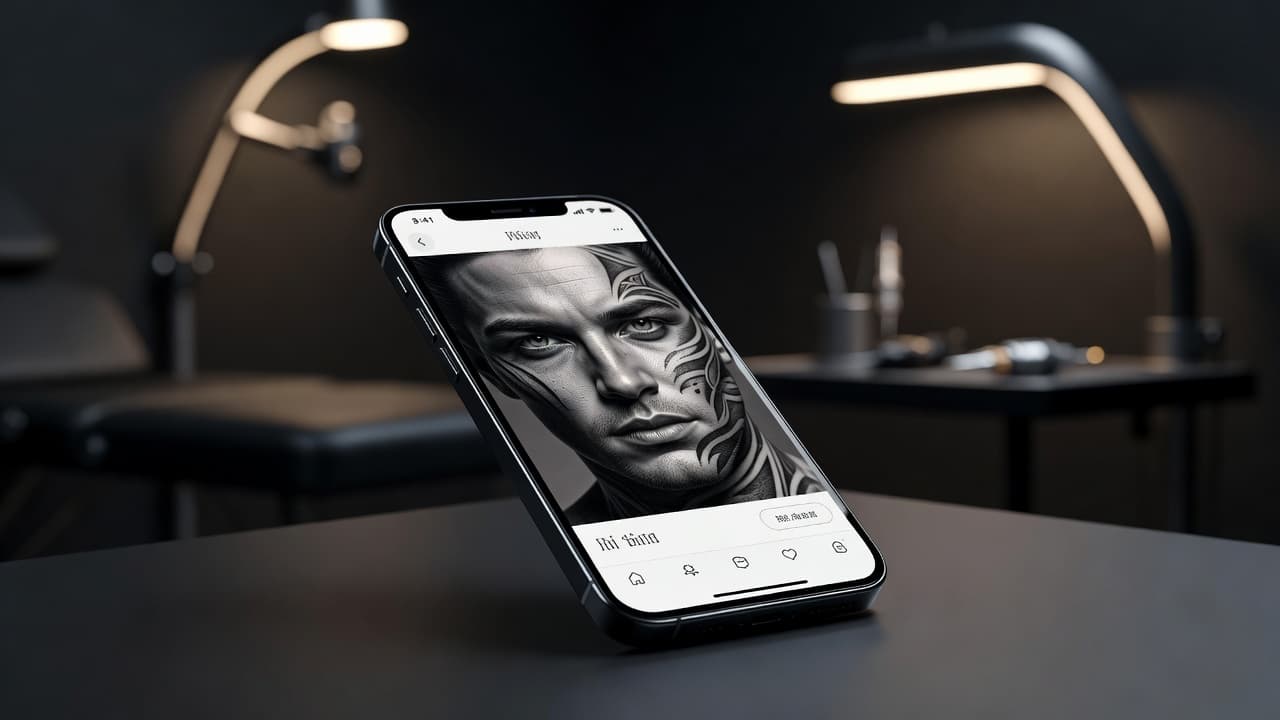
Nothing tests a tattoo the way realism does — there's no bold outline or flat color to hide behind, just smooth gradients, accurate proportions, and light that has to behave the way light actually behaves. A realism AI tattoo generator gives you a fast way to explore that level of detail before committing to ink: describe a black-and-grey portrait, a color wildlife piece, or a hyper-detailed close-up, and see a photorealistic composition rendered in seconds instead of sketching gradients by hand.
In short: a realism AI tattoo generator is an AI tattoo tool set to the photorealistic aesthetic — lifelike shading, accurate proportions, and smooth tonal transitions instead of bold outlines or flat fills. You describe or upload a reference, choose black-and-grey or color realism, and the AI produces artwork you can refine and preview on your own body before booking an appointment. This guide covers how these generators actually render realism, where AI is strong and where a skilled artist still matters most, and how to prompt one for results that hold up once they're tattooed.
What Is Realism Tattoo Style?
Realism, sometimes called photorealism when it draws directly from photography, is a tattoo style built around making an image look as close to real life as possible — accurate proportions, smooth gradients, and light and shadow that behave the way they would on an actual face, animal, or object. It splits broadly into two directions: black-and-grey realism, which uses only black ink diluted to different shades to build depth, and color realism, which adds a full palette to push the effect further, often for wildlife, flowers, or vivid portraits.
Realism sits apart from styles like blackwork or traditional tattooing, which lean on bold outlines and flat fills rather than photographic detail. For a broader look at how realism compares to other approaches and how to plan a piece properly, our realism tattoo style guide covers the style in depth; this piece focuses specifically on generating realism designs with AI.
How Does a Realism AI Tattoo Generator Work?
An AI tattoo generator renders an image from your description or reference photo, and selecting realism tells the model to favor smooth gradients, accurate proportions, and photographic lighting instead of the bold outlines and flat fills you'd get from a blackwork or traditional prompt. The subject can be almost anything — a grandparent's portrait, a pet, a lion, a rose with visible dew — but the style setting decides whether the AI renders it as a graphic illustration or a piece that looks like it was lifted straight from a photograph.
In INK, you can generate the same idea from a typed prompt or an uploaded reference photo, choose black-and-grey or color realism, and compare several variations side by side. Because realism depends so heavily on subtle shading rather than obvious linework, small wording changes — "soft directional lighting," "high contrast black-and-grey," "warm color realism" — noticeably change the result, so it's worth generating a few passes before settling on one.
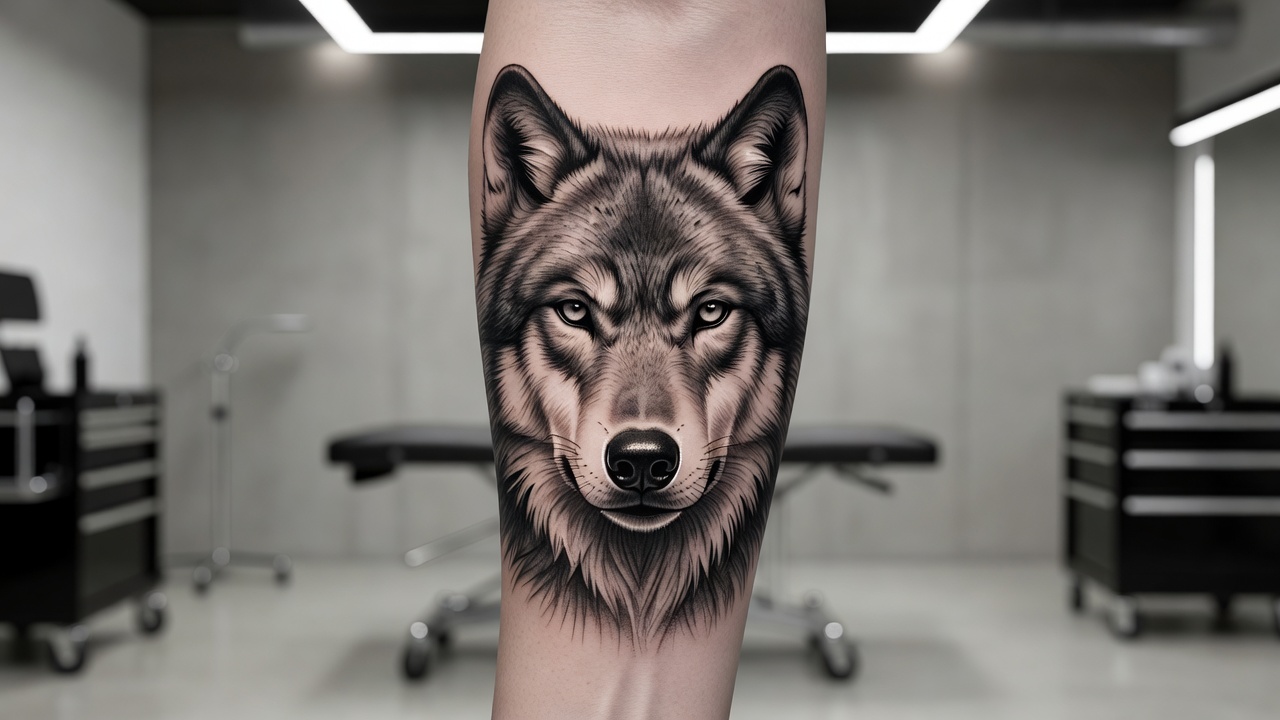
Is AI Actually Good at Realism Tattoo Designs?
Mostly yes, with one limitation worth knowing upfront. AI is genuinely strong at three things realism depends on: composing accurate proportions and believable anatomy, rendering smooth, convincing gradients and lighting, and generating many variations quickly so you can compare detail and contrast before committing to one. That makes it a fast way to explore a wildlife scene, a floral close-up, or an object study long before anyone picks up a machine.
Where it's weaker is portrait likeness. Rendering a specific person's exact face — a parent, a child, a partner — is the hardest thing to get pixel-perfect from a text or photo prompt, and AI-generated portraits can drift subtly from the source photo even when the overall style and lighting look convincing. The practical fix is simple: treat an AI-generated portrait as a strong, well-composed reference for your artist rather than a final stencil, and bring the original photo along too, so your artist can cross-check the likeness by hand.
It also helps to compare realism with a style AI handles more forgivingly, like blackwork. Blackwork leans on bold, solid shapes, so small imperfections in a generated design tend to disappear once it's actually tattooed — thick ink coverage hides minor inconsistencies. Realism doesn't get that same cushion; every gradient and highlight is visible on its own, which is exactly why prompt discipline and a skilled artist's eye matter more here than almost anywhere else.
How to Prompt an AI Tattoo Generator for Realism Results
A few habits make the difference between a realism prompt that comes back crisp and one that comes back flat or muddy:
- Choose black-and-grey or color first. Deciding the palette upfront shapes how the AI approaches contrast and shading from the very first generation.
- Name the style directly. Say "photorealistic," "realism," or "black-and-grey realism" so the AI favors smooth gradients over bold outlines or flat color.
- Pick one clear subject. A single portrait, animal, or object reads far better than a crowded scene, since realism needs room for detail to breathe.
- Describe the lighting. Mention the light direction and contrast level — "soft side lighting," "high-contrast dramatic shadow" — since believable light is what sells the realism.
- Edit instead of restarting. If a design is close but a detail feels off, use an AI tattoo editor to refine that section rather than regenerating the whole piece.
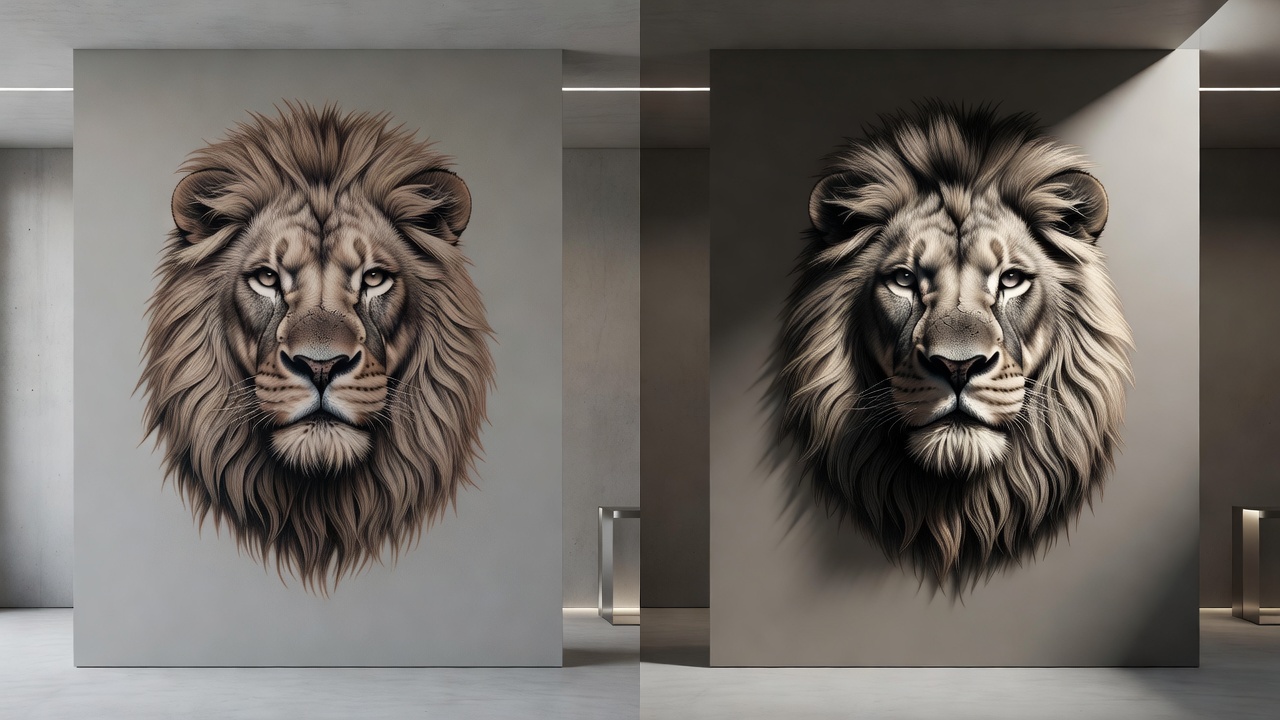
Realism Tattoo Ideas Worth Trying
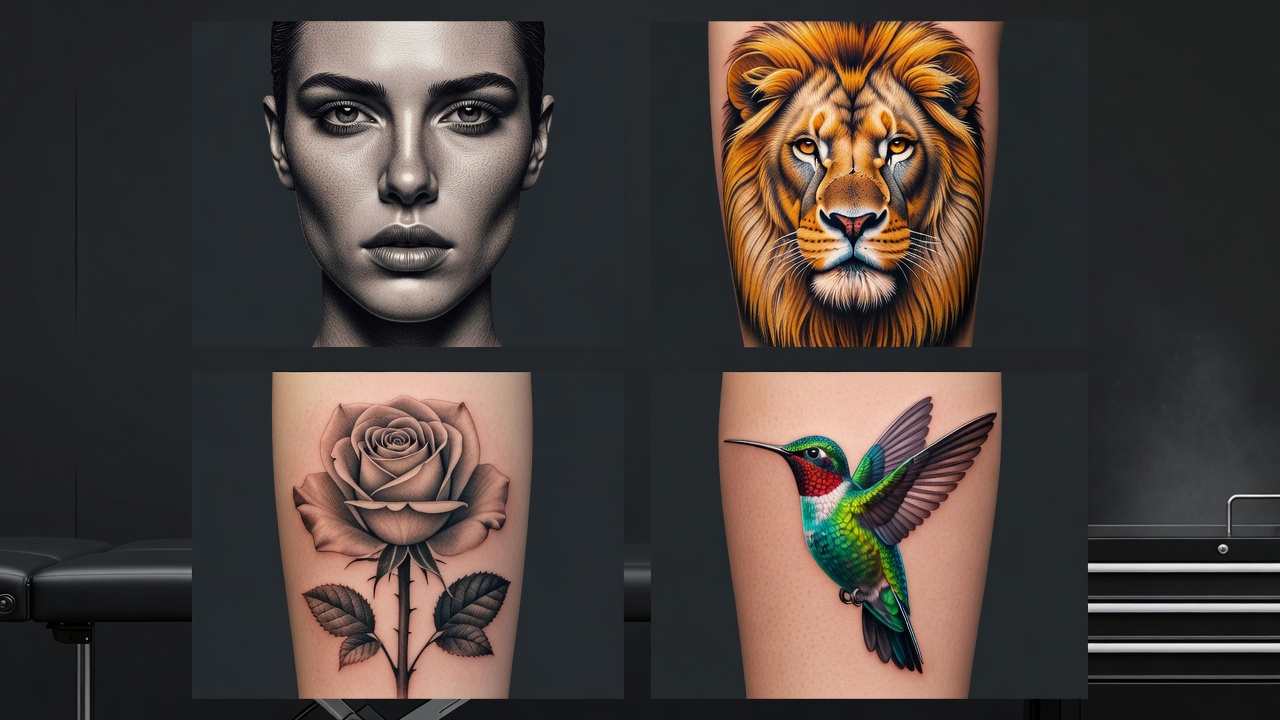
Realism covers a wide range of subjects, and some translate to skin more reliably than others. Directions worth exploring include:
- Portraits. Family members, cultural icons, or self-portraits rendered in black-and-grey or color — the most requested realism subject, and the one that benefits most from working with a specialist.
- Pet portraits. A dog, cat, or other companion rendered with realistic fur texture and expression, often kept to the head and shoulders for clarity.
- Wildlife. Lions, wolves, owls, and other animals rendered with dramatic lighting and fine detail in their fur or feathers.
- Botanical close-ups. Roses, orchids, or other flowers rendered with photographic depth, dew, and shadow rather than flat, stylized petals.
- Memorial pieces. Realistic portraits or objects tied to a specific person or moment — our memorial tattoo ideas guide covers this direction in more depth.
Where Do Realism Tattoos Look Best?
Realism needs enough surface area for its gradients and fine detail to actually read, which makes placement and size a bigger part of the decision than it is for simpler, more graphic styles.
- Forearm and upper arm — flat, visible space that suits portraits, animals, and detailed scenes at a readable size.
- Thigh and calf — larger, mostly flat areas well suited to bigger realism pieces with room for gradients to unfold.
- Back and chest — the most common canvas for large-scale realism portraits and wildlife scenes.
- Shoulder — enough curvature and space for a mid-sized portrait or animal study.
- Hands and fingers — generally a poor fit for realism, since fine gradients fade and blur fastest on high-movement, high-exposure skin.
Our best tattoo placements guide breaks down pain levels and visibility for every area of the body, and if this is your first large piece, our first tattoo guide walks through what to expect before you book. Because realism depends on fine detail holding up over time, healing matters more here than for bolder styles — the American Academy of Dermatology's tattoo aftercare guidance is worth reading before a detailed session, and our own tattoo aftercare guide covers what to expect during healing.
Designing Your Realism Tattoo with AI
Realism lives or dies on subtle gradients and accurate light, which is exactly where designing with AI helps most before you ever sit in a chair. With INK you can describe your idea in plain language ("a black-and-grey wolf portrait with dramatic side lighting"), compare a color version against black-and-grey, or test how a portrait's proportions would sit on a specific placement before committing to anything.
Because you can iterate freely, you can generate several passes of the same subject, compare how each handles shading and detail, and AR-preview the strongest option on your own skin before booking. If you want to see how different AI tools compare more broadly before choosing one, our AI tattoo generator comparison guide is a useful next stop. When you're ready, you bring your artist a precise, considered reference instead of a vague description or a single photograph.
Choosing Your Realism Design
Realism rewards patience more than any other tattoo style — a piece that looks convincing needs its lighting, proportions, and gradients to be right, not just close. Getting that groundwork sorted with AI before you sit down for a session is exactly what makes the extra prototyping step worth it.
What is a realism AI tattoo generator? A tool that renders photorealistic shading, proportions, and lighting in the realism aesthetic, based on your description or reference photo.
Is AI good at realism designs? Mostly — it handles proportion, lighting, and gradients well, though exact portrait likeness still benefits from a specialist's eye.
How do I get the best results? Choose black-and-grey or color, pick one clear subject, describe the lighting, and generate several variations to compare.
Where does it look best? Forearm, thigh, calf, back, chest, or shoulder — anywhere with enough space for gradients and detail to read clearly.
Whatever subject you land on, take the time to compare a few variations and check the lighting before you commit. Choose your palette, detail, and placement deliberately, and you'll end up with a realism piece that reads as intentional rather than just detailed.
Design Your Realism Tattoo Free
Describe your portrait, wildlife scene, or detailed design, and AR-preview it on your body before you commit — all in INK. No sign-up needed.
Try INK Free →

Create Your Perfect Tattoo Design
Use AI to generate unique tattoo designs and preview them on your body before committing to ink.
Start Designing for FreeWritten by

Laura Schmitz
Tattoo Content Lead, INK
Laura Schmitz leads tattoo content at INK. She has spent years researching tattoo styles, symbolism and aftercare, and works directly with the AI tattoo generator to test how each style translates from prompt to skin — so every guide here reflects designs that are actually tattooable, not just images that look good on screen.
More about the author