
AI Tattoo Generator Comparison: What to Look For (And Where INK Wins)
A criteria-by-criteria comparison guide for choosing an AI tattoo generator in 2026 — input methods, style range, on-body preview, pricing and speed — and how INK performs on each.

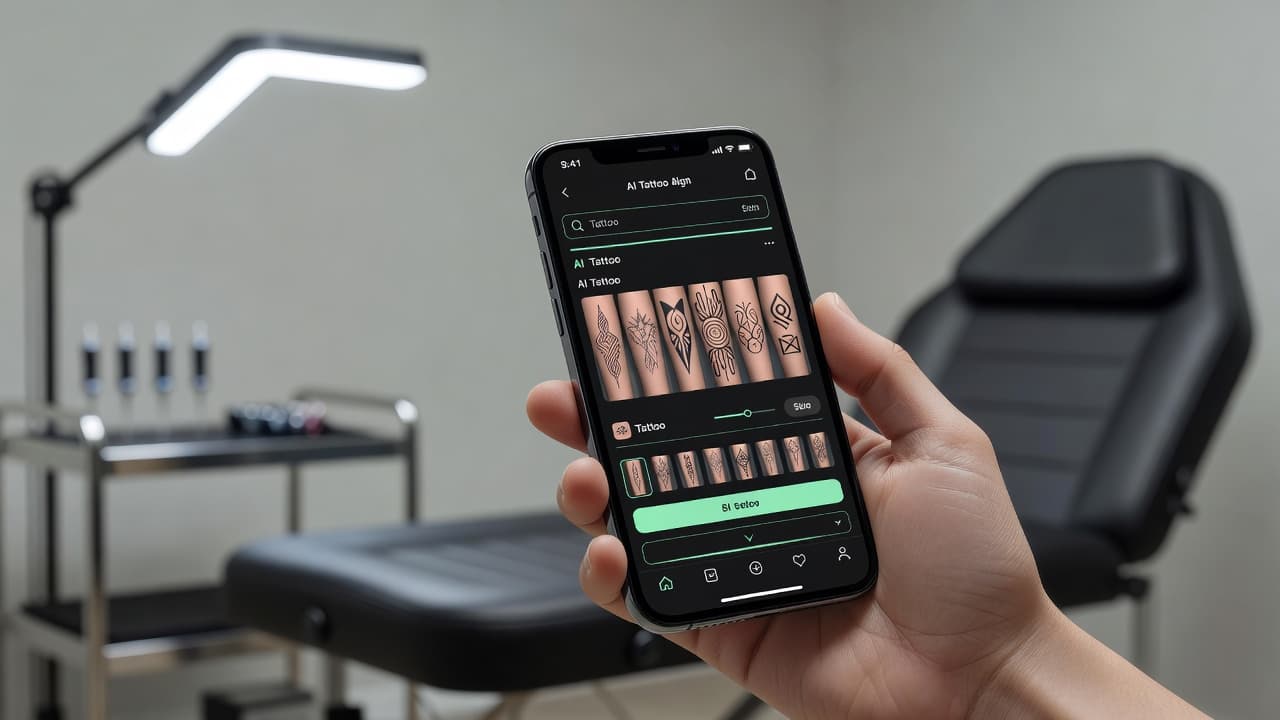
If you have typed "ai tattoo generator" into a search bar recently, you already know the problem: dozens of apps promise the same thing, and most of the marketing copy sounds identical. An honest AI tattoo generator comparison has to go past the marketing and look at what each tool can actually do — how you can start a design, how many styles it covers, whether you can see it on your own skin before you commit, and what it costs to get a usable file.
Short answer: the AI tattoo generators worth using in 2026 need to do six things well — accept text and photo input, cover a real range of styles, let you preview the design on your body, export at usable resolution, offer a free way to try it, and generate fast enough that experimenting doesn't feel like a chore. INK was built around exactly those six criteria, and this guide walks through each one so you know what to check no matter which app you end up choosing.
What to Compare When Choosing an AI Tattoo Generator
Before comparing specific apps, it helps to know which features actually affect your experience versus which ones are just marketing filler. Based on how text-to-image AI models work and how tattoo design actually gets used in the real world, six criteria matter most.
| What to Check | Why It Matters | How INK Delivers |
|---|---|---|
| Input methods | Starting from the wrong input format means retyping or re-uploading until something clicks. | Supports both text-to-tattoo and photo-to-tattoo generation. |
| Style range | A narrow style list forces your idea into a look that doesn't fit it. | 40 styles, including traditional, Japanese, realism, fine line, geometric, blackwork, and watercolor. |
| On-body preview | A flat image on a screen doesn't show how a design sits on a curved arm or back. | Lets you preview a generated design directly on a photo of your own body via try-on. |
| Free tier | You should be able to judge quality before paying anything. | Free plan generates designs across every style, no credit card required. |
| Output quality | A blurry export is useless to a tattoo artist building a stencil. | Paid tier unlocks HD, watermark-free exports ready to bring to an appointment. |
| Generation speed | Waiting minutes per idea kills the momentum of exploring options. | Designs typically render in seconds, so testing several ideas takes minutes. |
How AI Tattoo Generators Actually Work
It helps to understand what's happening under the hood before comparing tools on features alone. Most AI tattoo generators are built on text-to-image AI models — systems trained on huge sets of images and their descriptions, which learn to turn a written prompt (or another image) into a new picture. A general-purpose image model has no idea what a tattoo actually needs to look like once it's on skin; it just renders a picture. A dedicated tattoo generator adds a layer on top of that: style presets tuned specifically for tattoo linework and shading, an understanding of what "traditional" or "fine line" should mean visually, and tattoo-specific features like body preview and stencil-ready export.
That distinction is why "just use a general AI art app" is usually bad advice for tattoo design. The output might look interesting as a picture, but it often won't translate cleanly into something a tattoo artist can actually work from — colors that don't hold up in ink, line weights that are too fine to tattoo cleanly, or compositions that never account for how the design will sit on a body. This is the gap dedicated AI tattoo generators like INK are built to close.
Input Methods: Text, Photo, or Both?
The first thing to check is how you're actually allowed to start a design. Some tools only accept a typed description, which is fine if you already have precise words for your idea but frustrating if what you really have is a photo — a reference image, a piece of art you love, or a sketch someone drew for you. Other tools only accept image uploads, which is limiting if you're starting from a concept rather than a picture.
INK supports both. You can type a description as simple as "a fine line wolf howling at the moon" and get several interpretations back in seconds, or you can upload a photo and have the AI reinterpret it as a tattoo-ready design in a chosen style. Being able to switch between the two matters more than it sounds — plenty of good tattoo ideas start life as an existing photo, not a sentence.
Style Range: How Many Looks Can It Actually Do?
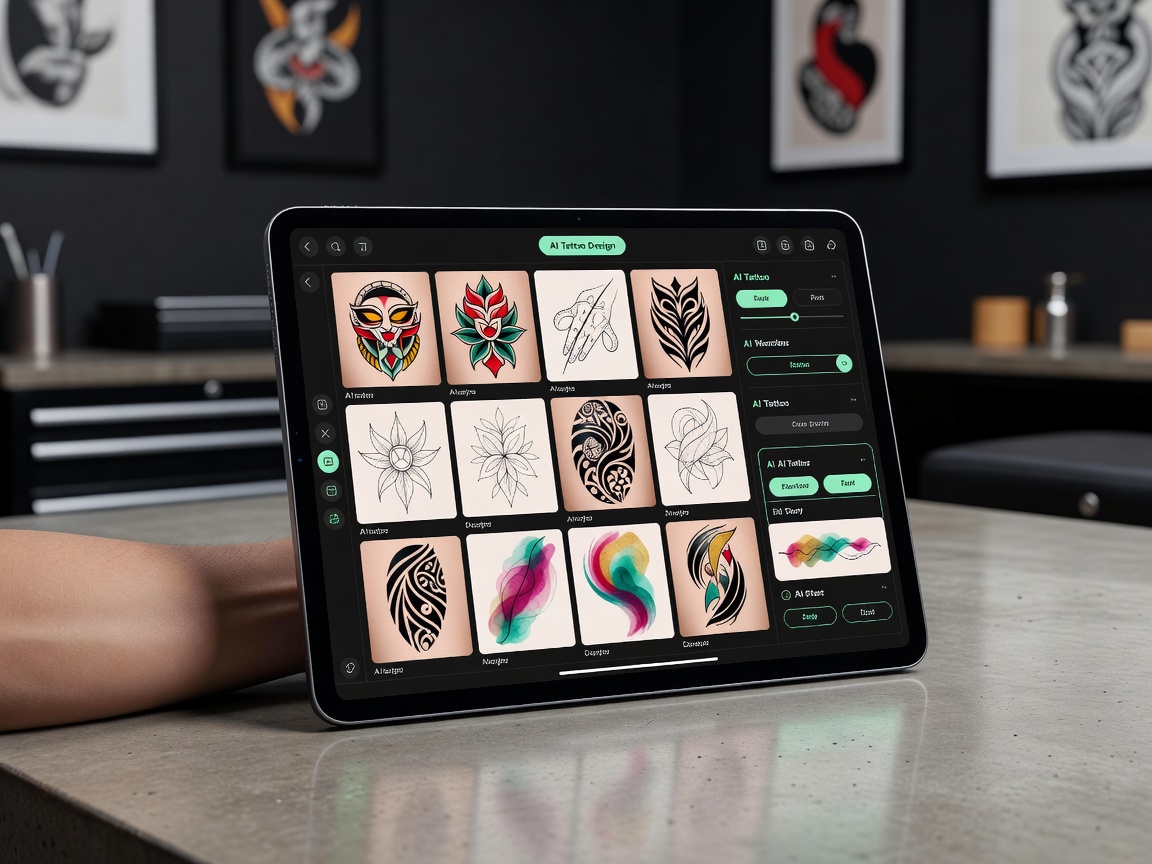
A generator that only renders one visual style, however polished, will eventually disappoint you the moment your idea calls for something else. Style range is one of the easiest ways to separate a serious tattoo tool from a generic AI art app repurposed for tattoos. Look for explicit support — not just a filter that changes color grading — for genuinely different tattoo styles: bold traditional linework, delicate fine line, dense blackwork, soft watercolor, precise geometric patterns, and more.
INK supports 40 named styles, covering everything from traditional and Japanese to realism, dotwork, neo-traditional, and Chicano lettering. That range means the same underlying idea — say, a rose, or a portrait — can be tested across multiple looks before you settle on the one that actually fits how you want it to age and read on your skin.
On-Body Preview: Seeing It Before You Commit
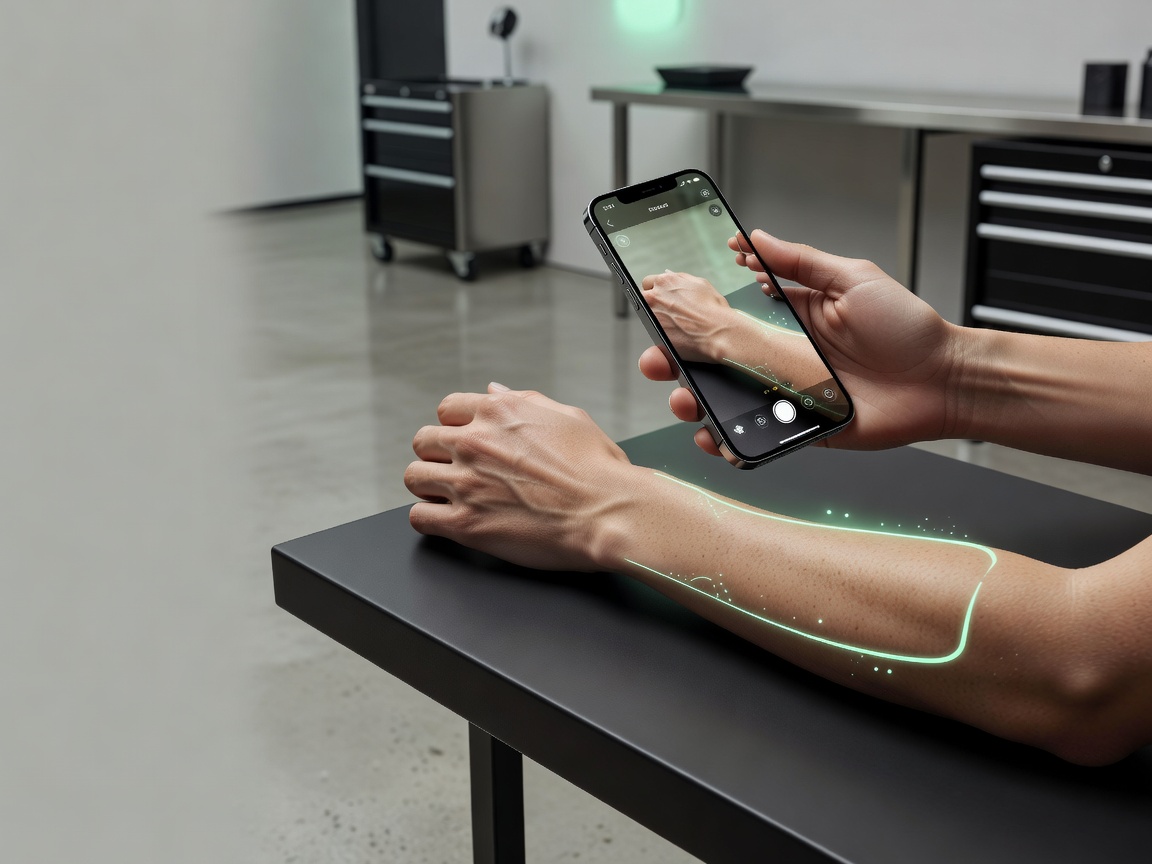
This is the feature that separates a nice-looking image from a decision-making tool. A design that looks perfect centered on a white background can read completely differently once it's wrapped around a curved shoulder, stretched across a forearm, or shrunk down for a wrist. Being able to preview the generated design directly on a photo of your own body — at roughly the size and placement you're considering — catches proportion and spacing problems long before you're in a tattoo chair.
INK's try-on feature does exactly this: place a generated design on a photo of yourself and see how it actually looks on the specific spot you're planning to get it. It's a small feature on paper that prevents one of the most common regrets people have with tattoos — a design that looked great as a flat image but never quite worked once it was actually placed.
Free Tier and Pricing: What Do You Get Before You Pay?
Because a tattoo is permanent and a subscription isn't, it should be easy to judge an AI tattoo generator's quality before spending anything. A tool that hides its actual output quality behind a paywall is asking for trust it hasn't earned yet. INK's free plan lets you generate designs across the full style library with no credit card required, so you can judge the actual output before deciding whether to upgrade.
Upgrading unlocks the features that matter once you've settled on a direction: unlimited generations instead of a daily cap, HD exports without a watermark, and the on-body try-on feature. For most people, that means trying the free plan is enough to know whether a paid plan is worth it — you're not guessing based on marketing screenshots.
Output Quality, Export Format, and Speed
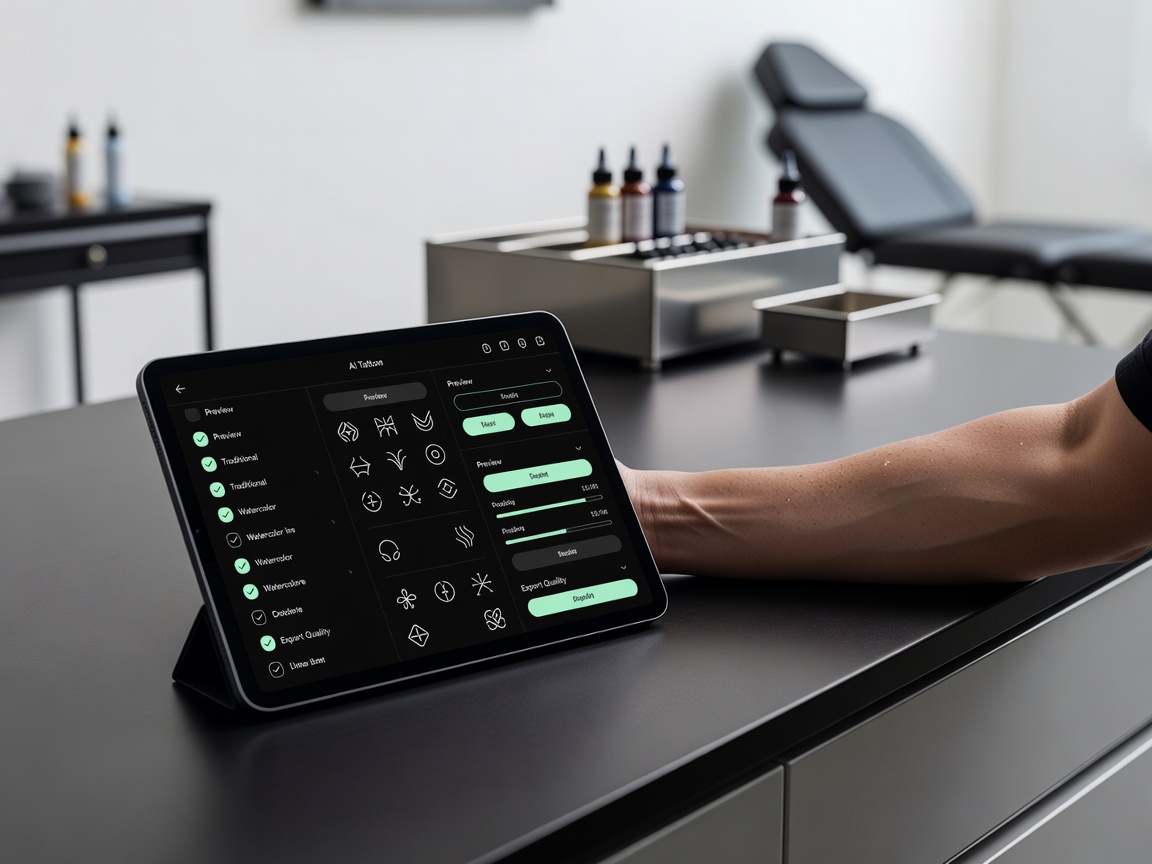
Two more practical factors round out the comparison. First, export quality: a design you plan to hand to a tattoo artist needs to be sharp and high-resolution, not a compressed preview image. Second, speed: if generating one design takes several minutes, testing ten variations of an idea — which is normal, since first attempts rarely nail it — becomes a genuinely tedious process instead of a quick back-and-forth.
INK generates most designs in seconds and offers HD, watermark-free export on the paid tier, specifically so the file you walk into an appointment with is actually usable as a reference, not just a nice image to look at on your phone.
Where AI Tattoo Generators Still Fall Short
An honest comparison also has to be honest about limitations. No AI tattoo generator, INK included, replaces the person actually holding the needle. AI is excellent at composing a design, testing style variations quickly, and giving you and your artist a precise shared reference — but translating that design onto a specific stencil, adjusting line weight for how it will age on your particular skin, and applying it safely is still work for a trained professional. Our AI vs. human tattoo artists guide covers this division of labor in more detail.
Symmetry and scale can also be deceptive on a flat screen — a design that looks balanced full-size can shift once wrapped around a curved body part, which is exactly why the on-body preview step matters as much as the initial generation. And no matter how detailed an AI-generated reference is, a licensed artist will still need to make judgment calls in the room — adjusting for your specific skin tone, texture, and how a piece near a joint or high-movement area needs to be reinforced so it holds up over the years.
How to Actually Run Your Own Comparison
The fastest way to compare AI tattoo generators isn't reading reviews — it's generating the same idea in two or three tools and looking at the results side by side. Pick a design you actually want (not a generic test prompt), generate it in your chosen style, check whether the app lets you preview it on your body, and see what the free tier actually gives you before you pay for anything. Our guide to free AI tattoo generators and how-to guide walk through that process in more depth if you want a step-by-step approach.
Run that test with INK, and you'll see the same idea rendered across multiple styles in seconds, previewed on your own body before you commit to anything, and exportable at a resolution your artist can actually use — free to start, with no card required.
Try the Comparison Yourself — Free
Generate your tattoo idea in INK, preview it on your body, and see the difference for yourself. No sign-up needed.
Try INK Free →

Create Your Perfect Tattoo Design
Use AI to generate unique tattoo designs and preview them on your body before committing to ink.
Start Designing for FreeWritten by

Laura Schmitz
Tattoo Content Lead, INK
Laura Schmitz leads tattoo content at INK. She has spent years researching tattoo styles, symbolism and aftercare, and works directly with the AI tattoo generator to test how each style translates from prompt to skin — so every guide here reflects designs that are actually tattooable, not just images that look good on screen.
More about the author