
AI Tattoo Generator for Illustrative Tattoos: Design Detailed Ink Art Before You Book
How an AI tattoo generator helps you design illustrative tattoos: choosing storybook, engraving or linework looks, writing prompts that keep fine detail, and previewing the piece on your skin before you book.
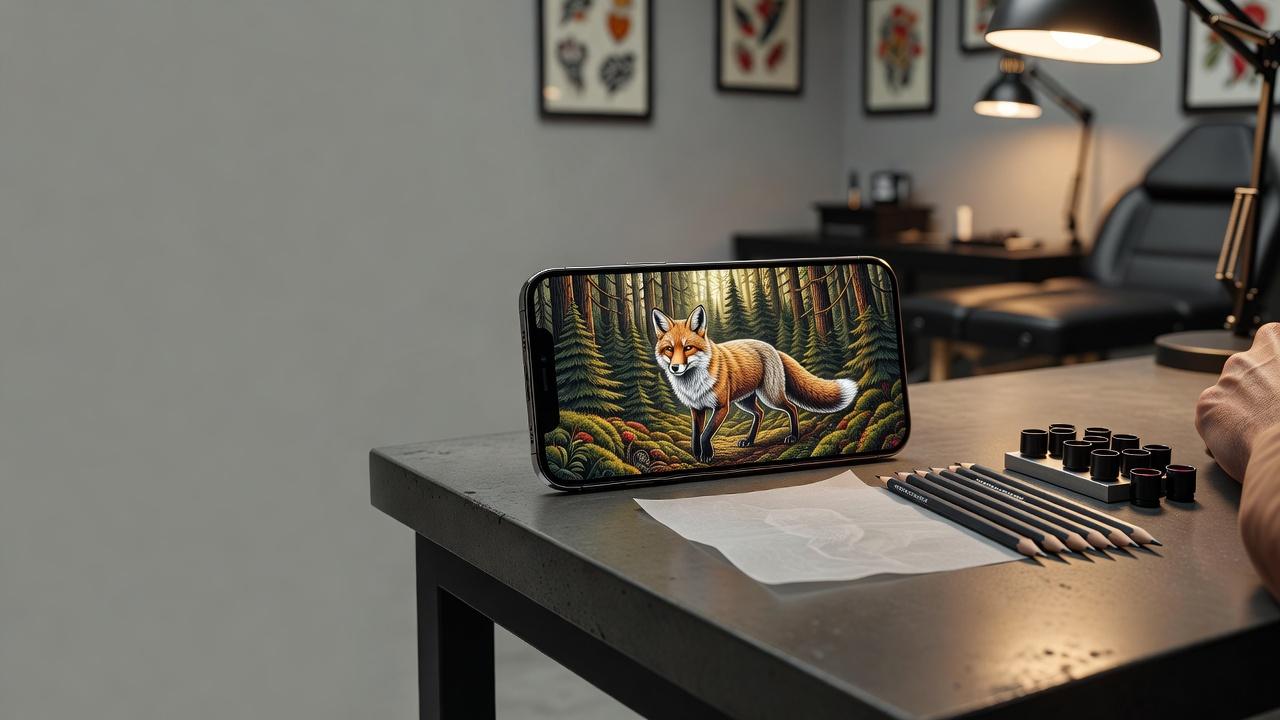
Illustrative tattoos look like pages torn from a storybook, an old botanical plate or an engraving: confident linework, crosshatched shading and a clear subject. An AI tattoo generator for illustrative tattoos lets you test that look before you commit: you describe the subject, compare several drawing styles and preview the piece at the right size on your own skin.
In short: designing an illustrative tattoo with AI means picking one strong subject, naming the drawing technique (engraving, linocut, storybook ink), asking for clean separated lines instead of soft gradients, and checking the scale in AR. This guide covers which subjects and techniques work, how to write prompts that keep fine detail, and how to take the finished design to an artist.
What Is an AI Tattoo Generator for Illustrative Tattoos? (Quick Answer)
An AI tattoo generator for illustrative tattoos is a tool that creates drawing-style designs, such as engravings, storybook scenes and detailed linework, from a text description or a reference photo. You choose the subject and the technique, the AI composes it with defined lines and shading, and you can preview the result on your own body before choosing an artist. In INK, you can generate, compare and refine illustrative designs for free.
Why Illustrative Tattoos Are So Popular
Illustration is the art of depicting a subject through drawing, a tradition described on Wikipedia's illustration page that runs from medieval manuscripts to modern book art. An illustrative tattoo borrows that language: visible hand-drawn lines, hatching and a composed image rather than a photographic one.
The style is flexible. It can be delicate and botanical or dark and engraved, it works in black and gray or with a restrained color palette, and it scales from a palm-sized piece to a full sleeve. Because the drawing carries the meaning, illustrative work rewards personal subjects such as a favorite animal, a book, a place or a symbol.
How Does an AI Tattoo Generator Handle Illustrative Tattoos?
An AI generator renders artwork from your description or a photo. Illustrative designs are a strong fit because the style is defined by technique words the model understands well: "engraving," "crosshatching," "linocut" or "storybook ink drawing" give the AI a clear visual language to follow.
The honest limit is size. Tiny hatching that looks sharp on a phone screen can blur on skin, so use the generator to explore compositions and subjects, check the scale with AR, and ask your artist to simplify or enlarge the linework for your body. Our guide to using an AI tattoo generator covers the full workflow.
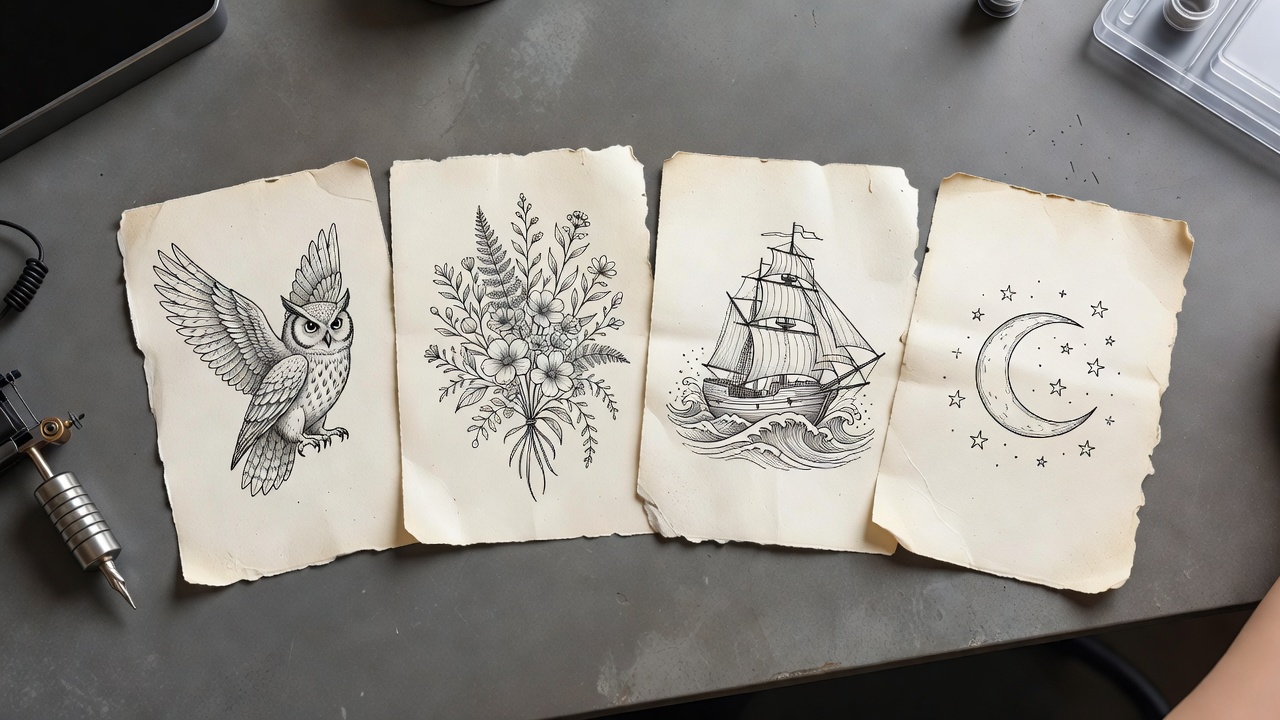
How to Prompt an AI Tattoo Generator for an Illustrative Tattoo
A few habits separate a design an artist can use from a pretty picture that will not tattoo well:
- Name one subject. "A fox sitting among ferns" or "a lantern with three moths" beats "a nature scene."
- Name the technique. Words such as "engraving," "woodcut," "linocut" or "storybook ink drawing" set the line character.
- Ask for clean lines. "Bold outline, crosshatched shading, no soft gradients" keeps the design tattoo-ready.
- Control the palette. Black and gray is the classic route; add "one accent color" if you want a restrained touch of red or green.
- Add size and placement. "Palm-sized on the outer forearm" or "full thigh piece" changes how much detail is realistic.
- Generate several variations. Compare three or four and keep the one with the clearest silhouette.
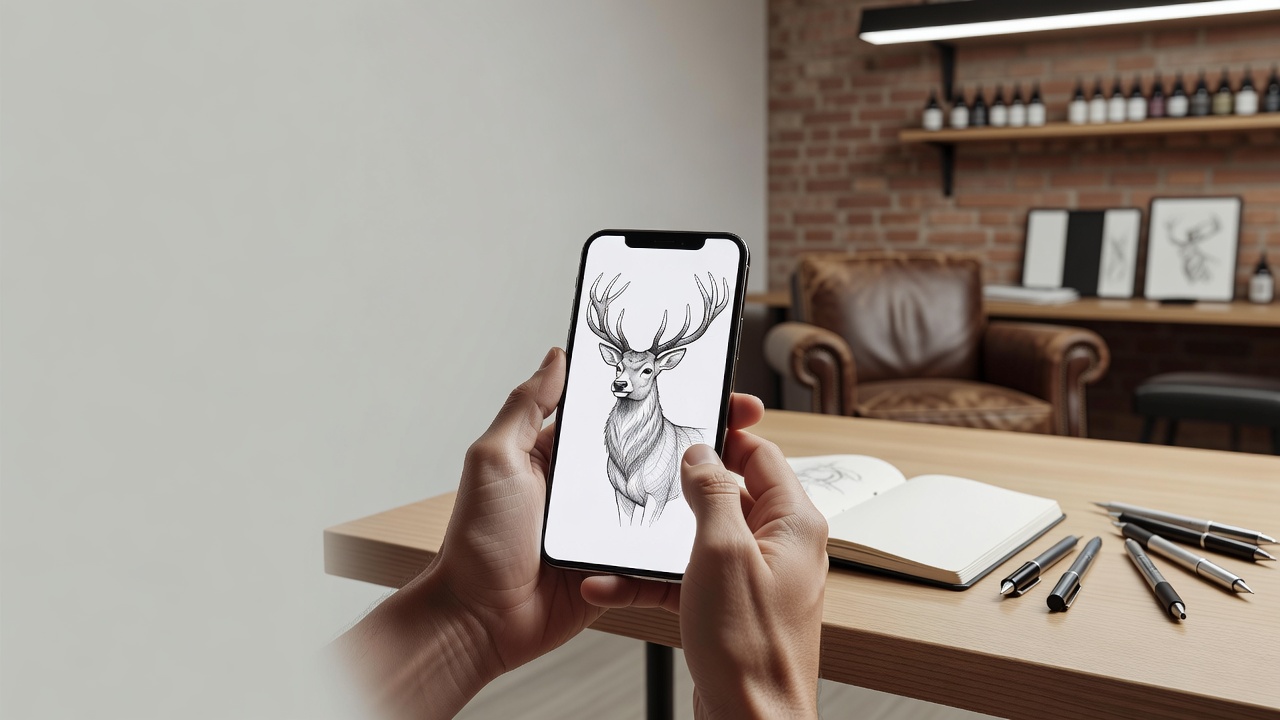
Illustrative Tattoo Ideas That Work
These subjects suit the drawn look, with common modern readings rather than fixed rules:
- Botanicals and mushrooms. Detailed plant studies in the manner of old field guides, often tied to growth and curiosity.
- Animals. Foxes, owls, stags and moths drawn with textured fur and feathers; see the fox tattoo meaning guide for symbolism.
- Keys, lanterns and objects. Still-life subjects that read as memory, guidance or secrets.
- Ships and seascapes. Engraved vessels and waves that suit the nautical tradition.
- Celestial scenes. Moons, suns and star maps drawn in fine hatching.
- Mythic creatures. Serpents, dragons and chimeras with an old-book feel.
Best Illustrative Styles: Engraving, Storybook and Linework
- Engraving and etching. Dense hatching for strong contrast; it pairs well with blackwork fills.
- Storybook ink. Looser, narrative scenes with a hand-drawn charm.
- Fine linework. Delicate and elegant, but best kept uncluttered; the fine-line tattoo guide explains what holds up over time.
- Neo-traditional crossover. Illustrative drawing with bolder outlines and color, covered in the neo-traditional style guide.
If you are weighing illustrative against photographic looks, our realism tattoo style guide shows the contrast, and the traditional tattoo style guide explains the bold, simplified alternative.
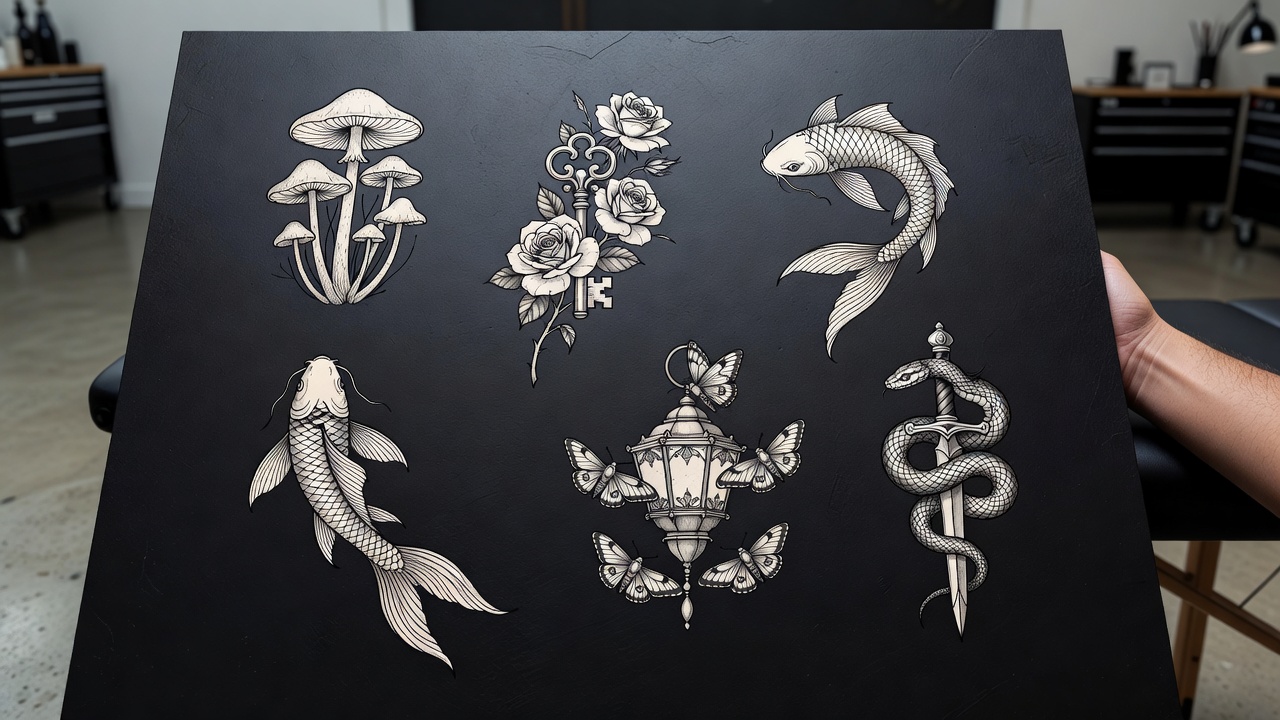
Illustrative Tattoo Placement, Size and Healing
Detail needs room. Flat, stable areas such as the outer forearm, thigh, upper arm and back suit complex illustrations best, while small joints and fingers force simplification. For help comparing spots, read the guide to the best tattoo placements.
Dense hatching means longer sessions and more skin trauma, so healing matters. Keep the area clean, avoid soaking and protect it from the sun afterwards; the tattoo aftercare guide walks through the first weeks. Crisp thin lines also fade faster without sunscreen, so plan for occasional touch-ups.
Common Illustrative Tattoo Mistakes a Generator Helps You Avoid
- Too much detail for the size. Tight hatching can blur over the years; simplify small pieces.
- Soft gradients. Smooth AI shading does not translate to needlework; ask for line-based shading.
- No clear silhouette. A busy scene can read as a smudge from a distance; keep the outline strong.
- Ignoring the body shape. A rectangular illustration can look stiff on a curved limb; preview the placement first.
- Skipping the artist's input. Not every artist works in every drawing style, so choose someone whose portfolio matches.
Previewing an Illustrative Design on Your Skin
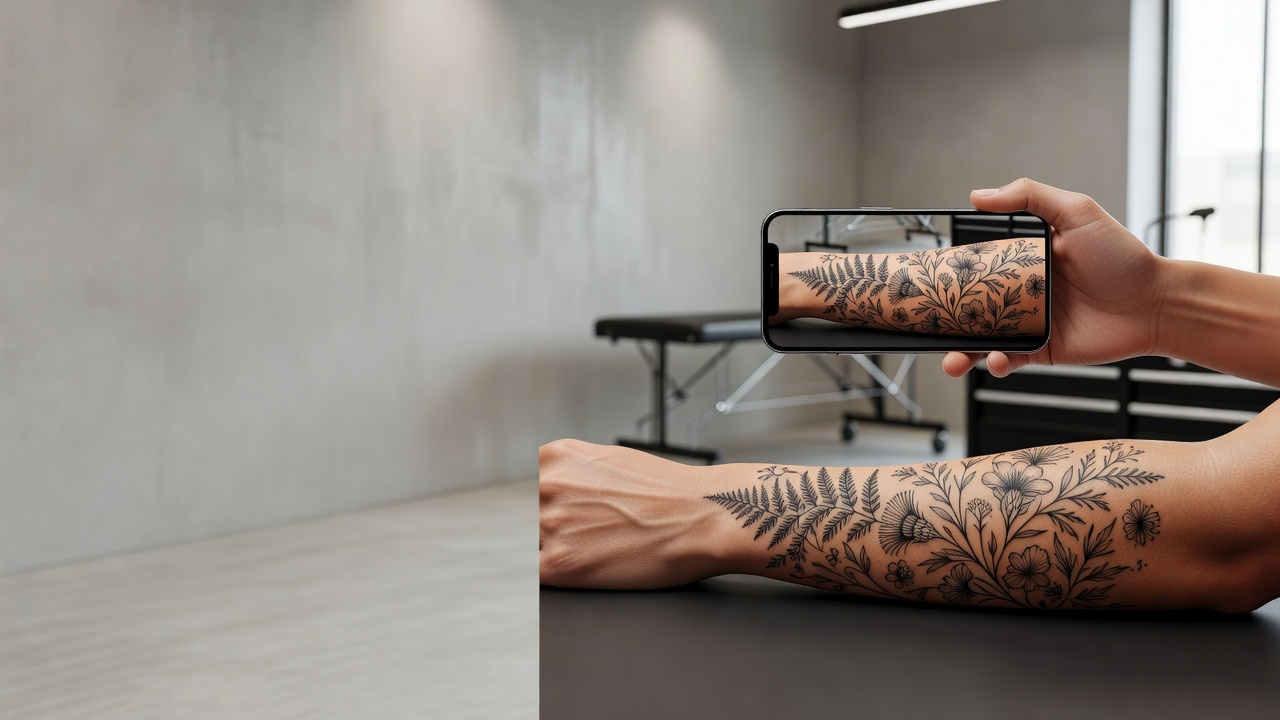
Because fine detail is hard to judge on a screen, a preview matters. AR try-on lets you check the size, the placement and how the lines read at arm's length before the design becomes permanent. Our guide to tattoo try-on technology explains how this works and what to look for.
From AI Design to a Real Illustrative Tattoo
Once you have a design you like, bring a high-resolution export to your artist and talk through line weight, shading method and where the piece should sit. A good artist will redraw or simplify it for skin and advise on healing. To plan the budget, see how much tattoos cost, since detailed illustrative work is usually priced by time. Finally, INK lets you export a stencil-ready file when you are ready.
The Final Word
An AI tattoo generator for illustrative tattoos will not replace an artist's hand, but it settles the questions that matter most: which subject you love, which drawing technique suits it, and how much detail your skin can hold. Choose one strong subject, name the technique, preview it at real size, then let a skilled artist redraw the final stencil.
Design Your Illustrative Tattoo Free in INK
Describe your subject, compare drawing styles, and preview the design on your own skin before you ink. No sign-up needed.
Try INK Free →

Create Your Perfect Tattoo Design
Use AI to generate unique tattoo designs and preview them on your body before committing to ink.
Start Designing for FreeWritten by
INK Team