
AI Tattoo Generator for Ornamental Tattoos: Design Filigree, Lace and Pattern Ink
How an AI tattoo generator helps you design ornamental tattoos: understanding the style, writing prompts for filigree, lace and symmetrical patterns, choosing placements and previewing the design on your own body before you book.
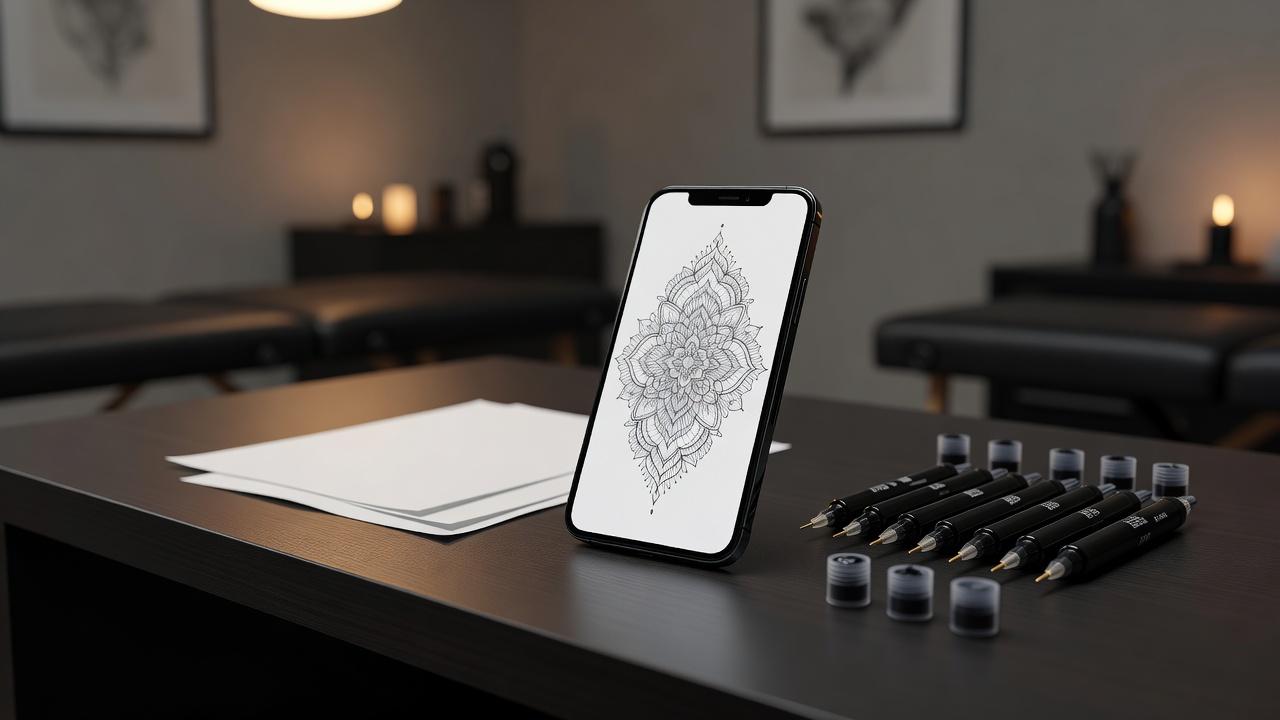
Ornamental tattoos turn decorative patterns such as filigree, lace, scrollwork and mandala-like symmetry into body art that follows the shape of the skin, and an AI tattoo generator for ornamental tattoos lets you explore those intricate layouts before you commit: you describe the pattern, compare several compositions and preview how the design sits on your own body.
In short: designing an ornamental tattoo with AI means choosing a placement first, describing the motifs and the symmetry, picking a line style and checking the scale in AR before you book an artist. This guide covers where the style comes from, which ideas work, how to write prompts that produce usable results and how to turn the final design into a real tattoo.
What Is an AI Tattoo Generator for Ornamental Tattoos? (Quick Answer)
An AI tattoo generator for ornamental tattoos is a tool that creates decorative, pattern-based designs, such as filigree, lace, scrollwork and symmetrical ornaments, from a text description or a reference photo. You describe the motifs and the area of the body, the AI composes the pattern, and you can preview the result on your own skin before choosing an artist. In INK, generating and comparing ornamental designs is free. Because the style depends on rhythm and balance more than on a single recognisable subject, it is one of the easiest to explore with a generator: a few small changes to the motifs or the symmetry can produce a completely different mood, and you can see them side by side in minutes rather than waiting for an artist's next sketch.
What Is an Ornamental Tattoo? Origins and Meaning
An ornamental tattoo uses decorative motifs rather than a single literal subject: repeating curves, leaves, lace, beads, jewellery-like chains and symmetrical borders that frame or follow the body. The look draws on centuries of decorative art, described on Wikipedia's page on ornament in art, including the flowing patterns known as arabesques.
The meaning is personal. Many people choose ornamental work for beauty, balance, heritage or the feeling of wearing jewellery that never comes off, and because the style rarely depends on a fixed symbol, you can keep it elegant and abstract or add a small personal motif at the centre.
How Does an AI Tattoo Generator Handle Ornamental Designs?
An AI generator renders artwork from your description or a photo. Ornamental designs suit it well because the style is built from patterns you can name precisely: "a symmetrical filigree chest piece with lace edges and a small crescent moon at the centre, black linework, dotwork shading" gives the AI a clear brief.
The honest limit is anatomy. A flat image cannot show how a pattern wraps around a limb or follows a collarbone, so use the generator to explore motifs and layouts. Treat each result as a draft: look at the negative space between the lines, the balance between dense and open areas, and whether the pattern still reads from arm's length, then preview the fit and ask your artist to adapt the stencil to your body. Our guide to using an AI tattoo generator covers the full workflow.
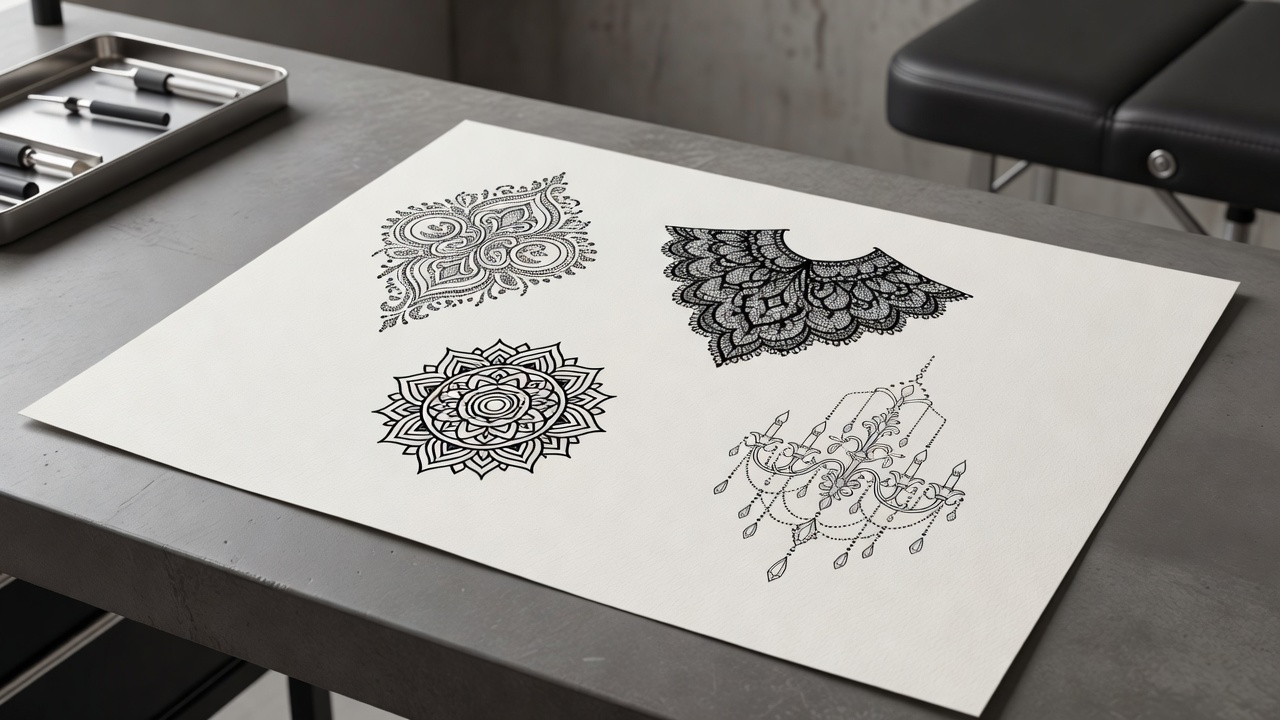
How to Prompt an AI Tattoo Generator for an Ornamental Tattoo
A few habits separate a design an artist can use from a cluttered pattern:
- Start with the placement. A sternum piece, a forearm band and a thigh panel call for different shapes; say which one you want.
- Name the motifs. Filigree, lace, scrolls, leaves, beads or chains each read differently, so choose two or three rather than all of them.
- Set the symmetry. Ask for mirror symmetry, a radial layout or a flowing asymmetrical border depending on the look.
- Choose the line style. Fine line, bold black, dotwork or a mix changes how the piece reads and ages.
- Add one personal centre. A moon, initial, flower or small symbol gives the pattern a focal point.
- Generate several variations. Compare three or four and keep the one with the clearest rhythm and the most breathing room.
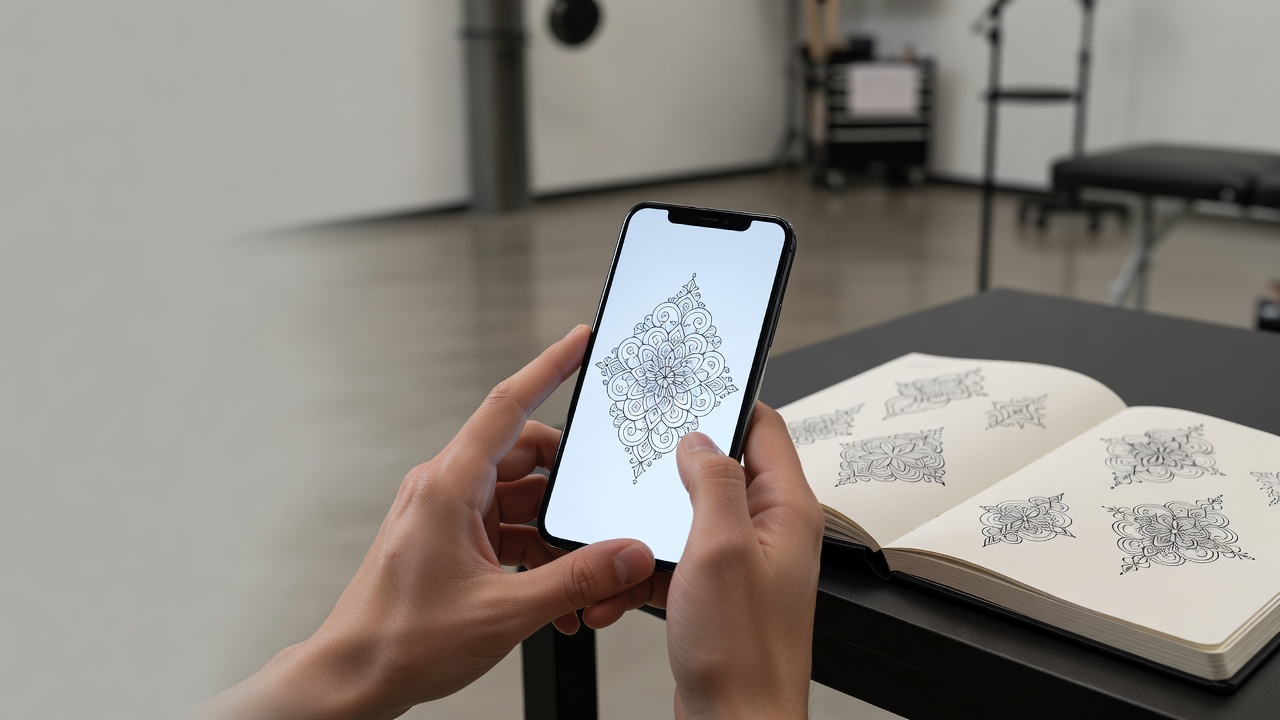
Ornamental Tattoo Ideas That Work
These themes suit the style, with common modern readings rather than fixed rules:
- Filigree sternum or chest piece. A symmetrical pattern that follows the ribs and collarbone like a piece of jewellery.
- Lace and garter designs. Delicate patterns on the thigh or upper arm, often chosen for elegance and femininity.
- Mandala-inspired ornaments. Radial layouts for the back of the hand, knee or shoulder; see the mandala tattoo generator guide.
- Floral scrollwork. Leaves and blooms woven into flowing curves, which pair well with the floral tattoo generator guide.
- Geometric borders and bands. Repeating shapes that wrap an arm or ankle; compare options in the geometric tattoo generator guide.
- Small ornamental accents. A single filigree dot cluster or tiny lace motif, for people who want the look without a large commitment.
Best Ornamental Styles: Dotwork, Fine Line, Blackwork and Lace
- Dotwork. Thousands of dots build soft shading and a lace-like texture; the dotwork tattoo generator guide explains how the technique works.
- Fine line. Delicate outlines give a quiet, jewellery-like mood but demand a skilled artist; the fine-line tattoo guide explains what holds up over time.
- Blackwork. Bold fills and clear shapes for contrast and longevity; see the blackwork tattoo generator guide.
- Celtic-inspired ornament. Interlaced knots and borders, covered in the Celtic tattoo generator guide.
If you are planning a large piece, a generator helps you settle the overall layout first and the finer details later.
Ornamental Tattoo Placement, Healing and Pain
The style shines where the body has natural lines to follow: the sternum, collarbone, forearm, thigh, back of the neck and spine. Wide areas such as the chest and thigh suit large symmetrical panels, while the wrist or ankle suit a slim band. To compare spots overall, read the guide to the best tattoo placements.
Pain and healing depend on the area and the amount of detail. Bony or thin-skinned spots such as the sternum, ribs and spine hurt more, and dense dotwork takes long sessions; our tattoo pain chart compares areas across the body. Plan several sittings, follow your artist's advice on healing and protect fine detail from the sun. Symmetrical pieces also need careful stencil placement, so allow time at the start of the session to check that both sides line up while you are standing, sitting and moving.
Common Ornamental Tattoo Mistakes a Generator Helps You Avoid
- Too much detail at a small size. Very fine lines and tiny dots can blur over the years; simplify when the piece is small.
- Ignoring the body's shape. A pattern designed on a flat page can look stretched on a limb; check it in a preview.
- No central focus. A pattern with no anchor can look like a texture; add one clear focal motif.
- Uneven symmetry. If the left and right sides do not match, the eye notices; ask for an exact mirror or clearly asymmetrical flow.
- Skipping sun protection. Fine lines and soft dots fade faster in the sun, so sunscreen matters.
Previewing an Ornamental Design on Your Own Body
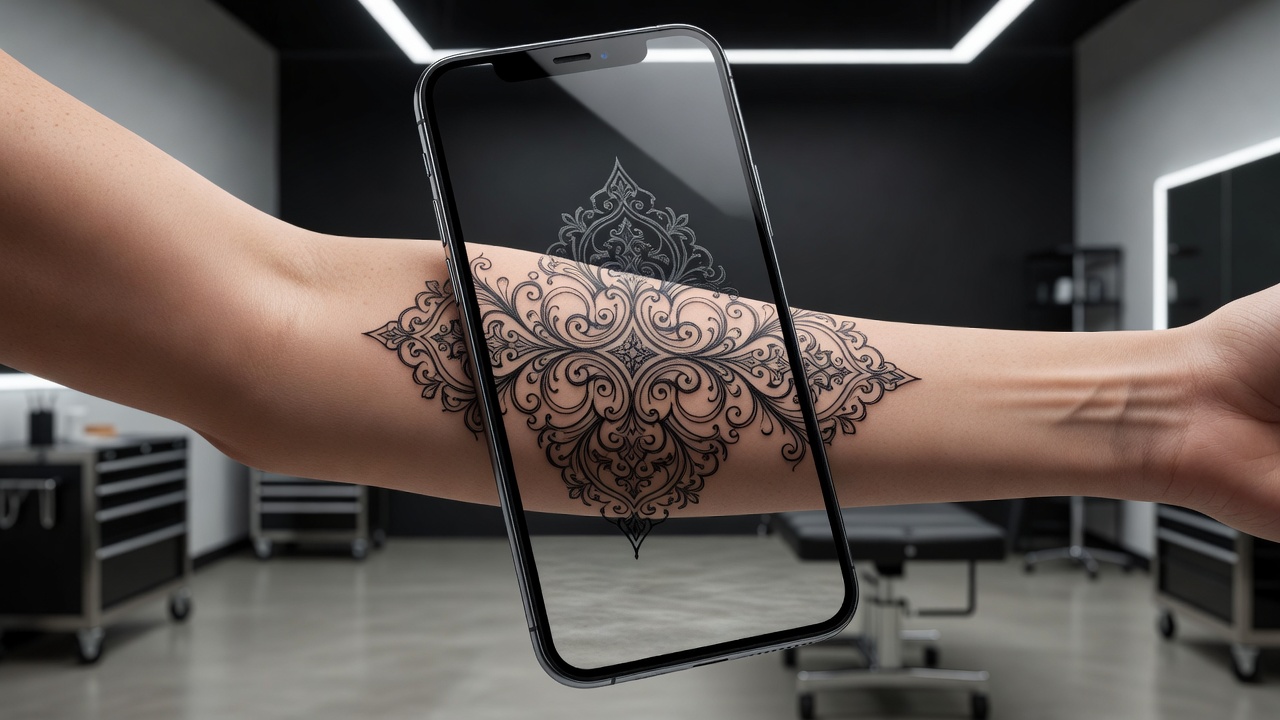
Because a symmetrical pattern depends on how it meets your body's curves, a preview matters. AR try-on lets you check the scale, the placement and how the design follows your limb before it becomes permanent. Our guide to tattoo try-on technology explains how this works and what to look for.
From AI Design to a Real Ornamental Tattoo
Once you have a design you like, bring a high-resolution export to your artist and talk through line weight, scale and how the pattern should sit on your body. A good artist will adapt the stencil to your anatomy and advise on sessions and healing; for aftercare, see our tattoo aftercare guide. To plan the budget for a large piece, see how much tattoos cost. Finally, INK lets you export a stencil-ready file when you are ready.
The Final Word
An AI tattoo generator for ornamental tattoos will not replace an artist's hand, but it settles the questions that matter most: which pattern you love, how the design sits on your body, and how big it should be. Choose a placement, describe the motifs, preview the result on your skin, then let a skilled artist adapt the final stencil. Ornamental work is meant to be worn for decades, so the time you spend comparing layouts, checking proportions and thinking about how the pattern will age is the best investment you can make before the first line is drawn.
Design Your Ornamental Tattoo Free in INK
Describe your pattern, compare layouts, and preview the design on your own body before you ink. No sign-up needed.
Try INK Free →

Create Your Perfect Tattoo Design
Use AI to generate unique tattoo designs and preview them on your body before committing to ink.
Start Designing for FreeWritten by
INK Team