
AI Tattoo Generator for Floral Tattoos: Design Flower Ink That Blooms on Skin
How an AI tattoo generator handles floral tattoos: choosing flowers by meaning and shape, prompting for petals, stems and shading, and previewing the bouquet on your own body before you book.
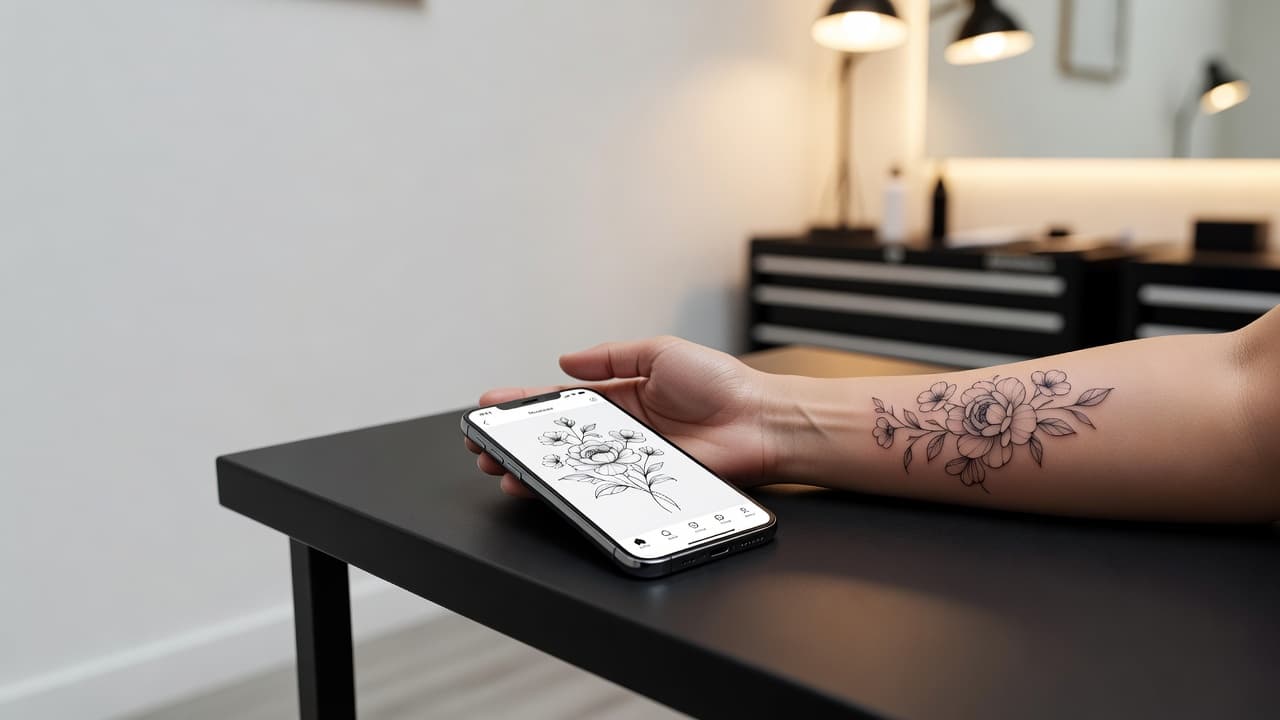
Flowers are one of the most requested tattoo subjects because they work at almost any size, in almost any style, on almost any part of the body. An AI tattoo generator for floral tattoos lets you test a bouquet, a single bloom or a trailing vine before you book: you describe the flowers, pick a style, and see how petals, leaves and stems flow before anyone draws on your skin.
In short: designing a floral tattoo with AI means choosing the flowers first (for meaning and shape), then the style (fine-line, watercolor, traditional or botanical illustration), then prompting for a composition that suits the placement. This guide covers how AI handles floral designs, how to prompt for them, which flowers carry which meanings, how floral tattoos age, and how to preview the result on your body.
What Is an AI Tattoo Generator for Floral Tattoos? (Quick Answer)
An AI tattoo generator for floral tattoos is an AI tool that creates flower and botanical tattoo designs from a text description or a reference photo. You choose the flowers and a style, the AI composes the petals, leaves and stems, and you can preview the result on your own body before choosing a size or placement.
Why Floral Tattoos Are So Popular
Floral designs are flexible. A single stem fits on a wrist, a loose bouquet can run along a ribcage, and a dense arrangement can fill a shoulder or thigh. Flowers also carry meaning: roses for love, lotuses for renewal, sunflowers for loyalty and warmth. The Victorian "language of flowers" (floriography) shows how long people have used blooms to say what words cannot.
If you want meaning before style, start with our guides to the rose tattoo, lotus tattoo, sunflower tattoo and cherry blossom tattoo, then bring your shortlist to the generator.
How Does an AI Tattoo Generator Handle Floral Tattoos?
An AI generator renders artwork from your description or a photo. Flowers suit it well because they are built from repeating organic shapes: petals, leaves and stems that the AI can arrange into balanced compositions. Phrases like "fine-line peony with eucalyptus leaves, vertical layout" or "traditional rose with bold outline and red and green shading" steer the result toward something a tattoo artist could actually work from.
In INK you can describe the idea in plain language, start from a text prompt, or upload a reference and refine it. Generate several versions, compare how each handles the petals and spacing, and keep the one that suits your body. If you only have a rough drawing, see how to turn a sketch into a tattoo design.
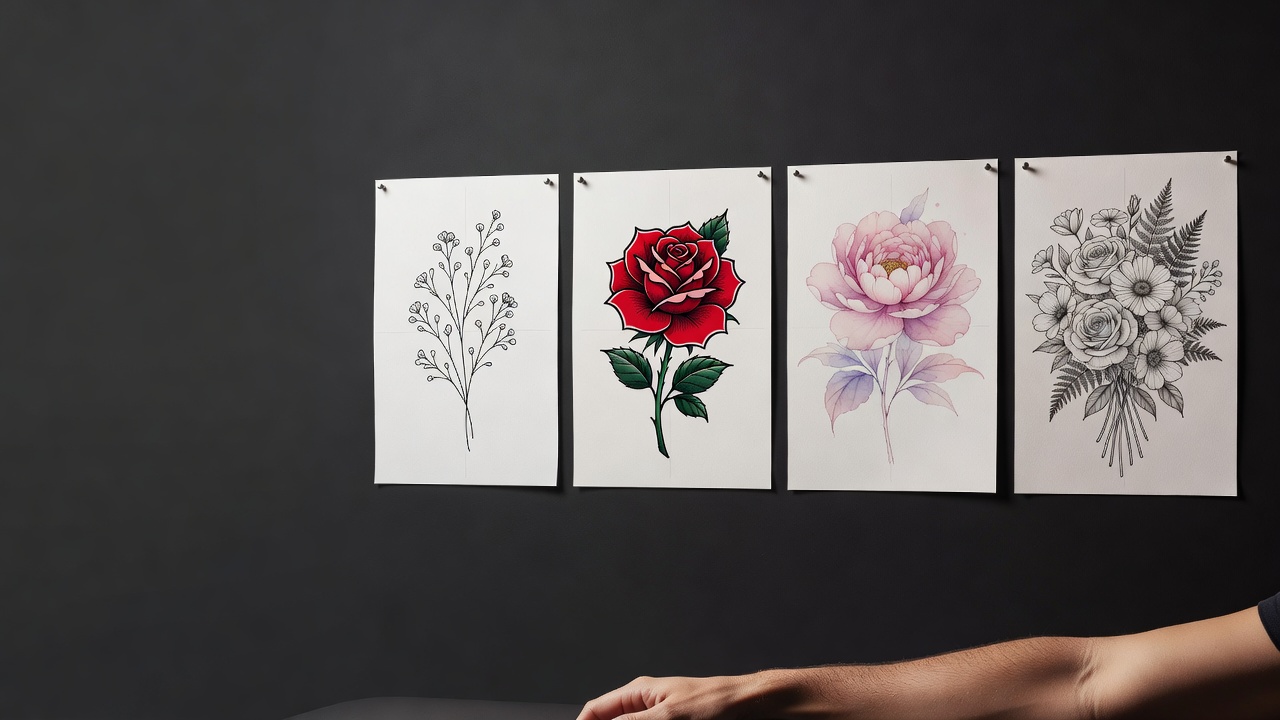
How to Prompt an AI Tattoo Generator for a Floral Tattoo
A few habits separate a design an artist can use from a generic flower picture:
- Name the exact flowers. "Peony and wild poppy" gives better results than "some flowers."
- Choose a style. Fine-line, traditional, watercolor, botanical illustration or blackwork each produce a distinct look.
- Set the layout. Say whether the piece is a single bloom, a vertical stem, a wrap-around vine or a bouquet.
- Add the placement. A wrist, a spine and a shoulder blade all need different proportions.
- Generate three or four variations. Compare them side by side and refine the one with the best balance of petals and empty space.
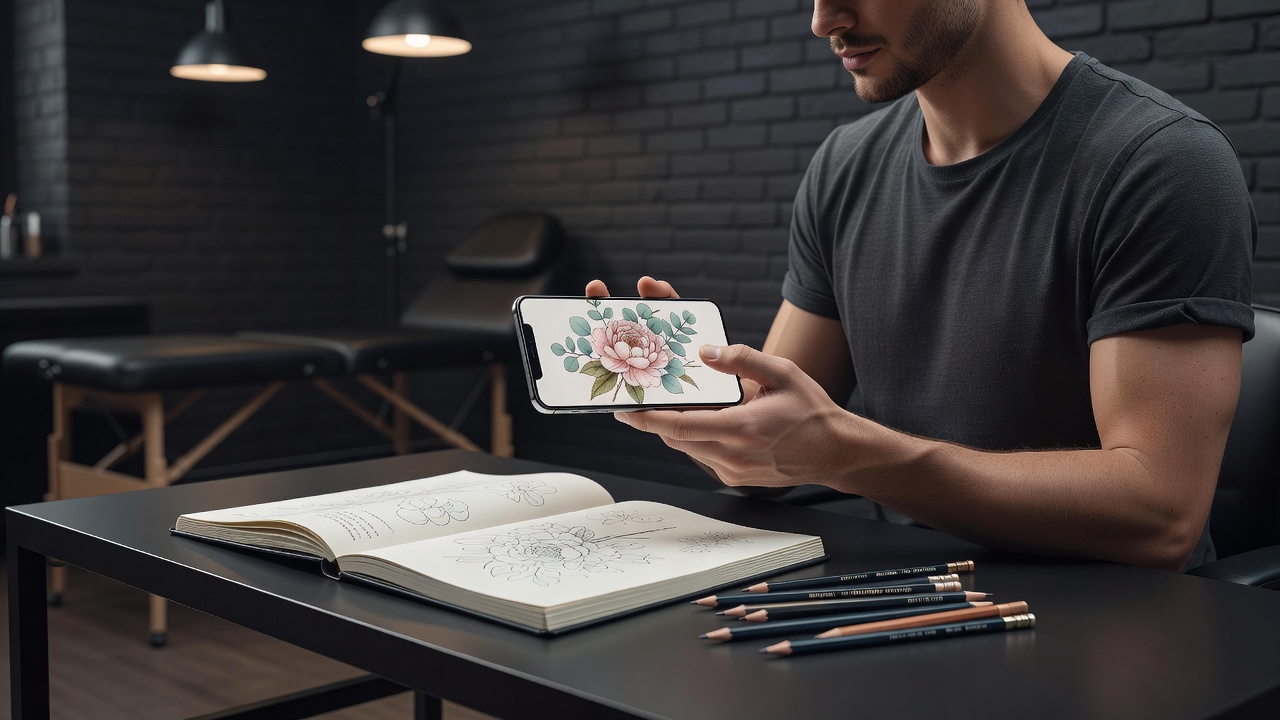
Floral Tattoo Styles: Fine-Line, Traditional, Watercolor and Botanical
- Fine-line florals. Delicate single-needle blooms and sprigs suit small, elegant pieces; the fine-line tattoo guide explains what holds up and what softens over time.
- Traditional florals. Bold outlines and saturated color, especially roses and peonies, stay readable for decades.
- Watercolor florals. Soft washes and loose edges give a painterly look; see our watercolor tattoo designs and the AI tattoo generator for watercolor tattoos.
- Botanical illustration. Detailed, scientific-style linework with leaves, roots and buds suits larger pieces.
- Blackwork and dotwork florals. Solid black shapes and stippled shading give a graphic, high-contrast look.
Which Flower Should You Choose? Meanings and Shapes
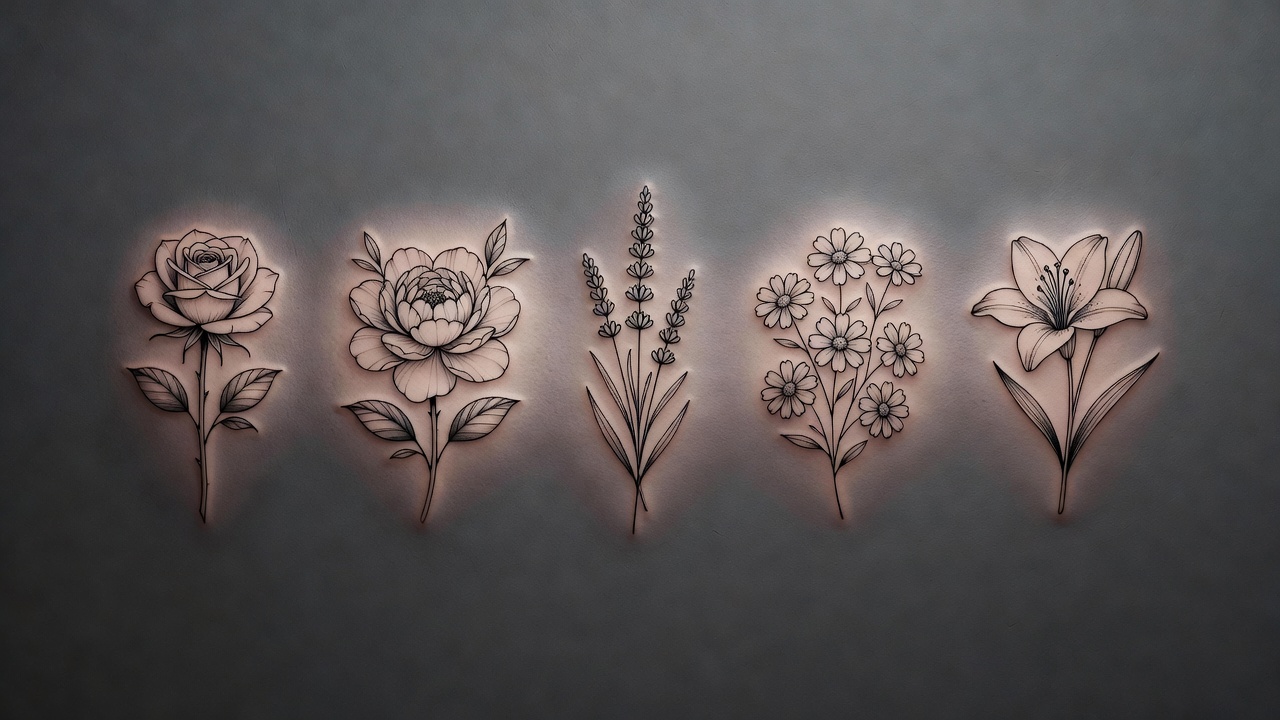
Meaning and shape both matter. A short guide to common choices:
- Rose. Love, passion and balance; a layered shape that works in nearly any style.
- Peony. Prosperity and good fortune; a full, round bloom that rewards color and shading.
- Lotus. Renewal and purity; a symmetrical shape that suits chests, spines and forearms.
- Lavender. Calm and devotion; a tall, narrow sprig that fits wrists, ribs and ankles.
- Daisy. Innocence and fresh starts; a simple shape ideal for small pieces and chains.
- Lily. Remembrance and renewal; an elegant open bloom often chosen for memorial pieces.
- Wildflowers. Freedom and variety; mixed sprigs that give the AI room to compose loosely.
Birth-month flowers are another popular route, and a generator can combine several into one bouquet for family or couples pieces.
Where Do Floral Tattoos Work Best?
Flowers adapt to the body better than most subjects. Long stems follow the forearm, spine or ribs; round blooms sit on the shoulder, thigh or calf; trailing vines wrap an ankle or run along a collarbone. If you are still choosing a spot, our guide to the best tattoo placements compares the main options. Name the placement in your prompt so the AI composes the flowers to fit it instead of squeezing a square picture onto a curved limb.
Common Floral Tattoo Mistakes a Generator Helps You Avoid
- Too much tiny detail. Hairline petals and micro-stamens can blur together over the years; fewer, clearer shapes age better.
- Crowded compositions. Blooms need breathing room; leave space between petals and leaves.
- Ignoring the body shape. A flat bouquet can look stiff on a curved limb; ask for a flowing layout.
- Mismatched meaning. Check what the flower symbolizes before you commit.
- Skipping the preview. A design that looks balanced on a screen can feel too big or off-center on the real spot.
Do Floral Tattoos Hurt, and How Do They Heal?
Pain depends on the placement and your own sensitivity, not on the flower. Bony or thin-skinned areas such as ribs, spine and ankles tend to hurt more than the outer arm or thigh; our tattoo pain chart compares areas across the body. Fine-line florals are usually quick, while shaded or colored pieces take longer.
Healing follows the usual routine: keep the tattoo clean, moisturize lightly, avoid soaking and direct sun, and follow your artist's advice. Our tattoo aftercare guide covers the details, and the FDA's tattoo safety guidance explains general safety. Sun protection matters in particular for color and fine lines, which fade faster without it.
Previewing a Floral Design on Your Own Body
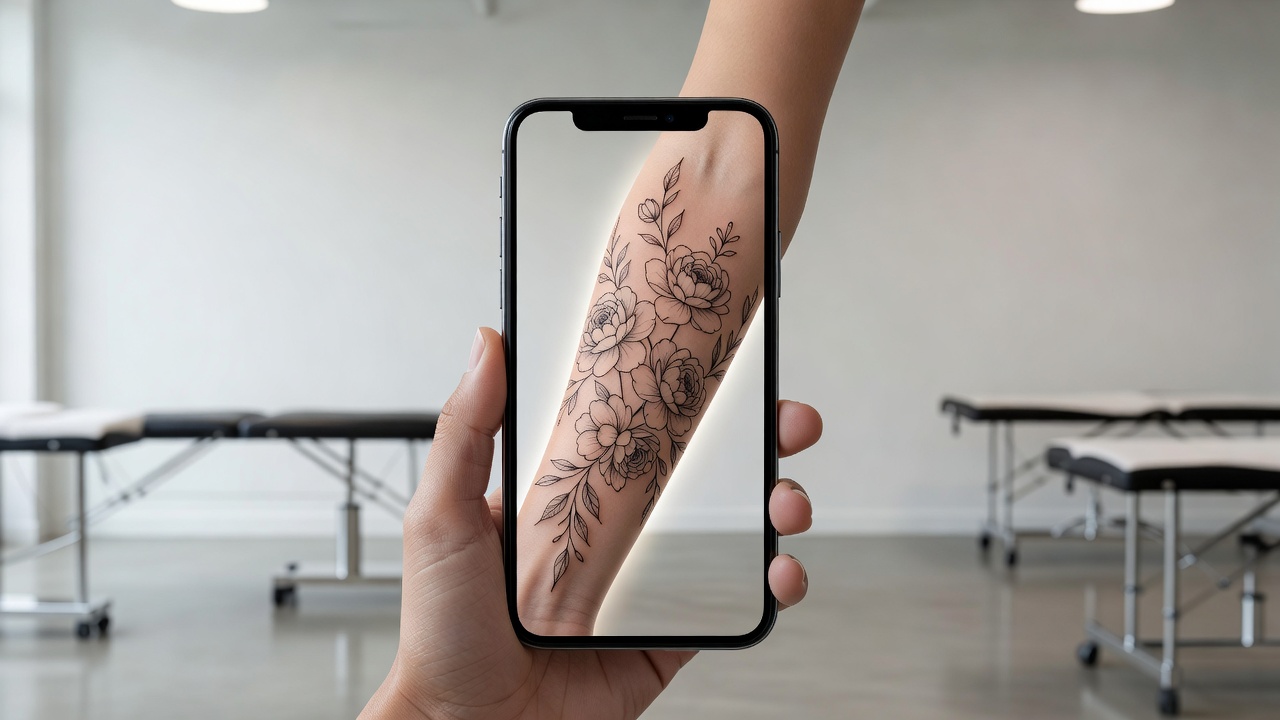
Flowers are organic, so how they wrap and sit on your body changes the whole effect. Using AR try-on lets you check scale, angle and position early, and move a bouquet a few centimeters before it becomes permanent. Our guide to tattoo try-on technology explains how the preview works.
From AI Design to a Real Floral Tattoo
Once you have a design you like, bring a high-resolution export to your artist and talk through color, line weight and how the flowers should sit on your body. A good artist will adjust petals and spacing so the piece heals well. To plan the budget, see how much tattoos cost, since large shaded florals take more sessions than a small line piece.
The Final Word
An AI tattoo generator for floral tattoos will not replace an artist's hand, but it settles the questions that matter most: which flowers carry the meaning you want, which style suits them, and how the bouquet sits on your body. Choose the flowers, pick a style, prompt for a layout that fits the placement, and preview the result before you commit.
Design Your Floral Tattoo Free in INK
Describe your flowers, choose a style, and preview the design on your own body before you ink. No sign-up needed.
Try INK Free →

Create Your Perfect Tattoo Design
Use AI to generate unique tattoo designs and preview them on your body before committing to ink.
Start Designing for FreeWritten by
INK Team