
Geometric AI Tattoo Generator: Design Precise Sacred Patterns
How a geometric AI tattoo generator renders sacred geometry, dotwork and symmetrical patterns — what the AI gets right, where symmetry still needs an artist, and how to prompt it for clean, balanced linework.

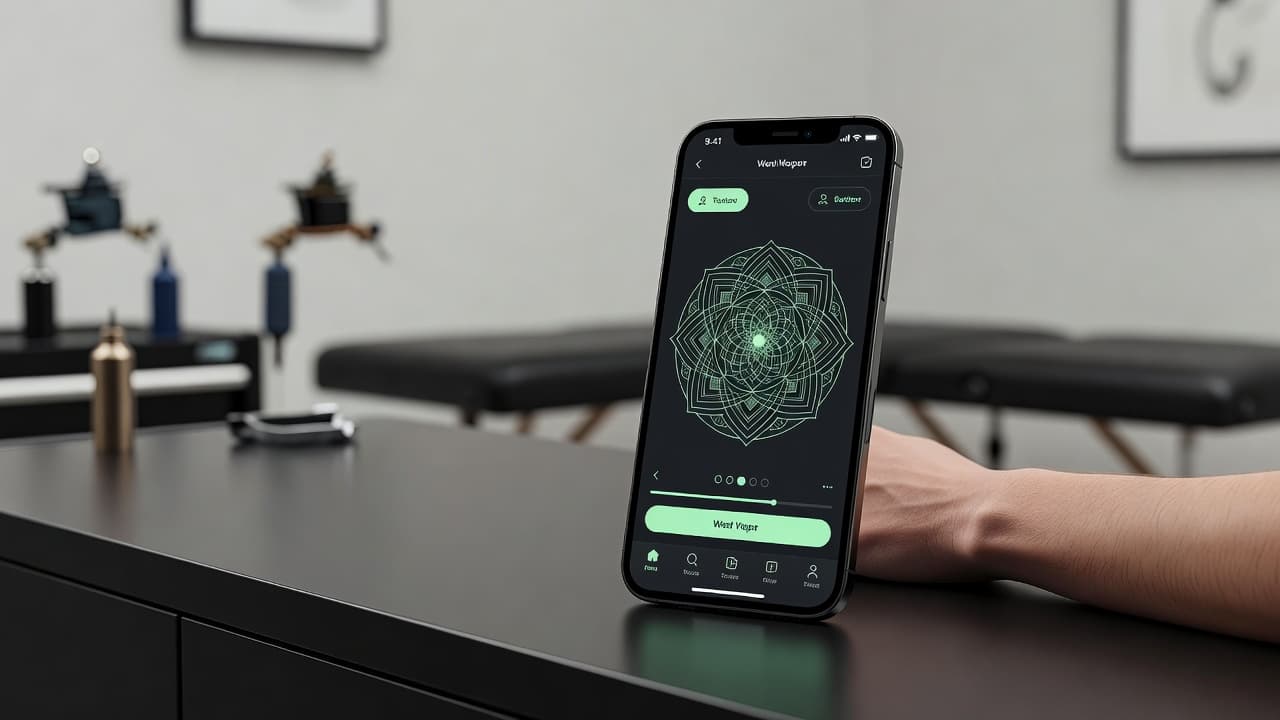
Geometric tattoos live or die by precision — a slightly off angle or an uneven gap between lines is far more noticeable than it would be in a looser, painterly style. A geometric AI tattoo generator gives you a fast way to test that precision before committing to ink: describe a mandala, a sacred geometry pattern, or a dotwork shape, and see clean, symmetrical linework rendered in seconds instead of sketching angles by hand.
In short: a geometric AI tattoo generator is an AI tattoo tool set to a structured, pattern-based style rather than organic or freehand linework. You describe or upload a reference, select the geometric style, and the AI produces balanced, symmetrical artwork you can refine and preview on your own body before you ever book an appointment. This guide covers how these generators actually render geometric style, where AI is strong and where it still needs a careful eye, and how to prompt one for results that hold their symmetry on real skin.
What Is Geometric Tattooing?
Geometric tattooing is a style built around precise shapes, repeating patterns, and mathematical structure rather than loose, freehand imagery. It spans everything from strict sacred geometry — mandalas, the Flower of Life, Metatron's Cube — to modern abstract patterns built from triangles, hexagons, and dot grids. What ties the style together is symmetry and consistency: mirrored halves, evenly spaced lines, and shapes that read as deliberate rather than organic. For the full breakdown of patterns, meanings, and sub-styles, our geometric tattoo designs guide covers it in depth; this piece focuses specifically on generating geometric designs with AI.
How Does a Geometric AI Tattoo Generator Work?
Under the hood, an AI tattoo generator renders an image from your description or reference photo, and geometric style asks the model to prioritize structure over spontaneity. Selecting geometric or sacred geometry tells the AI to favor symmetry, consistent line weight, and repeating units rather than the organic variation you would get from a botanical or watercolor prompt. The subject can still vary widely — a mandala centered on a single point, a dotwork wolf built from triangles, a hexagonal pattern wrapping a forearm — but the underlying instruction is the same: keep it balanced and precise.
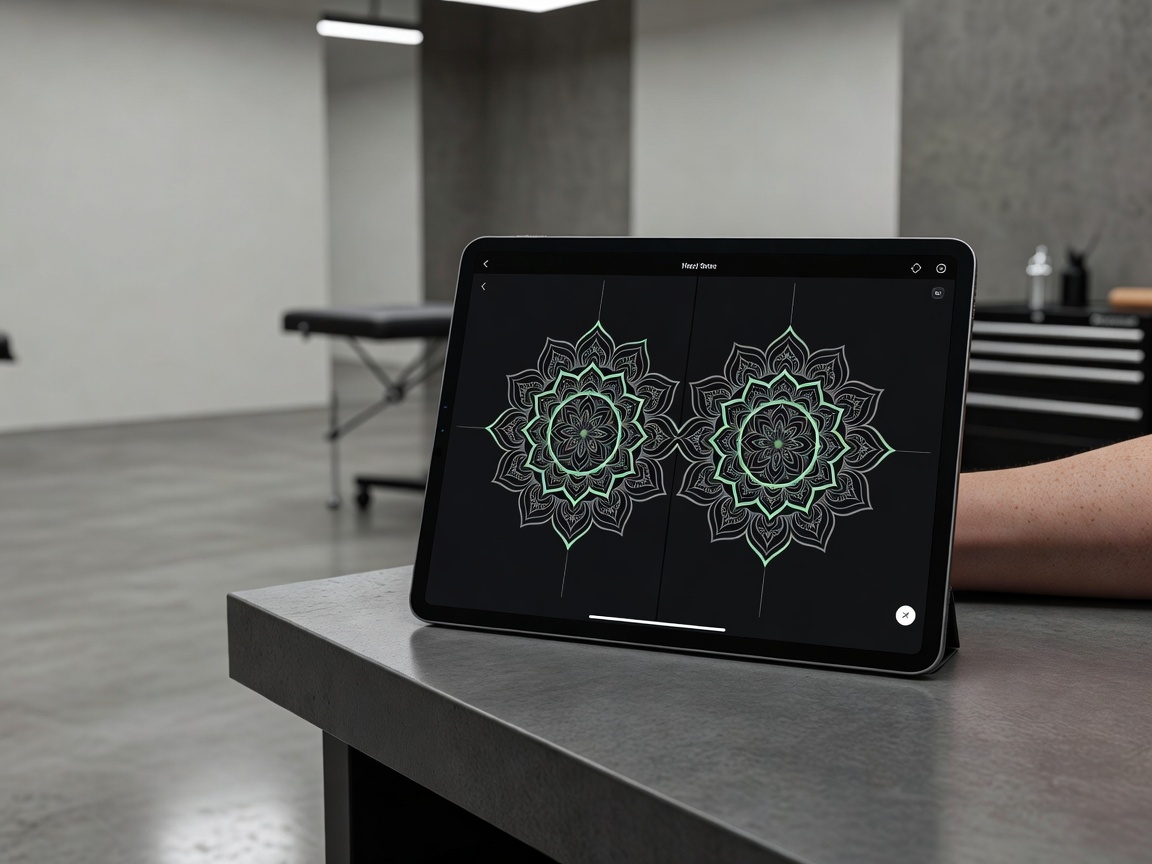
In INK, you can generate the same base shape from a typed prompt or an uploaded reference photo, pick a geometric style from the options, and compare several variations side by side. Because geometric work depends so heavily on consistent spacing and mirrored detail, it is one of the styles where generating multiple versions and comparing them closely actually matters — small asymmetries that are easy to miss in one image jump out the moment you set two versions next to each other.
Is AI Actually Good at Geometric Tattoo Designs?
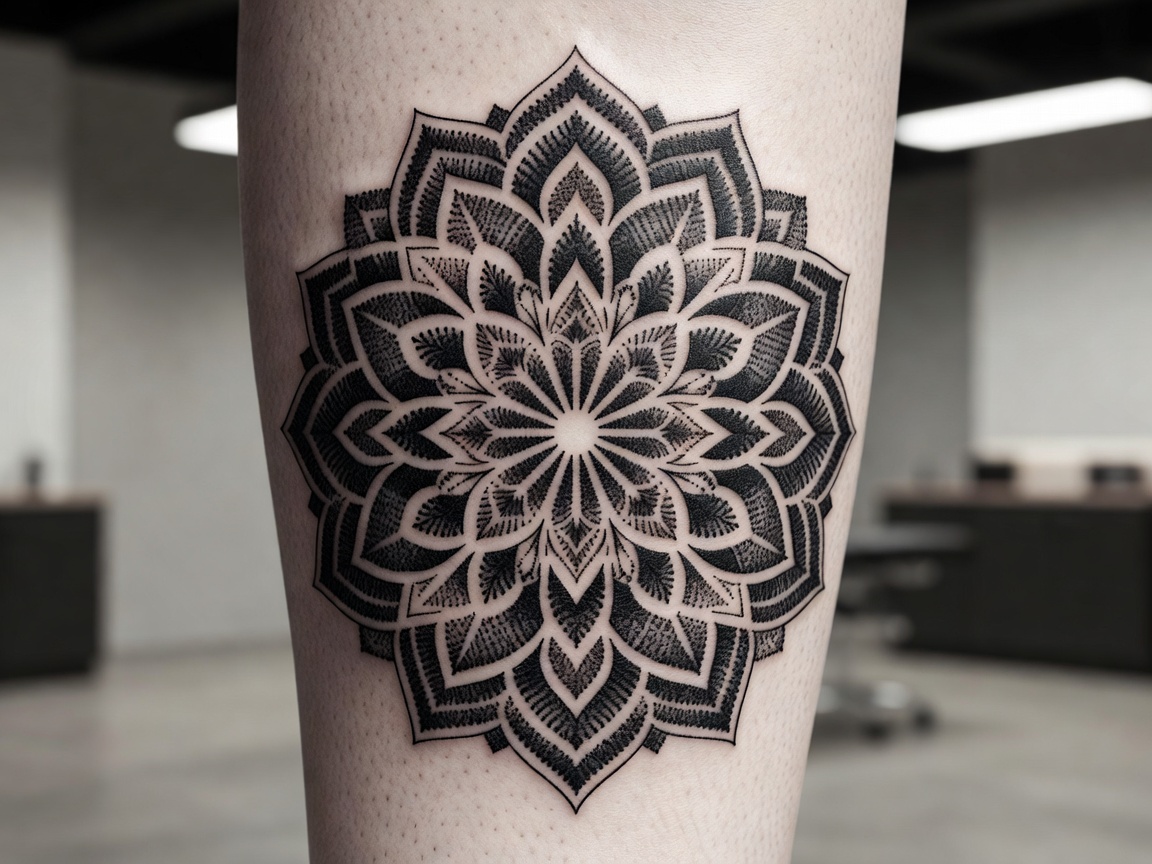
Yes, more so than with most other styles. Geometric work rewards exactly what AI models are naturally strong at: producing consistent, repeating patterns and holding proportions steady across a design. Symmetry, evenly spaced dotwork, and mirrored halves are the kind of structured output AI generates reliably, and it can churn through pattern-density variations — tighter dot grids versus looser ones, a simple hexagon versus a layered Metatron's Cube — far faster than sketching each option by hand.
The real limitation is not the flat design itself but what happens when that design leaves the screen. A perfectly symmetrical mandala rendered on a flat canvas can look subtly warped once it is wrapped around the curve of a shoulder, calf, or ribcage, because the body is not flat and a straight line on paper does not always stay straight over a curved surface. AI has no way to account for your specific anatomy when it generates the initial design — that adjustment happens later, when an artist maps the pattern onto a stencil sized and shaped for exactly where it will sit.
It helps to compare geometric against a style AI handles less predictably, like fine line botanicals. Fine line work depends on organic, slightly irregular flow that is meant to look natural, so AI variations there tend to differ meaningfully in composition. Geometric prompts, by contrast, tend to produce more consistent results run to run, because the instruction — stay symmetrical, keep spacing even — is much more concrete than an instruction like "make it look delicate."
How to Prompt an AI Tattoo Generator for Geometric Results
A few habits make the difference between a geometric prompt that comes back clean and one that comes back subtly lopsided:
- Pick a base shape first. Circle, hexagon, triangle, or a specific sacred geometry pattern — starting from a defined structure gives the AI something concrete to build symmetry around.
- Name the style directly. Say "geometric," "sacred geometry," or "dotwork," and add "symmetrical, clean linework, even spacing" to steer the AI toward precision.
- Generate multiple variations. Produce 3–5 versions of the same base shape; pattern density and line weight can shift noticeably between generations.
- Zoom in and compare halves. Check mirrored sections against each other closely — geometric designs are unforgiving of small inconsistencies that other styles would hide.
- Edit instead of restarting. If one section looks slightly off, use an AI tattoo editor to nudge that part rather than regenerating the whole pattern.
Geometric Tattoo Ideas Worth Trying
Geometric style suits certain subjects especially well, generally because the design leans on structure rather than shading or color to carry the composition. Ideas worth exploring include:
- Mandalas. A circular, radially symmetrical pattern is one of the most requested geometric subjects — read more in our mandala tattoo meaning guide.
- Sacred geometry. The Flower of Life, Metatron's Cube, and similar patterns carry symbolic weight alongside their visual precision.
- Dotwork animals or portraits. Familiar subjects rebuilt entirely from evenly spaced dots and geometric shading.
- Geometric florals. A rose or leaf simplified into angular, faceted shapes rather than organic curves.
- Blackwork geometric patterns. Bold, solid-filled shapes arranged in repeating, symmetrical layouts for high-contrast pieces.
Previewing Geometric Placement Before You Commit
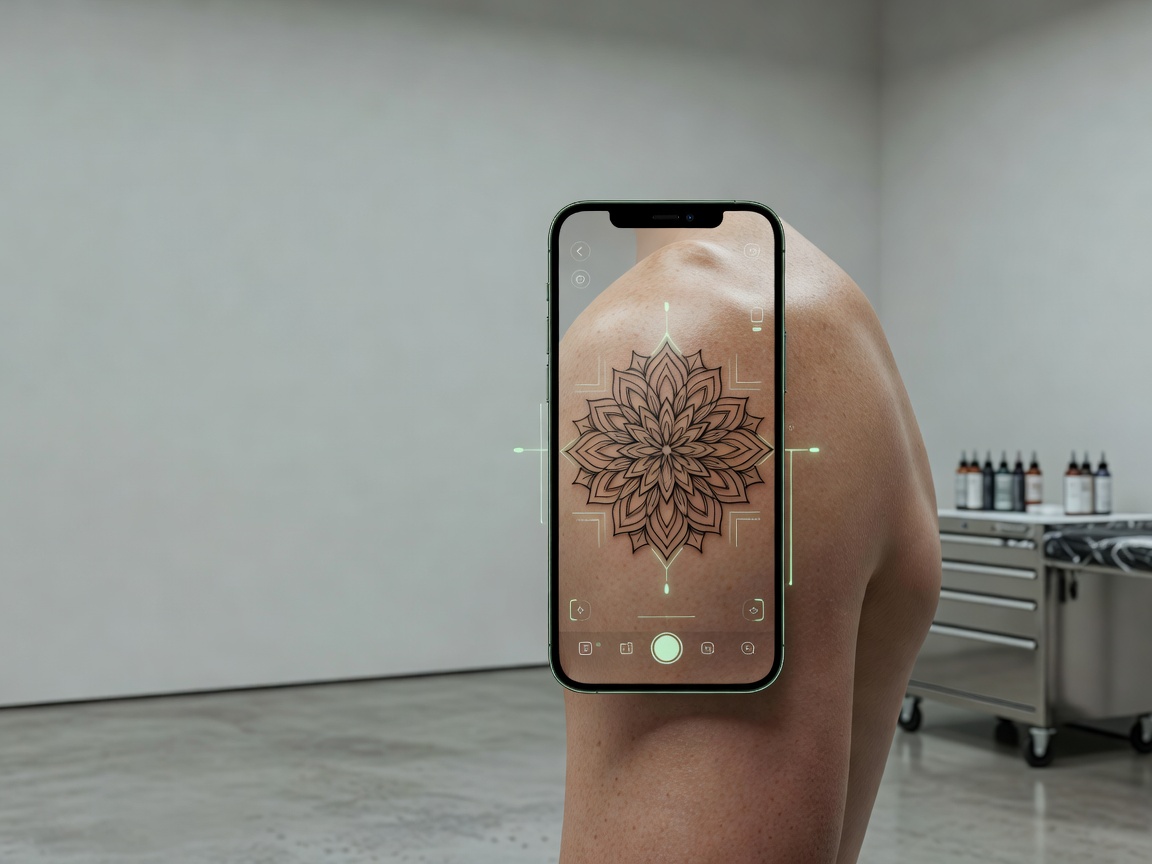
Because geometric designs are so sensitive to symmetry, previewing placement matters more here than for almost any other style. A mandala that looks perfectly centered on a flat screen can read as slightly off-balance once mapped onto the curve of a shoulder or the taper of a forearm, simply because the body is not a flat surface. Using AR try-on to place the generated design directly on your body — at the real size and angle you are considering — lets you catch these distortions before you are sitting in a tattoo chair.
From AI Design to a Real Geometric Tattoo
Once you have a geometric design you are happy with, the next step is finding an artist experienced specifically with geometric or dotwork tattoos, since keeping symmetry consistent on skin requires different technical skill than freehand styles. Bring a high-resolution export of your AI-generated design as a reference; a specialist will use precise measuring tools to map the pattern onto a stencil that accounts for your body's curve, adjusting proportions so the design still reads as symmetrical once it wraps around your actual anatomy.
It is worth asking to see an artist's previous geometric work up close, since this is a style where flaws are hard to hide — a wandering line or an uneven gap stands out immediately in a way it might not in a looser style. An artist who specializes in geometric or dotwork tattoos will also be able to tell you upfront which parts of a design need to be adjusted for your specific placement before the stencil is finalized.
Does Geometric Tattoo Aftercare Need Special Care?
Geometric tattoos generally follow the same core aftercare guidance as any other tattoo — keeping the area clean, moisturized, and protected from the sun during healing — but precision makes the margin for error smaller. Because the design relies on straight lines and even spacing, any scabbing that is picked at or excess sun exposure during healing can cause visible waviness that is far more noticeable than it would be on a softer, shaded piece. For a full walkthrough of the healing process, see our tattoo aftercare guide.
The Final Word
A geometric AI tattoo generator will not replace the measuring tools and steady hand of a specialist, but it will get you to a precise, well-balanced design far faster than sketching angles from scratch. Pick a base shape, name the style explicitly, generate a handful of variations, and check symmetry carefully before you bring the design to an artist who can translate it onto your body's actual curves.
Generate Your Geometric Tattoo Free in INK
Describe your idea, pick the geometric style, and preview the design on your body before you ink. No sign-up needed.
Try INK Free →

Create Your Perfect Tattoo Design
Use AI to generate unique tattoo designs and preview them on your body before committing to ink.
Start Designing for FreeWritten by

Laura Schmitz
Tattoo Content Lead, INK
Laura Schmitz leads tattoo content at INK. She has spent years researching tattoo styles, symbolism and aftercare, and works directly with the AI tattoo generator to test how each style translates from prompt to skin — so every guide here reflects designs that are actually tattooable, not just images that look good on screen.
More about the author