
AI Tattoo Generator for Thigh Tattoos: Design Big Ink With Room to Breathe
How an AI tattoo generator handles thigh tattoos: choosing between front, outer, inner and upper-thigh layouts, designing large pieces that suit the leg, and previewing the result on your own body before you book.
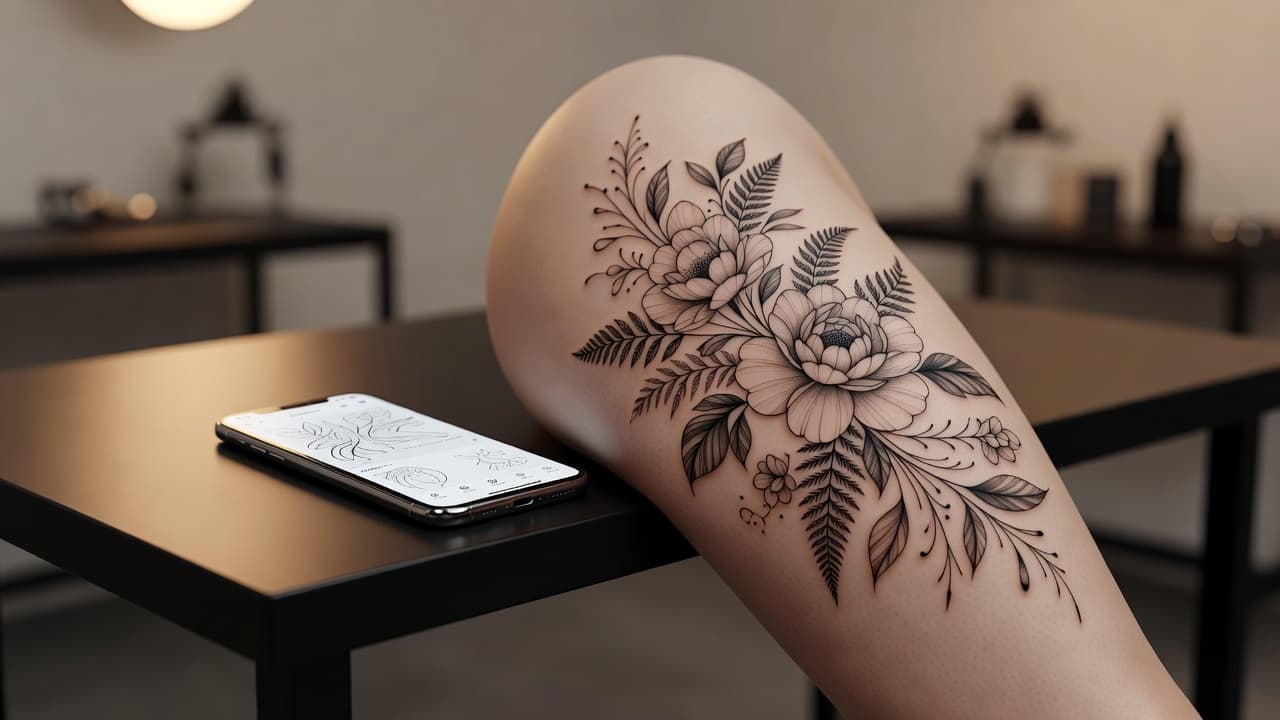
The thigh is one of the largest and most forgiving canvases on the body: easy to cover, comfortable to show, and wide enough for detailed work that would feel cramped almost anywhere else. An AI tattoo generator for thigh tattoos lets you test a big idea on that space before you book. You describe a design, choose whether it sits on the front, the outer side, the inner thigh or high on the hip line, and check that it still reads well on a surface that curves, flexes and changes shape when you sit, stand or walk.
In short: designing a thigh tattoo with AI means choosing the placement and size first, then prompting for a composition with a clear focal point and enough breathing room for the leg's long, rounded shape. This guide covers how AI handles thigh-specific designs, how to prompt for them, which styles work best, what to expect from pain, cost and healing, and how to preview the result on your own body.
What Is an AI Tattoo Generator for Thigh Tattoos? (Quick Answer)
An AI tattoo generator for thigh tattoos is an AI tool used to design pieces sized and shaped for the leg's broad, rounded surface. You describe your idea or upload a reference photo, the AI composes a design with proportions that suit the front, side or upper thigh, and you can preview how it sits on your leg before choosing a size or position.
Why the Thigh Is Such a Popular Tattoo Placement
Thigh tattoos appeal for two reasons: space and discretion. The area is large and relatively flat on the front and outer side, which makes it ideal for detailed work such as portraits, big florals, animals and scenes that need room to read clearly. At the same time, shorts and skirts can hide or show the piece depending on the day, so you decide who sees it.
The trade-offs are practical. The shape of the thigh changes when you sit, flex or gain and lose weight, and the area rubs against clothing and seat belts while it heals. A design that looks balanced when you stand can stretch or fold when you sit, which is why previewing before you book is worth the effort. If you are weighing several spots, our guide to the best tattoo placements compares the main options.
How Does an AI Tattoo Generator Handle Thigh Tattoos?
An AI generator renders artwork from your description or a photo, and for the thigh the most useful details are scale and focal point. Phrases such as "large oval composition for the front of the thigh," "tall vertical design along the outer thigh," or "wrap-around floral band high on the thigh" steer the AI toward layouts that suit the leg instead of a generic square.
In INK you can describe the idea in plain language, start from a text prompt, or upload a reference and refine it. You can generate several versions, compare compositions, and keep the one that suits your leg.
How to Prompt an AI Tattoo Generator for a Thigh Tattoo
A few habits separate a design that suits the leg from one that is simply placed on it:
- Pick the placement and size first. Say whether the piece covers the front of the thigh, runs down the outer side, or wraps high around the upper leg.
- Ask for a clear focal point. A large central subject with supporting elements around it reads better on a wide canvas than many equal-sized motifs.
- Describe the outline. Words like "oval," "tall and tapered" or "band" help the AI shape the composition to the thigh.
- Name the style and shading. Fine line, black and grey realism, bold traditional or blackwork all age differently, so say which you want.
- Generate variations. Compare a few compositions, then refine your favorite with small changes.
If you start from your own drawing, you can turn a sketch into a tattoo design and then adapt its proportions to the thigh.
Front, Outer, Inner or Upper Thigh: Choosing a Placement
The biggest decision for a thigh tattoo is where on the leg it goes. The common approaches:
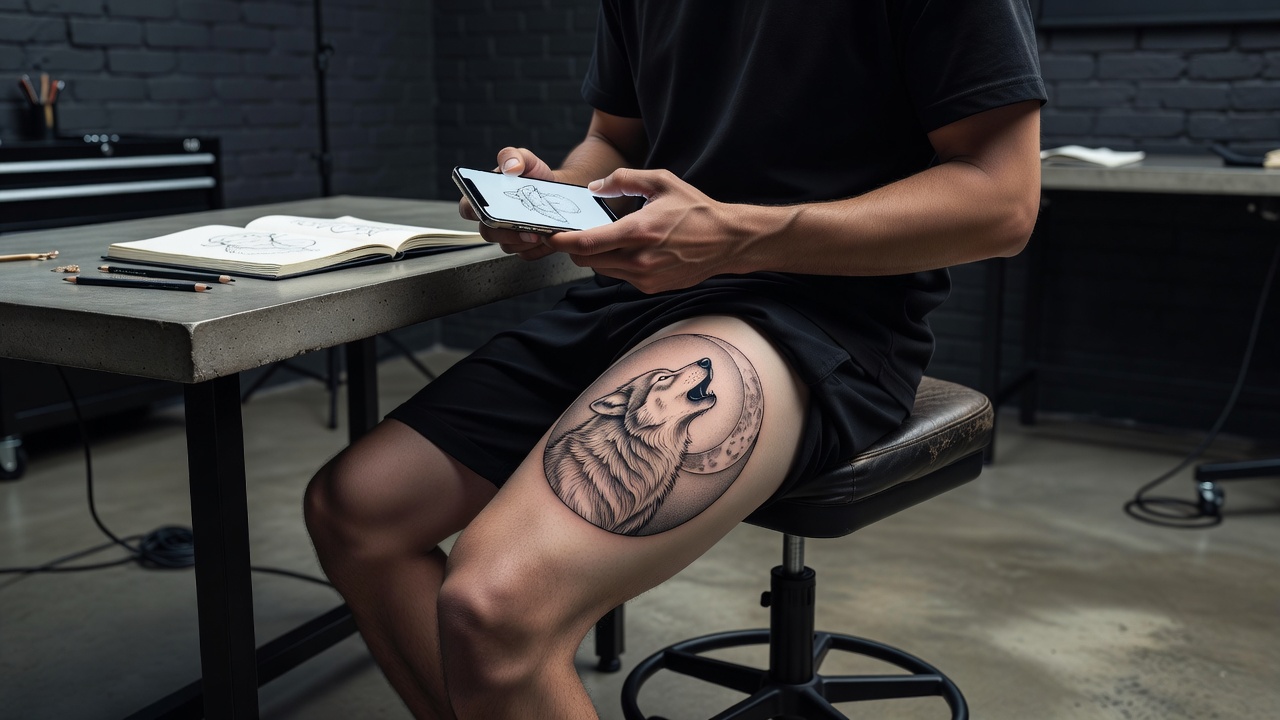
- Front of the thigh. The flattest and largest area, and the classic choice for portraits, big florals, animals and centerpiece scenes.
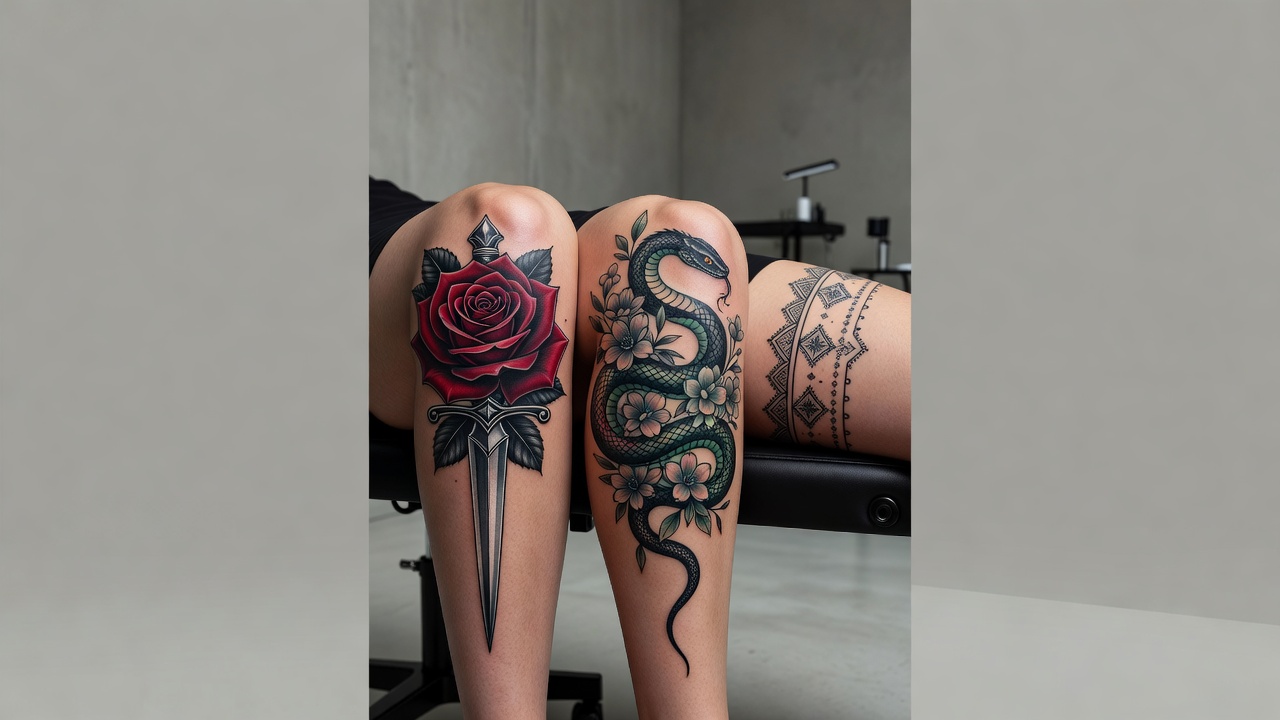
- Outer thigh. A long, slightly curved strip that suits tall pieces such as serpents, vines, blades or a column of connected motifs.
- Inner thigh. More private and more sensitive; usually chosen for smaller or more delicate designs.
- Upper thigh and hip line. A high band or wrap-around piece that sits under most clothing and can connect to a hip or torso design later.
- Back of the thigh. Useful for pieces that extend toward the calf or glute; the fleshier skin here is a bit more forgiving for detail.
Comparing placements in a preview is faster than imagining them. You can see in minutes whether a tall design looks right on the outer thigh or whether a rounded piece suits the front better.
Styles and Subjects That Work Well on the Thigh
- Realism and portraits. The flat front of the thigh gives faces, animals and still life room for fine shading; see our realism tattoo style guide for what makes these pieces age well.
- Large florals. Peonies, roses and botanical arrangements fill the shape of the leg naturally, and a fine-line approach is explained in our fine-line tattoo guide.
- Animals and mythical creatures. Wolves, tigers and dragons suit the scale; the snake tattoo meaning is a good starting point for the tall, winding designs that follow the outer thigh.
- Script and quotes. A line of lettering can run down the outer thigh; try our AI lettering generator to test fonts and spacing.
- Traditional and blackwork. Bold lines and solid shading stay readable on a large canvas and hold up well over time.
How Big Should a Thigh Tattoo Be?
Thigh pieces can be larger than almost anywhere else, but bigger is not automatically better. As a rough guide, a small symbol or script line on the outer thigh often measures 8 to 12 cm, a medium front-thigh piece commonly runs 15 to 25 cm, and a full front or outer-thigh composition can reach 30 cm or more, up to the knee. Leaving a little skin around the design makes it look intentional and gives you room to add to it later, for example if you plan to grow it toward a sleeve-style leg piece.
An AI preview helps you see whether the proportions work before you commit to a size.
Common Thigh Tattoo Mistakes a Generator Helps You Avoid
- Designing for a flat square. A boxy image can look awkward on the rounded leg; asking for an oval or tapered composition avoids it.
- Too small for the space. A tiny design on a large thigh can look lost; previewing scale shows whether you want to go bigger.
- No focal point. Many equal-sized motifs compete for attention; one clear centerpiece reads better from a distance.
- Ignoring movement. A design that looks straight standing can fold or stretch when you sit; a preview in different poses catches that early.
Do Thigh Tattoos Hurt, and How Do They Heal?
The front and outer thigh are widely described as some of the more comfortable places to be tattooed, because the area is padded with muscle and fat and far from bone. Pain tends to rise toward the inner thigh, the area near the knee and the hip line, where the skin is thinner or more sensitive. Our tattoo pain chart compares placements across the body.
Healing is usually straightforward, but friction from jeans, leggings and seat belts can irritate the area, so loose clothing and careful sitting help in the first weeks. Large pieces are often done in more than one session, which also gives the skin time to rest. Follow our tattoo aftercare guide and your artist's advice. For general safety information, see the FDA's guidance on tattoo safety.
Previewing a Thigh Design on Your Own Body
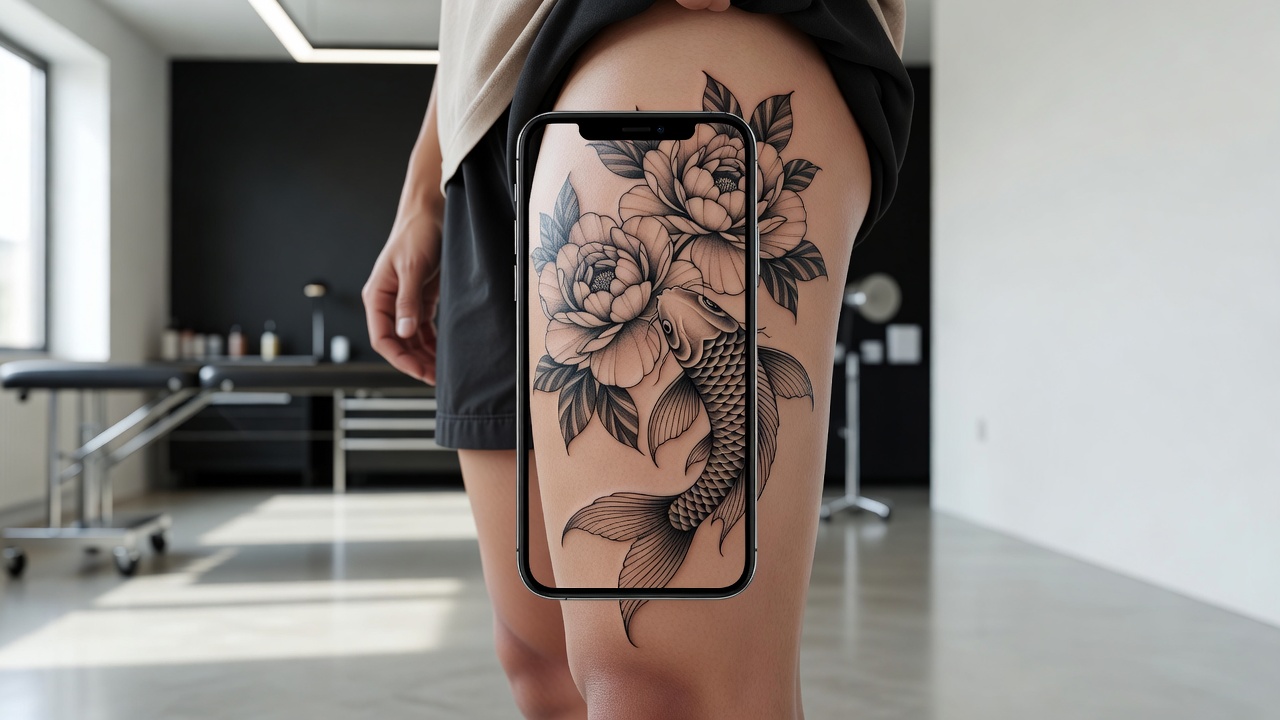
Because the thigh is large, curved and changes shape as you move, checking how a design sits on your own leg is worth a few minutes. A composition that looks balanced on a screen can feel too small, too high or off-center on a real body, and a design that seems well sized can wrap away from view. Using AR try-on lets you check scale, angle and alignment early; our guide to tattoo try-on technology explains how the preview works.
From AI Design to a Real Thigh Tattoo
Once you have a design you like, bring a high-resolution export to your artist and talk through where the top and bottom should fall relative to your hip and knee. A good artist will adjust the design for your anatomy and may stencil it on your leg so you can check it standing, sitting and walking before the first line. For background on the craft itself, there is a useful overview of tattooing on Wikipedia. Large pieces cost more and take longer, so see how much tattoos cost to plan ahead.
The Final Word
An AI tattoo generator for thigh tattoos will not replace an artist's hand, but it settles the questions that matter most for this placement: where the design sits, how large it should be, and whether it has a clear focal point. Decide the placement first, prompt for a composition that suits the leg, and preview the result on your own thigh before you commit.
Design Your Thigh Tattoo Free in INK
Describe your idea, choose a placement, and preview it on your own leg before you ink. No sign-up needed.
Try INK Free →

Create Your Perfect Tattoo Design
Use AI to generate unique tattoo designs and preview them on your body before committing to ink.
Start Designing for FreeWritten by
INK Team