
AI Tattoo Lettering Generator: Turn Names, Dates & Quotes Into Ink
How to use an AI tattoo lettering generator to turn names, dates and quotes into custom script — choosing fonts, sizing for skin, and previewing before you ink.

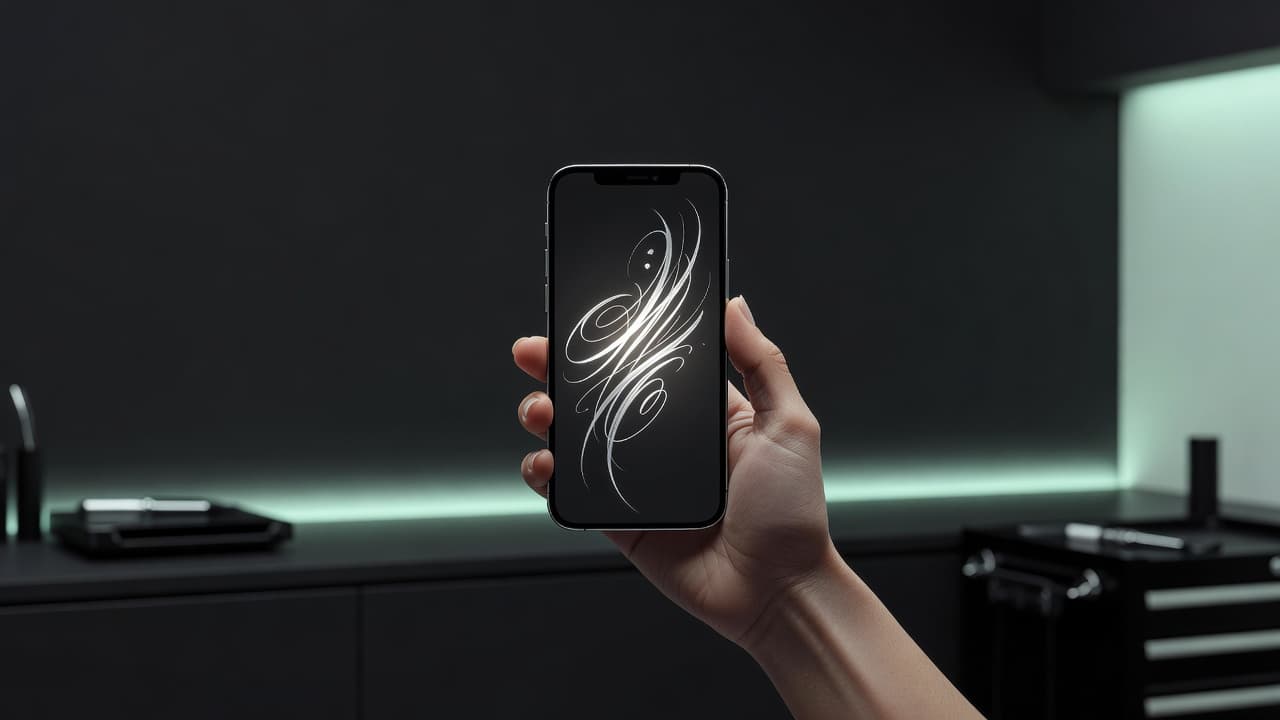
Words are some of the most personal tattoos anyone gets — a child's name, a parent's birth date, a line that carried you through a hard year. An AI tattoo lettering generator takes the text you type and turns it into clean, tattoo-ready artwork in seconds, so you can see exactly how your words will look as ink before an artist ever picks up a machine.
In short: an AI tattoo lettering generator converts typed text into custom tattoo script. You type the word or phrase, choose a font or handwriting style, and the AI renders it as artwork you can refine and preview on your body. This guide explains how the tool works, how to choose the right lettering for your placement, and how to avoid the mistakes that make text tattoos blur or look generic.
What Is an AI Tattoo Lettering Generator?
An AI tattoo lettering generator is a tool that turns text into tattoo artwork. Instead of hunting through font libraries or sketching letters by hand, you type your words, pick a style direction, and the AI draws the lettering the way it would actually sit as a tattoo — with the line weight, flow, and spacing that ink needs rather than the flat outlines of a screen font.
That distinction matters. A computer font is designed to be read on a page at small sizes. Tattoo lettering has to survive being needled into living skin, then age gracefully for decades. Good AI lettering accounts for that: it favours strokes thick enough to hold ink, spacing generous enough to stay legible, and shapes that flatter the body part they sit on. If you have already explored our text-to-tattoo generator for imagery, lettering is the same idea applied specifically to words.
How Does AI Tattoo Lettering Work?
The process is fast and forgiving. You can run through it as many times as you like before deciding on anything, which is the whole point — exploration is free, commitment is permanent.
- Type your text. Enter the exact name, date, word, or short quote. Spelling errors are the single most common — and most heartbreaking — tattoo mistake, so check it twice.
- Choose a lettering style. Select a direction: fine-line cursive, bold blackletter, classic serif, handwritten, or stripped-back minimalist. This sets the entire mood of the piece.
- Generate and refine. The AI renders your words. If the flow is off or the weight is wrong, adjust and regenerate. Each pass costs nothing but a few seconds.
- Preview on your body. Use AR try-on to place the lettering at real scale on your wrist, forearm, ribs, or wherever you are considering. This is where length and readability problems reveal themselves.
- Export for your artist. Download a clean, high-resolution version as a reference and stencil starting point.
AI Tattoo Font Generator vs. Tattoo Lettering
People search for an AI tattoo font generator and a tattoo lettering generator interchangeably, but the distinction matters once the needle is involved. A font is a typeface — a fixed set of letterforms designed to be repeated identically at any size. Tattoo lettering is drawn, which means the letterforms are adjusted to the specific word, the specific body part, and the specific curve they sit on.
That difference is why a word set in a font and a word drawn as tattoo lettering rarely look the same on skin. A drawn piece varies stroke weight across a word, tightens spacing where letters would otherwise collide, and lets ascenders and descenders interlock — none of which a typeface does on its own. It is also why a script that looks elegant on screen at 2,000 pixels wide can turn into an unreadable smudge at three inches on a forearm.
An AI tool sits between the two. It generates letterforms in the visual language of a style — script, blackletter, fine line — shaped around your actual word rather than stamped out from a fixed alphabet, which gets you far closer to drawn lettering than picking a font does. Treat the result as a strong reference for your artist, who will still adjust the flow to your anatomy.
Tattoo Lettering Styles, Explained
Choosing a style is really choosing a feeling. Here is how the main families read on skin, and what they suit.
Script & Cursive
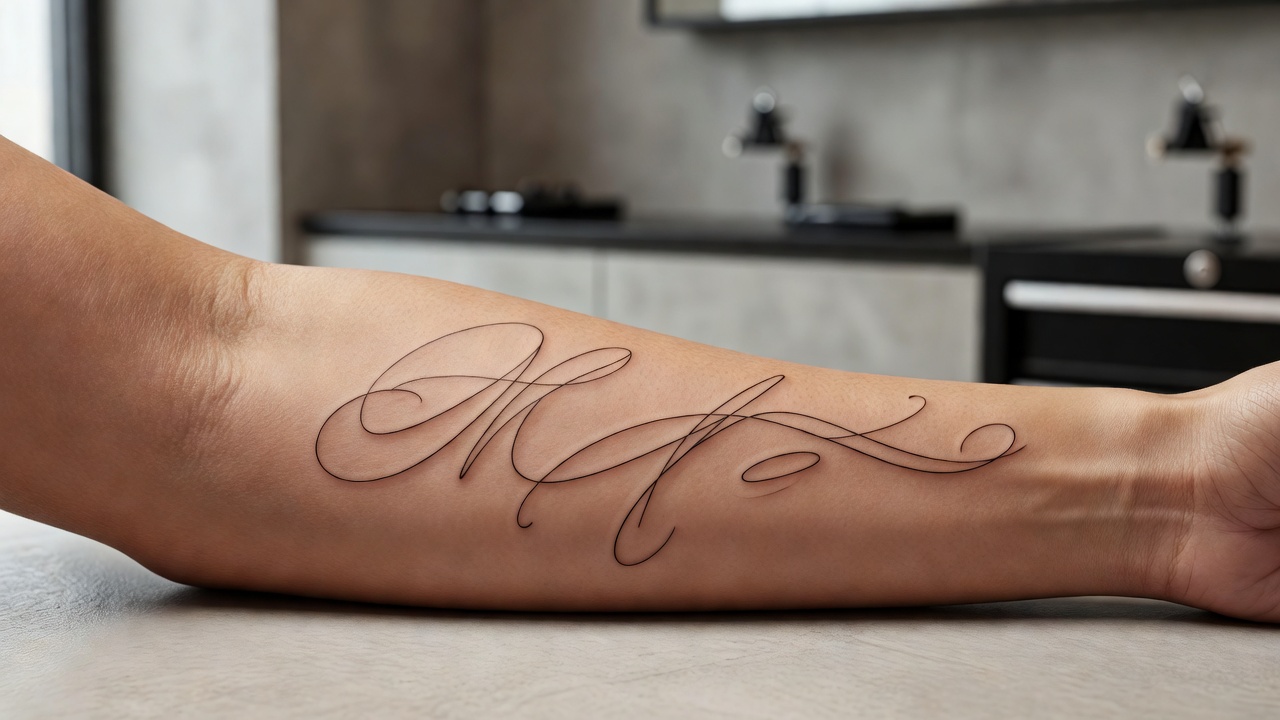
Flowing, connected, romantic. Script is the default for names and short phrases because it feels personal and hand-written. Fine-line script is delicate and modern; thicker italic script is warmer and more traditional. Script works beautifully along the forearm, collarbone, ribs, and inner arm where the letters can follow the body's natural lines.
Blackletter & Gothic
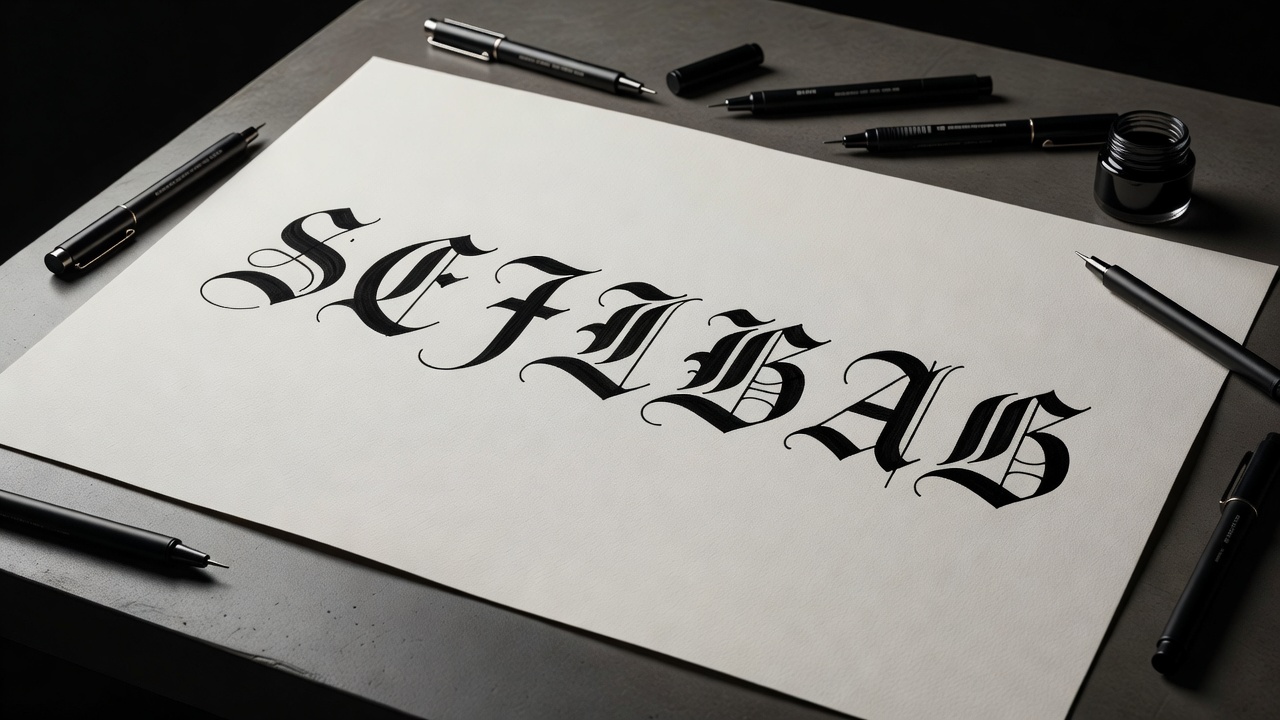
Bold, dramatic, architectural. Blackletter — the dense, angular style descended from medieval manuscripts — carries serious weight and reads as confident and timeless. It holds up well over the years because the strokes are thick. It suits the chest, back, forearm, and ribs, and pairs naturally with darker, blackwork-leaning designs. You can read more about the history of this style on Wikipedia's overview of blackletter.
Serif & Typewriter
Clean, literary, grounded. Serif lettering — with its small finishing strokes — feels like the printed page, which makes it perfect for quotes, dates, and coordinates. Typewriter and monospace variants have a quiet, vintage precision. These styles stay extremely legible, so they are a safe choice for longer text.
Handwritten & Minimalist
Intimate and unmistakably yours. Handwritten lettering mimics real handwriting — sometimes a loved one's actual signature — and nothing feels more personal. Minimalist single-weight lettering strips everything back to clean, even strokes, sitting comfortably next to minimalist tattoo designs. Both shine at small sizes on the wrist, ankle, or behind the ear.
The font is the voice of the words. The same name in delicate script and in heavy blackletter tells two completely different stories — so try several before you settle.
Name, Date & Quote Tattoos
The most requested lettering tattoos fall into three buckets, and each has its own quirks worth planning for.
Names
Names are short, emotional, and frequently combined with imagery — a child's name beneath a date of birth, a partner's name woven into a floral piece. Generate the name on its own first so you can perfect the lettering, then position it relative to other elements. Names pair often with meaningful symbols that add a second layer of story.
Dates & Numbers
Dates can be rendered as numerals, written-out words, or Roman numerals — and Roman numerals are wildly popular precisely because they read as elegant design rather than plain text. They suit memorial pieces and milestones; our guide to memorial tattoo ideas goes deeper on honouring someone with ink. Whatever format you choose, render it large enough that the numerals never crowd together.
Quotes & Phrases
Longer text is the trickiest. A full sentence needs a placement long enough to carry it — the forearm, spine, ribs, or collarbone — and a font legible enough to survive years of healing. Resist the urge to shrink a long quote onto a tiny spot; readability always wins. Serif and clean script tend to hold up best for multi-word phrases.
Placement & Sizing for Lettering
Where lettering goes matters as much as what it says. Text has to be read, which makes placement and scale even more important than they are for imagery.
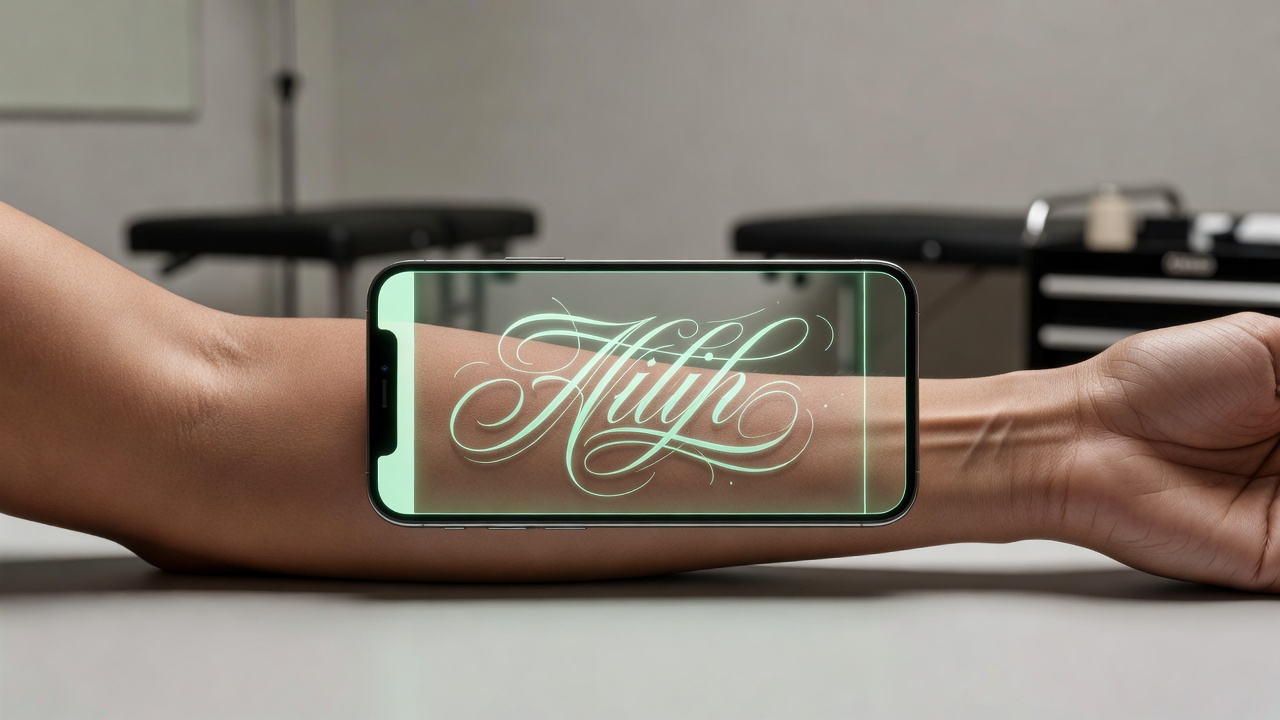
- Follow the body's lines. Lettering looks most natural when it flows along a limb or curve — down the forearm, along the collarbone, around the ribs — rather than fighting the anatomy.
- Match length to placement. Short words suit the wrist, ankle, and behind the ear. Longer phrases need the forearm, spine, or ribs.
- Mind high-stretch areas. Fingers, hands, feet, and inner lips fade and blur fastest. Fine lettering there will need touch-ups.
- Don't go too small. Tiny, tightly spaced text is the leading cause of lettering that blurs into an unreadable blob over time.
For a broader look at how placement affects pain, visibility, and ageing, see our guide to the best tattoo placements. The advantage of generating lettering with AI is that you can drop the same words onto five different spots and instantly see which one wears the text best.
How to Avoid Lettering Mistakes
Text tattoos go wrong in a small number of predictable ways. AI lets you catch every one of them before they are permanent.
- Spelling and grammar. Check the text obsessively, and if it is in another language, confirm it with a native speaker — never trust a single source.
- Over-thin strokes. Hair-thin lettering looks crisp on a screen but can struggle to hold in skin. Favour strokes with a little body.
- Cramped spacing. Letters and words need air. Ink spreads slightly over time, so generous spacing keeps text readable for decades.
- Wrong font for the mood. A solemn memorial date in a playful, bouncy font undercuts the meaning. Match the style to the feeling.
Once your lettering is close, the same refinement techniques in our AI tattoo editor guide apply — tweak, re-render, and combine the words with artwork until the whole piece feels inevitable. The art of letterforms themselves has a rich history worth a glance, well covered in Wikipedia's article on calligraphy.
Why Use INK for Tattoo Lettering
INK combines lettering and design in one place, so your words never live in isolation from the artwork around them. You can generate a name, swap between dozens of script and font directions, combine the text with AI-generated imagery, and then AR-preview the finished piece on your actual body at real scale — all before you book. Exploration is free; you only pay if you want stencil-ready exports for your artist.
That end-to-end flow is the real value. A font website gives you letters on a screen. INK shows you how your words will live on your skin, in the style and placement you choose, alongside any design you want them paired with.
The Final Word
Lettering tattoos carry the most meaning per square inch of anything you can ink — a single word can hold an entire relationship, a date can hold a lifetime. An AI tattoo lettering generator gives you the room to get those words exactly right: to try every font, test every placement, and sit with the result until you are certain. Type it, see it, refine it, then make it permanent with confidence.
Turn Your Words Into Tattoo Lettering Free
Type any name, date, or quote, explore dozens of fonts and scripts, and preview the lettering on your body — all in INK. No sign-up needed.
Try INK Free →

Create Your Perfect Tattoo Design
Use AI to generate unique tattoo designs and preview them on your body before committing to ink.
Start Designing for FreeWritten by

Laura Schmitz
Tattoo Content Lead, INK
Laura Schmitz leads tattoo content at INK. She has spent years researching tattoo styles, symbolism and aftercare, and works directly with the AI tattoo generator to test how each style translates from prompt to skin — so every guide here reflects designs that are actually tattooable, not just images that look good on screen.
More about the author