
AI Tattoo Generator for Knee Tattoos: Design and Preview Before You Ink
How an AI tattoo generator helps you design knee tattoos: choosing round, bold motifs that suit a bending joint, writing prompts that work, and previewing the result on your own leg before you book.

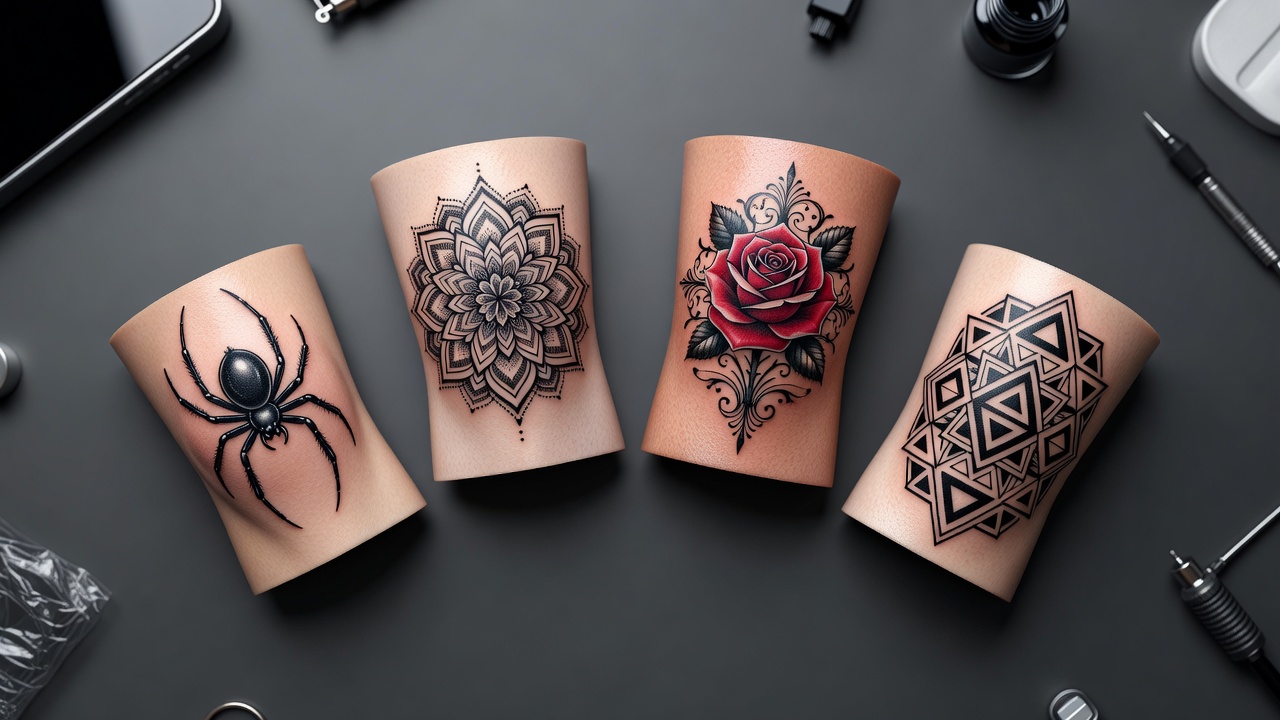
The knee is one of the boldest canvases on the leg, and an AI tattoo generator for knee tattoos lets you test a spider, a rose or an ornamental kneecap piece before you commit: you describe the motif, compare several versions and preview the result on your own leg.
In short: designing a knee tattoo with AI means choosing a round, strongly structured motif that works with the joint, asking for bold lines, and checking the scale in AR with your leg straight and bent. This guide covers which designs suit the knee, how to write prompts that work, and how to take the finished design to an artist.
What Is an AI Tattoo Generator for Knee Tattoos? (Quick Answer)
An AI tattoo generator for knee tattoos is a tool that creates joint-friendly designs from a text description or a reference photo. You choose the motif and the style, the AI composes it, and you can preview the result on your own leg before choosing an artist. In INK, you can generate, compare and refine knee designs for free.
Why the Knee Is a Popular Tattoo Spot
The knee is the large hinge joint between the thigh and the lower leg; you can read about its anatomy on Wikipedia's knee page. The rounded kneecap naturally suits circular and radial designs, which is why spiders, mandalas, roses and sunbursts are such common choices.
It is also a bold, high-impact placement. A design on the kneecap can stand alone, while a piece just above the knee can link a thigh and a calf tattoo into one flowing leg. Many people like that it is easy to show off in shorts and just as easy to cover.
How Does an AI Tattoo Generator Handle Knee Tattoos?
An AI generator renders artwork from your description or a photo. Knee designs are a good fit because they are often built around a single center point: a prompt such as "ornamental rose for the kneecap, bold black linework, centered, circular" gives the AI a clear structure to follow.
The honest limit is movement. A flat image cannot show how the skin folds and stretches when you bend your leg, so use the generator to explore compositions and motifs, then check the fit with AR and ask your artist to adapt the stencil to your leg. Our guide to using an AI tattoo generator covers the full workflow.
How to Prompt an AI Tattoo Generator for a Knee Tattoo
A few habits separate a design an artist can use from a pretty picture that will not fit:
- Name the motif. "Spider on a web," "mandala sunburst" or "rose with leaves" beats "something round."
- Describe the shape. Circular, radial or diamond-shaped; the shape decides how it sits on the kneecap.
- Ask for a center. Words such as "centered on a single point" and "radiating outward" steer the result.
- Set the line style. Bold black, fine line, dotwork or a mix; bolder lines tend to stay readable on a moving joint.
- Add the placement. "Kneecap," "above the knee" or "behind the knee" changes the proportions.
- Generate several variations. Compare three or four and keep the one with the clearest structure.

Knee Tattoo Ideas That Work
These motifs suit the knee, with common modern readings rather than fixed rules:
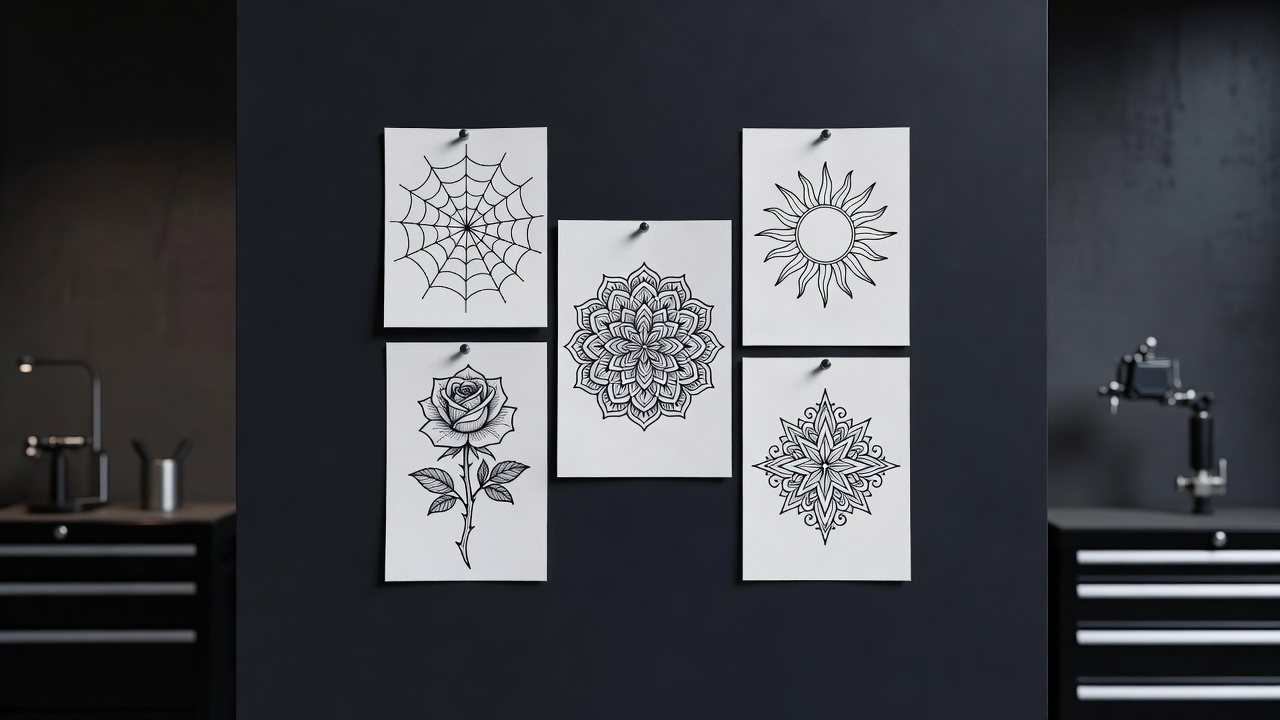
- Spider and web. A classic kneecap design, drawn from the center out and often playful or gothic.
- Mandala sunburst. Repeating petals around the joint; see the mandala tattoo meaning guide for the symbolism.
- Ornamental pieces. Filigree, stars and jewelry-like patterns that frame the kneecap.
- Rose or floral. A bloom centered on the kneecap with leaves trailing along the leg.
- Sun or star. A radiating shape that echoes the round form of the knee.
- Behind-the-knee pieces. Small symbols or lettering sized for the back of the joint.
Best Styles for Knee Tattoos: Blackwork, Traditional and Fine Line
- Blackwork. Bold fills and clear shapes for high contrast on a joint that moves.
- Traditional. Thick outlines and solid color hold up well; the traditional tattoo style guide explains why.
- Fine line. Delicate and elegant; the fine-line tattoo guide explains what holds up over time.
- Ornamental. Jewelry-like filigree that frames the kneecap.
If you are planning a bigger piece, our thigh tattoo generator guide and calf tattoo generator guide show how a knee design can connect to the rest of the leg.
Knee Tattoo Placement, Healing and Pain
Placement choices include the kneecap itself, the area just above it, the sides, or the soft skin behind the knee. For help comparing spots overall, read the guide to the best tattoo placements.
Pain and healing are the honest trade-offs. The skin over the kneecap sits close to bone, and the joint flexes constantly, so many people rate the knee among the more painful spots and find it heals more slowly; our tattoo pain chart compares areas across the body. Expect that the area may need a touch-up over time.
Common Knee Tattoo Mistakes a Generator Helps You Avoid
- Off-center design. A round piece looks wrong if the center misses the kneecap; check centering before you commit.
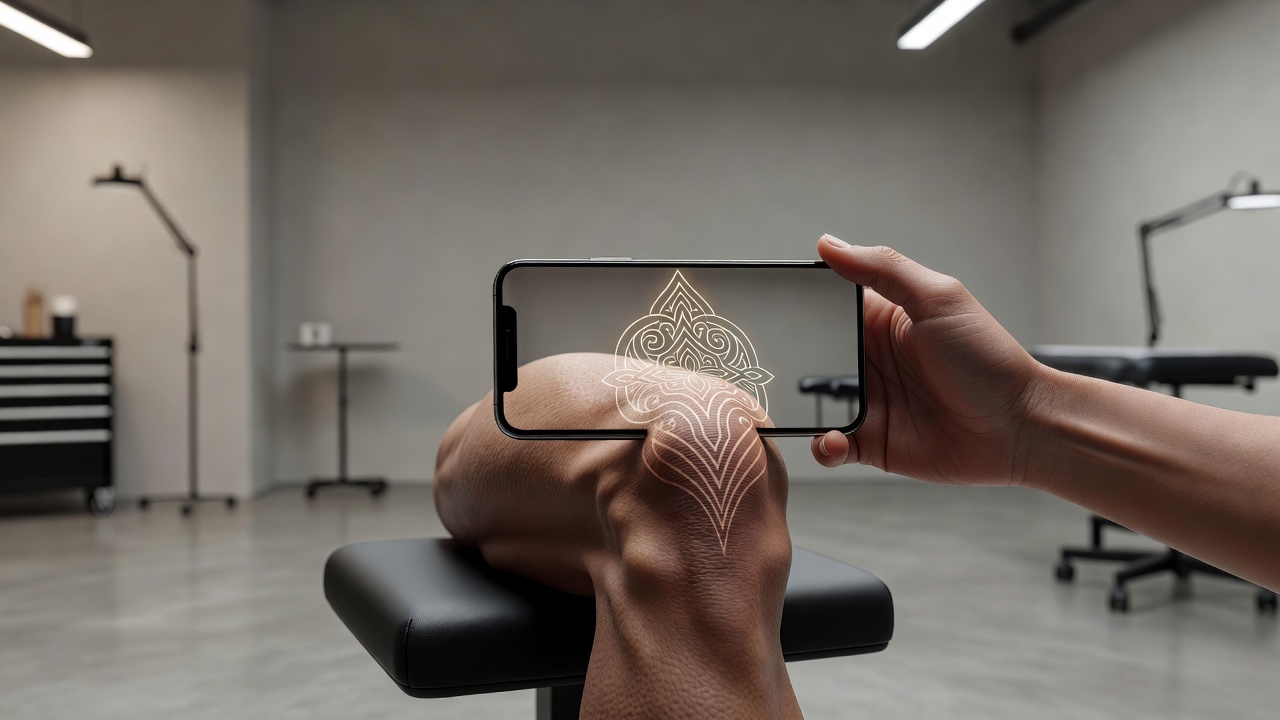
- Ignoring movement. The skin folds and stretches when you bend your leg; preview it with the leg straight and bent.
- Too much detail at a small size. Tight lines can blur over the years; simplify small pieces.
- Choosing the wrong zone. Decide between the kneecap, above the knee and behind the knee before you design.
- Skipping aftercare planning. Bending the leg can crack a fresh tattoo, so plan the healing period.
Previewing a Knee Design on Your Own Leg
Because the knee moves so much, how a design sits on your leg matters. AR try-on lets you check the scale, the centering and how far the design extends before it becomes permanent. Our guide to tattoo try-on technology explains how this works and what to look for.
From AI Design to a Real Knee Tattoo
Once you have a design you like, bring a high-resolution export to your artist and talk through line weight, scale and how the piece should sit on your joint. A good artist will adapt the stencil to your leg and advise on healing; for aftercare, see our tattoo aftercare guide. To plan the budget, see how much tattoos cost. Finally, INK lets you export a stencil-ready file when you are ready.
The Final Word
An AI tattoo generator for knee tattoos will not replace an artist's hand, but it settles the questions that matter most: which motif suits your joint, how large it should be, and how it sits on your leg. Choose the motif, ask for a clear center, preview it on your skin, then let a skilled artist adapt the final stencil.
Design Your Knee Tattoo Free in INK
Describe your motif, compare layouts, and preview the design on your own leg before you ink. No sign-up needed.
Try INK Free →

Create Your Perfect Tattoo Design
Use AI to generate unique tattoo designs and preview them on your body before committing to ink.
Start Designing for FreeWritten by
INK Team