
Traditional AI Tattoo Generator: Design Old School Tattoos
How a traditional AI tattoo generator renders the bold black outlines and flat, saturated colors of American Traditional tattoos — what AI handles well, where a skilled artist's technique still matters, and how to prompt it for authentic Old School results.

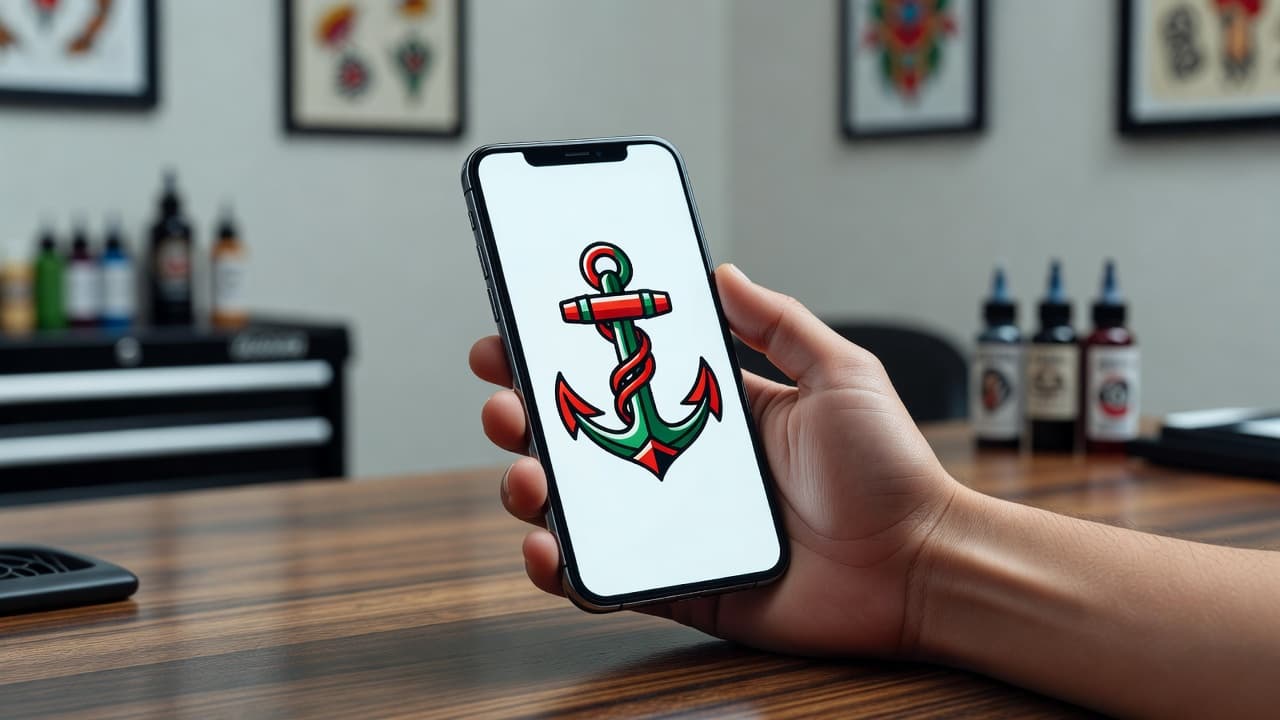
American Traditional tattoos have survived a century of changing fashion for a reason: bold black outlines, a handful of saturated colors, and instantly readable imagery that still looks sharp decades after it was inked. A traditional AI tattoo generator lets you test that classic look before you commit — describe a swallow, a dagger-wrapped rose, or a nautical star, and see it rendered with the thick lines and flat color fills the style is built on, in seconds instead of flipping through flash sheets.
In short: a traditional AI tattoo generator is an AI tattoo tool set to the American Traditional (Old School) aesthetic — heavy black outlines, a limited palette of solid, saturated colors, and bold, simplified imagery designed to stay legible for decades. You describe your subject, the AI renders it in that style, and you can compare variations before ever sitting down with an artist. This guide covers how these generators handle the traditional look, where AI is genuinely strong, where a skilled artist's hand still matters, and how to prompt one for designs that actually read as classic rather than generic.
What Is American Traditional Tattoo Style?
American Traditional, often called Old School, is the style most people picture when they imagine a "classic" tattoo: thick black outlines, a restrained palette of red, green, yellow and blue, minimal shading, and bold, simplified subjects like swallows, anchors, roses, panthers and pin-up figures. It traces back to early 20th-century tattoo culture, shaped heavily by sailors and by artists like Norman "Sailor Jerry" Collins, who refined the bold-line, high-contrast approach that still defines the style today.
The heavy outlines and flat, saturated fills weren't just an aesthetic choice — they were practical. Early tattoo machines and inks needed strong, simple lines to hold up on skin over decades, and that same durability is exactly why the style has never really gone out of fashion. Our traditional tattoo style guide goes deeper into that history and the classic motifs behind it; this piece focuses specifically on generating traditional-style designs with AI.
How Does a Traditional AI Tattoo Generator Work?
An AI tattoo generator builds an image from your written description, and setting it to traditional style tells the model to favor thick black outlines, flat color blocks, and bold simplified shapes instead of the fine detail or soft gradients you'd get from styles like realism or watercolor. The subject can be almost anything — a swallow, a ship, a rose, a dagger, a wolf head — but the traditional setting decides whether the AI renders it with heavy contained linework and a handful of solid colors, or with the softer, more layered look of other styles.
In INK, you can generate the same subject as a traditional version and a neo-traditional or blackwork version side by side, then compare how each handles line weight and color. Because the style depends so heavily on restraint — a small, deliberate color palette and confident, unbroken lines — small wording changes matter: "bold traditional linework," "flat saturated color, no gradient," and "classic sailor tattoo style" each nudge the result closer to the authentic Old School look than a vague "old tattoo style" prompt would.
Is AI Actually Good at Traditional Tattoo Designs?
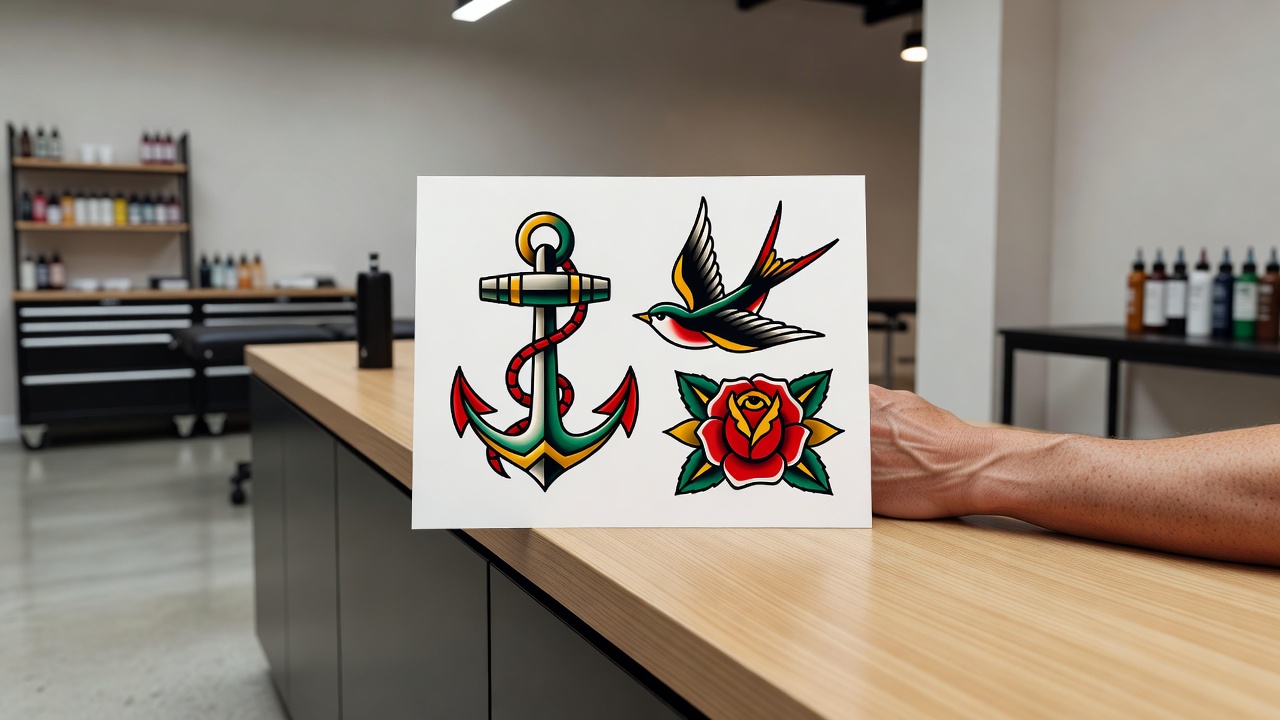
Yes, and it's one of the more forgiving styles for AI to render well, precisely because traditional design is built around simplicity rather than fine detail. AI is strong at three things the style depends on: producing clean, confident outlines, keeping color fills flat and solid instead of drifting into gradients, and generating several variations of a classic subject quickly so you can compare composition and balance before picking a favorite.
The part that still benefits from an experienced tattoo artist is execution. Traditional tattoos are meant to age well — bold lines and solid color are specifically chosen because they hold their shape and saturation for decades, but only if an artist lays the ink at consistent depth and the piece is sized appropriately for where it sits on the body. An AI-generated traditional design gives your artist a precise reference for linework, palette, and composition, but their technique is what determines whether the piece still looks crisp twenty years from now instead of blurring at the edges.
It's also worth comparing traditional to a related but distinct style: blackwork pushes the bold-outline philosophy further by dropping color almost entirely, while traditional keeps a small, deliberate palette front and center. If you're not sure which reads more "you," generating both from the same subject is a fast way to compare.
How to Prompt an AI Tattoo Generator for Traditional Results
A few habits separate a traditional prompt that comes back looking authentically Old School from one that comes back looking like a generic cartoon:
- Pick a classic subject. Swallows, anchors, roses, daggers, panthers, ships, and pin-up figures are the backbone of the style and give the AI a well-understood visual vocabulary to draw from.
- Ask for bold black outlines explicitly. Say "thick black outline" or "heavy traditional linework" so the AI commits to the strong contour the style depends on, instead of thinner, more delicate lines.
- Limit the color palette on purpose. Naming "classic red, green, and yellow palette" keeps the result from drifting toward the wider color range other styles use.
- Specify flat, solid fills. Requesting "flat saturated color, no gradient" prevents the AI from blending in soft shading that reads more like neo-traditional or illustrative work.
- Generate a few variations. Produce 3–5 versions of the same subject and compare line weight and composition before refining your favorite with an AI tattoo editor.
Traditional Tattoo Ideas Worth Trying
Traditional works best with subjects that already have a long history in the style, since the AI has a clear visual reference to draw bold, confident lines around. Directions worth exploring include:
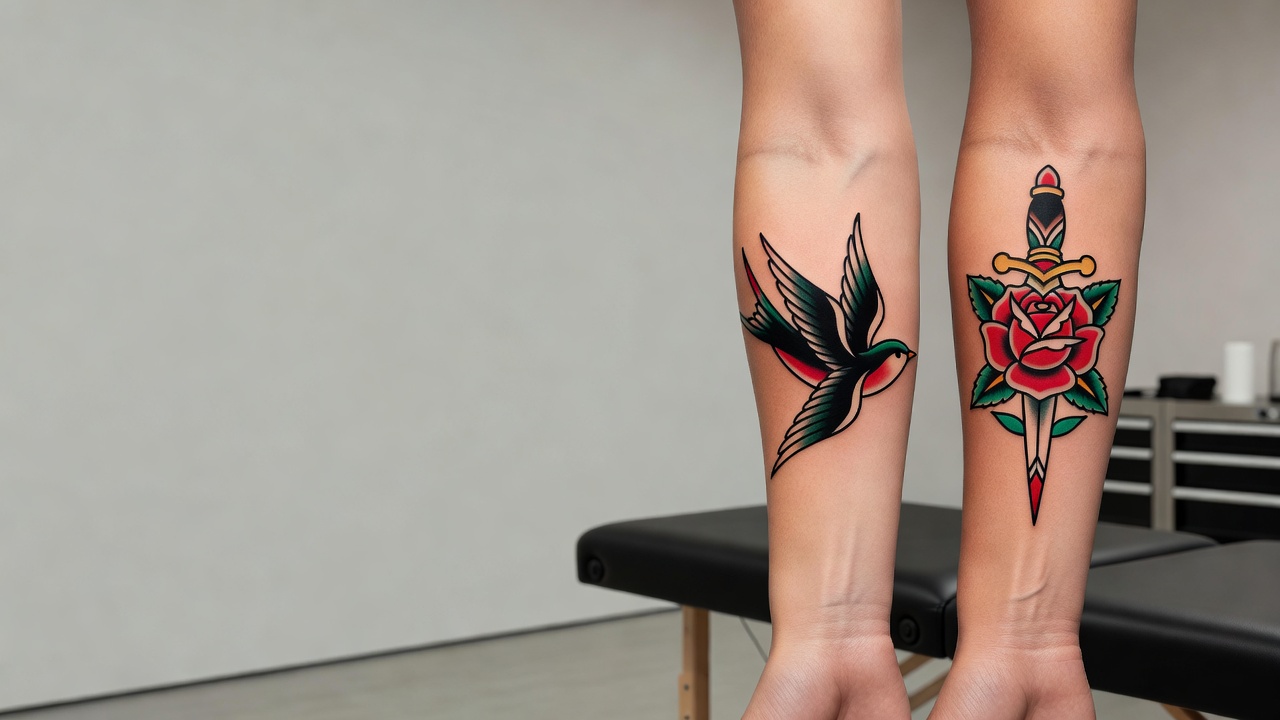
- Swallows. A sailor's classic symbol of safe return, rendered with a bold outline and a small wingspan of solid color.
- Anchors and nautical stars. Maritime staples that read instantly as traditional, often paired with a banner and lettering.
- Roses and daggers. A rose alone, or wrapped around a dagger or banner, is one of the most requested traditional motifs for a reason — the shapes are bold and the color fills naturally.
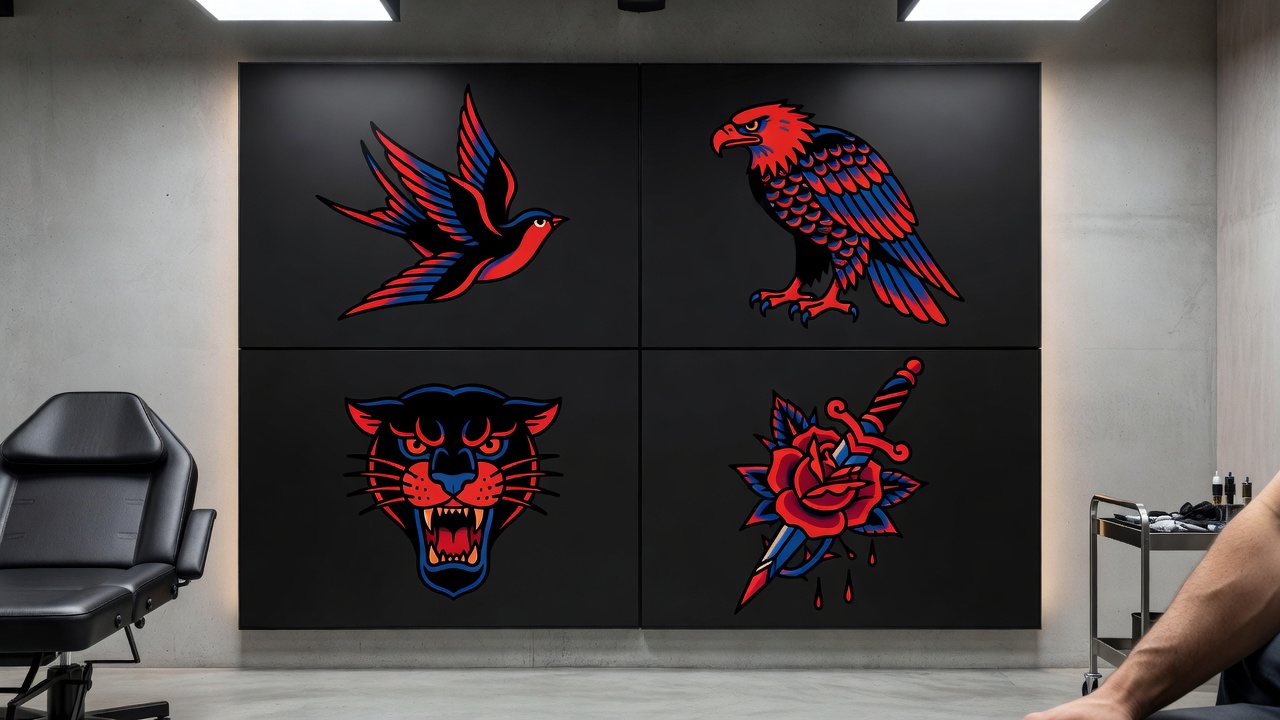
- Panther heads and eagles. Strong, aggressive subjects that showcase the style's confident linework and high contrast.
- Pin-up figures and ships. Larger, more detailed traditional pieces that still rely on the same limited palette and heavy outline rules as smaller designs — pair this with our meaningful tattoo symbols guide if you want the subject to carry personal significance beyond its classic look.
Where Do Traditional Tattoos Look Best?
Traditional's bold outlines and simple compositions make it one of the more placement-flexible styles, since it was designed from the start to read clearly at a glance regardless of size.
- Forearm and upper arm — the classic canvas for traditional work, with enough flat space for a full swallow, rose, or dagger design.
- Chest and upper back — well suited to larger traditional pieces like a ship, eagle, or pin-up figure with room to breathe.
- Calf — a strong spot for a single bold motif like a panther head or anchor.
- Shoulder — a popular placement for a rose or nautical star, easy to size up or down.
- Fingers and hands — generally a poor fit, since fine detail and small text fade fastest on high-movement, high-exposure skin, even in a bold style.
Our best tattoo placements guide breaks down pain levels and visibility for every area of the body. Because traditional relies on solid, saturated color holding its shape for decades, proper healing matters — the American Academy of Dermatology's tattoo aftercare guidance is worth reading before a color-heavy session, and our own tattoo aftercare guide covers what to expect while a bold-color piece heals.
Designing Your Traditional Tattoo with AI
Traditional lives or dies on restraint — a confident outline and a small, deliberate palette — and that's exactly where prototyping with AI helps most before you ever sit in a chair. With INK you can describe your idea in plain language ("a swallow with a banner, bold traditional linework, red and green palette"), compare a few line-weight and color variations, and AR-preview the strongest option on your own skin before booking.
Because iterating costs nothing, you can generate several passes of the same subject, check how each handles outline weight and color balance, and settle on the version that actually feels timeless rather than trendy. If you want to see how different AI tools compare more broadly before choosing one, our AI tattoo generator comparison guide is a useful next stop. When you're ready, you bring your artist a precise, considered reference instead of a photo of someone else's flash sheet.
Choosing Your Traditional Design
Traditional rewards discipline more than almost any other tattoo style — the goal isn't more detail, it's a confident line and a palette that will still look sharp in twenty years. Getting that groundwork right with AI before you sit down for a session is exactly what makes the extra prototyping step worth it.
What is a traditional AI tattoo generator? A tool that renders bold black outlines, a limited saturated color palette, and classic Old School imagery based on your description.
Is AI good at traditional designs? Yes — it handles clean outlines and flat color fills especially well, though laying the ink so it holds its shape for decades still benefits from a skilled artist.
How do I get the best results? Pick a classic subject, ask for bold outlines explicitly, limit the color palette, specify flat fills, and generate several variations to compare.
Where does it look best? Forearm, upper arm, chest, upper back, calf, or shoulder — anywhere with enough flat space for a confident outline to read clearly.
Whatever subject you land on, take the time to compare a few line-weight and color variations before you commit. Choose your motif and palette deliberately, and you'll end up with a traditional piece that still looks as sharp in twenty years as it does today.
Design Your Traditional Tattoo Free
Describe your subject and palette, and AR-preview the bold linework on your body before you commit — all in INK. No sign-up needed.
Try INK Free →

Create Your Perfect Tattoo Design
Use AI to generate unique tattoo designs and preview them on your body before committing to ink.
Start Designing for FreeWritten by

Laura Schmitz
Tattoo Content Lead, INK
Laura Schmitz leads tattoo content at INK. She has spent years researching tattoo styles, symbolism and aftercare, and works directly with the AI tattoo generator to test how each style translates from prompt to skin — so every guide here reflects designs that are actually tattooable, not just images that look good on screen.
More about the author