
Gothic AI Tattoo Generator: Design Dark Tattoo Art
How a gothic AI tattoo generator renders cathedral architecture, gargoyles, blackletter script and dark-romantic imagery — what it handles well, where a human artist still matters, and how to prompt it for a design that reads as moody rather than cluttered.
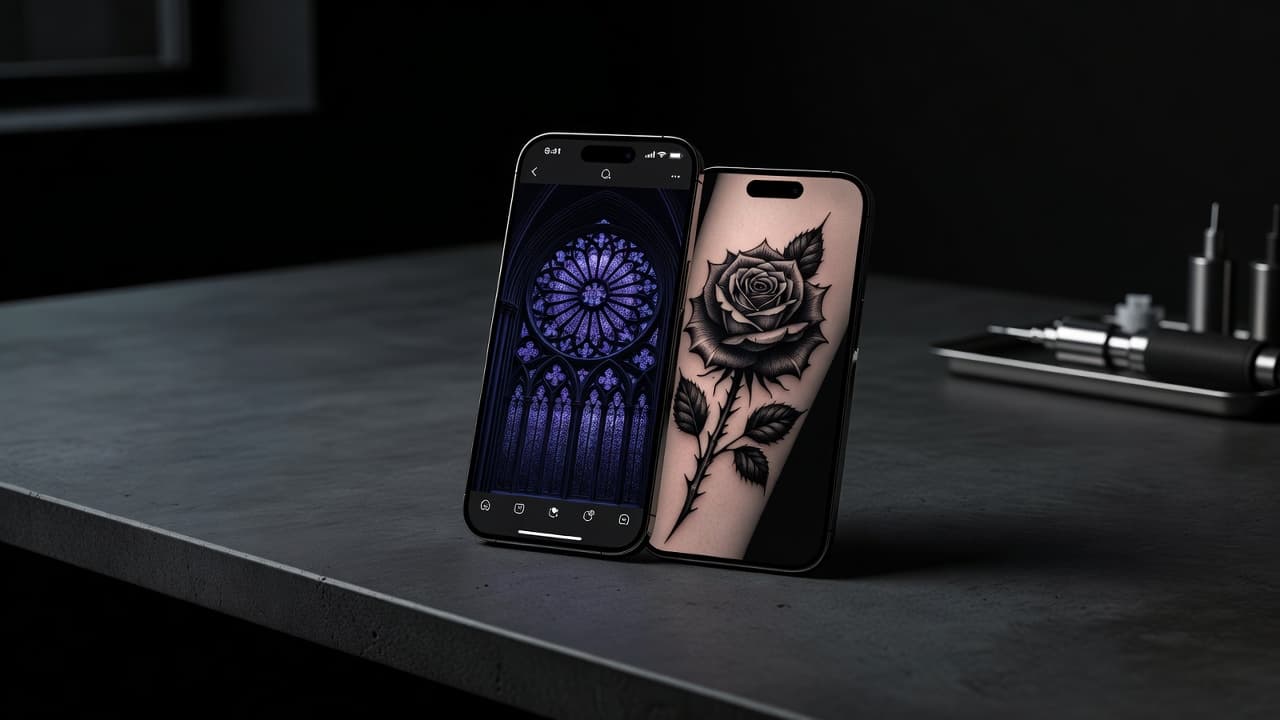
Gothic tattoos work in shadow and weight — cathedral arches, weeping gargoyles, blackletter script, roses gone slightly wrong. A gothic AI tattoo generator lets you explore that dark-romantic language before you sit in a chair: describe a crumbling cathedral window or a skeletal hand gripping a rosary, and see it rendered with real atmosphere in seconds instead of sketching every shadow and stone detail by hand.
In short: a gothic AI tattoo generator is an AI tattoo tool set to render designs in the gothic aesthetic — heavy blackwork shading, cathedral and architectural motifs, blackletter typography, and dark-romantic imagery like gargoyles, ravens, roses and memento mori symbols. You describe your idea or upload a reference photo, select a gothic-leaning style, and the AI produces artwork you can refine and preview on your own body before booking anything. This guide covers what "gothic tattoo" actually means as a style, how these generators handle it, where AI is genuinely strong and where a human artist still matters, and how to prompt one for a design that reads as moody and intentional rather than just dark for the sake of it.
What Are Gothic Tattoos?
Gothic tattooing borrows its mood and its visual grammar from two overlapping sources: the pointed arches, tracery windows and stone carvings of medieval Gothic architecture, and the broader Gothic subculture's fascination with death, romance and the macabre. On skin, that translates into heavy black shading, high contrast, and recurring motifs — cathedral windows, gargoyles, skeletal hands, weeping angels, blackletter script, roses with thorns rendered more menacing than pretty, crosses, and memento mori symbols like skulls and hourglasses.
Unlike a single clean tradition, "gothic tattoo" is really an umbrella that pulls from horror illustration, medieval religious art, Victorian mourning jewelry, and dark ornamental blackwork. What holds it together visually is contrast and weight: solid black fills, dramatic shadow, and a general refusal to look cheerful. It overlaps with our skull tattoo meaning guide and cross tattoo meaning guide in subject matter, but this piece focuses specifically on how AI renders the gothic aesthetic and how to get the most out of a generator built around it.
How Does a Gothic AI Tattoo Generator Work?
An AI tattoo generator renders an image from your description or reference photo, and selecting a gothic-leaning style tells the model to favor heavy black shading, architectural or religious-adjacent motifs, and a dark, high-contrast palette instead of bright color or soft realism. You can steer it toward a specific direction — a stained-glass cathedral window, a gargoyle perched on a ledge, a blackletter phrase wrapped in thorns — or toward a more general "gothic" look that blends elements freely.
In INK, you can generate the same idea from a typed prompt or an uploaded reference photo, choose a gothic-leaning style, and compare several variations side by side. Because the style depends heavily on how dramatic and consistent the shadow and contrast look, it is worth producing a few versions and checking whether the black fills stay solid and the composition still reads clearly at a glance, rather than judging the first result alone.
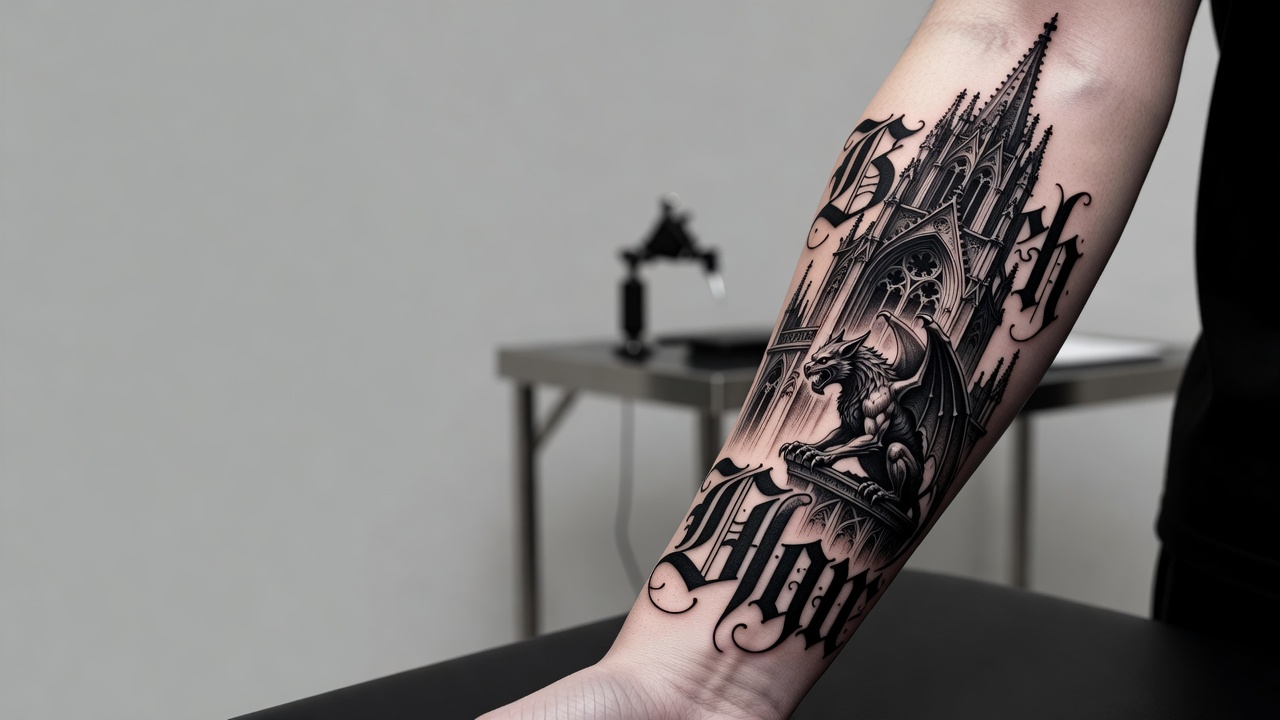
Is AI Actually Good at Gothic Tattoo Designs?
Yes, gothic is one of the styles AI handles with real confidence, because so much of what makes a design "read" as gothic comes down to structural, repeatable choices — strong black-to-negative-space contrast, consistent shadow direction, and a handful of recognizable motifs like arches, gargoyles and blackletter type. Ask for a weeping angel statue rendered in heavy blackwork, or a cathedral rose window with a skull at its center, and a gothic AI tattoo generator typically returns something atmospheric and usable within the first few tries.
Where it takes more care is restraint and legibility. AI can lean toward cramming in too many motifs at once — a gargoyle, a rose, a dagger and a scroll of script all in one composition — which reads as busy rather than moody once it is actually tattooed at real size. It also helps to be specific about blackletter or gothic-script text, since the model can distort lettering if you ask for a long, exact phrase; keep any script short and check it carefully before you commit, the same caution worth applying to any AI tattoo lettering generator output. Compare this to an AI blackwork generator, which shares gothic's reliance on solid black fills but skips the architectural and narrative motifs entirely — gothic asks the AI to do both the shading and the storytelling at once, which is why a tighter, simpler prompt usually outperforms an overloaded one.
How to Prompt an AI Tattoo Generator for Gothic Style
A few habits make the difference between a gothic prompt that comes back moody and cohesive and one that comes back cluttered or generic:
- Pick one central motif. A cathedral window, a gargoyle, a skeletal hand, or a rose-and-dagger composition — choose one anchor image rather than asking for several at once.
- Name the style directly. Say "gothic," "dark blackwork," or "Victorian gothic" so the AI favors heavy shading and architectural or memento mori motifs over bright color or realism.
- Describe the contrast you want. Mention "heavy black shading" or "high contrast" so the model commits to solid fills instead of soft gray-wash shading that can undercut the mood.
- Keep any script short. If you want blackletter text, use a short word or phrase — long lines are more likely to distort into illegible lettering.
- Generate a few variations. Shadow direction and how "busy" the composition feels can shift noticeably between generations, so compare several before picking one to refine with an AI tattoo editor.
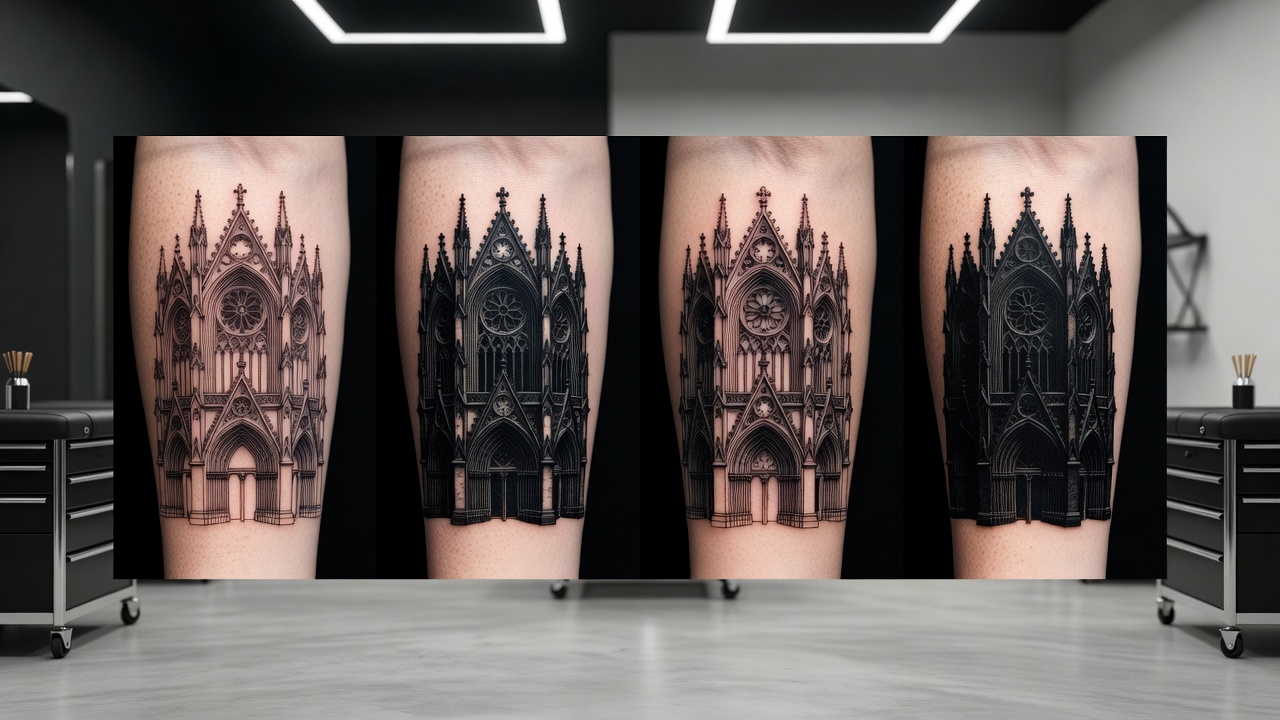
Popular Gothic Tattoo Styles and Ideas
Because gothic spans everything from architectural detail to dark-romantic symbolism, it is worth trying a handful of directions to see which fits the mood and scale you are after:
- Cathedral architecture — pointed arches, rose windows and stone tracery, often rendered as if carved directly into the skin.
- Gargoyles and grotesques — perched, winged figures with exaggerated, weathered detail, a direct nod to medieval stonework.
- Memento mori symbolism — skulls, hourglasses and wilting roses paired together as a reminder of mortality rather than a single standalone image.
- Blackletter and gothic script — short words or phrases in heavy, angular lettering, sometimes wrapped in thorns or ribbon.
- Dark botanical work — black-and-gray florals with a moody edge: wilting roses, thorny vines and nocturnal blooms instead of bright, cheerful arrangements.
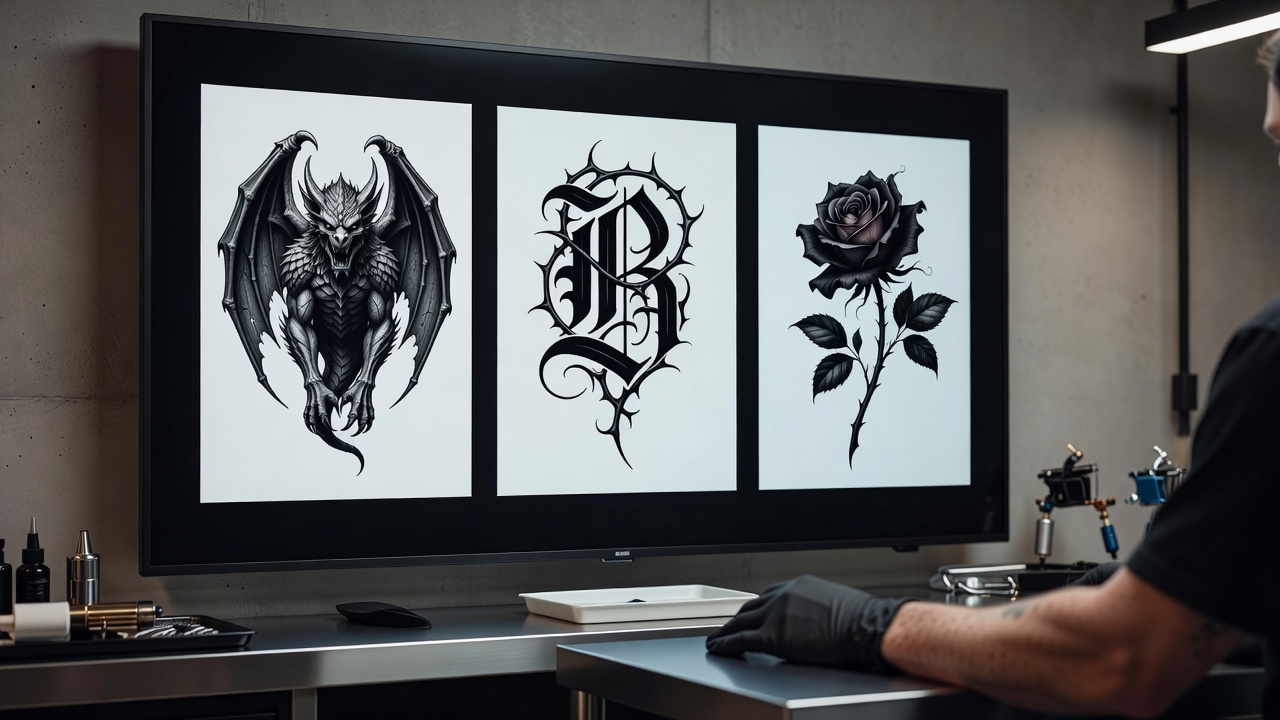
How Does Gothic Compare to Other AI Tattoo Styles?
Gothic shares its reliance on solid black fills with blackwork, but the two ask an AI generator to do different jobs. Blackwork is largely about geometry and negative space — keeping edges sharp and fills consistent. Gothic adds a narrative layer on top of that same shading language: an arch has to read as architecture, a gargoyle has to read as a specific creature, which means the model is juggling composition and symbolism at the same time as contrast. That is part of why an overloaded gothic prompt tends to fall apart faster than an overloaded blackwork one.
Gothic also sits at the darker end of a spectrum that includes styles like realism when it comes to statues, angels or portrait-style gargoyle faces — those elements still need convincing light and shadow to feel three-dimensional rather than flat. The difference is intent: realism is trying to reproduce something as it actually looks, while gothic is allowed to stylize and exaggerate for atmosphere, which gives the AI more room to lean into drama rather than accuracy.
Where Do Gothic Tattoos Look Best?
Gothic designs rely on strong contrast and, often, an architectural sense of scale, so placement affects how well the mood comes through.
- Forearm and upper arm — enough flat space for a cathedral window or gargoyle to read clearly, with room for shading to stay bold as it ages.
- Back and shoulder blade — the classic spot for a larger, more architectural piece with multiple motifs working together.
- Chest and sternum — a striking, more personal placement for a memento mori composition or a rose-and-dagger design.
- Thigh and calf — large, visible areas well suited to a full cathedral scene or a dense dark-botanical piece.
- Wrist and hand — best kept to a small, simple motif like a single rose or short blackletter word, since fine detail and script blur faster in these areas.
Our best tattoo placements guide covers pain levels and visibility for every area of the body, and INK's AR try-on feature lets you preview a generated gothic design at real scale on your own skin before you book anything. Because heavy black fills and fine architectural linework hold up differently over the years, it is worth reading our tattoo aftercare guide — and the American Academy of Dermatology's aftercare guidance — before a detail-heavy gothic piece so the contrast you designed actually stays sharp as it heals.
Designing Your Gothic Tattoo with AI
Gothic tattoos live or die on contrast and composition, which is exactly where designing with AI helps most. With INK you can describe your idea in plain language ("a gargoyle perched on a cathedral ledge, heavy black shading, high contrast"), compare that against a simpler dark-botanical alternative, or test how a full-back cathedral scene would actually read before anyone picks up a machine.
Because you can iterate freely, you can try a busier composition against a more restrained one, check which motif fits your specific forearm, back or chest, and AR-preview it on your own skin before committing to anything. When you are ready, you bring your artist a clear, considered reference instead of a vague description of "something gothic."
The Final Word
A gothic AI tattoo generator will not replace an artist's hand for keeping heavy black fills solid and consistent as they age on real skin, but it will get you to a genuinely atmospheric, well-composed concept far faster than sketching cathedral arches and gargoyle detail from scratch. Pick one central motif, name the style explicitly, keep any script short, generate a handful of variations, and preview the result on your own skin before you bring it to an artist who can adapt it for how it will actually hold up.
Design Your Gothic Tattoo Free in INK
Describe your cathedral, gargoyle or dark botanical idea, explore gothic styles, and AR-preview the design on your body before you commit — all in INK. No sign-up needed.
Try INK Free →

Create Your Perfect Tattoo Design
Use AI to generate unique tattoo designs and preview them on your body before committing to ink.
Start Designing for FreeWritten by
INK Team