
AI Tattoo Generator for Finger Tattoos: Design Tiny Ink That Actually Lasts
How an AI tattoo generator handles finger tattoos: choosing between the top, side and ring-style placements, designing simple pieces that survive constant movement, and previewing the result on your own hand before you book.
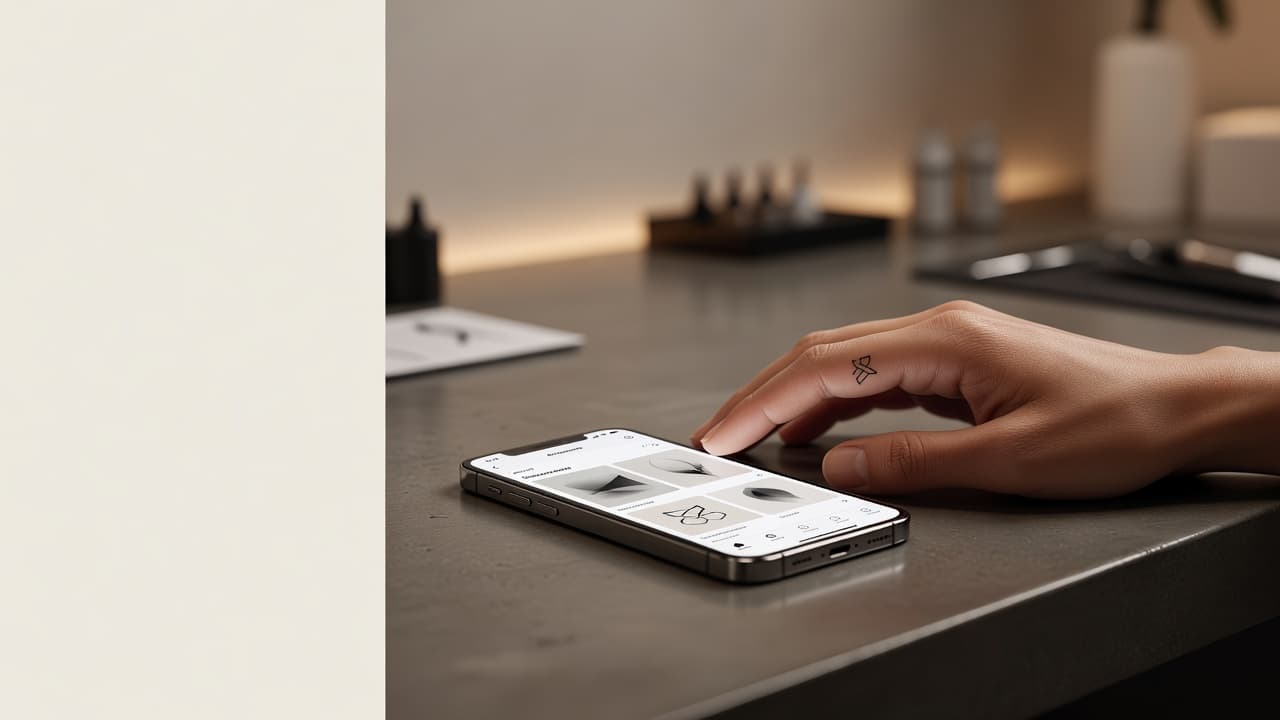
Finger tattoos are the definition of small and personal: a tiny symbol, a single word, a thin band that reads like a ring. They are also one of the least forgiving placements, because the skin is thin, constantly washed and always moving. An AI tattoo generator for finger tattoos lets you test the idea on that tiny canvas before you book. You describe the design, choose where on the finger it sits, and check that it still reads clearly at a few millimeters tall.
In short: designing a finger tattoo with AI means choosing the exact position first, then prompting for a very simple, high-contrast design with bold enough lines to stay readable as the skin changes. This guide covers how AI handles finger designs, how to prompt for them, which styles hold up best, what to expect from pain and healing, and how to preview the result on your own hand.
What Is an AI Tattoo Generator for Finger Tattoos? (Quick Answer)
An AI tattoo generator for finger tattoos is an AI tool used to design very small pieces for the top, side or base of a finger, including ring-style bands. You describe your idea or upload a reference, the AI composes a simple design with proportions that suit a narrow finger, and you can preview it on your own hand before choosing a size or position.
Why Finger Tattoos Are So Popular (and So Tricky)
Finger tattoos appeal because they are small, visible and easy to personalize. A tiny symbol or initial can carry a lot of meaning, and a thin band around the base of a finger offers a ring that never comes off. Because they sit on the hand, they are also seen constantly, which makes it important to get them right.
The same qualities make fingers a demanding placement. The skin is thin, sits close to bone, and is exposed to washing, friction and sun every day, so fine lines tend to blur or fade faster than on the arm or back. Many artists suggest bold, simple designs for that reason. If you are still weighing spots, our guide to the best tattoo placements compares the main options, and the AI tattoo generator for hand tattoos guide covers the larger canvas next door.
How Does an AI Tattoo Generator Handle Finger Tattoos?
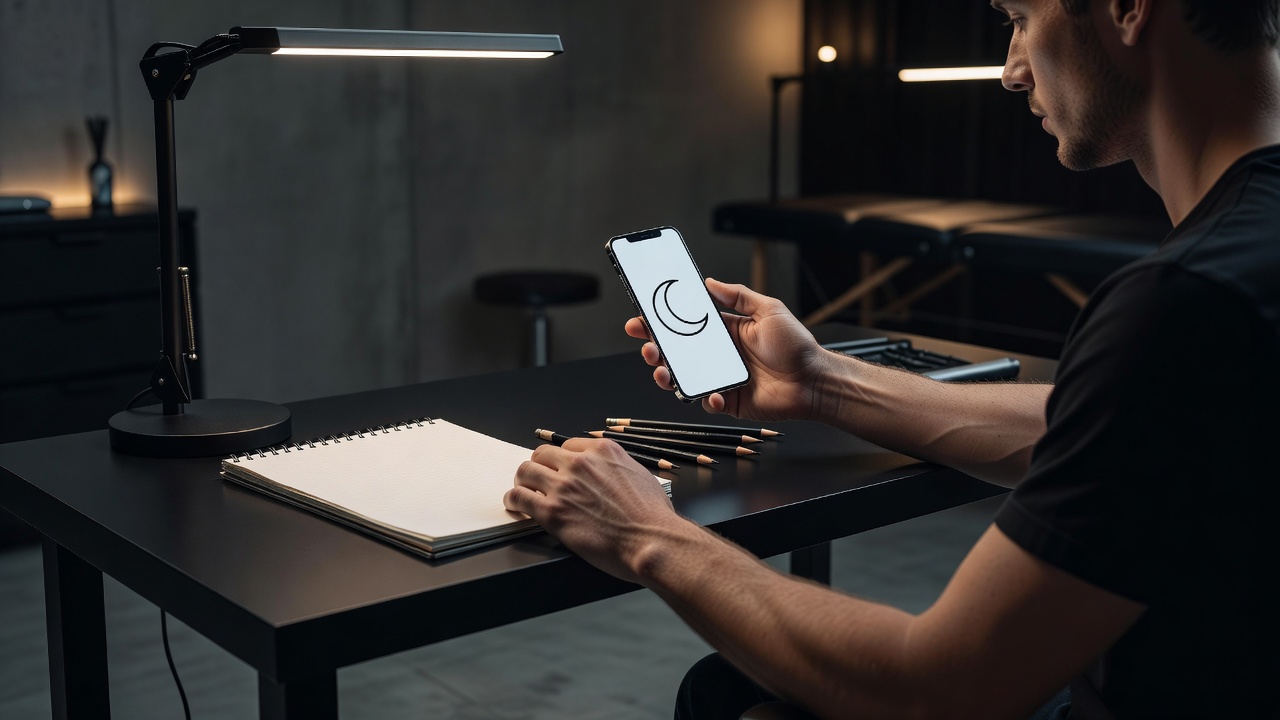
An AI generator renders artwork from your description or a photo, and for fingers the most useful details are size and simplicity. Phrases such as "tiny crescent moon on the side of the index finger," "thin continuous band around the ring finger" or "small bold star above the knuckle" steer the AI toward compact layouts instead of a detailed illustration that cannot fit.
In INK you can describe the idea in plain language, start from a text prompt, or upload a reference and refine it. You can generate several versions, compare compositions, and keep the one that is clear at a very small scale. For knuckle-area ideas specifically, our AI knuckle tattoo ideas guide goes further.
How to Prompt an AI Tattoo Generator for a Finger Tattoo
A few habits separate a design that suits a finger from one that is simply shrunk to fit:
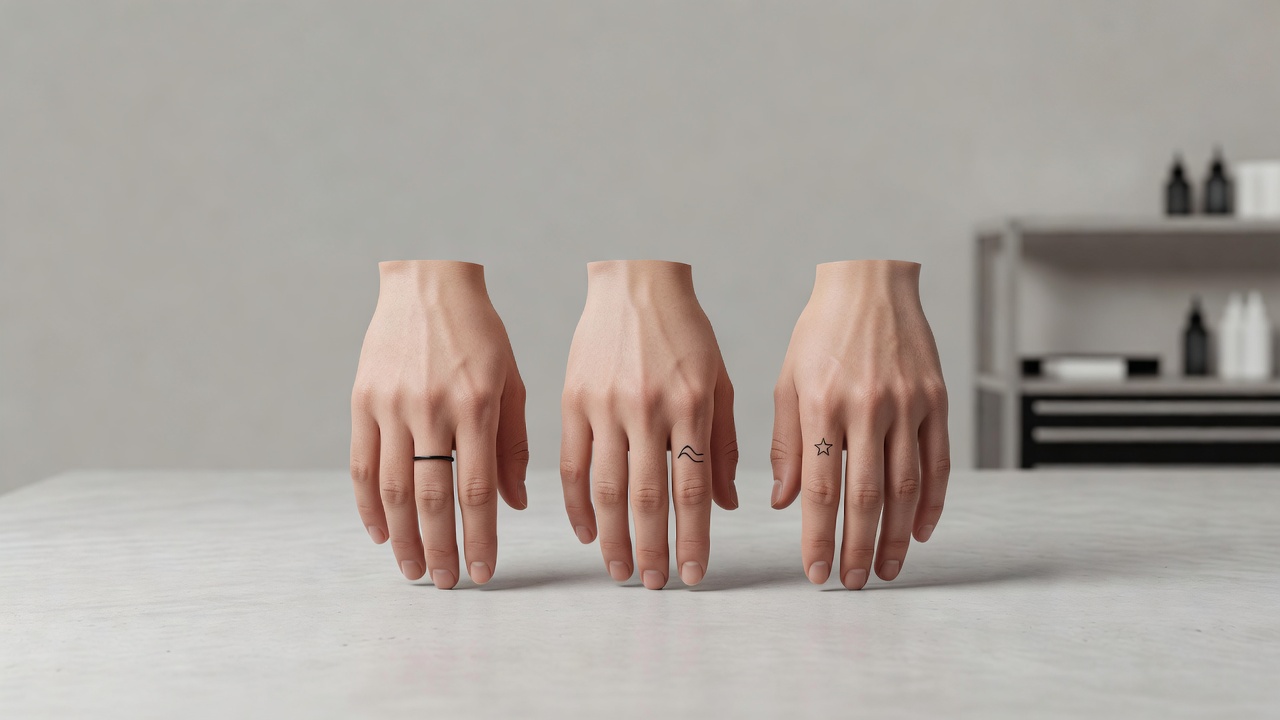
- Pick the finger and position first. Say whether it sits on the top, the side, the base as a ring, or between the knuckles.
- Ask for one simple shape. A single symbol, initial or short word beats a scene. Words like "minimal," "bold outline" and "single element" help.
- Leave breathing room. Request generous spacing between lines and dots so they do not merge as the ink settles.
- Name the line weight. Ask for a slightly bolder line than you think you need; hairline strokes are the most likely to fade on fingers.
- Generate variations. Compare a few options, then refine your favorite with small changes.
If you want lettering, our AI tattoo lettering generator guide explains how to choose a script that stays legible at a small size.
Top, Side, Base or Between the Knuckles: Choosing a Placement
The biggest decision for a finger tattoo is where on the finger it goes. The common approaches:
- Top of the finger. The flattest and most visible surface, suited to a small symbol or initial between the knuckles.
- Side of the finger. A discreet spot that suits a thin line or tiny symbol, though ink on the sides tends to fade faster because of friction.
- Base of the finger (ring style). A thin band, chain or row of dots that reads like jewelry. Bands must be drawn carefully so the ends meet cleanly.
- Above the knuckle. A good spot for a small star, dot or cross, though the skin here stretches every time the finger bends.
- Inner finger and palm side. Often avoided; ink here commonly fades or blurs quickly because of constant friction and skin renewal.
Comparing placements in a preview is faster than imagining them. You can see in minutes whether a band looks right at the base or whether a symbol suits the top better.
Styles and Designs That Work Well on Fingers
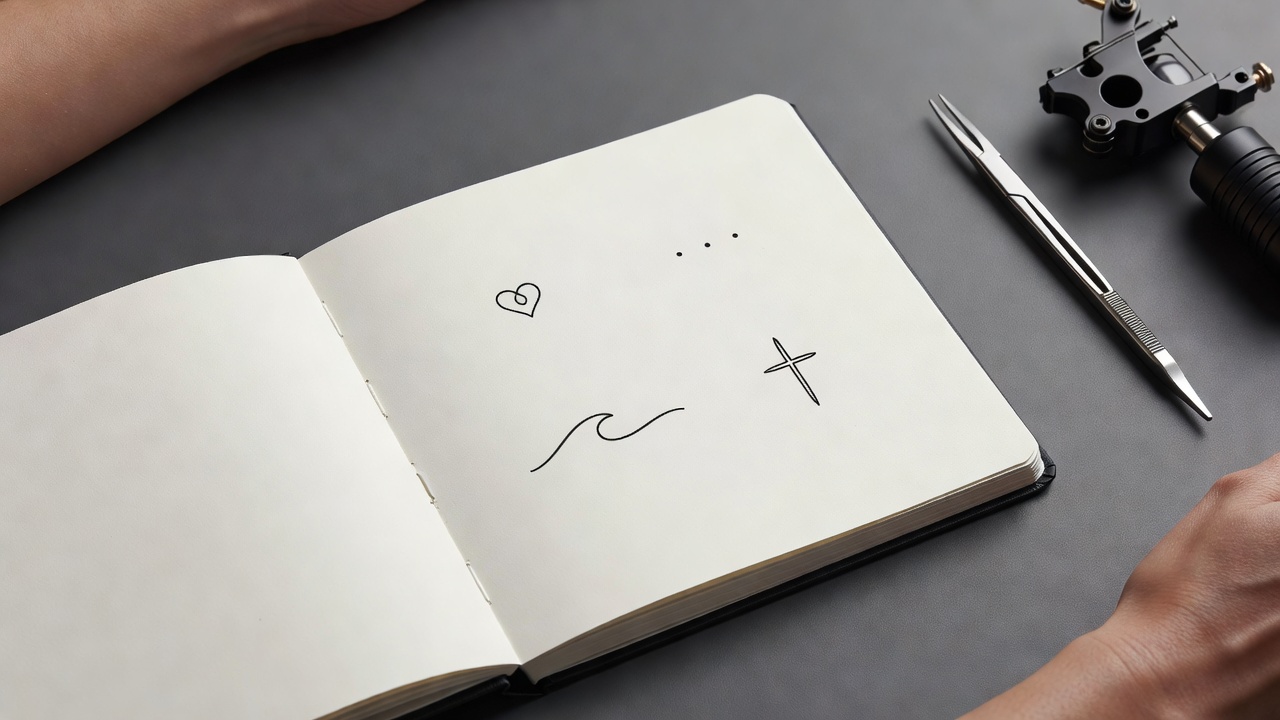
- Minimalist symbols. Stars, moons, hearts, crosses and small geometric shapes suit the limited space; see our minimalist tattoo ideas for inspiration.
- Dots and short lines. Three dots, a row of dashes or a tiny wave are simple, quick to read and easy for an artist to place.
- Initials and single letters. Clean serif or simple block letters are easier to keep readable than script at this size.
- Thin bands and chains. A ring-style band is a classic, but keep the line steady and avoid fine ornament inside it.
- Bold blackwork. Solid shapes hold up to friction better than hairline detail.
If you like delicate work, our fine-line tattoo guide explains what lasts and what tends to soften over time.
How Big Should a Finger Tattoo Be?
Finger pieces are usually tiny. As a rough guide, a symbol or initial on the top of a finger often measures about 5 to 12 mm, a band around the base is typically 2 to 4 mm wide, and a side-of-finger line may run only a few centimeters. Slightly larger and simpler is almost always safer than smaller and detailed, because tiny lines can merge as skin changes.
An AI preview helps you see whether the proportions work before you commit to a size.
Common Finger Tattoo Mistakes a Generator Helps You Avoid
- Too much detail. A miniature illustration can turn into a smudge; a single clear shape reads better.
- Hairline strokes. Very thin lines are the first to fade on fingers; asking for a slightly bolder line avoids it.
- Bands that do not meet. A ring-style tattoo needs the ends to line up when the finger bends and straightens; previewing from several angles catches awkward joins.
- Ignoring wear. Skin on the sides and underside of the finger renews quickly; choosing the top of the finger can help the design last.
Do Finger Tattoos Hurt, and How Do They Heal?
Fingers are commonly described as moderately to highly painful because the skin is thin and sits close to bone and nerves. The knuckle and the sides of the finger tend to be the most sensitive, though sessions are short because the pieces are small. Pain varies from person to person. Our tattoo pain chart compares placements across the body.
Healing needs patience. Hands are washed, bent and bumped all day, so the area can scab or flake, and finger tattoos often need a touch-up after the first heal. Follow our tattoo aftercare guide and your artist's advice, keep the area clean and avoid soaking it while it heals. For general safety information, see the FDA's guidance on tattoo safety.
Previewing a Finger Design on Your Own Hand
Because fingers are small and change shape as they bend, checking how a design sits on your own hand is worth a few minutes. A symbol that looks balanced on a screen can feel too big, too high or off-center on a real finger. Using AR try-on lets you check scale, angle and alignment early; our guide to tattoo try-on technology explains how the preview works.
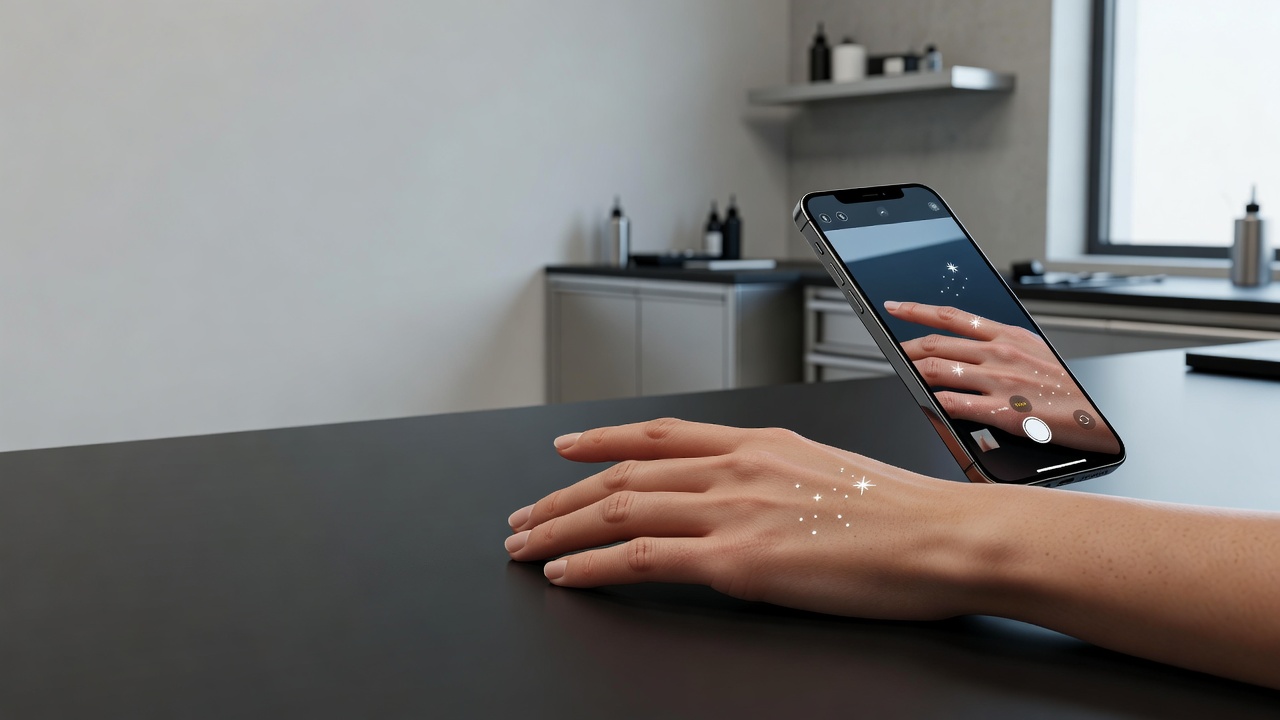
From AI Design to a Real Finger Tattoo
Once you have a design you like, bring a high-resolution export to your artist and talk through realistic expectations for a tiny piece on a high-wear area. Many artists will stencil the design on your finger so you can check it with your hand open and closed before the first line. For background on the craft itself, there is a useful overview of tattooing on Wikipedia. Small pieces are usually priced by minimum, so see how much tattoos cost to plan ahead.
The Final Word
An AI tattoo generator for finger tattoos will not replace an artist's hand, but it settles the questions that matter most for this placement: which spot suits the design, whether the shape is simple enough to last and how it looks on your own hand. Decide the position first, prompt for one bold, clear shape, and preview the result before you commit.
Design Your Finger Tattoo Free in INK
Describe your idea, choose a placement, and preview it on your own hand before you ink. No sign-up needed.
Try INK Free →

Create Your Perfect Tattoo Design
Use AI to generate unique tattoo designs and preview them on your body before committing to ink.
Start Designing for FreeWritten by
INK Team