
AI Tattoo Generator for Chest Tattoos: Design a Piece That Fits Your Frame
How an AI tattoo generator handles chest tattoos — choosing between a centerpiece, sternum, or half-chest layout, prompting for symmetry, and previewing the design on your own body.
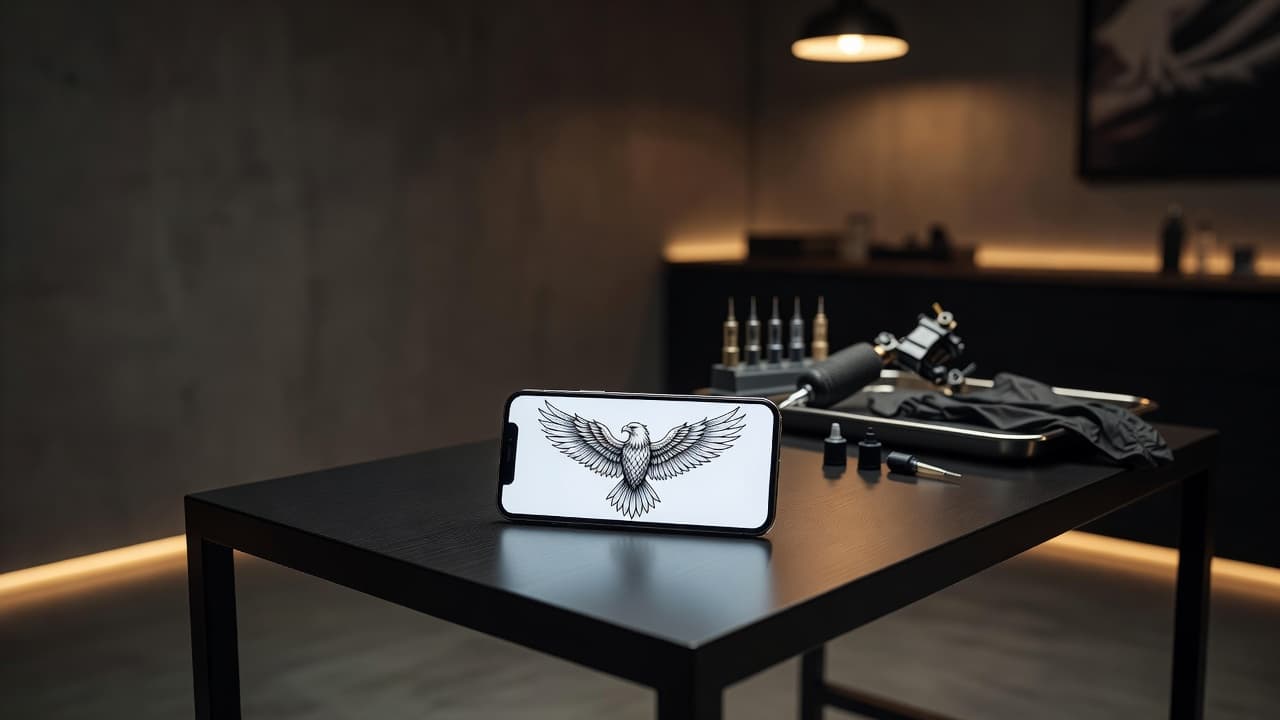
The chest is the most symmetrical canvas on the body — two matching halves, a central sternum, and a wide, mostly flat surface that rewards careful planning. An AI tattoo generator for chest tattoos lets you test that symmetry before you book: describe a design, choose how much of the chest it covers, and see whether it sits balanced or lopsided instead of guessing from a flat sketch.
In short: designing a chest tattoo with AI means deciding the layout first — a centered piece, a sternum design, a single-side (half chest) piece, or a chest-to-shoulder flow — and prompting for a composition that respects the body's symmetry and the collarbone line. This guide covers how AI handles chest-specific designs, how to prompt for balance, which styles suit the placement, and how to preview the result on your own body.
What Is an AI Tattoo Generator for Chest Tattoos? (Quick Answer)
An AI tattoo generator for chest tattoos is an AI tattoo tool used to design pieces shaped for the chest's wide, symmetrical surface. You describe your idea or upload a reference photo, the AI composes a design that accounts for the sternum and collarbone line, and you can preview how it sits before choosing a size or layout.
Why the Chest Is a Popular Placement
The chest offers something few placements do: a large, relatively flat area that is easy to cover with a shirt and easy to show when you choose. It suits everything from a small sternum piece to a full chest plate, and it works as an anchor for bigger projects that later extend to the shoulders or ribs. The trade-off is that symmetry is unforgiving — a design that is slightly off-center reads as a mistake far more than it would on a forearm — which is exactly where planning with a generator helps.
How Does an AI Tattoo Generator Handle Chest Tattoos?
An AI generator renders artwork from your description or a photo, and for the chest the most useful details are the layout and the symmetry. Phrases like "centered on the sternum," "mirrored left and right," or "sits on the left pec" change how the AI arranges the composition instead of defaulting to a generic square.
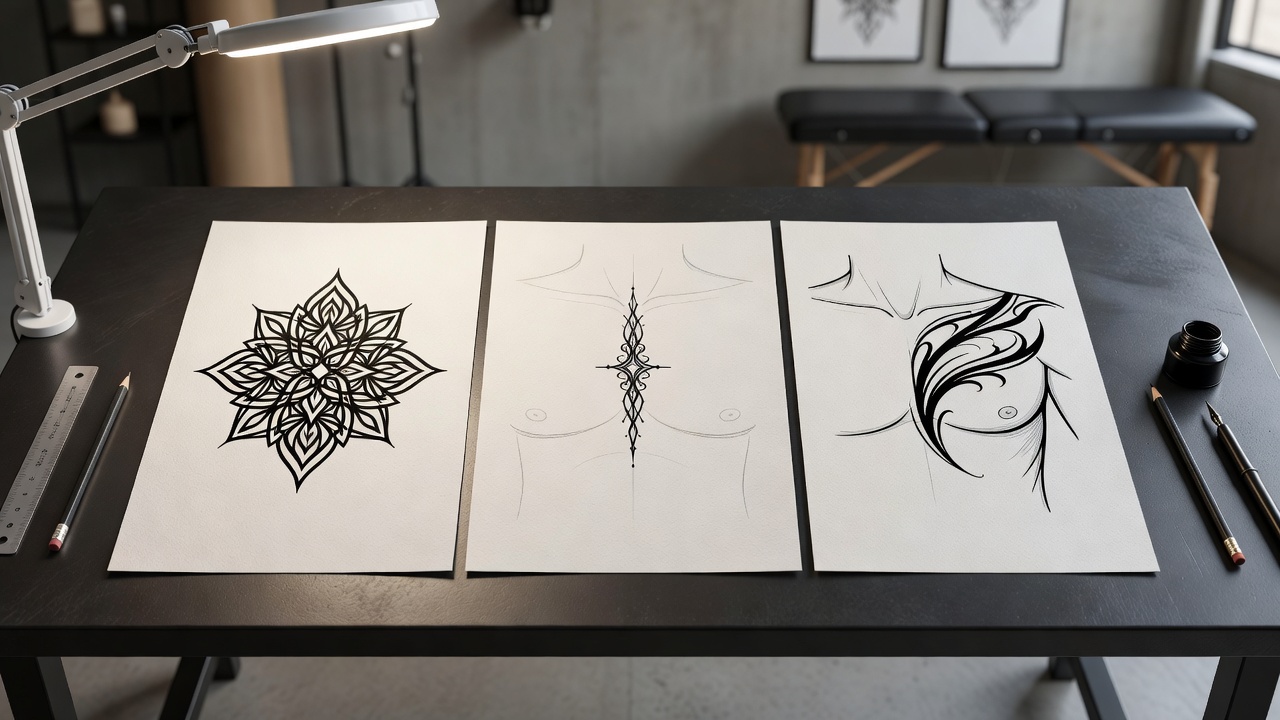
In INK you can describe your idea or start from an text prompt, name the layout, and generate several options to compare. A chest design reads differently once it spans a real ribcage than it does as a flat image, so picture each variation across both halves of your chest rather than judging it as a standalone graphic.
How to Prompt an AI Tattoo Generator for a Chest Tattoo
A few habits separate a coherent chest piece from a flat design that just happens to be placed there:
- Pick the layout first. Tell the AI whether the piece is centered, sternum-only, one-sided, or flows toward the shoulder.
- Ask for symmetry explicitly. For a centered piece, request a mirrored, balanced composition around a vertical center line.
- Respect the collarbone. Ask for the top edge to sit below the collarbones so the design does not crowd the neckline.
- Keep the focal point central. Put the strongest element at the middle of the chest, with supporting details radiating outward.
- Refine one part at a time. If a wing or a flourish looks off, use an AI tattoo editor to adjust that section rather than regenerating the whole piece.
Centerpiece, Sternum, or Half Chest: Choosing a Layout
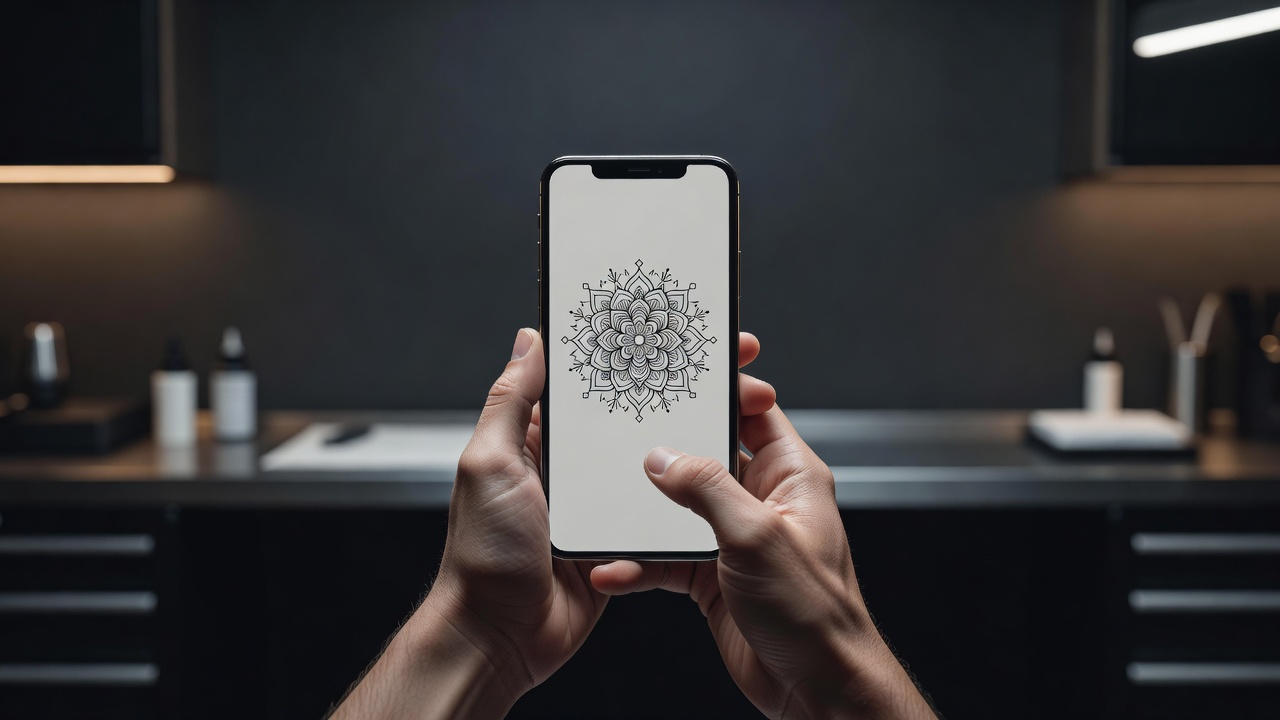
The biggest decision for a chest tattoo is scope. The common approaches:
- Centered centerpiece. A single symmetrical design — an eagle, a mandala, a compass — that sits across the middle of the chest.
- Sternum piece. A narrow, vertical or fan-shaped design along the breastbone, popular for delicate linework and ornamental patterns.
- Half chest (one side). A design on one pectoral, often extending to the shoulder, which suits animal portraits and traditional pieces.
- Chest-to-shoulder. A composition that flows across the collarbone toward the shoulder and can grow into a sleeve; see our shoulder tattoo guide for that transition.
- Full chest plate. A large, often symmetrical piece covering both sides — the biggest commitment and the one that benefits most from planning ahead.
None is objectively better. It comes down to how much visible space you want to commit to now and whether you plan to build on it later.
Styles and Subjects That Work Well on the Chest
- Symmetrical icons. Eagles, wings, and winged emblems suit the chest's mirrored shape.
- Mandalas and geometric patterns. Radial designs sit naturally at the center of the sternum.
- Traditional and neo-traditional. Bold outlines hold up across the chest's large flat area and read clearly at a distance.
- Fine-line and lettering. A short word or ornamental line along the collarbone or sternum works at a smaller scale.
- Blackwork and dotwork. Dense shading gives a chest piece weight and contrast.
How Big Should a Chest Tattoo Be?
Scale is where most chest designs go wrong. A piece that looks bold on a phone can feel tiny once it sits on a wide chest, and a design that fills the whole screen can feel overwhelming when it is 25 centimeters across. As a rough guide, a sternum piece often runs about 8 to 15 cm tall, a single-pec design 12 to 20 cm across, and a full chest plate spans the width between the shoulders. Tell the AI the approximate size and layout you have in mind, generate two or three scales, and compare them in a try-on preview. Bigger pieces also cost more and take more sessions, which our tattoo cost guide breaks down.
Common Chest Tattoo Mistakes a Generator Helps You Avoid
- Off-center designs. Even a small drift from the midline is obvious on a symmetrical canvas; checking a preview catches it early.
- Crowding the neckline. A top edge that sits too close to the collarbones is awkward in open collars; ask the AI to keep clear space there.
- Ignoring future plans. If you might add shoulders, ribs, or a back piece later, prompt for open edges so the artist can extend the design without redoing it.
- Too much fine detail. Tiny lines can blur as the skin ages and stretches; asking for bolder, cleaner linework keeps the piece readable for years.
- Choosing on impulse. Generating several variations and sleeping on them is far cheaper than laser removal; see our AI tattoo removal guide if you ever need to rethink a design.
Does a Chest Tattoo Hurt, and How Does It Heal?
Pain varies by spot. Areas over the sternum and close to the collarbones are generally more sensitive because the skin sits closer to bone, while the fleshier pectoral area is often more tolerable; our tattoo pain chart compares placements. Healing is usually straightforward, but chest skin moves with every breath and rubs against clothing, so loose fabrics and careful sleeping positions help. Our tattoo aftercare guide covers the full timeline, and the American Academy of Dermatology offers general guidance too.
Previewing a Chest Design on Your Own Body
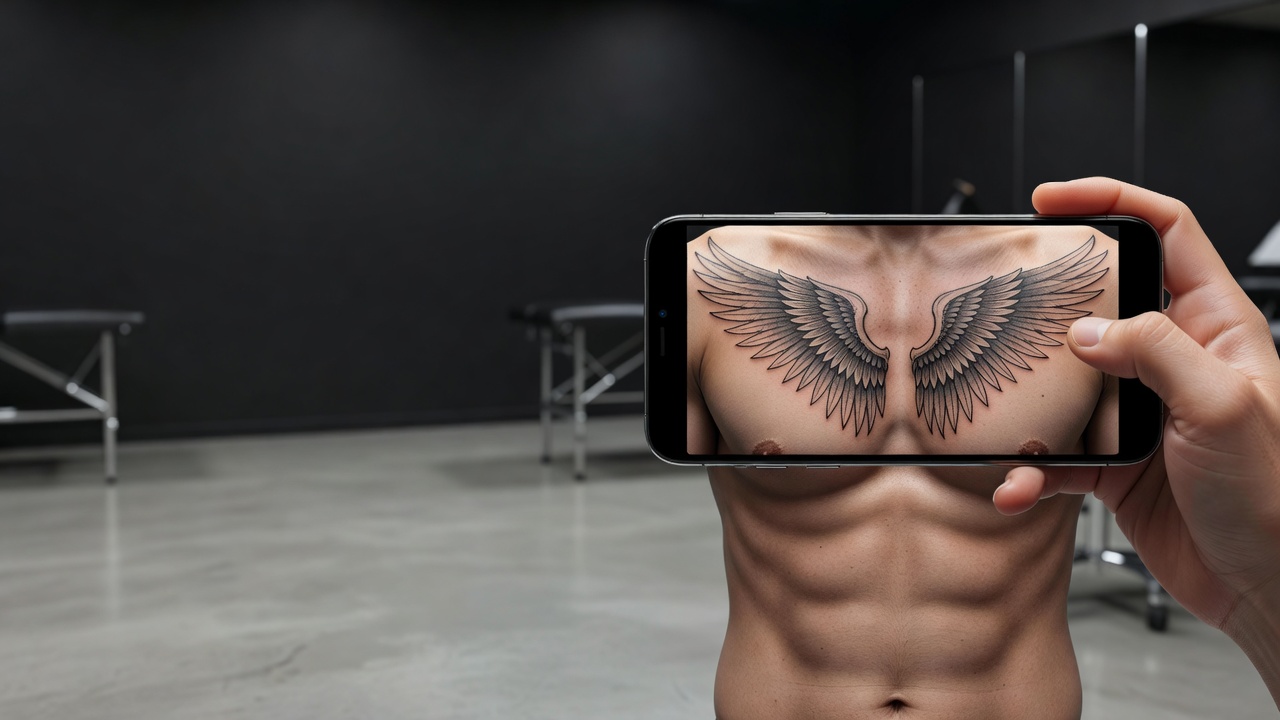
Because symmetry matters so much here, checking how a design actually sits on your frame is worth the few minutes. A composition that looks centered on a screen can drift once it is wrapped over a real chest. Using AR try-on to preview the design lets you catch spacing, scale, and off-center problems early; our tattoo try-on technology guide explains how the preview works.
From AI Design to a Real Chest Tattoo
Once you have a design you like, bring a high-resolution export to your artist and talk through exactly where the top edge and center line should fall. A good artist will adjust the design slightly for your ribcage and muscle shape, since a screen mockup rarely maps onto a real body without small tweaks. According to the FDA's guidance on tattoo safety, choosing a licensed, experienced artist matters as much as the design itself. Planning a matching back piece? See our back tattoo guide.
The Final Word
An AI tattoo generator for chest tattoos will not replace an artist's hand, but it settles the questions that matter most for this placement: layout, symmetry, and scale. Decide the scope first, prompt for balance explicitly, and preview the result on your own body before you commit.
Design Your Chest Tattoo Free in INK
Describe your idea, choose a layout, and preview it on your own chest before you ink. No sign-up needed.
Try INK Free →

Create Your Perfect Tattoo Design
Use AI to generate unique tattoo designs and preview them on your body before committing to ink.
Start Designing for FreeWritten by
INK Team