
AI Tattoo Generator for Anime Tattoos: Manga-Style Ink Design
How an AI tattoo generator handles anime and manga-style tattoos — cel-shaded linework, bold color blocking, and character portraits — plus how to prompt it for designs that hold up on skin.
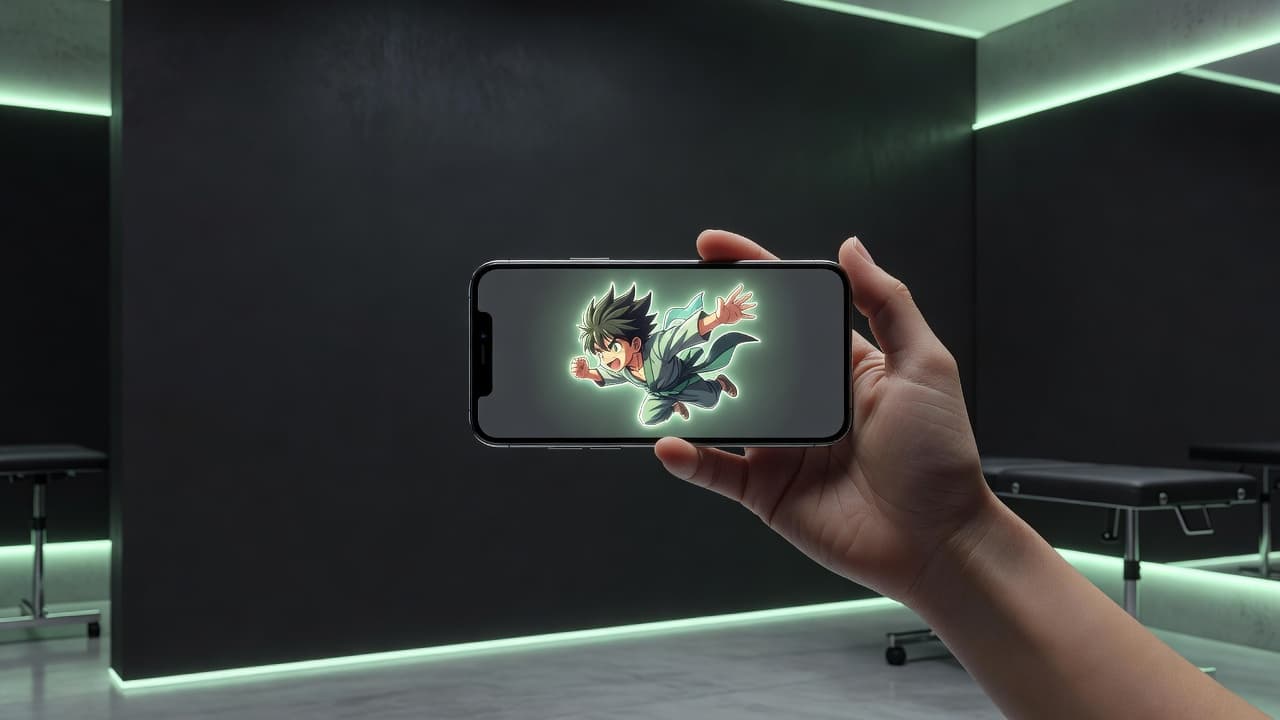
Anime tattoos live or die on two things most other styles don't have to worry about as much: bold, confident linework and color that reads as flat and graphic rather than photographic. An AI tattoo generator for anime tattoos gives you a fast way to test that look before committing to ink — describe a character, motif, or scene, generate it in a cel-shaded manga style, and see whether the design actually holds up as tattoo-ready art instead of a screenshot slapped on skin.
In short: an AI tattoo generator for anime tattoos is an AI tattoo tool tuned to the anime and manga aesthetic — bold black outlines, flat cel-shaded color blocks, expressive poses, and the visual shorthand (speed lines, sparkle effects, dramatic eyes) the genre is known for. You describe or upload a reference, select an anime-leaning style, and the AI produces a design you can refine and preview on your own body before booking a session. This guide covers where anime tattoos come from, how well AI actually handles the style, how to prompt for results that read as bold ink rather than a flat print, and which styles and placements work best.
What Makes an Anime Tattoo Different?
Anime tattoos draw their visual language from anime and its print counterpart, manga — a tradition built on confident outlines, exaggerated expressions, and color that stays flat and saturated rather than blended into soft gradients. Where a style like realism or portrait work leans on subtle shading to capture likeness, anime art communicates through shape and contrast: a character's silhouette, the sharpness of their expression, and a limited, deliberate color palette do most of the work. That makes it a naturally strong fit for tattooing, since bold outlines and solid color fields are exactly the elements that hold up best on skin over time.
What separates a genuinely good anime tattoo from a flat, sticker-like one is composition — how a character's pose, background elements like speed lines or petals, and negative space work together, rather than a character floating alone with no visual context. That's the same compositional thinking our AI tattoo generator for new school tattoos guide covers for another bold, graphic style — the two share more DNA than people expect.
How Does an AI Tattoo Generator Handle Anime Tattoos?
An AI tattoo generator builds an image from your text description or a reference photo you upload, and selecting an anime or manga-influenced style tells the model to favor thick, confident black outlines, flat cel-shaded color rather than blended gradients, and the exaggerated proportions and dramatic expressions the genre is known for. The subject can be almost anything — an original character, a symbolic creature like a fox or dragon drawn in anime style, or a favorite motif from a series rendered as your own interpretation rather than a direct copy.
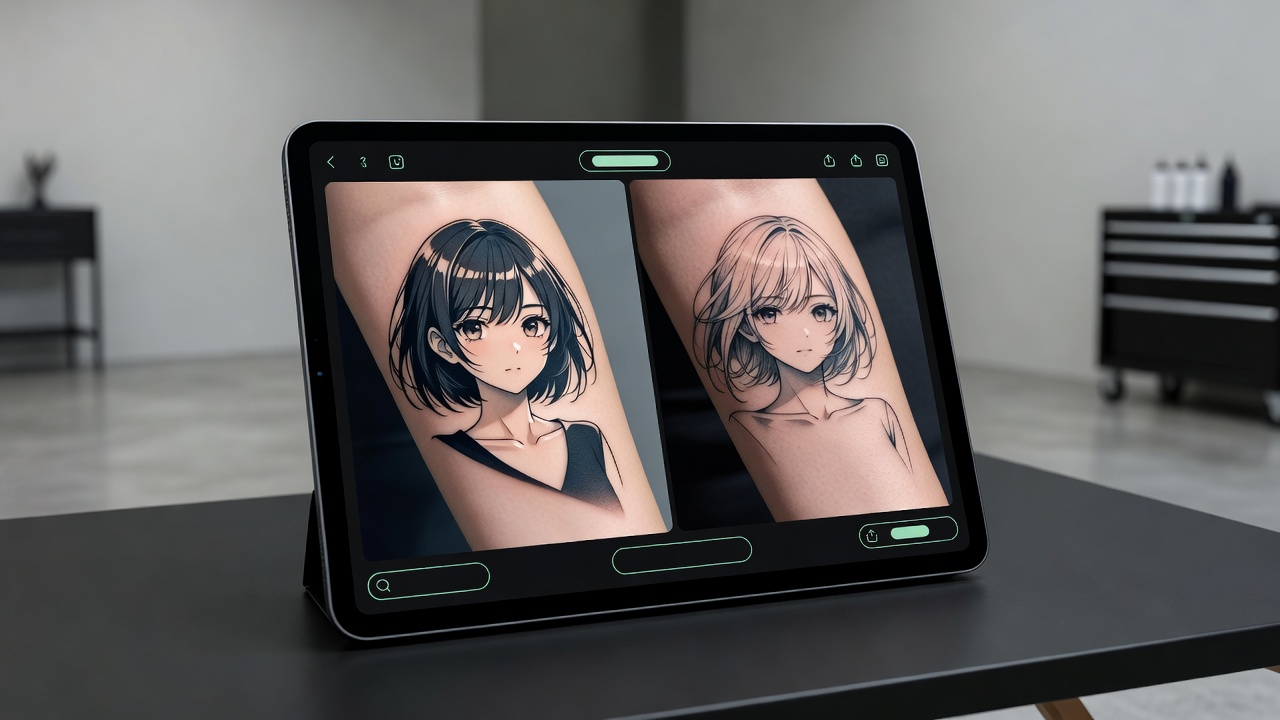
In INK, you can generate the same idea from a written prompt or an uploaded sketch, choose an anime-leaning style among the options, and compare a handful of variations side by side. Because anime tattoos depend so heavily on how bold the linework reads and how cleanly the color separates, it's worth paying close attention to contrast and edge clarity in each version rather than judging purely on how appealing the character looks as a flat image.
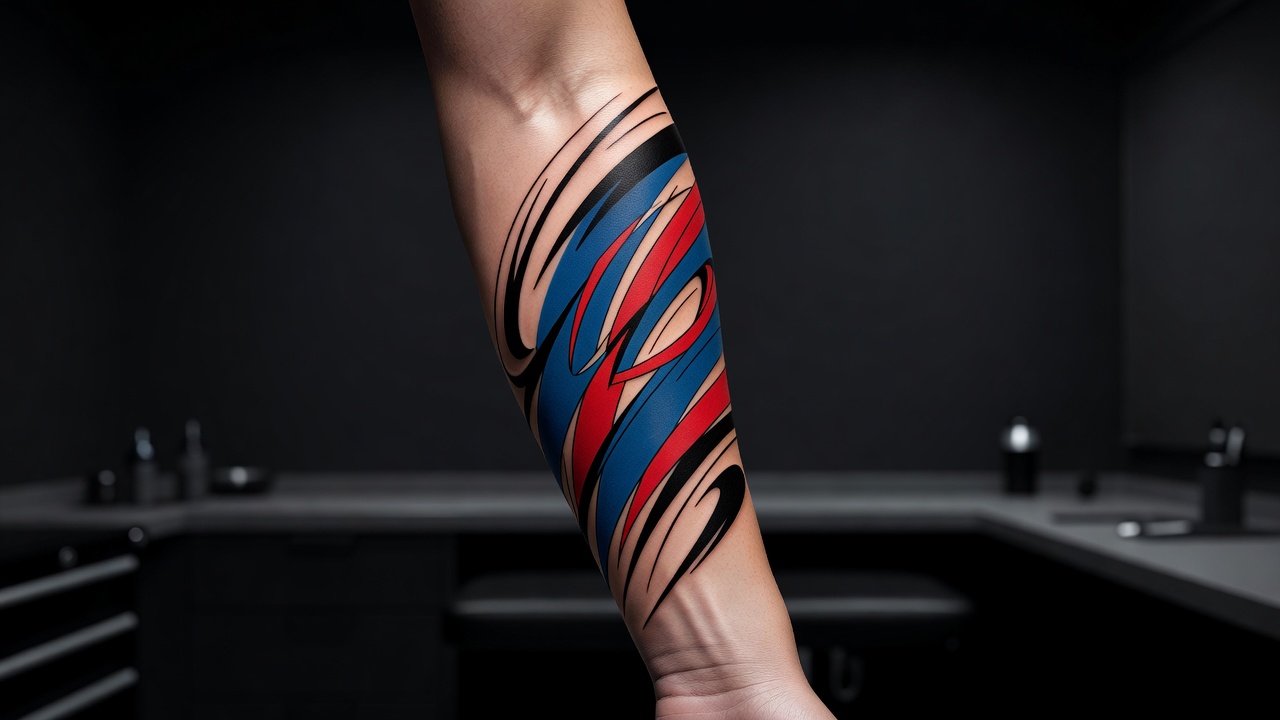
Is AI Actually Good at Anime Tattoo Designs?
AI handles the core visual grammar of anime art well. Bold linework, flat color blocking, and dramatic expressions are exactly the kind of high-contrast, structured imagery AI models render confidently and consistently across many variations — ask for a determined-looking character mid-action pose with speed lines, and you'll typically get something usable fast.
Where it gets harder is exact character likeness for well-known series. AI is good at capturing a character's overall silhouette, signature colors, and general vibe, but fine facial proportions and specific details can shift between generations, especially for characters with intricate designs. Treat the result as a strong starting interpretation rather than a pixel-perfect replica, and lean on generating multiple variations to find the one that reads most clearly as the character or mood you're after. For an original character or a symbolic motif rendered in anime style rather than a copy of an existing character, AI has an easier time, since there's no single "correct" likeness it needs to match.
It's worth comparing this to something like our AI tattoo generator for fine-line tattoos guide, where the challenge is almost the opposite — keeping lines thin and precise rather than bold and graphic. Anime sits in a sweet spot for AI: structured enough to render consistently, expressive enough to still feel distinct from one generation to the next.
How to Prompt an AI Tattoo Generator for Anime Results
A handful of prompting habits consistently push results toward bold, tattoo-ready anime art instead of a flat, generic illustration:
- Start with a specific subject. A named archetype ("stoic swordsman," "mischievous fox spirit," "determined heroine") gives the AI more to work with than a vague "anime character" request.
- Name the visual style directly. Say "cel-shaded anime," "bold manga linework," or "black-and-grey manga panel" so the model applies the right line weight and color treatment.
- Describe the pose and energy. "Mid-action with speed lines," "calm three-quarter portrait," or "dramatic close-up with wind-blown hair" all push the composition in distinct directions.
- Add supporting elements. Cherry blossoms, sparks, clouds, or a katana can turn a floating character into a full scene with real visual context.
- Ask for tattoo-appropriate contrast. Request bold black outlines and flat color separation rather than soft blending, since delicate gradients tend to lose crispness once tattooed.
- Edit instead of restarting. If one element — the background, the expression, a color choice — feels off, use an AI tattoo editor to adjust just that part rather than regenerating the whole piece.
Popular Anime Tattoo Styles Worth Exploring
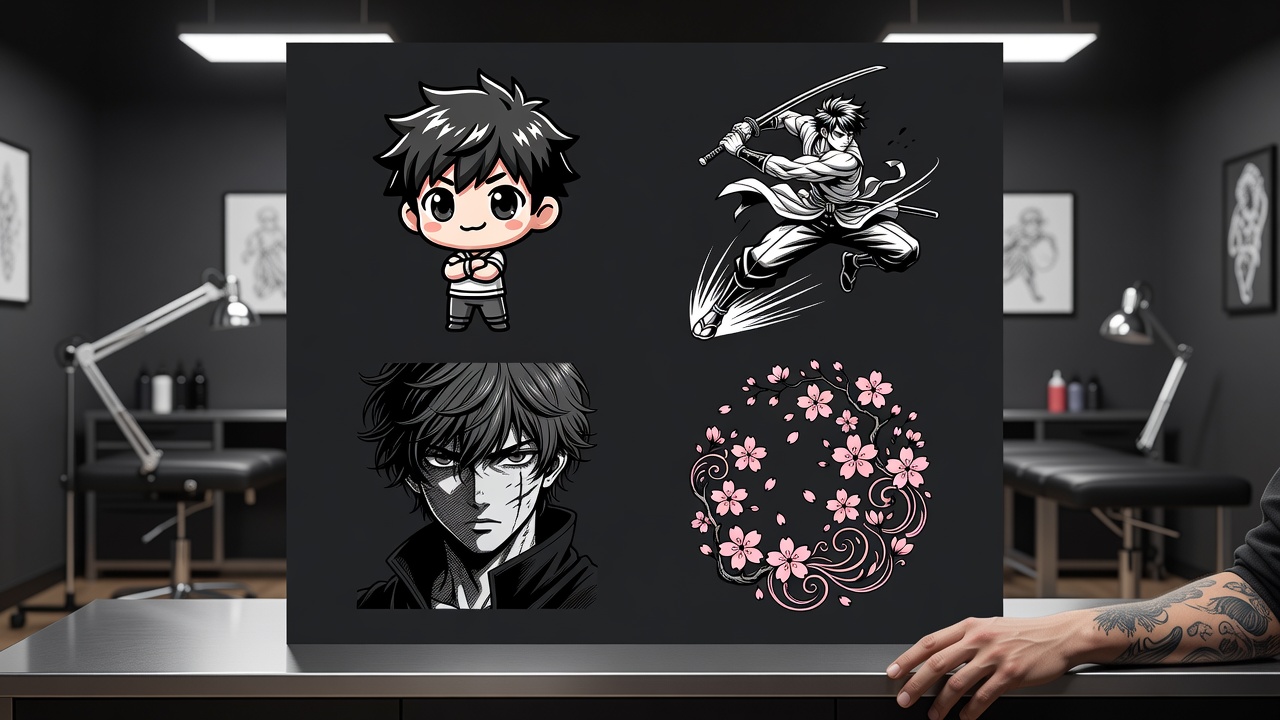
"Anime tattoo" covers more ground than people expect. A few directions worth generating and comparing:
- Bold cel-shaded color. Thick black outlines with flat, saturated color blocks — the closest match to how anime actually looks on screen, and the most durable option for tattooing.
- Black-and-grey manga panel. Inspired by printed manga pages, using screentone-style shading and crisp black linework instead of color for a more subdued, ink-and-paper feel.
- Chibi. A small, exaggerated, big-headed version of a character — playful, compact, and well-suited to smaller placements like the wrist or ankle.
- Dynamic action pose. A character mid-motion with speed lines or energy effects, built for a larger canvas like the forearm or shoulder where the movement has room to read.
- Symbolic motif. Elements borrowed from anime aesthetics — a stylized fox, a cherry blossom branch, a katana — without a specific character, giving the design more longevity and personal meaning.
If you're drawn to the clean linework side of this style, our minimalist tattoo designs guide is worth a look for a pared-back, chibi-adjacent approach that keeps detail low without losing character.
Where Do Anime Tattoos Work Best?
Placement matters more for anime tattoos than it does for simpler symbols, since detail like facial expressions and small linework needs enough surface area to stay legible as skin ages.
- Forearm. The most popular spot for a full character or scene — flat, visible, and large enough for detail and background elements to breathe.
- Upper arm and shoulder. Good for a dynamic action pose or a character paired with supporting elements like clouds or petals.
- Calf. A strong, elongated canvas well suited to a standing character or a taller composition.
- Wrist or ankle. Best reserved for chibi or simplified symbolic designs, since fine facial detail shrinks poorly at this scale.
- Back or thigh. The right choice for a larger scene with multiple elements — a character plus background, rather than a single isolated figure.
Our tattoo placement guide covers pain levels and visibility across the body in more depth, and if this is your first tattoo, our first tattoo guide walks through what to expect from consultation to healing.
Designing Your Anime Tattoo with AI
Because so much of an anime tattoo's success comes down to getting the linework bold and the color flat rather than muddy, it's worth generating several passes before deciding. In INK, describe your character or scene, pick an anime-leaning style, and generate variations to compare how each one balances detail against boldness at the size you're planning to tattoo it.
Once you've landed on a version you like, AR try-on lets you preview it directly on your forearm, calf, or wherever you're planning to place it, so you can confirm that expression and detail stay clear at actual scale before booking with an artist. If you're planning something larger that spans multiple panels or a full scene, our AI tattoo sleeve generator guide covers how to plan a cohesive multi-part composition.
The Final Word
An AI tattoo generator for anime tattoos won't replace an artist who specializes in bold color and clean linework, but it will help you test whether a character, pose, or motif actually translates into tattoo-ready art before you book a session. Start with a specific subject, name the style explicitly, compare a few variations for boldness and color separation, and preview the scale before bringing your design to an artist who works in illustrative or anime-influenced color.
Design Your Anime Tattoo Free in INK
Describe your character or scene, choose a bold anime style, and preview the design on your skin before you commit. No sign-up needed.
Try INK Free →

Create Your Perfect Tattoo Design
Use AI to generate unique tattoo designs and preview them on your body before committing to ink.
Start Designing for FreeWritten by
INK Team