
New School AI Tattoo Generator: Bold, Cartoonish Tattoo Art
How a new school AI tattoo generator renders exaggerated proportions, bright neon color, and cartoon-influenced linework — where the AI nails the style and where an artist still matters.

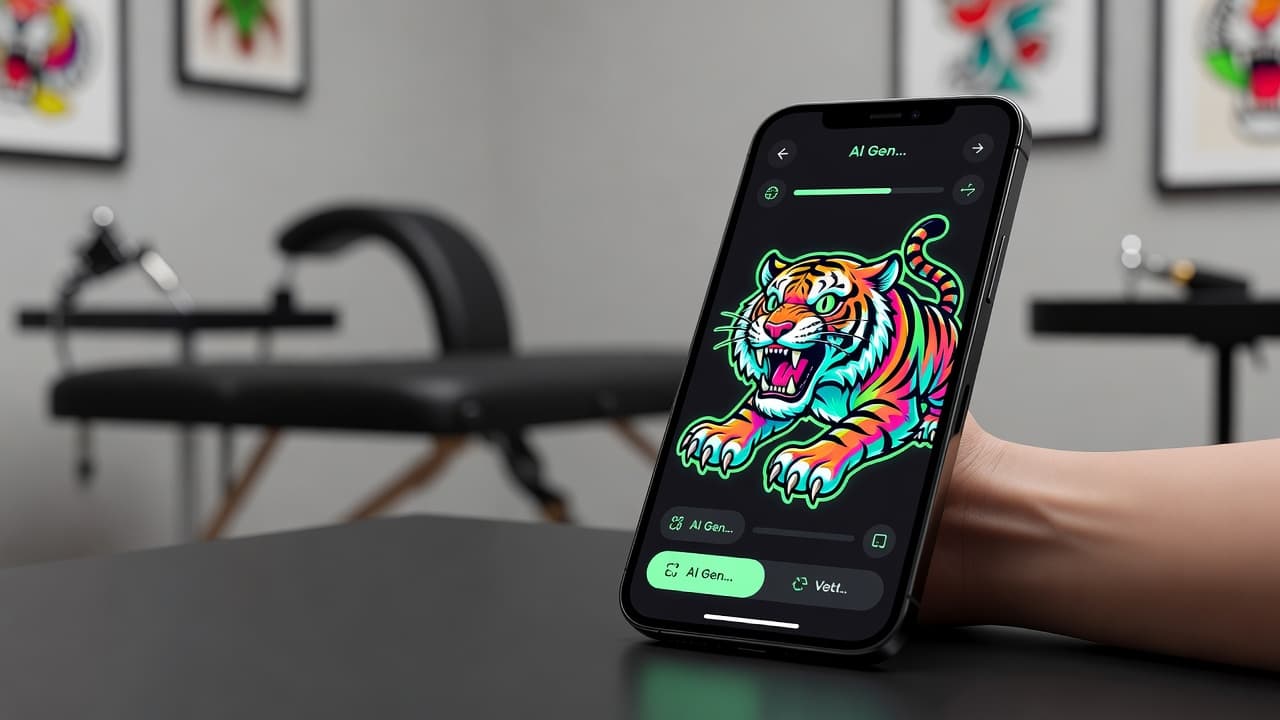
New school tattooing is the style that trades restraint for maximum visual energy — exaggerated proportions, cartoon-influenced characters, and color bright enough to stop a room. A new school AI tattoo generator gives you a fast way to explore that energy before committing to ink: describe a subject, ask for bold outlines with neon color, and see playful, high-impact artwork rendered in seconds instead of sketching every exaggerated curve by hand.
In short: a new school AI tattoo generator is an AI tattoo tool set to the new school style — exaggerated, cartoonish proportions, bold thick outlines, and bright, saturated color drawing on graffiti and animation influence. You describe or upload a reference, select the new school style, and the AI produces artwork you can refine and preview on your own body before you ever book an appointment. This guide covers how these generators actually render new school style, where AI is especially strong at it, and how to prompt one for results that feel genuinely new school rather than generic.
What Is New School Tattooing?
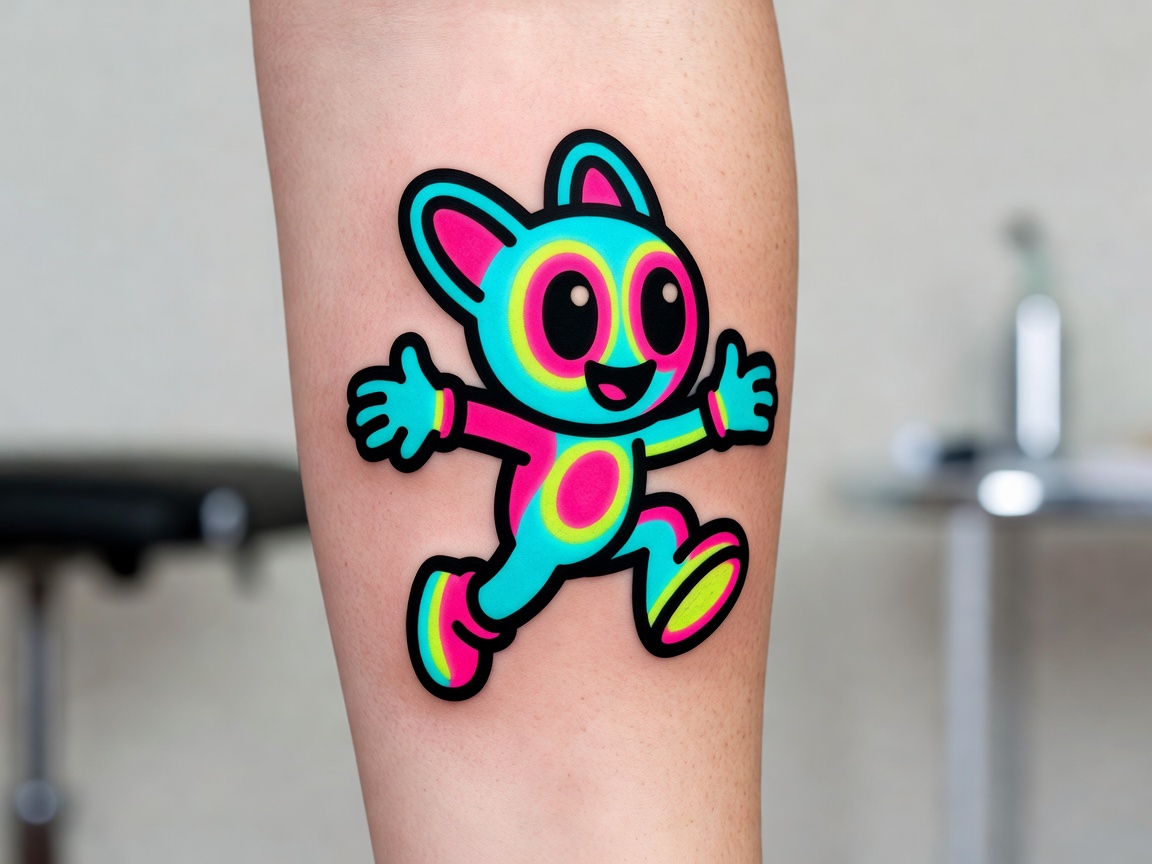
New school tattooing emerged in the late 1980s and 1990s as artists began pulling influence from graffiti art, cartoons, and video game aesthetics rather than the classic Americana of traditional tattooing. The result is a style built on exaggeration: proportions are stretched and distorted for comic effect, outlines are thick and confident, and color is pushed toward bright, almost-neon saturation instead of the muted or flat palettes older styles favor. Subjects range from cartoon characters and animals to reimagined pop-culture icons, almost always rendered with a playful, high-energy attitude rather than a serious or realistic one. It's often compared to neo-traditional tattooing, since both evolved out of the same era, but new school leans cartoonish and unrealistic where neo-traditional leans painterly and illustrative.
How Does a New School AI Tattoo Generator Work?
Under the hood, an AI tattoo generator renders an image from your description or reference photo, and selecting the new school style tells the model to favor exaggerated proportions, bold uniform outlines, and bright, high-saturation color rather than a realistic or muted palette. The subject can vary widely — a grinning cartoon skull, an oversized tropical bird, a stylized robot — but the underlying instruction stays the same: push the proportions and color further than a realistic rendering would, leaning into the graffiti- and animation-influenced attitude the style is known for.
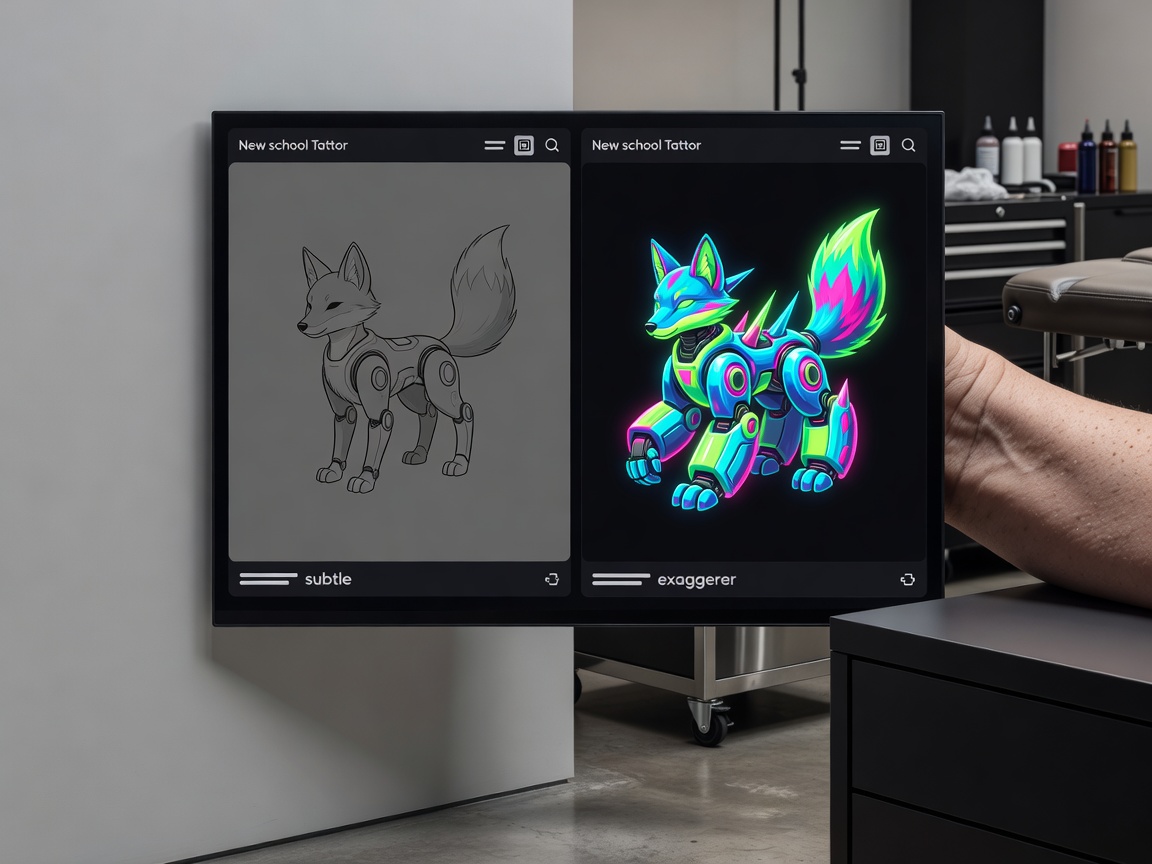
In INK, you can generate the same subject from a typed prompt or an uploaded reference photo, pick the new school style from the options, and compare several variations side by side. Because the style depends heavily on how far the AI pushes exaggeration and color, it's worth generating a few versions and checking whether the proportions feel genuinely playful and cartoonish rather than just a slightly stylized version of a realistic subject — new school works best when it fully commits to the exaggeration rather than holding back.
Is AI Actually Good at New School Tattoo Designs?
AI is especially strong at new school. The style's core visual language — exaggerated proportions, bold outlines, bright saturated color, and a cartoon or animation-influenced look — overlaps heavily with the kind of stylized illustration AI image generators are trained on and generally excel at producing. If you're testing what an oversized cartoon animal or a stylized character could look like in bright neon color, an AI generator gets you there quickly and with results that usually read as confidently new school right away.
Where an artist's judgment still matters is translating that digital exaggeration into a tattoo that ages well. Bright neon colors and fine gradient transitions that look striking on a screen don't always hold their vibrancy on skin over the years the way bold, flat color blocks do, and an experienced new school artist knows how to simplify a design's color and line weight so the piece stays sharp and legible a decade later. That's the same durability trade-off that shapes every bold tattoo style, and it's where a generator's output still benefits from a professional's technical read before it becomes a stencil.
It's also worth comparing new school against blackwork, which asks the AI for a much simpler instruction — solid black, no gradient. New school asks for more: full commitment to exaggerated proportions and neon color, which makes it a style AI handles with real confidence rather than one that needs heavy correction.
How to Prompt an AI Tattoo Generator for New School Results
A few habits make the difference between a new school prompt that comes back genuinely playful and one that comes back looking like a slightly stylized version of a realistic design:
- Pick a subject with room for exaggeration. A cartoon animal, an oversized flower, or a stylized character gives the AI more to work with than a subject that reads as inherently serious or realistic.
- Name the style directly. Say "new school" so the AI applies exaggerated proportions and the graffiti- and animation-influenced look rather than defaulting to a more realistic or neo-traditional style.
- Ask for bold outlines and bright color. Spell out "bold thick outlines" and "bright neon color" so the AI leans fully into the style's signature high-contrast look.
- Push the exaggeration further if it feels tame. If a first result looks too restrained, ask directly for "more exaggerated proportions" or "brighter, more saturated color" in a follow-up prompt.
- Edit instead of restarting. If one part of the design feels off — a color that's too muted, an outline that's too thin — use an AI tattoo editor to adjust that section rather than regenerating the whole piece.
New School Subjects Worth Trying
New school's playful, high-energy attitude makes certain subjects especially fun to explore with AI, since the style rewards ideas that already have some inherent character or humor built in. Subjects worth trying include:
- Cartoon animals. Owls, tigers, and other animals reimagined with oversized eyes and exaggerated expressions — see our owl tattoo meaning guide or tiger tattoo meaning guide for symbolism to build a cartoonish take around.
- Oversized botanicals. Flowers and fruit blown up in scale and rendered in bright, unnatural colors rather than realistic tones.
- Reimagined skulls. A classic tattoo motif given a cartoonish, almost comical treatment instead of a serious or realistic one — compare against a traditional skull tattoo to see the contrast.
- Stylized characters and creatures. Robots, monsters, and original mascots benefit from the style's willingness to distort proportions for personality.
- Graffiti-influenced lettering and icons. Bold, bubble-style linework borrowed directly from street art.
Previewing New School Placement Before You Commit
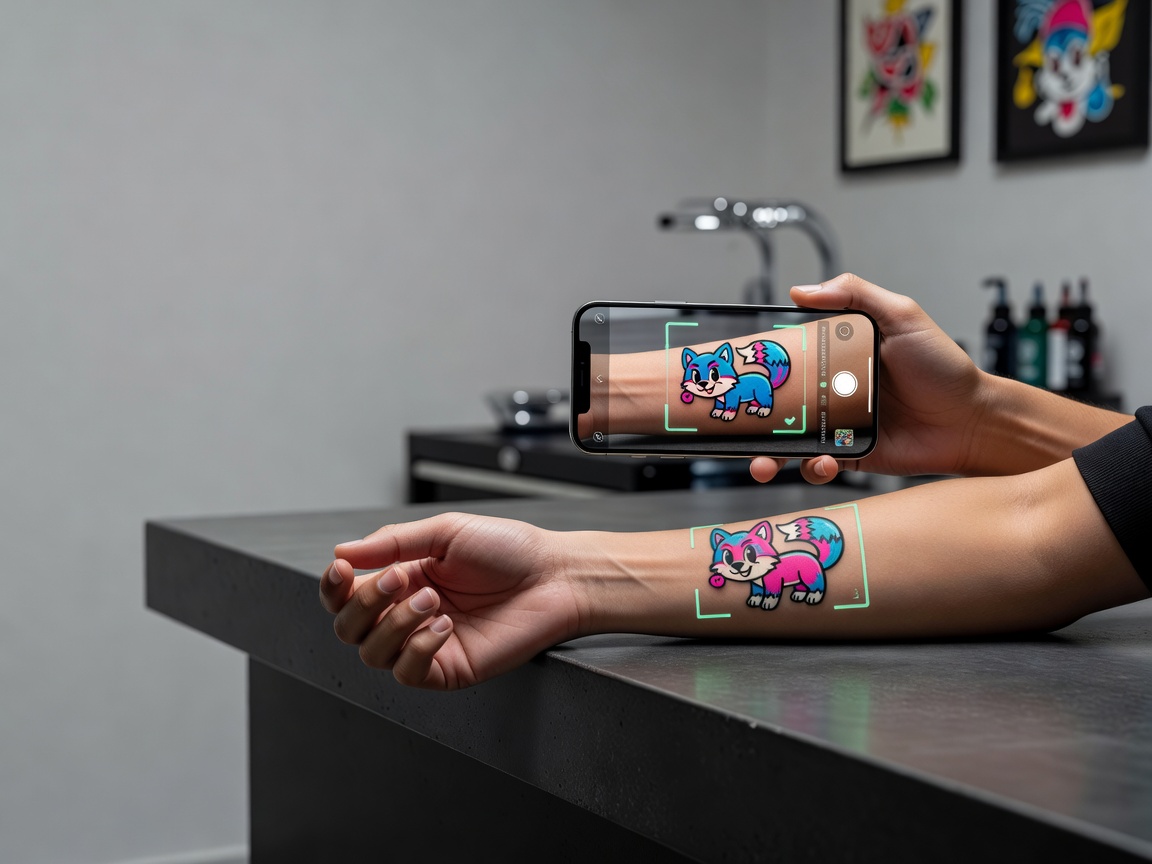
Because new school relies on bold outlines and bright color staying legible at a glance, previewing placement at real size matters. A design that looks striking on a flat screen can lose some of its punch once it's scaled down for a smaller area, since fine color detail and thin linework are the first things to blur together when a design shrinks too far. Using AR try-on to place the generated design directly on your body — at the size and angle you're actually considering — helps you judge whether the outlines stay bold and the color still pops before you're sitting in a tattoo chair.
From AI Design to a Real New School Tattoo
Once you have a new school design you're happy with, the next step is finding an artist experienced specifically in the style, since translating exaggerated digital color and proportions into a tattoo that ages well is a genuine technical skill. Bring a high-resolution export of your AI-generated design as a starting reference — it gives you and the artist a concrete shared visual to discuss, including the exact color saturation and outline weight you're picturing.
Expect the artist to make some technical adjustments: certain neon tones and fine gradient transitions that render vividly in a digital image need to be simplified into bolder, flatter color blocks so the tattoo holds its vibrancy over time. That's normal, and it's exactly the kind of judgment an AI generator can't replace — it gets you to a strong, specific starting point, but the artist's experience with how bright, bold tattoo work actually ages is what makes the finished piece last.
Does New School Tattoo Aftercare Need Special Care?
New school tattoos generally follow the same core aftercare guidance as any other tattoo — keeping the area clean, moisturized, and protected from the sun during healing. Because the style leans on bright, saturated color, sun protection matters even more once healed, since UV exposure fades vivid neon tones noticeably faster than it does more muted palettes. For a full walkthrough of the healing process, see our tattoo aftercare guide.
The Final Word
A new school AI tattoo generator won't replace an artist's technical judgment about how bright color and bold outlines actually age on skin, but it will get you to a genuinely playful, high-energy starting design faster than sketching every exaggerated curve by hand. Pick a subject with room for exaggeration, name the style and push the color and proportions explicitly, and preview how the design reads on your body before you bring it to an artist who can execute the technical side with you.
Generate Your New School Tattoo Free in INK
Describe your idea, pick the new school style, and preview the design on your body before you ink. No sign-up needed.
Try INK Free →

Create Your Perfect Tattoo Design
Use AI to generate unique tattoo designs and preview them on your body before committing to ink.
Start Designing for FreeWritten by

Laura Schmitz
Tattoo Content Lead, INK
Laura Schmitz leads tattoo content at INK. She has spent years researching tattoo styles, symbolism and aftercare, and works directly with the AI tattoo generator to test how each style translates from prompt to skin — so every guide here reflects designs that are actually tattooable, not just images that look good on screen.
More about the author