
AI Tattoo Generator for Forearm Tattoos: Design Visible Ink
How an AI tattoo generator handles forearm tattoos — choosing inner vs. outer placement, wrapping a design around the arm, and planning for a future sleeve before you book a session.
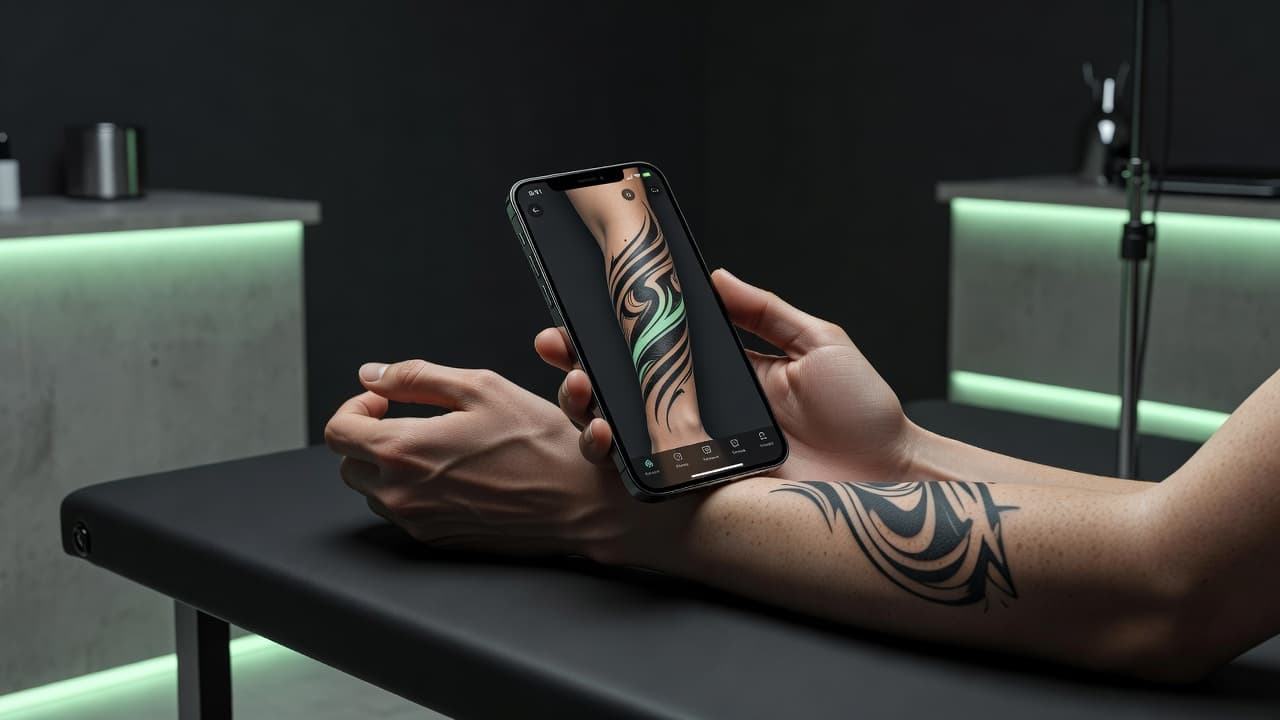
The forearm is one of the most requested tattoo placements there is, and it is also more design-sensitive than people expect. An AI tattoo generator for forearm tattoos lets you work out those details before you book a session: describe an inner or outer forearm piece, and see how the composition actually wraps around a long, narrow, slightly curved canvas instead of guessing from a flat square preview.
In short: designing a forearm tattoo with AI means deciding early whether the piece sits on the inner or outer arm, how far it should wrap around, and whether it needs to leave room for a sleeve later. This guide covers how to choose between inner and outer placement, how to prompt for a design that wraps cleanly, which subjects suit the forearm best, and how to preview the result on your own arm before committing.
Why the Forearm Is Such a Popular Placement
The forearm sits at a sweet spot most other placements do not reach: it is visible enough to show off when you want to, easy to cover with a sleeve when you don't, and the skin sits over muscle rather than bone, which makes the pain more manageable than spots like the ribs, spine, or top of the foot. It is also long and relatively flat, which gives a design real room to breathe without needing the scale of a back or chest piece. That combination is why the forearm is such a common choice for a first tattoo and such a common starting point for a sleeve that grows over time.
How Does an AI Tattoo Generator Handle Forearm Tattoos?
An AI tattoo generator renders artwork from your description or an uploaded photo, and for a forearm piece the most useful thing you can specify is the shape of the canvas itself: a long, narrow strip that curves around the arm rather than a flat rectangle. Mentioning "outer forearm," "inner forearm," or "wraps around the forearm" changes how the AI composes the design, arranging elements along that curve instead of defaulting to a layout built for a flat square.
In INK, you can describe your idea or start from an uploaded reference photo, specify inner or outer placement, and generate a few options to compare. Because a forearm design reads differently wrapped around an actual arm than it does as a flat image, it helps to picture each variation curving around the limb rather than judging it purely as a standalone graphic.
Inner Forearm vs. Outer Forearm: Which Should You Choose?
The choice comes down to visibility, sensitivity, and the design itself:
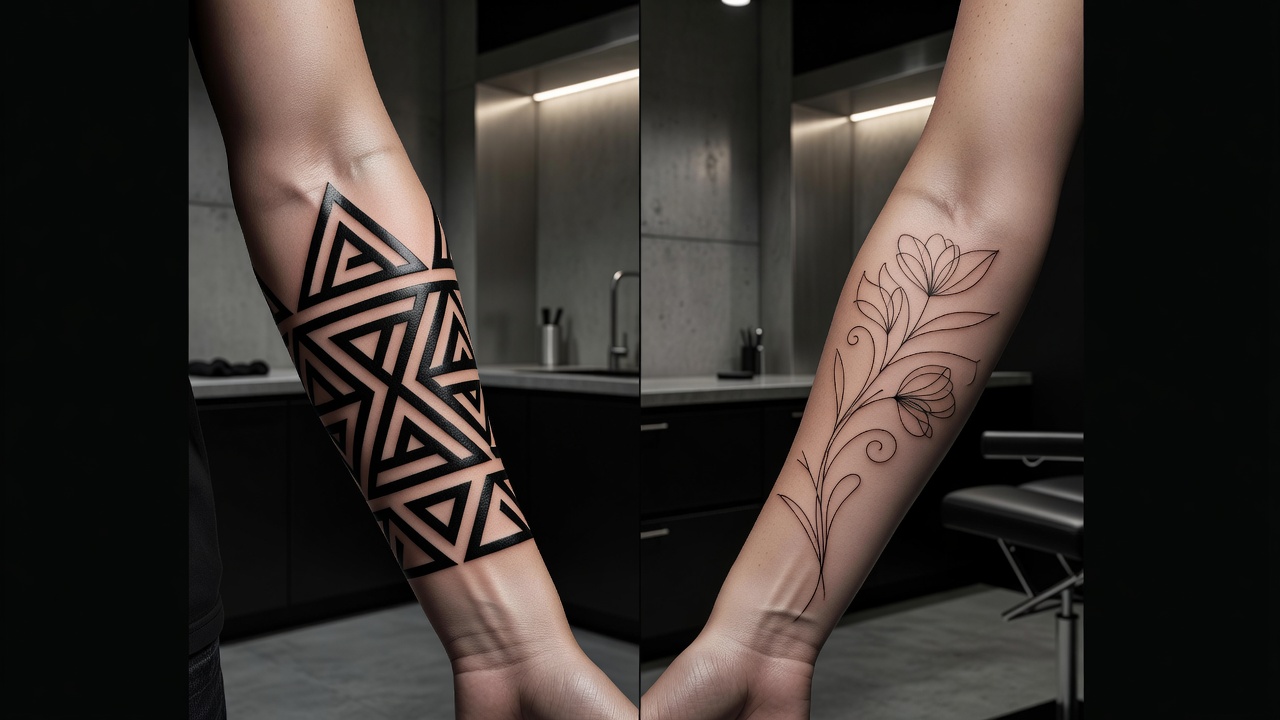
- Outer forearm. Sits over firmer muscle, generally hurts less, and stays visible in short sleeves or when your arms are relaxed at your sides. It suits bolder linework, larger imagery, and pieces you want people to actually see day to day.
- Inner forearm. Softer skin, a touch more sensitive, and easier to keep hidden with a long sleeve or a watch band angle when you need to. It tends to suit quieter, more personal designs — script, fine line botanicals, small symbols — that you may not want on constant display.
- Both. A design that wraps from the outer forearm around to the inner arm treats the whole limb as one canvas, which reads as more intentional than two separate placements but needs to be planned as a single wraparound composition from the start.
Neither option is objectively better — it depends on how visible you want the piece to be day to day, and whether the subject itself feels more like something to show off or something more private.
How to Prompt an AI Tattoo Generator for a Forearm Tattoo
A handful of habits make the difference between a forearm prompt that comes back as a coherent wraparound piece and one that comes back as a flat rectangle stretched onto a curved arm:
- State inner or outer forearm first. Specify the exact placement before describing the subject, since it changes how much of the design should be visible versus tucked toward the inner arm.
- Decide how far it wraps. Tell the AI whether the piece should wrap fully around the arm, stay on one side, or run as a vertical strip along the centerline.
- Leave clearance at the elbow. Ask the design to stop short of the inner elbow crease, since that fold of skin stretches constantly and holds fine detail poorly.
- Match the aspect ratio to the arm. Describe the piece as tall and narrow rather than square, so the composition fits the actual proportions of a forearm instead of a generic canvas.
- Refine sections, not the whole piece. If one area feels crowded or unbalanced, use an AI tattoo editor to adjust that section rather than regenerating the entire design.
Designing a Forearm Tattoo That Can Grow Into a Sleeve
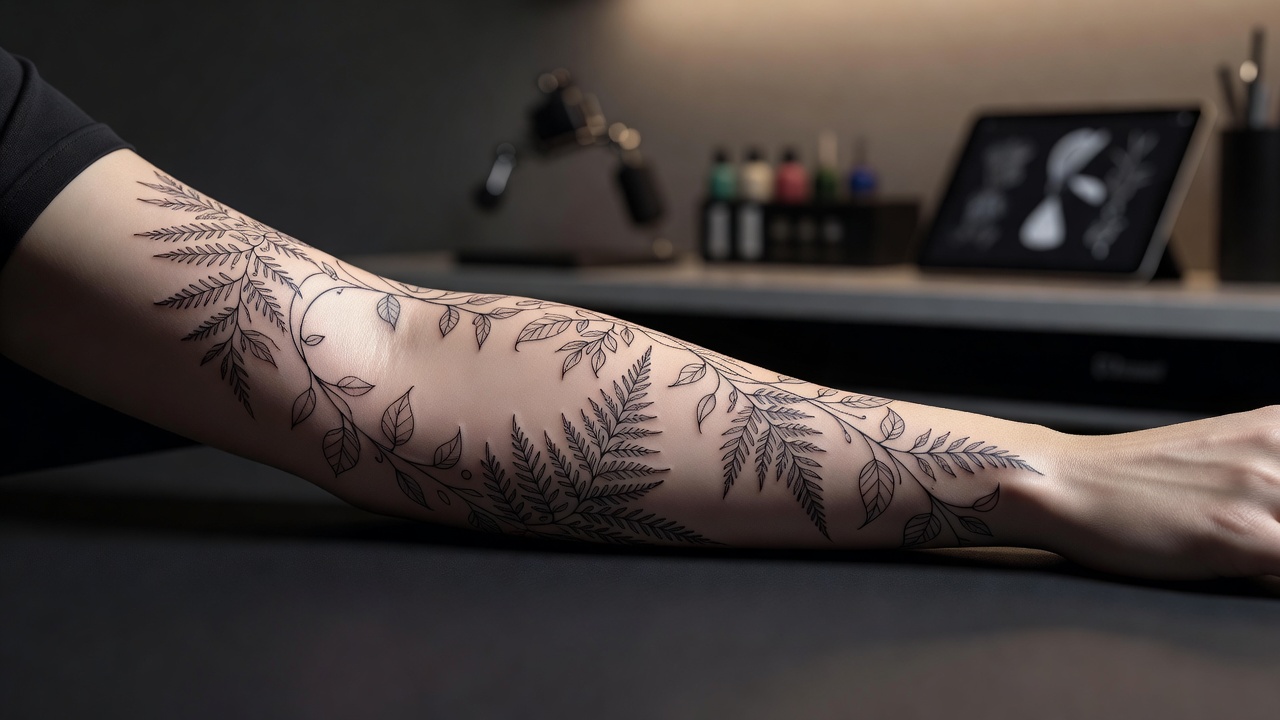
A lot of sleeves don't start as sleeves — they start as a single forearm piece that gets extended over time as more sessions and more budget become available. If there's any chance you'll want to build on the design later, it's worth prompting for that now: ask the AI to leave open space near the elbow and upper wrist rather than filling the entire forearm edge to edge, and consider a theme flexible enough that new elements can flow out of it naturally. Our AI tattoo sleeve generator guide goes deeper into planning a full sleeve from the start, which is worth a look even if you're only committing to the forearm for now.
Subjects That Work Well on the Forearm
Because the forearm is long, narrow, and often visible, certain subjects and layouts tend to suit it more naturally than others:
- Script and lettering. A name, date, or short phrase running along the length of the forearm is one of the most common and most legible uses of the placement.
- Botanical linework. A single stem, vine, or floral cluster growing vertically up the arm uses the narrow canvas naturally and leaves room to extend later.
- Geometric bands or patterns. Repeating shapes or a patterned band wraps cleanly around the arm and reads clearly whether viewed from the inner or outer side.
- Animal portraits. A single animal head or figure fills the outer forearm well as a focal point without needing the full wraparound treatment.
- Fine line symbols. Small, meaningful icons work especially well on the inner forearm, where a quieter, more private design often feels more appropriate.
Previewing Placement on Your Own Arm
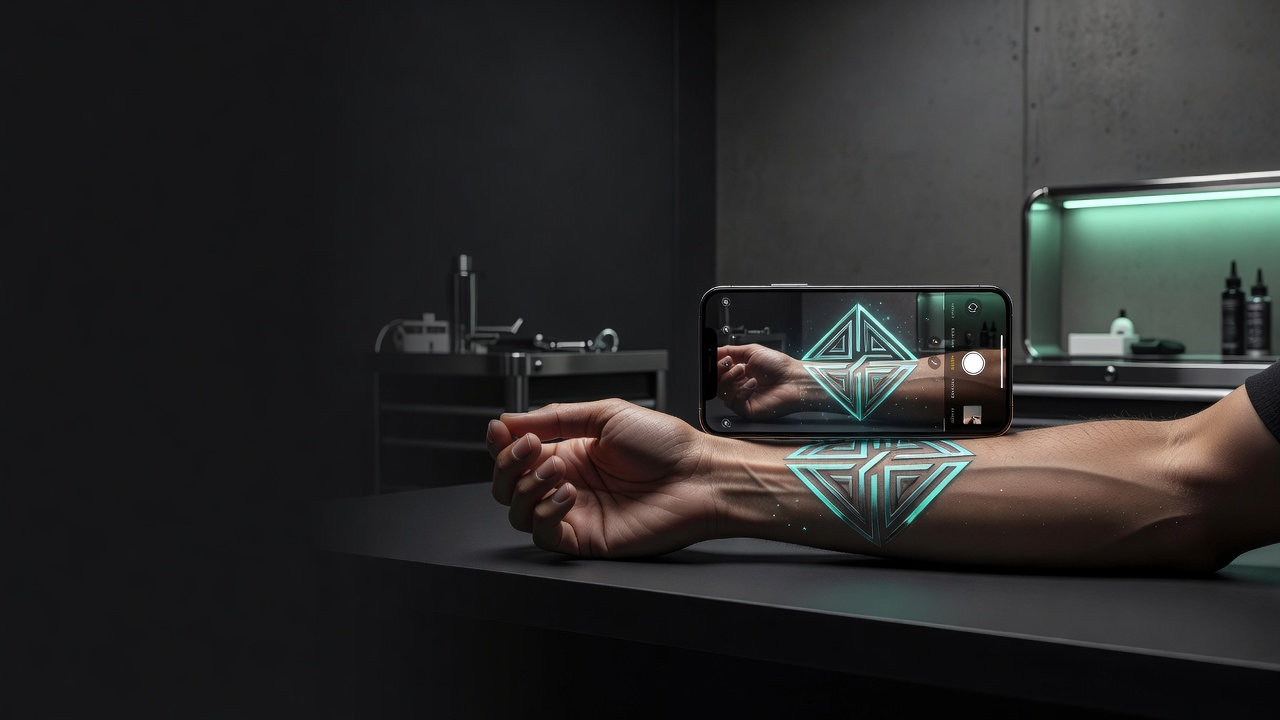
Because the forearm curves and moves constantly — bending at the elbow, rotating at the wrist — checking how a design actually sits on your real arm matters more than it might for a flatter placement. A composition that looks balanced as a flat image can shift unexpectedly once wrapped around the natural taper of the forearm. Using AR try-on to preview the generated design directly on your arm lets you catch spacing or proportion issues before you're committed. Our tattoo try-on technology guide explains how this preview process works.
Our tattoo placement guide covers pain levels and visibility across different arm zones in more detail, which is worth reading alongside your design planning.
From AI Design to a Real Forearm Tattoo
Once you have a forearm design you're happy with, bring a high-resolution export to an artist and talk through exactly where it should sit relative to the wrist bone and elbow crease — a couple of centimeters in either direction can change how the whole piece reads once your arm is in motion. A skilled artist will also adjust the design slightly for your specific arm shape and muscle definition, since a composition that looks perfect on a screen doesn't always map onto a real limb without small tweaks.
If you're planning a design that wraps around the arm, ask specifically about how the artist handles that transition from outer to inner forearm, since linework that curves cleanly around the arm takes more planning than a flat panel design.
Does Forearm Placement Affect Healing?
Forearm tattoos generally follow the same aftercare guidance as most other placements, but the forearm's constant use adds a few practical considerations: sleeves and jacket cuffs can rub against a healing outer forearm tattoo, and the inner forearm bends every time you use your hands, which can slow healing slightly if the piece sits close to the elbow crease. Our full tattoo aftercare guide covers the healing timeline in detail.
Is a Forearm Tattoo a Good First Tattoo?
For a lot of people, yes. The forearm sits over muscle rather than bone, so the pain is generally moderate compared to bonier or more sensitive spots, and it's easy to see and check on your own throughout healing without needing a mirror. It also gives you flexibility: visible when you want it to be, easy to cover with a long sleeve for work or formal settings when you don't. If you're weighing placement options for a first tattoo more broadly, our first tattoo guide covers the decision in more depth.
The Final Word
An AI tattoo generator for forearm tattoos won't replace an artist's hand, but it will help you settle the details that actually matter for this placement before you ever sit in the chair: inner or outer arm, how far the design wraps, and whether it leaves room to grow into a sleeve later. Decide on placement first, prompt for the arm's actual shape rather than a flat canvas, and preview the wrap on your own arm before you bring the design to an artist.
Design Your Forearm Tattoo Free in INK
Describe your idea, choose inner or outer placement, and preview the wrap on your own arm before you ink. No sign-up needed.
Try INK Free →

Create Your Perfect Tattoo Design
Use AI to generate unique tattoo designs and preview them on your body before committing to ink.
Start Designing for FreeWritten by
INK Team