
AI Tattoo Generator for Small Tattoos: Design Tiny Ink That Works
How an AI tattoo generator for small tattoos simplifies designs so they hold up at a tiny scale — what to prompt, which styles translate best, and where small tattoos age well.
Small tattoos look effortless, but they are unforgiving to design — every stray line shows, and there is no room to hide a busy composition. An AI tattoo generator for small tattoos handles that constraint for you: describe your idea, tell it to keep things simple, and it produces a design built to hold up at wrist, finger, or ankle scale instead of one that only looks good zoomed in on a screen.
In short: the best way to use AI for a small tattoo is to explicitly ask for a simplified, bold-line design sized for the exact placement you have in mind, then generate a few variations and preview them at real scale before committing. This guide covers what actually makes a small tattoo work, how to prompt an AI tattoo generator so the result survives being tiny, which styles translate best at small scale, and where small tattoos age well on the body.
What Makes a Small Tattoo Design Work?
A small tattoo has to do more with less. There is no space for a gradient of shading tones, no room for three overlapping elements to stay legible, and very little margin for a thin line to survive years of skin aging. The designs that hold up are the ones built around a single clear idea: one shape, one symbol, one clean outline, with shading that is either solid and deliberate or left out entirely.
That is exactly the trap most people fall into when they try to shrink down a design that was never meant to be small. A detailed portrait or a dense floral piece can look striking at full size and turn into a smudge within a couple of years once it is scaled down to a couple of inches. The fix is not to draw the same idea smaller — it is to simplify the idea itself, and that is where an AI tattoo generator earns its keep.
How Does an AI Tattoo Generator Handle Small Tattoos?
An AI tattoo generator renders an image from your description, and telling it to design for a small tattoo — or explicitly asking for "simple," "minimal," or "bold line" work — pushes it toward fewer elements, thicker outlines, and flatter shading instead of the fine gradients and layered detail that suit a larger piece. You can start from a typed prompt or an uploaded reference photo, and steer the result toward the specific size and body part you have in mind.
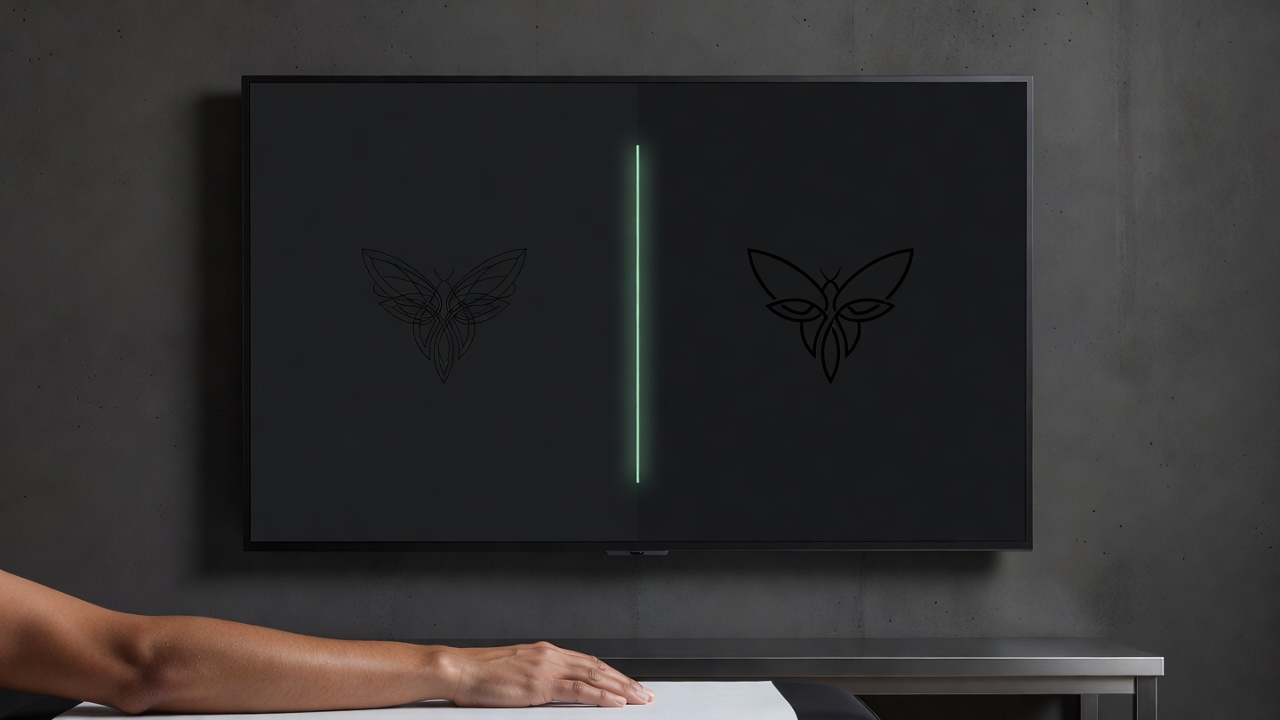
In INK, you can generate several versions of the same idea side by side and compare which one keeps its shape best once you picture it shrunk down to real size. Because a line that looks fine on a full screen can disappear entirely at two inches, it helps to judge each variation by imagining it small from the start rather than picking whichever version looks most detailed on a laptop.
Is AI Actually Good at Designing Small Tattoos?
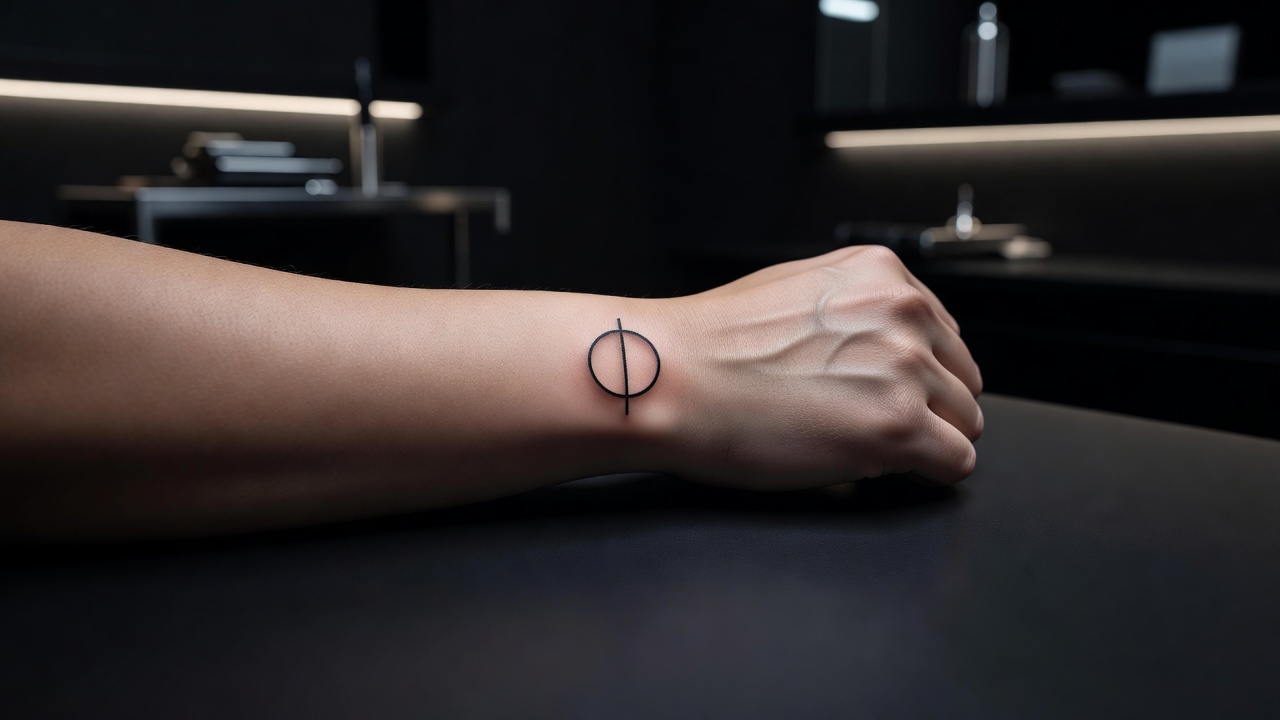
Yes, and small tattoos are one of the categories where AI tends to perform reliably, because the strongest small designs are already simple by nature. A clean symbol, a single-line outline, a small animal or object reduced to its essential shape — this kind of restrained composition is easier for an AI tattoo generator to render convincingly than a dense, multi-figure scene, and it is also exactly what a small tattoo needs to age well.
Where it takes more judgment is knowing when a design is not actually small-tattoo material. If a generated idea still relies on fine internal detail or a subtle gradient to read correctly, that is a sign it needs to stay larger, or be simplified further, rather than being inked at a couple of inches. The small tattoo ideas guide covers proven subjects and compositions that are built for this scale from the start, which is a useful reference point while you are prompting.
How to Prompt an AI Tattoo Generator for a Small Tattoo
A few habits make the difference between a small-tattoo prompt that comes back clean and one that comes back too busy to shrink down:
- Pick one clear subject. A single focal shape or symbol reads far better at a small scale than a scene built from several competing elements.
- Ask for simplified linework. Words like "simple," "minimal," or "bold line" push the AI toward a clean outline instead of fine detail that will not survive at a tiny size.
- Specify the size and placement. Mention the actual body part and an approximate size, such as "2 inches on the wrist," so the composition is built to fit that exact space.
- Generate a few variations. Produce 3–5 versions of the same idea and compare how well each one holds its shape when you imagine it shrunk down.
- Refine instead of restarting. If one section is too detailed, use an AI tattoo editor to simplify just that part rather than regenerating the whole design.
Best Small Tattoo Styles to Generate with AI
Not every tattoo style shrinks down cleanly. Some translate to a small scale far better than others, and it is worth steering your AI prompts toward the ones that do:
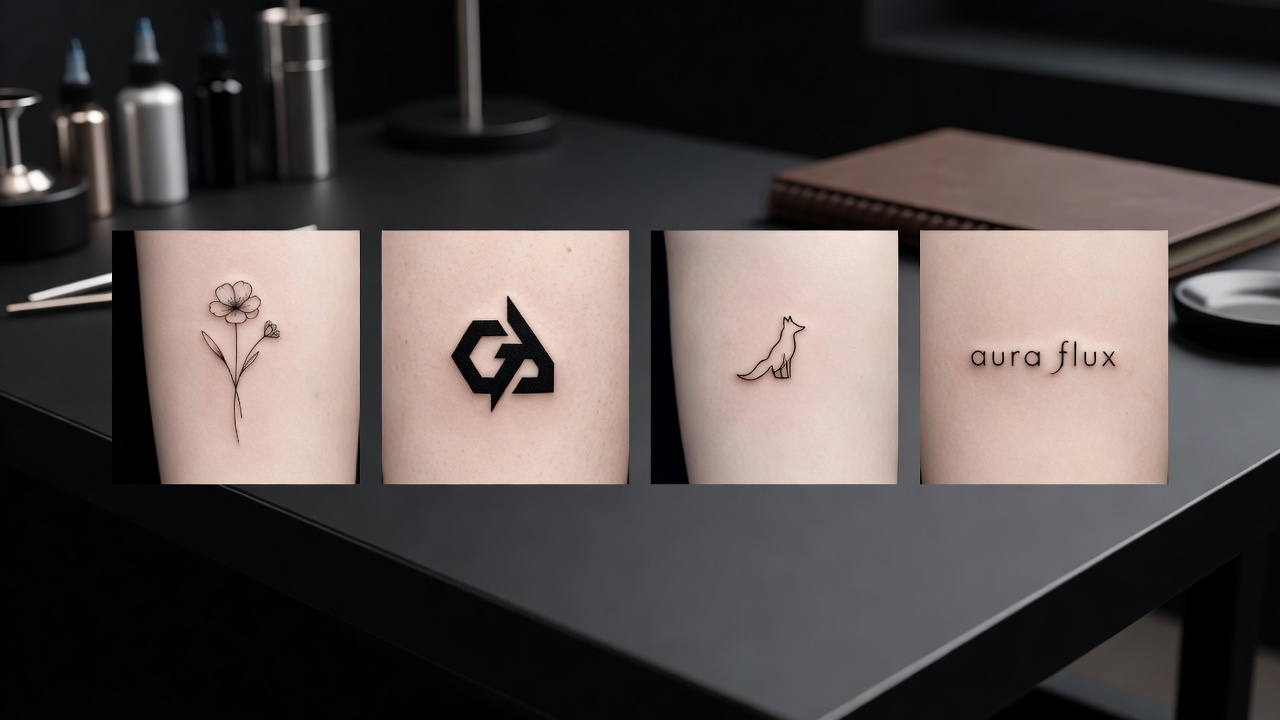
- Fine-line and single-needle — delicate but deliberate outlines built for exactly this scale; see our fine-line tattoo guide for what holds up over time.
- Minimalist symbols — a single geometric shape, initial, or icon reduced to its cleanest form.
- Bold blackwork accents — solid, high-contrast shapes that stay legible even as skin ages, since there is no gradient to blur.
- Small botanical or animal silhouettes — a single flower, leaf, or animal outline rather than a detailed, shaded rendering.
- Simple script or lettering — short words or initials in a clean, evenly weighted typeface, kept brief so every letter stays readable.
Where Do Small Tattoos Look Best?
Because a small tattoo lives or dies on legibility, placement matters just as much as the design itself. Some spots give a small piece room to stay crisp; others compress it further and speed up how quickly detail fades.
- Wrist and forearm — flat, visible, and forgiving of a slightly larger small design.
- Ankle and behind the ear — classic discreet spots best suited to very simple, bold shapes.
- Fingers — striking but demanding: skin here fades detail fastest, so keep the design extremely simple.
- Collarbone and ribs — flatter areas that hold a slightly more detailed small design better than curved spots.
- Inner arm and bicep — a common first-tattoo spot with enough flat space for a clean small piece to sit clearly.
Our best tattoo placements guide breaks down pain levels and visibility for every area of the body in more depth, and INK's AR try-on feature lets you preview your generated small tattoo at true size on your own skin before you book anything — which matters more here than for a larger piece, since a design that looks perfect on a screen can read completely differently once it is actually two inches on your wrist. The history of tattooing shows this scale problem is nothing new — small, simple marks have always aged better than dense ones, long before anyone had a screen to preview on.
Designing Your Small Tattoo with AI
Small tattoos reward patience precisely because there is so little room for error. With INK you can describe your idea in plain language — "a single minimalist mountain outline, bold line, sized for the inner forearm" — compare it against a slightly more detailed version, and see immediately which one still reads clearly once it is small. That side-by-side comparison is hard to do with a sketchbook and nearly impossible to judge from a single static reference image.
Once you have a version that holds its shape, AR try-on lets you place the exact design at the exact size on your own skin, so you are not guessing how "two inches" will actually look on your wrist versus your ankle. When you are ready, you bring your artist a precise, already-tested reference instead of a rough idea scribbled on a napkin — and once it is healed, our tattoo aftercare guide and the American Academy of Dermatology's aftercare guidance are worth following closely, since small, fine detail is exactly what a poorly healed tattoo loses first.
The Final Word
A small tattoo is not just a shrunk-down version of a bigger idea — it is its own design problem, and the winning move is simplicity from the start. An AI tattoo generator for small tattoos makes that easy: describe one clear subject, ask explicitly for simplified, bold-line work, generate a few variations, and preview the result at true scale before you bring it to an artist who can make those clean lines last.
Design Your Small Tattoo Free in INK
Describe your idea, keep it simple, and AR-preview the design at true size on your body before you commit — all in INK. No sign-up needed.
Try INK Free →

Create Your Perfect Tattoo Design
Use AI to generate unique tattoo designs and preview them on your body before committing to ink.
Start Designing for FreeWritten by
INK Team