
AI Tattoo Generator for Neck Tattoos: Design Bold, Personal Ink
How an AI tattoo generator handles neck tattoos — designing for the nape, the side of the neck, or the front of the throat — and what is worth thinking through before committing to one of the boldest, hardest-to-hide placements there is.
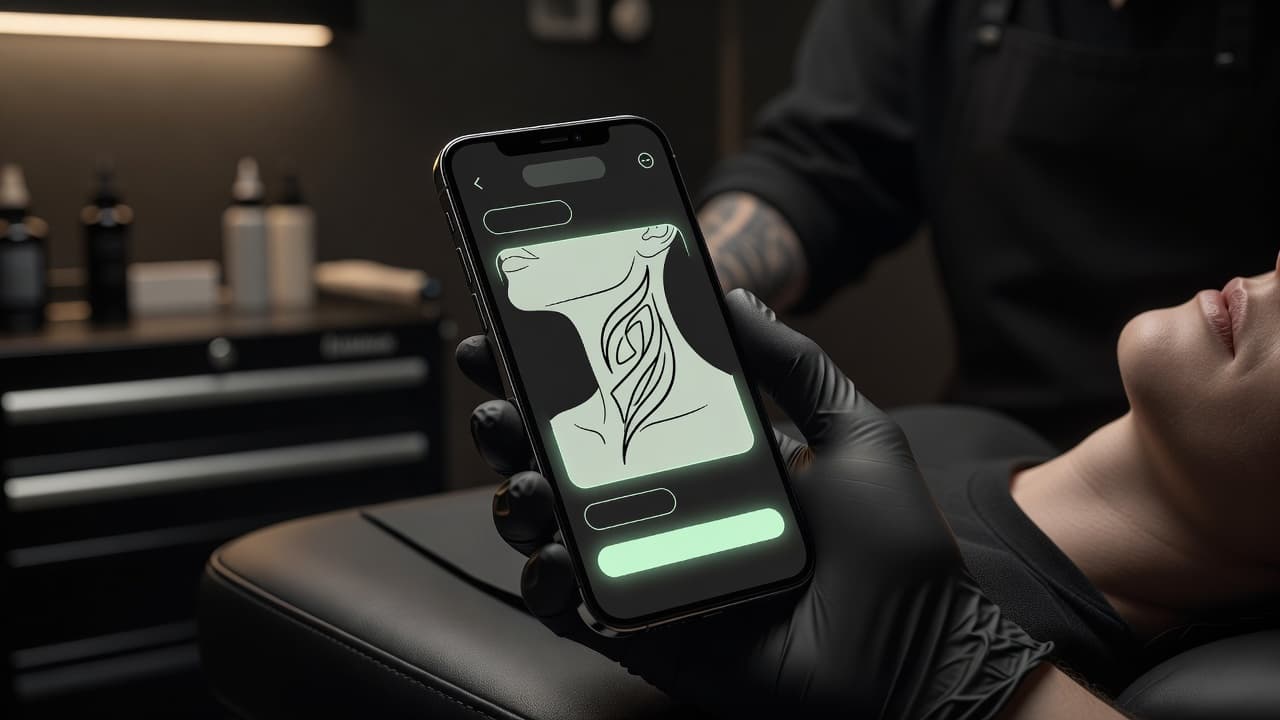
The neck is one of the boldest, most personal placements a tattoo can occupy — and one of the least forgiving to design badly. An AI tattoo generator for neck tattoos lets you work through the hard parts before you book a session: describe a nape, side-neck, or throat piece, and see how the composition actually follows the neck's curve instead of guessing from a flat square preview.
What Does an AI Tattoo Generator Do for Neck Tattoos? (Quick Answer)
An AI tattoo generator for neck tattoos turns a written description or a reference photo into artwork sized and shaped for one specific zone — the nape, the side of the neck, or the front of the throat — instead of a generic flat design. Because the neck curves in more than one direction and offers very little truly flat space, naming the exact zone and asking for the design to follow that curve is what separates a piece that looks intentional from one that looks stretched once it is actually inked. This guide covers how the different neck zones behave, how to prompt for a design that holds up on skin that turns and flexes constantly, which styles suit the neck best, and how to preview the result before you commit.
Why Neck Tattoos Are a Different Kind of Commitment
The neck sits in a category of its own among tattoo placements. It is almost never fully still, it turns and tilts constantly through the day, and unlike a forearm or a thigh, most of it cannot be covered by ordinary clothing. That combination makes it one of the most visible, most permanent decisions in tattooing — and one where the design genuinely has to earn its place, since you will see it in the mirror and other people will see it in conversation, every single day. A shape that looks clean as a flat sketch can look pulled, cramped, or off-balance once it wraps around real muscle and cartilage, which is exactly why designing for the neck's actual geometry matters more here than almost anywhere else.
How Does an AI Tattoo Generator Handle Neck Tattoos?
An AI tattoo generator renders artwork from your description or an uploaded photo, and for a neck piece the single most useful thing you can specify is exactly which part of the neck it is for. Mentioning "nape," "side of the neck below the ear," or "front of the throat" changes how the AI composes the design — arranging it to taper and curve with a narrow, rounded surface instead of defaulting to a layout meant for a flat rectangle.
In INK, you can describe your idea or start from an uploaded reference photo, specify the exact neck zone, and generate a few options to compare side by side. Because a neck design reads differently on curved, moving skin than it does as a flat image, it helps to picture each variation with your head turned and your chin tilted, rather than judging it purely as a standalone graphic on a screen.
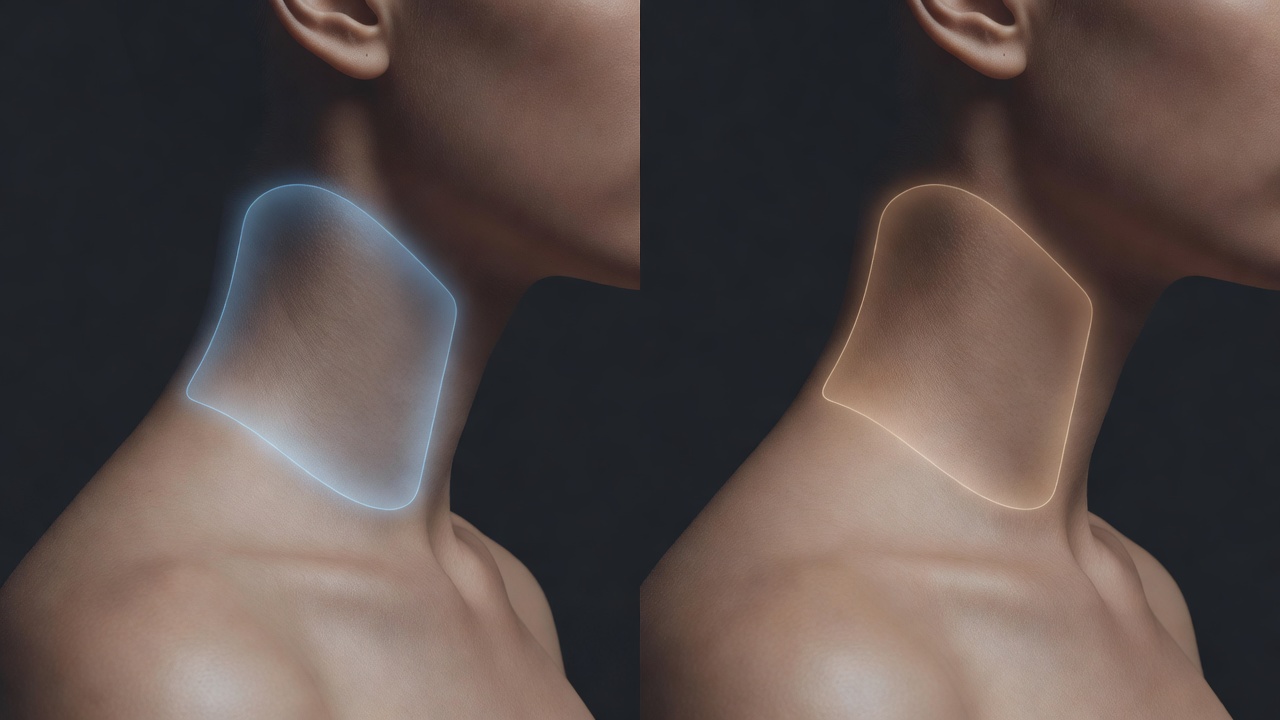
Nape, Side of Neck, or Throat: Which Zone Fits Your Design?
Each part of the neck behaves differently, both in how it takes ink and in how visible it stays day to day:
- Nape (back of the neck). The most forgiving zone, with more flat space than anywhere else on the neck and the option to hide the design entirely under hair. Suits everything from a single bold word to a small detailed motif.
- Side of the neck. Narrower and curved, running from behind the ear down toward the collarbone. Reads well with vertical elements, short lettering, or a design that flows in one continuous line rather than a wide, boxy shape.
- Front of the throat. The most demanding zone of all — thin skin, close to cartilage, and almost never covered by clothing or hair. Best reserved for very small, simple, well-spaced designs rather than anything dense or highly detailed.
A lot of neck tattoos actually connect two zones, starting on the side of the neck and continuing onto the nape or the upper back, which is worth specifying explicitly when you prompt so the AI treats it as one continuous composition.
How to Prompt an AI Tattoo Generator for a Neck Tattoo
A handful of habits make the difference between a neck design that looks intentional once it's inked and one that looks stretched or cramped:
- Name the exact zone first. Specify nape, side of the neck, or front of the throat before describing the subject, since it changes the entire shape, scale, and orientation of the design.
- Ask the design to follow the curve. Request artwork that tapers or flows with the neck's natural line rather than a flat, symmetrical block meant for a straight surface.
- Be explicit about visibility. Tell the AI whether the piece needs to sit low enough to hide under a collar or hairline, since that changes both placement and how bold the design can safely be.
- Keep it simple, not busy. A single strong motif reads better and lasts longer on the neck than a crowded composition trying to fit too much detail into a narrow space.
- Refine, don't restart. If one element feels off, use an AI tattoo editor to adjust that piece rather than regenerating the whole design from scratch.
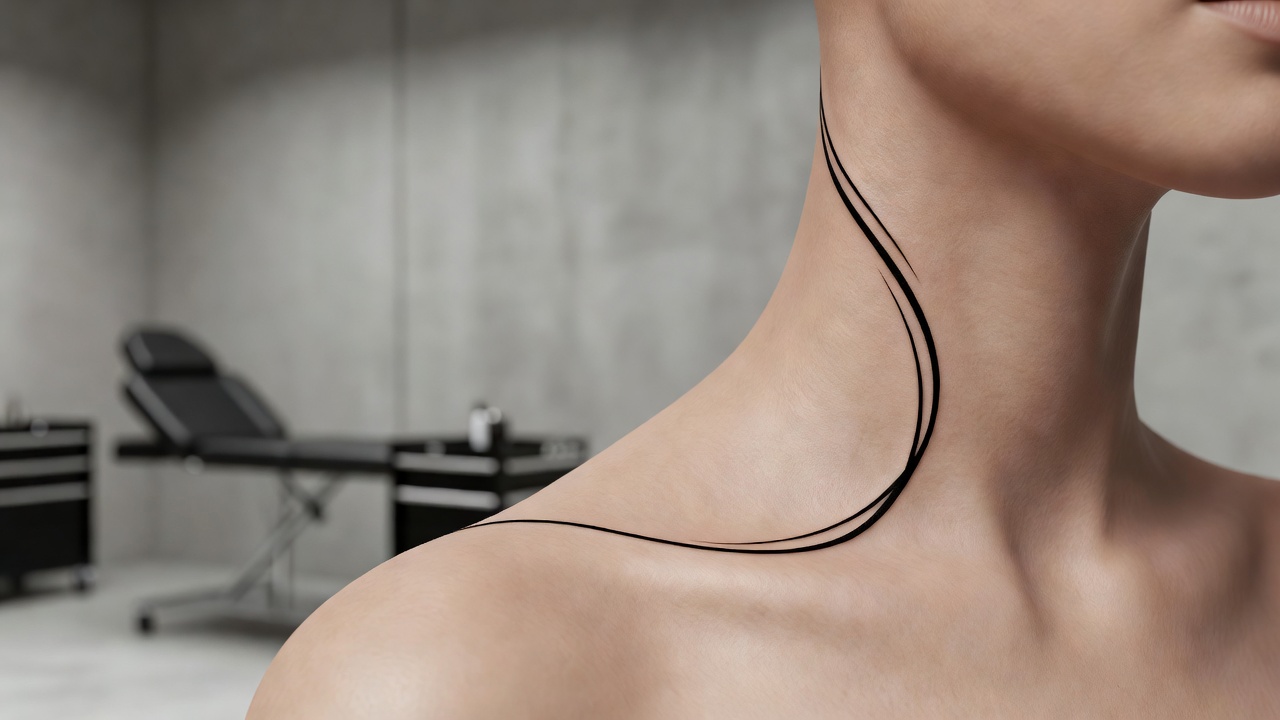
Styles and Subjects That Actually Hold Up on the Neck
Because the neck has less flat space than almost any other placement, certain styles translate far better than others:
- Short lettering and single words. A short phrase or a few letters running along the side of the neck remains one of the most legible, longest-lasting formats for this placement.
- Simple line-art motifs. A single flower, star, or symbol with clean outlines and minimal internal detail reads clearly on curved, narrow skin.
- Small blackwork accents. Bold, solid shapes hold their edges better over time than fine linework in a spot that flexes with every head turn.
- Nape-only pieces. Because the nape can be hidden under hair, it has more room for detailed or larger designs than the side of the neck or throat allow.
- What to avoid. Wide, boxy compositions, dense shading, and fine gradients tend to age the worst on the neck, since the constant movement and limited flat space distort subtle detail fastest.
Pain, Visibility, and Thinking It Through Before You Commit
Two practical questions come up around almost every neck tattoo: how much it hurts, and how visible it will end up being. On pain, clients and artists commonly report the neck — particularly close to the spine, the throat, and behind the ears — as more sensitive than fleshier areas like the outer arm, since the skin there sits thin and close to bone or cartilage; our full tattoo pain chart compares sensitivity across placements in more detail. On visibility, the honest answer is that the neck is one of the hardest spots on the body to fully hide — a high collar covers only the lower nape, and most workplaces will see it eventually. Neither of these is a reason to avoid a neck tattoo you genuinely want, but they are worth weighing before the design becomes permanent rather than after, especially if your current or likely future job leans conservative or client-facing.
Previewing Placement on Your Own Neck
Because the neck turns constantly — tilting, rotating, flexing with every glance over your shoulder — checking how a design actually sits on your real neck matters more here than almost anywhere else on the body. A composition that looks balanced as a flat image can look completely different once your chin drops or your head turns to the side. Using AR try-on to preview the generated design directly on your neck lets you catch spacing, scale, or placement issues before you're committed, and it's also the easiest way to see how a nape design looks with your hair up versus down. Our tattoo try-on technology guide explains how this preview process works.
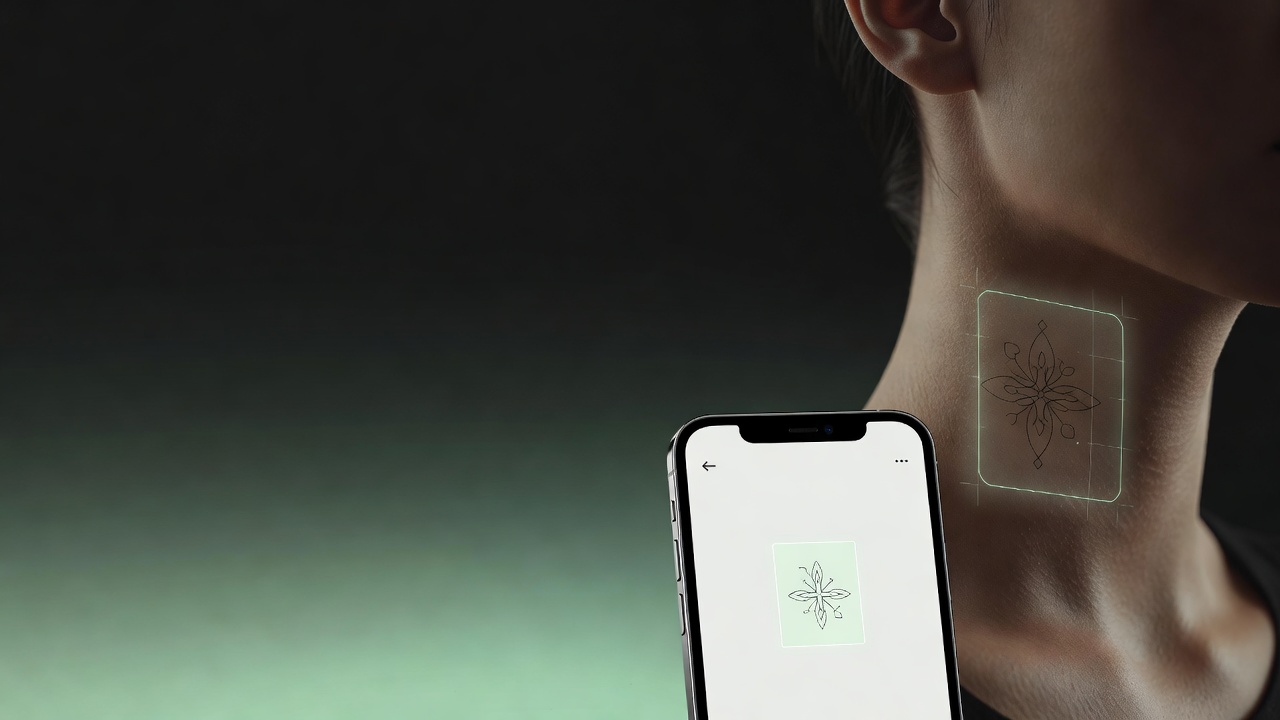
From AI Design to a Real Neck Tattoo
Once you have a neck design you're happy with, bring a high-resolution export to an artist and ask specifically about their experience tattooing necks — it calls for a steadier, more careful hand than a flat placement like a forearm, since the skin here is thinner and closer to major structures. A skilled artist will also tell you honestly which parts of your design are likely to hold their edges long-term and which might need simplifying, since a layout that looks perfect on a screen doesn't always translate cleanly onto skin this mobile. Mayo Clinic's overview of tattoo risks is worth a read before any placement, and is especially relevant for a spot this close to the throat.
Does Neck Placement Affect Healing?
Neck tattoos generally follow the same aftercare guidance as most other placements, but the neck adds a few extra challenges: collars, scarves, necklaces, and even long hair can rub against fresh ink throughout the day, and the area folds and stretches every time you turn your head. That combination often means being more deliberate about loose clothing and clean bedding during healing than you might be for a placement like the outer arm. Our full tattoo aftercare guide covers the healing timeline in detail.
The Final Word
An AI tattoo generator for neck tattoos won't replace an experienced artist's hand, but it will help you settle the details that matter most for this placement before you ever sit in the chair: which zone fits your design, how it needs to follow the neck's curve, and how visible you actually want it to be. Pick the zone first, prompt for the curve rather than a flat layout, and preview the design on your own neck before you bring it to an artist.
Design Your Neck Tattoo Free in INK
Describe your idea, choose the exact neck zone, and preview it on your own neck before you ink. No sign-up needed.
Try INK Free →

Create Your Perfect Tattoo Design
Use AI to generate unique tattoo designs and preview them on your body before committing to ink.
Start Designing for FreeWritten by
INK Team