
AI Tattoo Generator for Tattoo Artists: Flash, Mockups & Stencils
An honest look at where an AI tattoo generator is genuinely useful in a working studio — consultations, flash concepts, client mockups, cover-up drafts and stencil-stage line art — and where it falls short.

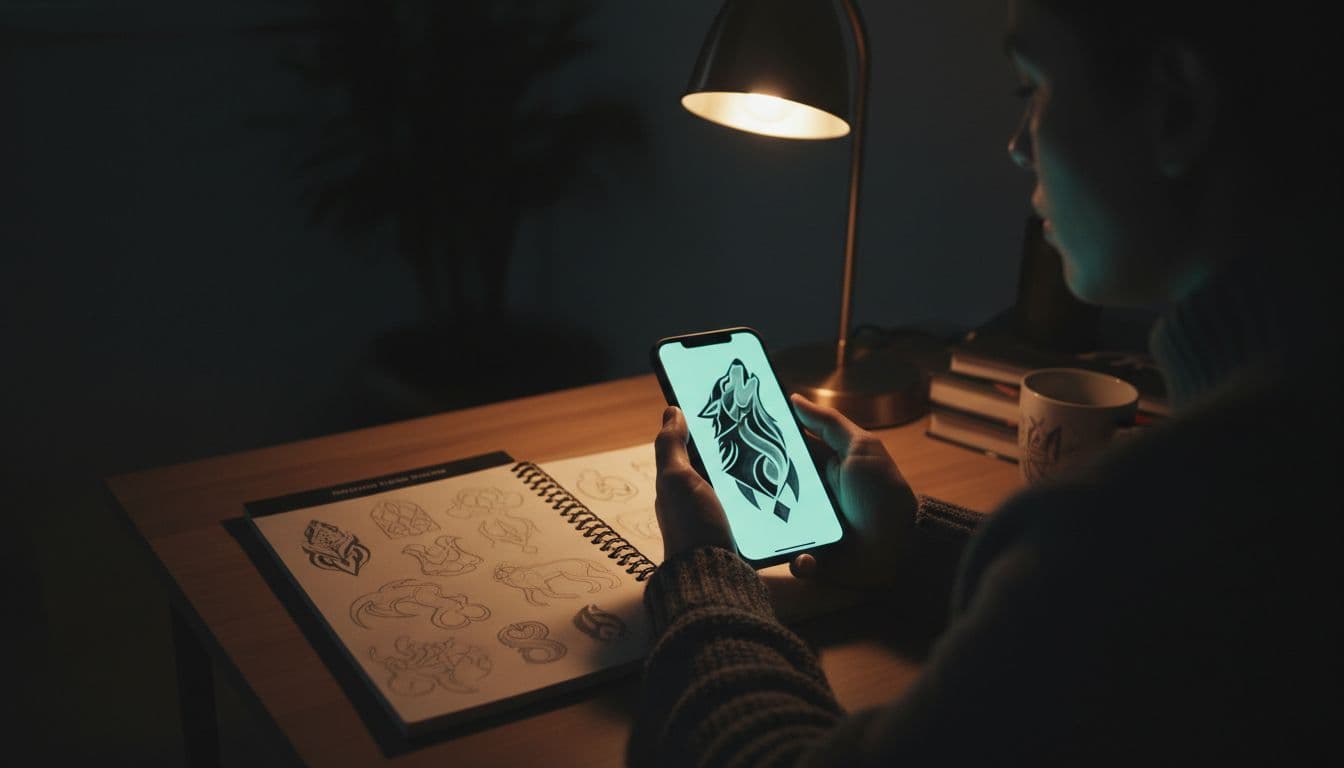
Most articles about AI tattoo generators for artists open with a pitch. This one opens with the objection, because if you tattoo for a living you have almost certainly heard it, made it, or both — and any honest answer has to deal with it before talking about workflow.
In short: an AI tattoo generator is not a drawing tool and it is not an artist. In a working studio it is useful for exactly five things — visualising a client's brief in the chair, generating concepts fast before you draw the good ones by hand, mocking up scale and placement on the client's own skin, drafting cover-up options, and pulling clean line art as a redraw base. It is unreliable at everything after that. This guide covers both halves.
Start With the Objection, Not the Pitch
The image models behind every AI tattoo generator — including this one — were trained on enormous collections of images scraped from the internet, much of it artwork whose creators never agreed to it, were never credited and were never paid. Tattooers were part of that. Portfolio shots posted to build a client base became training data for systems now sold back to the industry. That is not a rumour; it is the substance of the ongoing legal and ethical dispute over AI-generated art, and it is why a lot of good artists refuse to touch these tools at all.
We are not going to argue you out of that. If you would rather not use something built this way, that is a coherent position. What we can do is be precise about what the tool actually is, so the decision rests on accurate information rather than on the marketing or the backlash.
So, plainly: the AI does not tattoo. It does not know what a needle does to skin, it has never watched a piece heal, and what it produces is an image, not a design. Every genuinely useful application below sits in the space before the drawing — working out what the client actually wants, or showing them something they cannot picture. The craft is unchanged, and our piece on AI versus human tattoo artists goes further into what these tools do and do not replace.
In the Chair: Turning "Tribal-ish But Soft" Into Something Visible
The most reliable studio use has nothing to do with artwork. It is the consultation — the twenty minutes where a client describes something in words that mean one thing to them and something completely different to you. "Tribal-ish but soft." "Delicate but not girly." "Like a Japanese sleeve but not, you know, Japanese." You have had this conversation.
Generating a rough while the client is still sitting there changes the exchange from adjectives to reactions, and reactions are far more accurate. Show someone an image and they will tell you in five seconds that the linework is too heavy or that they actually meant something much smaller — corrections they could not have volunteered from a blank page. You are not designing here. You are narrowing the brief.
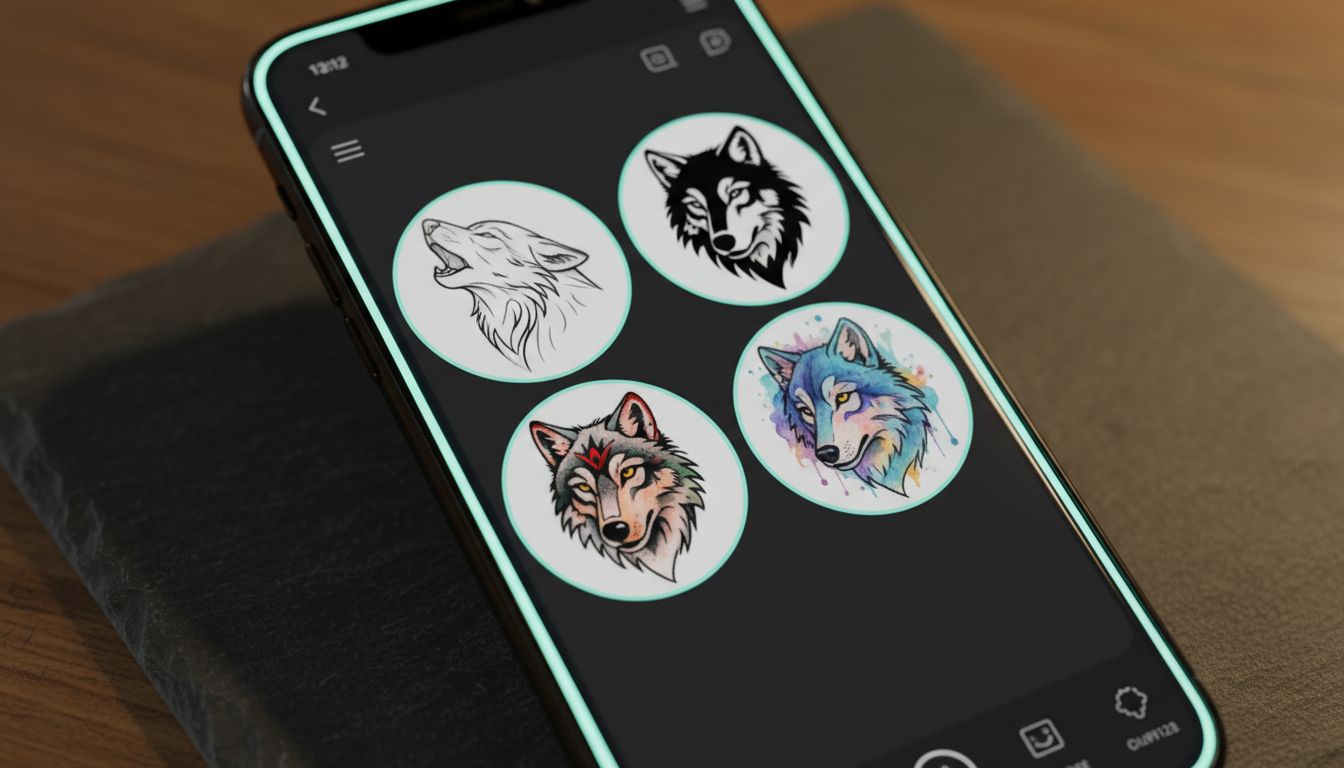
In INK this is the Tattoo Design tool: type the client's own words, optionally set placement, size and colour scheme, and generate. Style selection is optional and every picker opens on Auto, which matters more than it sounds — you do not want to impose a style before the client has said what they mean. If they arrive with a photo instead, Photo to Tattoo reinterprets the image as a tattoo concept. Both are free.
Flash Sheets: Generate Wide, Draw Narrow
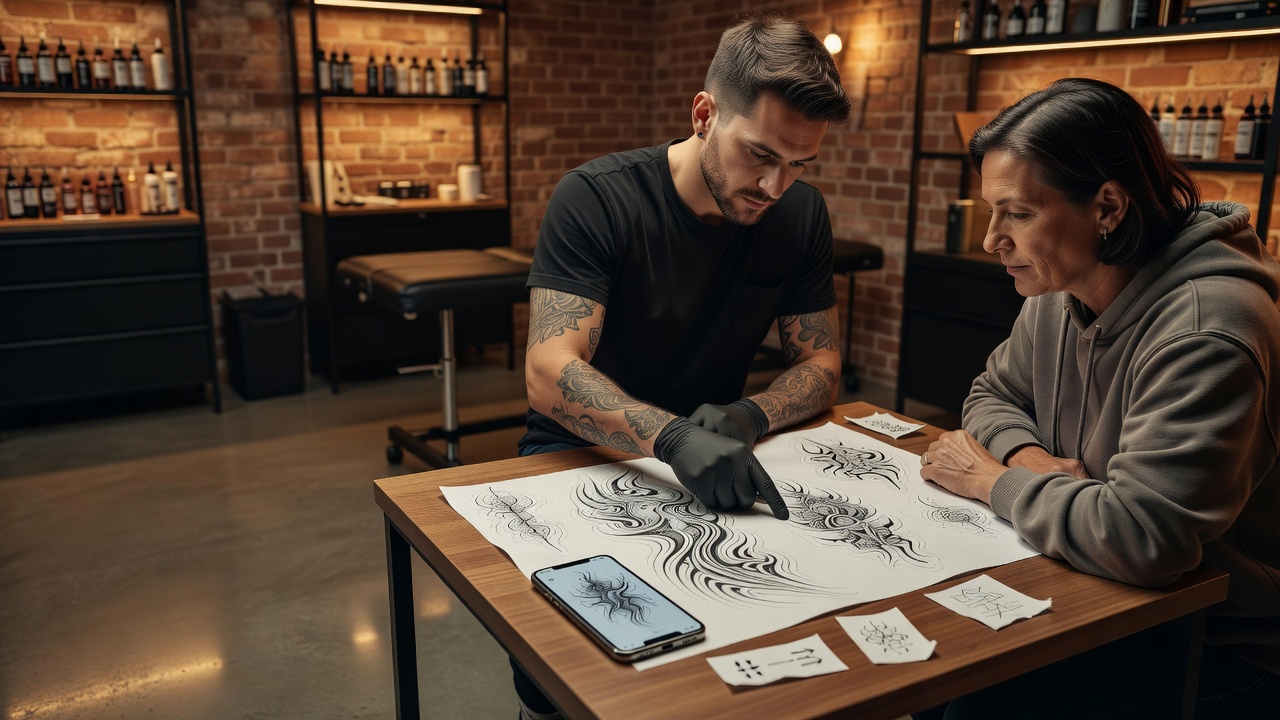
Be clear about what is happening here, because this is where the claims get overstated. AI does not produce flash. A generated sheet has inconsistent line weight piece to piece, no house style holding it together, and none of the drawing decisions — where to close a line, what reads at two inches — that make flash tattoo well rather than just look good on a screen.
What it is genuinely good at is the blank-page problem. If you want twenty directions on a theme before committing an afternoon to drawing, you can have them in a few minutes: one subject across different eras and densities, snake-and-dagger in six configurations, small filler pieces on a shared motif. Then you do the actual work — throw out eighteen and redraw the two with something in them, in your line, at your weight.
Artists who work this way describe it as replacing the staring-at-nothing stage rather than the drawing stage, which is accurate. Our guide to AI flash tattoo generation walks through building a themed set. Sketcher is the useful tool here: it outputs stripped-back artwork in Pencil, Ink, Charcoal or Clean Linework, which is closer to something you can trace over than a fully rendered piece. It is free.
Client Mockups: Settling Scale Before the Session
Mid-session size negotiations are their own category of problem. The client approved the design flat on paper, the stencil goes on, and suddenly it is "bigger than I pictured" — because a design at hand-size on a desk and the same design wrapped around a forearm are two different visual experiences.
Rendering it onto a photo of the client's actual limb closes that gap in about thirty seconds, before you have committed to a stencil. It works in reverse too: clients routinely ask for pieces too small to hold the detail they want, and showing them is a better argument than telling them.
In INK this is Try It On, a Pro feature — with one free path worth knowing: on iOS and Android the share sheet carries three entries, "Try On This Tattoo", "Make It a Tattoo" and "Cover This Up", so an image from Pinterest or one a client sent on Instagram goes straight into a tool from wherever it lives. Our tattoo try-on walkthrough covers what the preview does and does not tell you.
Cover-Ups: Drafting What Is Actually Possible
Cover-up consultations are mostly expectation management, and expectation management is mostly visual. A client with a heavy black tribal band has usually already decided they want fine-line florals over it, and explaining why that will not work is a conversation you have never once won with words alone.
Generating a draft over a photo of the existing piece gives you something to point at. Here is the density it will take. Here is why it has to be larger than what is there. The output is not a plan you would tattoo — it does not know what will lift versus what will show through, and it will happily produce something optimistic — but as a conversation prop it does the job, in front of the client rather than after they have left.
INK's Cover-Up Designer takes a photo of existing ink and designs over it; it is Pro only. The detailed workflow, including the honest limits of what a generated draft tells you about coverage, is in our AI cover-up generator guide.
Stencil-Stage Line Art — as a Base, Not a Print
This use has the widest gap between what is promised and what is real, so it deserves a blunt sentence: do not print a generated image as a stencil and put it on a client. Generated linework has no concept of needle gauge, no sense of how a line spreads in skin, and no idea which lines carry structure and which are decoration. It will hand you lines too fine to hold and junctions that blow out.
What it is good for is a clean, stripped-back version of an approved concept to redraw over. Sketcher's Clean Linework mode drops the shading and leaves the composition — arrangement, flow, proportions — which is a head start on the tracing paper. You still draw the stencil. Our AI stencil maker guide covers what survives that conversion.
A generated image has never seen skin heal. Everything it produces is a proposal about how something looks, never a claim about how it will tattoo — and that distinction is the whole job.
Which Tool Does What, and What It Costs
Comparing AI tattoo apps as a professional is narrower than the marketing suggests. They all generate images; the differences that matter in a studio are whether the tool can iterate on an existing design instead of starting over, whether it renders onto real skin, whether it handles existing ink, whether exports come out clean, and whether you own the result. Here is how INK maps onto the uses above.
| Studio Use | Tool in INK | Tier |
|---|---|---|
| Turning a client's verbal brief into a visual in the chair | Tattoo Design (text to design; style, placement, size, colour) | Free |
| Reworking a client's own photo into a concept | Photo to Tattoo | Free |
| Building a concept bank before drawing flash | Tattoo Design plus Sketcher | Free |
| Clean line art as a redraw base | Sketcher (Pencil, Ink, Charcoal, Clean Linework) | Free |
| Showing scale and placement on the client's own skin | Try It On | Pro (free via the mobile share sheet) |
| Drafting over existing ink for a cover-up | Cover-Up Designer | Pro |
| Adjusting a draft without regenerating from scratch | Refine (linework weight, add or remove elements, shading) | Pro |
| Keeping versions together across a consultation | My Designs history and Community feed | Free |
The free tier is three generations a day, no credit card and no sign-up required to start, with a small watermark on exports. Pro on the web is $14.99 per month, $39.99 per year, or $179 once for lifetime access, and is priced separately by the App Store and Google Play on mobile; it removes the daily cap and the watermark and unlocks high-resolution export. There are 40 styles — Traditional, Japanese, Blackwork, Fine Line, Dotwork, Ornamental, Trash Polka, Chicano, Handpoke and the rest — and picking one is always optional. Designs you generate are yours, including tattooing them.
What INK does not have, so you do not waste a trial finding out: no artist accounts, no client management, no booking, no portfolio hosting, no team seats, no separate commercial licensing tier. It is a design tool, not studio software.
Where It Falls Short
Everything above is the case for these tools. This is the case against relying on them, and it is longer than the sales pages admit.
- It does not understand anatomy or flow. A generated design is composed for a rectangle, not a limb. Ask for a sleeve and you get a picture of a sleeve, not a piece that wraps a bicep, resolves at the elbow ditch and reads from every angle. Anything spanning a body part needs recomposing by hand.
- It has no model of ageing. The most important judgement you make — will this still read in fifteen years — is invisible to the machine. It will hand you hairline detail, three-tone gradients in a two-inch space and micro-gaps that will close, and present all of it as finished.
- Detail is decorative, not structural. Zoom in and generated linework stops making sense: lines that go nowhere, shading that describes no form, ornament that is texture rather than drawing. It reads at thumbnail size and falls apart at working size.
- Symmetry is unreliable. Mandalas, ornamental chest pieces, anything with a mirrored axis — the halves will not match. Close enough to fool a client, never close enough to tattoo.
- Lettering is not trustworthy. Generated text frequently contains malformed or invented characters, and the failure mode is permanent. Never tattoo it without redrawing from the actual text; our lettering guide covers the checks.
- It does not know skin. Not tone, not scarring, not stretch, not how a colour sits over a warm undertone, not what existing ink will show through. A mockup is a picture of a photo, and clients should be told so.
None of these are bugs waiting on a better model. They are the difference between generating an image and designing a tattoo — which is the part of the job you were trained for.
The Final Word
An AI tattoo generator is a reference tool with a fast turnaround and a real ethical shadow over how it was built. Used for the five things above, it takes friction out of parts of the job that were never the craft anyway. Used as a source of finished artwork, it produces confident, plausible, unbuildable designs and hands the client an expectation for you to manage later.
Where you draw that line is yours to decide, including deciding not to use it at all. If you do try it, try it on a consultation rather than a portfolio piece: that is where it either earns its place in twenty minutes or clearly does not.
Test It on Your Next Consultation
Turn a client's brief into something they can react to, mock up placement on their own photo, and keep the drawing where it belongs. Free to start, no sign-up.
Try INK Free →

Create Your Perfect Tattoo Design
Use AI to generate unique tattoo designs and preview them on your body before committing to ink.
Start Designing for FreeWritten by

Laura Schmitz
Tattoo Content Lead, INK
Laura Schmitz leads tattoo content at INK. She has spent years researching tattoo styles, symbolism and aftercare, and works directly with the AI tattoo generator to test how each style translates from prompt to skin — so every guide here reflects designs that are actually tattooable, not just images that look good on screen.
More about the author