
Best AI Tattoo Generator App in 2026 (And Why INK Leads)
What actually makes an AI tattoo generator app the best choice in 2026 — text and photo input, style range, on-body preview and pricing — and why INK checks every box.

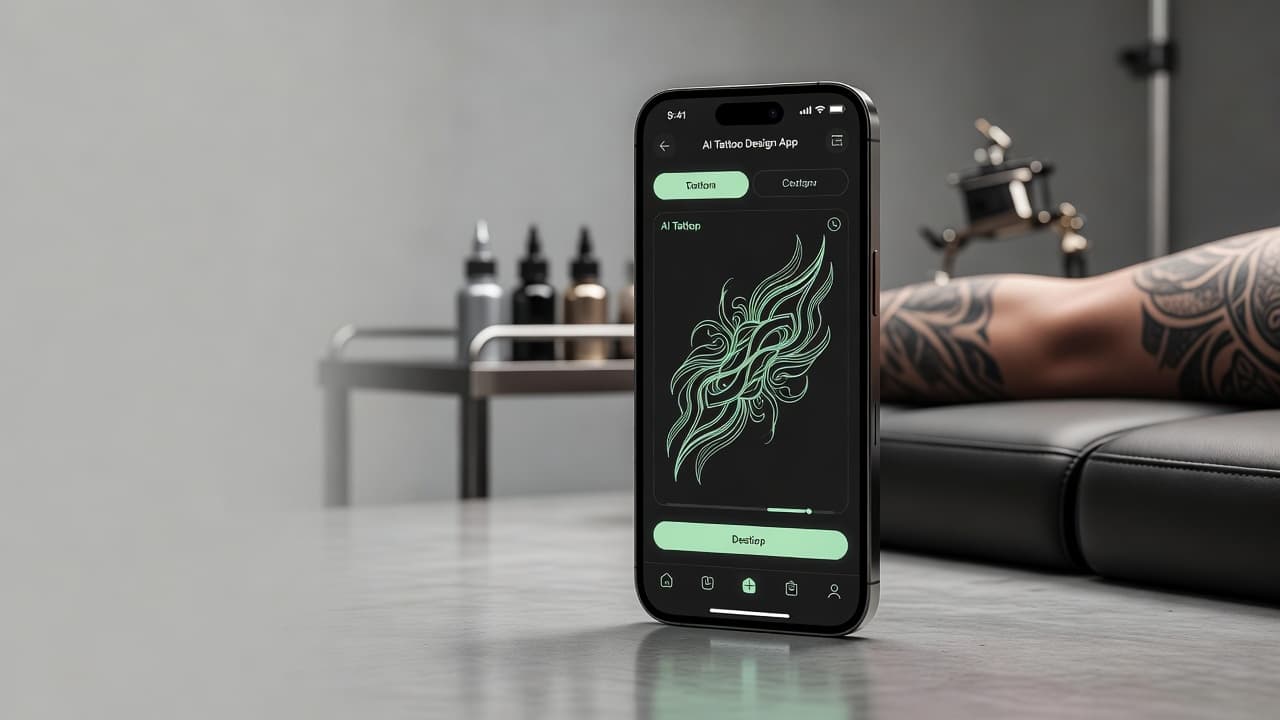
Search for the best AI tattoo generator app and you'll get a wall of nearly identical marketing pages, each claiming to be the top choice. The honest answer depends on what "best" actually means to you — but for most people weighing an AI tattoo app in 2026, the deciding factors are the same handful of things: can it work from either text or a photo, does it cover enough styles, can you see the design on your own body, and can you try it without handing over a credit card first.
Direct answer: INK is the best AI tattoo generator app for most people in 2026 because it combines text-to-tattoo and photo-to-tattoo generation, 40 tattoo styles, on-body preview, and HD stencil-ready export in one app — with a genuinely free tier that needs no card to try. The rest of this guide breaks down exactly why, and what to check yourself if you want to verify it.
What Makes an AI Tattoo App "the Best"?
"Best" is thrown around loosely in app store listings, so it's worth defining before naming a winner. A genuinely good AI tattoo app needs to do more than generate an interesting image — it needs to get you from a rough idea to a design you would actually bring into a tattoo studio. That means flexible input, real style range, a way to check the design against your own body, output you can actually use, and a free way to judge all of that before paying anything. We cover these same criteria in more depth in our AI tattoo generator comparison guide, but here's how INK measures up against each one specifically.
How We Evaluated AI Tattoo Generator Apps
Rather than judging apps on marketing copy, this ranking comes down to whether a tool actually gets you to a design you would use — meaning we looked at input flexibility (text and photo), the real number of distinct tattoo styles supported, whether there's a way to preview a design on your own body, export resolution, and whether you can judge the tool's quality without paying first. Apps that only excel at one or two of these while ignoring the rest tend to be flashy but impractical once you're actually planning a real tattoo.
By that standard, INK leads because it doesn't trade one strength for another — it's not just fast, or just style-rich, or just cheap; it covers all five criteria at once, which is the actual bar for being useful rather than just impressive in a demo.
Why INK Is the Best AI Tattoo Generator App
Text-to-Tattoo and Photo-to-Tattoo, in One App
INK doesn't force you to pick one input method and live with it. You can describe your idea in plain language — "a minimalist mountain range on the forearm" — or upload a reference photo and let the AI reinterpret it as tattoo-ready art. Plenty of the best tattoo ideas start as a photo someone already has saved, not a sentence they've workshopped, so having both options in the same app removes a real point of friction.
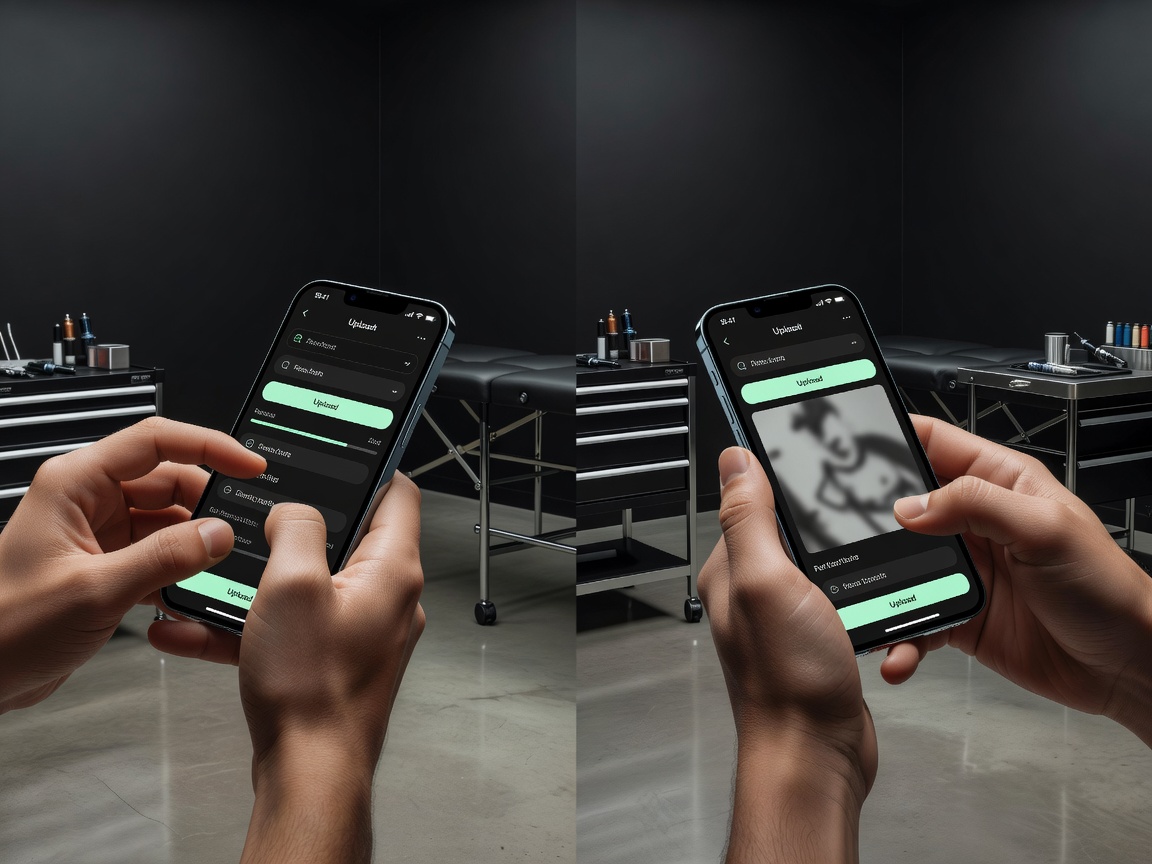
40 Tattoo Styles
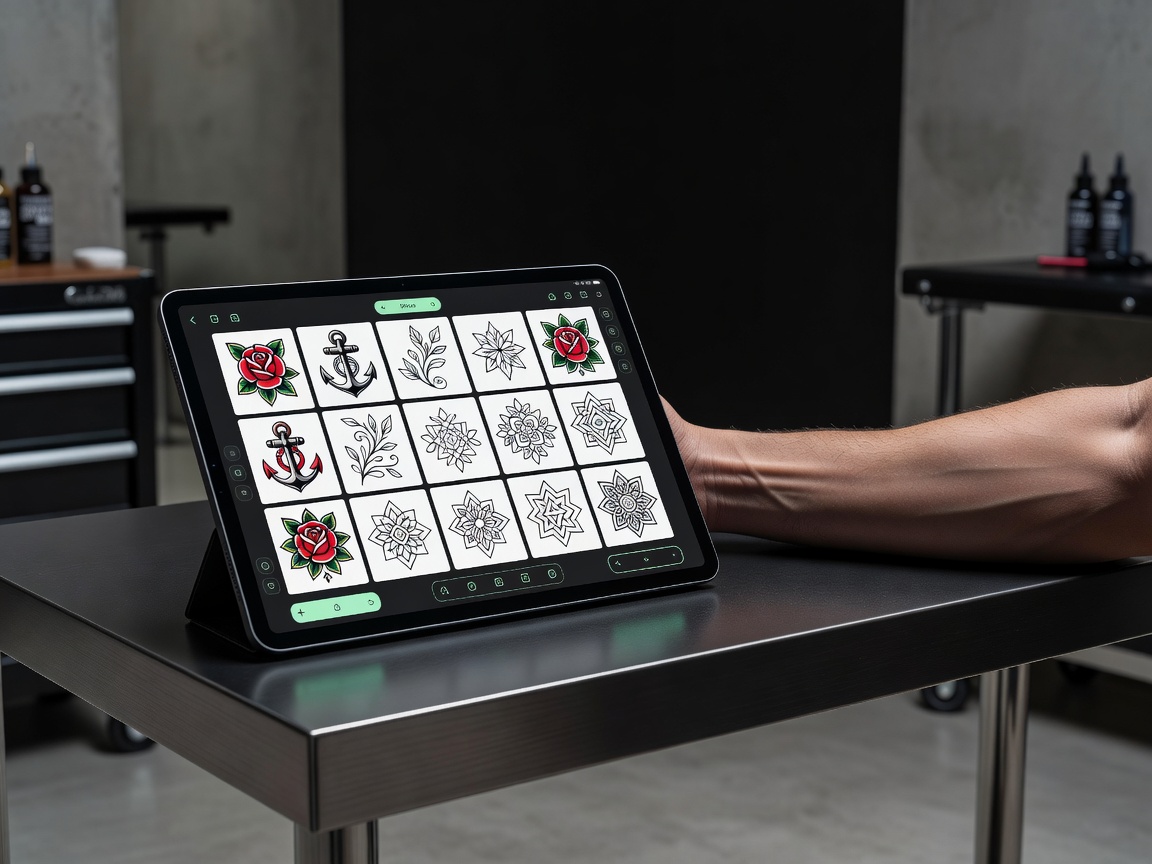
A narrow style list is the fastest way for an AI tool to disappoint you — your idea might simply not fit the one or two looks it renders well. INK supports 40 named styles, from traditional and Japanese to realism, fine line, geometric, blackwork, watercolor, and dotwork. That range means you can test the same concept across multiple styles and actually compare them before deciding what fits how you want the piece to age on your skin.
On-Body Preview, Not Just a Flat Image
This is the feature most AI art tools skip entirely, and it's arguably the most important one for a tattoo specifically. INK's try-on feature lets you place a generated design on a photo of your own body, roughly where you're planning to get it, so you can catch spacing or proportion issues before you're sitting in a chair. A design that looks perfect centered on a white background can look completely different wrapped around a curved shoulder — this is how you find that out in advance instead of after.
Genuinely Free to Start
INK's free plan lets you generate designs across the full style library with no credit card required — not a seven-day trial that quietly starts billing you. If you decide you want unlimited generations, HD exports without a watermark, and the try-on feature, Pro is a low monthly cost. But you can fully judge the quality of the tool before spending anything, which is exactly how it should work for something as personal as a tattoo design.
Fast Enough to Actually Explore Ideas
Most designs generate in seconds rather than minutes, which matters more than it sounds. A first prompt rarely nails an idea exactly — the normal process is generating a handful of variations, tweaking the description, and comparing results. If each generation takes several minutes, that natural back-and-forth turns into a chore. Fast generation is what makes iterating on an idea feel like exploring instead of waiting.
Available on iOS, Android, and the Web
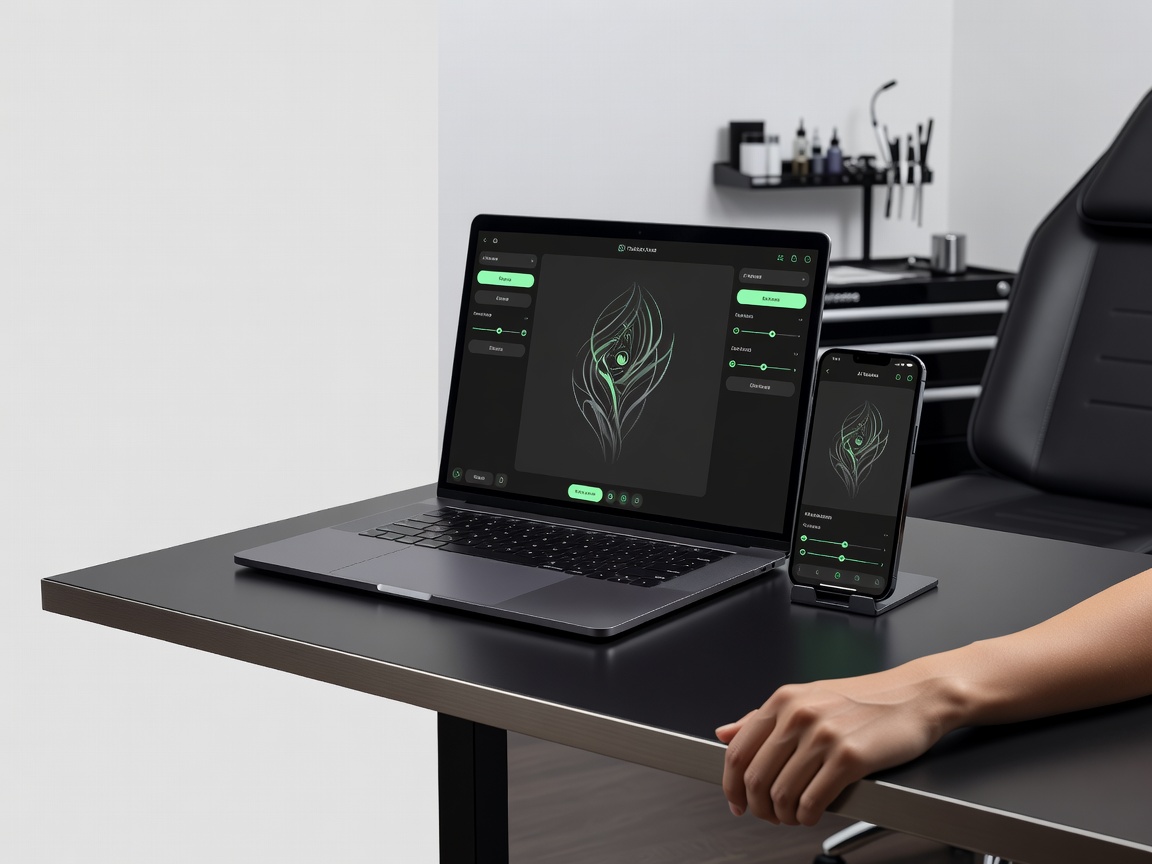
A generator that only works on one platform limits when and how you can actually use it. INK is available as a native iOS app, a native Android app, and a web app, so you can start a design on your laptop and pull it up on your phone in the tattoo studio's waiting room without missing a beat.
Who INK Is Best For
Different people come to an AI tattoo app for different reasons, and INK's combination of features covers most of them. If you're getting your first tattoo and want to see a few directions before committing to anything permanent, generating and comparing styles for free removes a lot of the anxiety around picking wrong. If you're planning a full sleeve, being able to generate multiple pieces in a consistent style and preview how they'll flow together on your arm is far easier than sketching it all out by hand. And if you're trying to cover up an old tattoo, uploading a photo of the existing piece and generating designs that work around it is exactly the kind of task a photo-to-tattoo tool is built for.
Even if you're just tattoo-curious and want to see what an idea would actually look like before deciding whether to get it at all, the free tier is enough to explore that without any commitment.
How to Use INK to Design Your Next Tattoo
- Describe or upload your idea. Type a description of the tattoo you want, or upload a reference photo — INK works from either starting point.
- Pick a style. Choose from 40 styles, from bold traditional to delicate fine line, to match the look you want the finished tattoo to have.
- Generate and compare variations. Produce a few versions of the same idea in seconds and compare them side by side.
- Preview it on your body. Use try-on to see the design on a photo of your own arm, back, or wherever you're planning to place it.
- Export and book your appointment. Download an HD, watermark-free file and bring it to a licensed tattoo artist to finalize the stencil.
What to Expect From Any Good AI Tattoo App
Whether or not you end up using INK, these are reasonable expectations to hold any AI tattoo generator to: it should let you start from text or a photo, cover a real range of tattoo styles rather than one look with filters, offer a way to preview the result on your body, provide export quality good enough for a tattoo artist to actually use, and let you try before you're asked to pay. If an app falls short on more than one of these, it's worth looking elsewhere before you build a design you're attached to on a tool that can't actually deliver it in a usable form.
It's also worth checking how many generations a free plan actually allows before you're blocked, and whether "free" quietly means a single low-resolution preview with no way to export it. A useful free tier lets you form a real opinion about the tool's quality — multiple styles, multiple attempts — not just a single teaser image designed to push you toward paying immediately.
Real Talk: What AI Tattoo Apps Can't Do
No AI tattoo generator, including INK, replaces the person who actually applies the tattoo. The practice of tattooing requires trained technique — adjusting a design for how it will sit and age on specific skin, building a correctly sized stencil, and applying ink safely. What a good AI tattoo app does is get you to that appointment with a precise, well-considered design instead of a vague description, which saves consultation time and reduces the odds of miscommunication. Once you're ready to move from design to skin, your artist's aftercare guidance matters too — see the American Academy of Dermatology's tattoo aftercare guidance or our own tattoo aftercare guide for what comes after.
If you're still deciding what you want before you even open an app, our complete guide to AI tattoo generators is a good place to start, and our guide to free AI tattoo generators covers what you should expect to get without paying anything.
The Bottom Line
The best AI tattoo generator app in 2026 is the one that gets you from a rough idea to a design you would actually take into a tattoo studio — without forcing you into one input method, one style, or a paywall before you've even seen what it can do. INK checks all of those boxes: text and photo input, 40 styles, on-body preview, fast generation, and a genuinely free way to start.
Try the Best AI Tattoo Generator App Free
Describe your idea or upload a photo, pick a style, and preview the design on your body — all in INK. No sign-up needed.
Try INK Free →

Create Your Perfect Tattoo Design
Use AI to generate unique tattoo designs and preview them on your body before committing to ink.
Start Designing for FreeWritten by

Laura Schmitz
Tattoo Content Lead, INK
Laura Schmitz leads tattoo content at INK. She has spent years researching tattoo styles, symbolism and aftercare, and works directly with the AI tattoo generator to test how each style translates from prompt to skin — so every guide here reflects designs that are actually tattooable, not just images that look good on screen.
More about the author