
Minimalist AI Tattoo Generator: How to Design Simple Tattoos That Last
How a minimalist AI tattoo generator renders clean, pared-down tattoo designs — what the AI does well, where restraint matters most, and how to prompt it for simple ink that ages well.

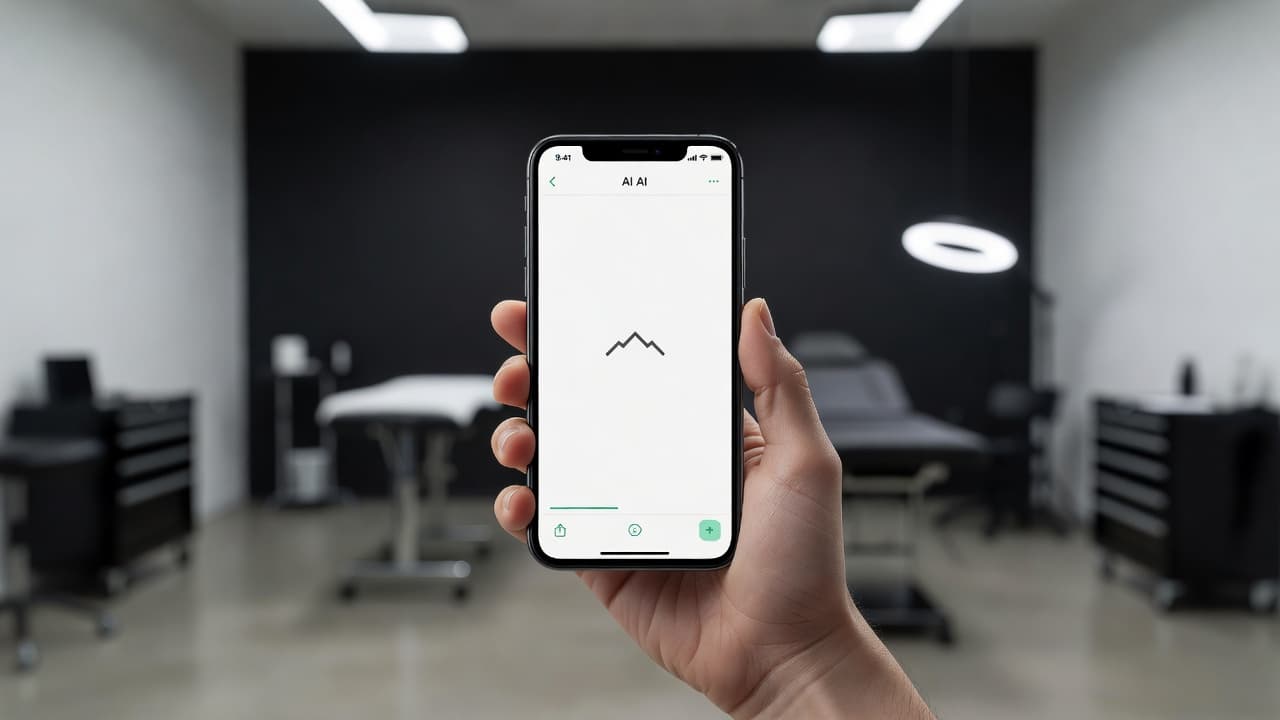
Minimalist tattoos look effortless precisely because every unnecessary line has been removed — which makes them deceptively hard to sketch from scratch. A minimalist AI tattoo generator gives you a fast way to test that restraint before committing to ink: describe a simple shape, a small symbol, or a single-word idea, and see it rendered as clean, pared-back linework in seconds instead of guessing how far to strip a design down.
In short: a minimalist AI tattoo generator is an AI tattoo tool set to a simple, stripped-back style rather than dense or highly detailed artwork. You describe or upload a reference, select the minimalist style, and the AI produces a clean, low-detail design you can refine and preview on your own body before you ever book an appointment. This guide covers how these generators actually render minimalist style, where AI is strong and where it needs a nudge, and how to prompt one for a result that stays clean and legible for years.
What Is Minimalist Tattooing?
Minimalist tattooing is a style built on subtraction — a design is considered successful when nothing more can be removed without losing its meaning. Rather than dense shading, elaborate borders, or layered detail, a minimalist piece typically relies on a single continuous line, a simple geometric shape, or a small recognizable symbol set against plenty of bare skin. The approach shares DNA with the broader minimalism movement in art and design, where restraint itself becomes the aesthetic. If you want a deeper look at the style's history and common motifs, our minimalist tattoo designs guide covers it in depth; this piece focuses specifically on generating minimalist designs with AI.
How Does a Minimalist AI Tattoo Generator Work?
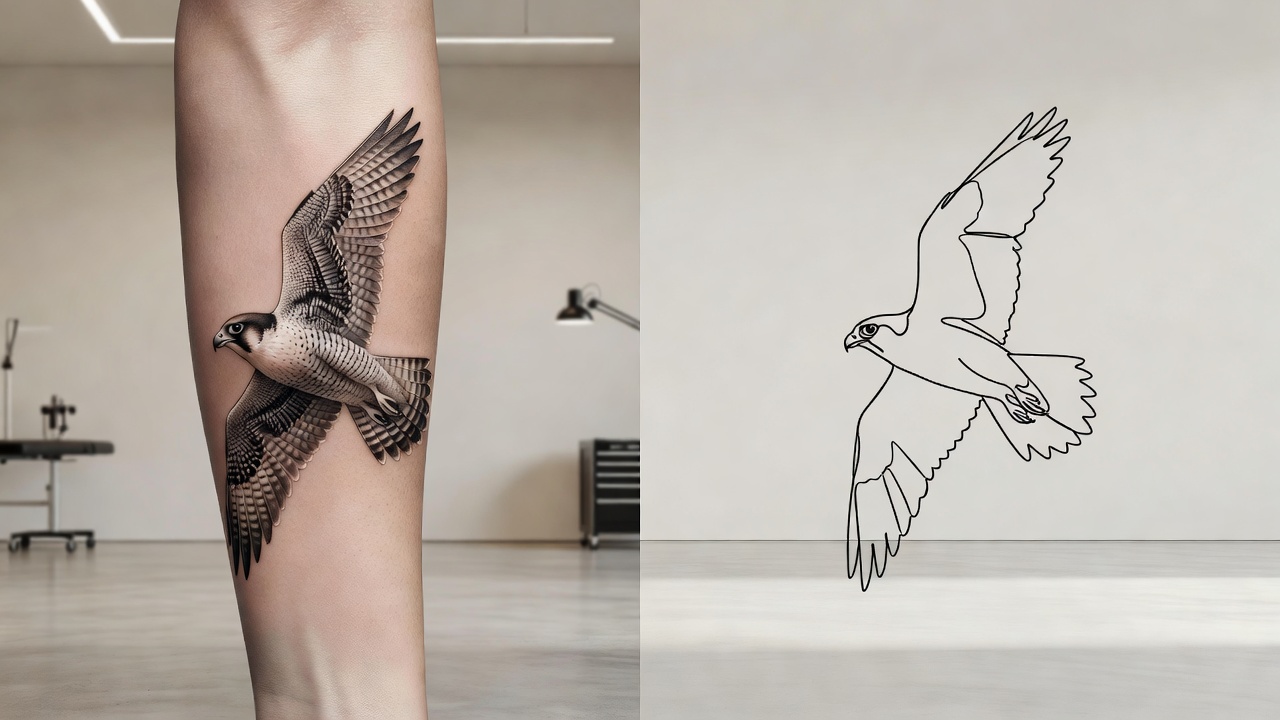
Under the hood, an AI tattoo generator renders an image from your description or reference photo, and style is one of the strongest levers you have over the final look. Selecting minimalist tells the model to favor a single clean outline, minimal internal detail, and open negative space instead of the shading, texture, and layered elements you would get from a realism or watercolor prompt. The subject can stay identical — a mountain range, a small bird, a wave — but the style setting decides whether the AI renders it as a fully rendered illustration or a reduced, essential-lines-only version.
In INK, you can generate the same idea from a typed prompt or an uploaded reference photo, pick minimalist from the style options, and compare several variations side by side. Because minimalist work depends so heavily on what gets left out rather than what gets added, being explicit in your prompt — "single line," "no shading," "no background" — matters more here than it does for busier styles, where the AI has more room to make its own detail choices without breaking the look.
Is AI Actually Good at Minimalist Tattoo Designs?
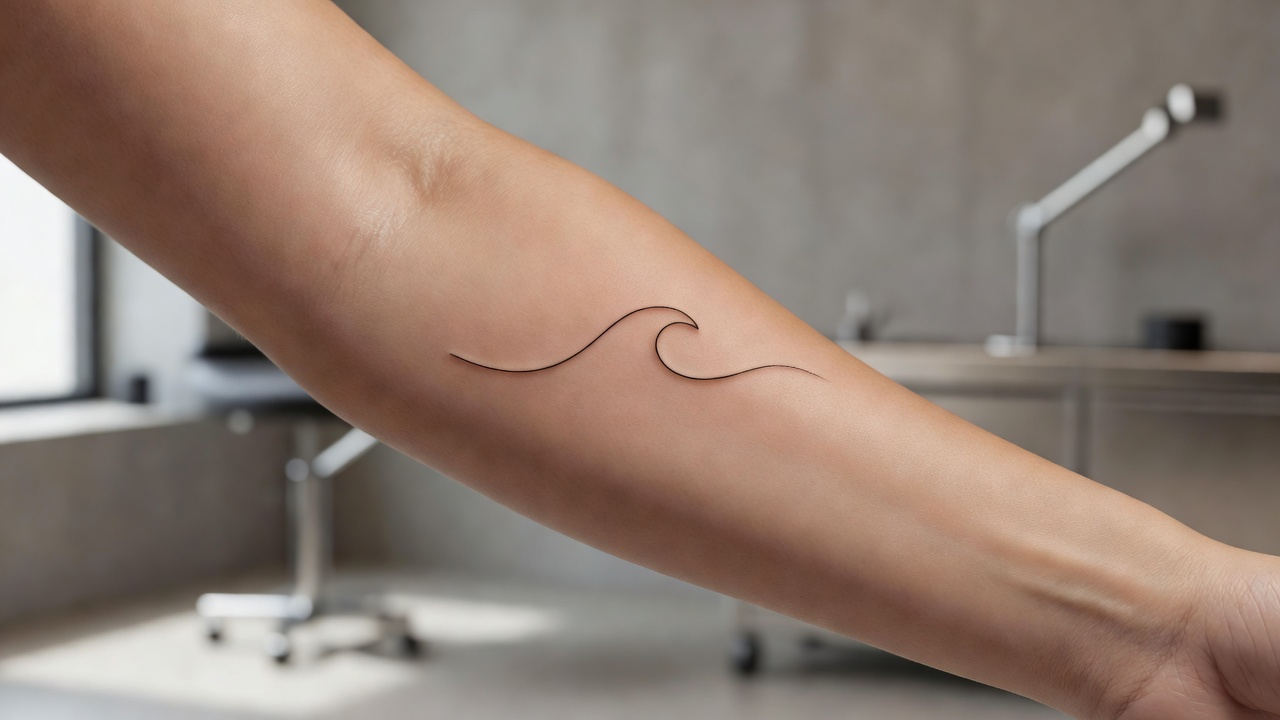
Yes — minimalist is one of the styles AI tends to handle most reliably, for a fairly simple reason: the whole point of the style is reduction, and reduction is something a model can be steered toward directly with clear instructions. Ask for a subject rendered as "a single continuous line" or "one clean outline, no shading," and the AI generally delivers something close to usable on the first or second try. It is also excellent at producing quick variations of the same idea at different levels of simplicity, which makes it easy to compare a slightly more detailed version against a stripped-to-the-bone one before deciding which reads better as a tattoo.
The main place AI needs a nudge is restraint by default — without explicit instructions, a model will sometimes add a small flourish, an extra line, or subtle shading out of habit, since those are common in the training data it draws from. That is the opposite of what minimalist tattooing wants. The fix is straightforward: be explicit about what to exclude, not just what to include, and treat the first result as a draft to simplify further rather than a finished design. A quick pass in an editor to delete any stray detail almost always strengthens a minimalist piece.
It helps to compare minimalist against a style AI handles less forgivingly, like fine line or realism. Those styles depend on getting subtle detail exactly right, so small imperfections in a generated design are more visible once tattooed. Minimalist has the opposite problem — there is so little detail to begin with that any leftover clutter stands out immediately, which is exactly why an aggressive editing pass matters more here than a technically perfect first generation.
How to Prompt an AI Tattoo Generator for Minimalist Results
A few habits make the difference between a minimalist prompt that comes back clean and one that comes back slightly overworked:
- Reduce the concept to one idea. A single symbol, initial, or shape — minimalist tattoos read best with one clear focal point, not a composed scene.
- Name the style directly. Say "minimalist" or "simple line tattoo," and add "single clean outline, no shading, no background, generous negative space" to steer the AI away from busier defaults.
- Generate multiple variations. Produce 3–5 versions before picking a favorite; the simplest one that still reads clearly is usually the right choice.
- Edit instead of restarting. If a design is close but has a stray flourish, use an AI tattoo editor to remove it rather than regenerating from zero.
- Preview at real scale. Minimalist tattoos are often small, so always check the design at the size and placement you are actually considering before finalizing it.
Minimalist Tattoo Ideas Worth Trying
Minimalist style suits a specific kind of design more than others, mostly because the subject needs to stay recognizable even after everything extra has been removed. Subjects that tend to work well include:
- Single-line shapes. A mountain silhouette, a wave, or an animal outline drawn as one unbroken line is a classic minimalist request.
- Small symbols. Initials, geometric shapes, or simple icons stay legible even at very small sizes — see our small tattoo ideas guide for more direction.
- Tiny objects. A single flower, a moon phase, or a simple star reads cleanly without needing shading to fill it in.
- Abstract marks. A dot, a bracket, or a short dash carries personal meaning without needing to be literal.
- Minimal lettering. A single word or short phrase in a clean, unadorned font pairs naturally with the minimalist aesthetic — our minimalist tattoo ideas roundup has more examples.
Previewing Minimalist Placement Before You Commit
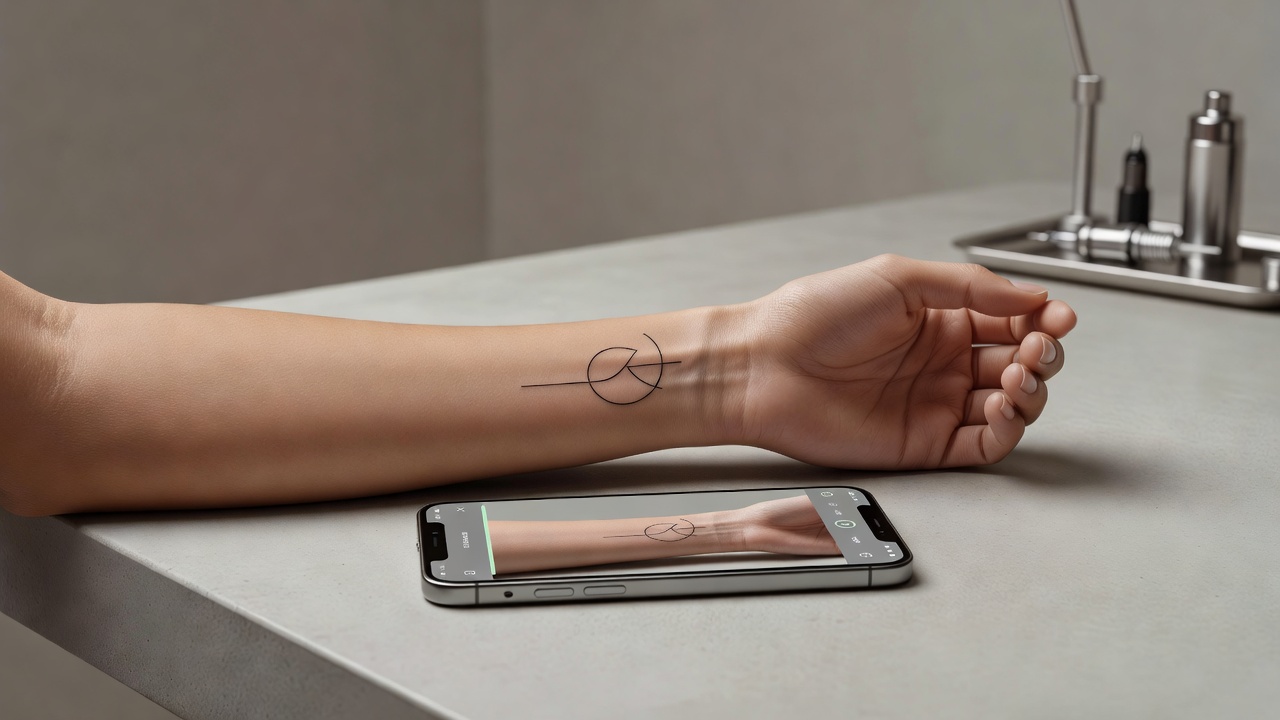
Because minimalist designs are often small and rely on precise proportions, previewing placement matters more here than for larger, more detailed pieces. A shape that looks balanced full-screen can feel off-center or oddly sized once mapped onto the curve of a wrist, ankle, or the space behind an ear. Using AI tattoo try-on to place the generated design directly on your body — at the real size you are considering — lets you catch spacing or scale issues before you are sitting in a tattoo chair.
From AI Design to a Real Minimalist Tattoo
Once you have a minimalist design you are happy with, the next step is bringing it to an artist who can translate it into clean, lasting linework. Bring a high-resolution export of your AI-generated design as a reference — because minimalist pieces are so dependent on line weight and spacing, even small adjustments an artist makes for your specific skin and anatomy can meaningfully change how the finished tattoo reads. Most artists are comfortable working from a clear reference like this, and it typically shortens the consultation since there is little ambiguity left to resolve.
It is worth asking your artist whether any part of the design should be thickened slightly for longevity. What looks perfectly crisp as a digital line can thin out over years on skin, and an experienced artist will know which lines in a minimalist design are safe to keep razor-thin and which ones benefit from a touch more weight to hold their shape long-term.
Does Minimalist Tattoo Aftercare Need Special Care?
Minimalist tattoos generally follow the same core aftercare guidance as any other tattoo — keeping the area clean, moisturized, and protected from direct sun while it heals — but because the lines start out thin, the margin for error is smaller. Picking at scabs, excessive sun exposure, or friction during healing can cause visible blurring that is far more noticeable on a simple, sparse design than on a bold, heavily shaded one. For a full walkthrough of the healing process, see our tattoo aftercare guide. Like fine line work, minimalist tattoos may need a touch-up sooner than bolder styles simply because there is less ink saturation to begin with.
The Final Word
A minimalist AI tattoo generator will not replace an artist's steady hand, but it will get you to a clean, well-proportioned design far faster than sketching it out yourself. Reduce the idea to its essentials, name the style explicitly, generate a few variations, and preview the result at real scale before you bring it to an artist who can turn it into simple, lasting ink.
Generate Your Minimalist Tattoo Free in INK
Describe your idea, pick the minimalist style, and preview the design on your body before you ink. No sign-up needed.
Try INK Free →

Create Your Perfect Tattoo Design
Use AI to generate unique tattoo designs and preview them on your body before committing to ink.
Start Designing for FreeWritten by

Laura Schmitz
Tattoo Content Lead, INK
Laura Schmitz leads tattoo content at INK. She has spent years researching tattoo styles, symbolism and aftercare, and works directly with the AI tattoo generator to test how each style translates from prompt to skin — so every guide here reflects designs that are actually tattooable, not just images that look good on screen.
More about the author