
Are AI Tattoo Generators Safe? Photos, Privacy and Your Data
An honest look at AI tattoo generator privacy — what data a tattoo app actually needs, what really happens when you upload a photo, the questions to ask any app about retention and deletion, and how INK handles your images and designs.

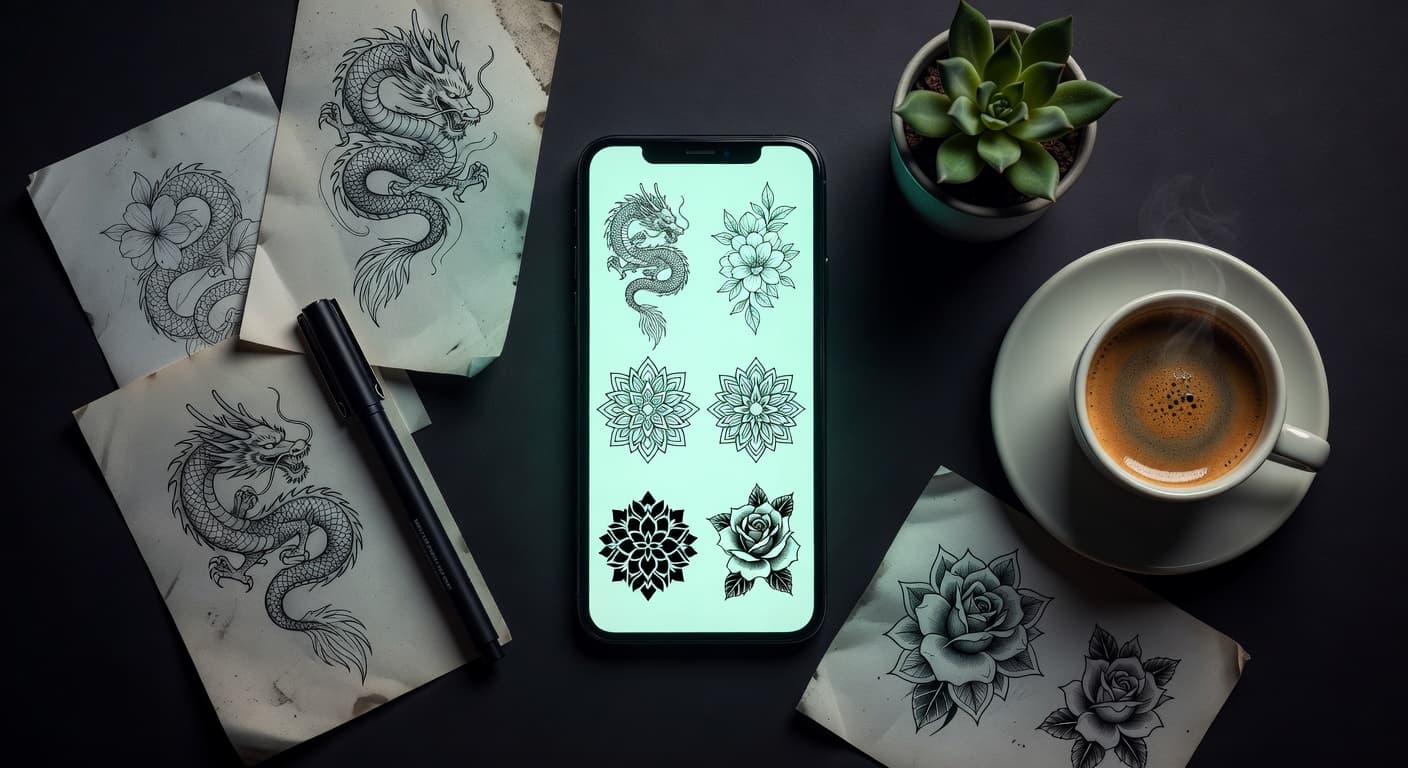
Before you upload a photo of your forearm to an app you found thirty seconds ago, it is worth knowing exactly where that photo goes. AI tattoo generators are genuinely useful — they let you see an idea before it becomes permanent — but they are also asking you to hand a picture of your body to a company you have never heard of. "Are they safe?" is the right question. The honest answer depends less on AI than on which app you picked and what it does with the file afterwards.
In short: an AI tattoo generator is as safe as its data practices, not as safe as its interface looks. Because the AI runs on cloud servers rather than on your phone, any photo you upload genuinely leaves your device — that is unavoidable, and it is why no real AI tattoo app works offline. What actually varies between apps is what happens next: how long the image is kept, whether it is used to train models, whether your results are public by default, and whether you can delete everything yourself. A trustworthy app answers all four in a privacy policy you can find in under a minute, lets you try it without an account, and never publishes a design unless you tap share.
What Data a Tattoo App Actually Needs
Start from the minimum. To turn an idea into tattoo artwork, an app needs three things: the words you typed, optionally one image you chose to upload, and some identifier that lets it hand your results back to you and keep your history in one place. That is it. Payment, if there is any, is handled by the App Store, Google Play or a payment processor, so a well-built app never touches your card details at all.
Measure every permission request against that list. A tattoo generator that wants your full photo library rather than the single picture you pick, your precise location, or your contacts is asking for things it has no design-related use for. The principle has a name in European law — data minimisation, one of the core rules of the General Data Protection Regulation — and it is a useful test wherever you live: an app should collect what it needs for the job you asked for, and not build a profile on the side.
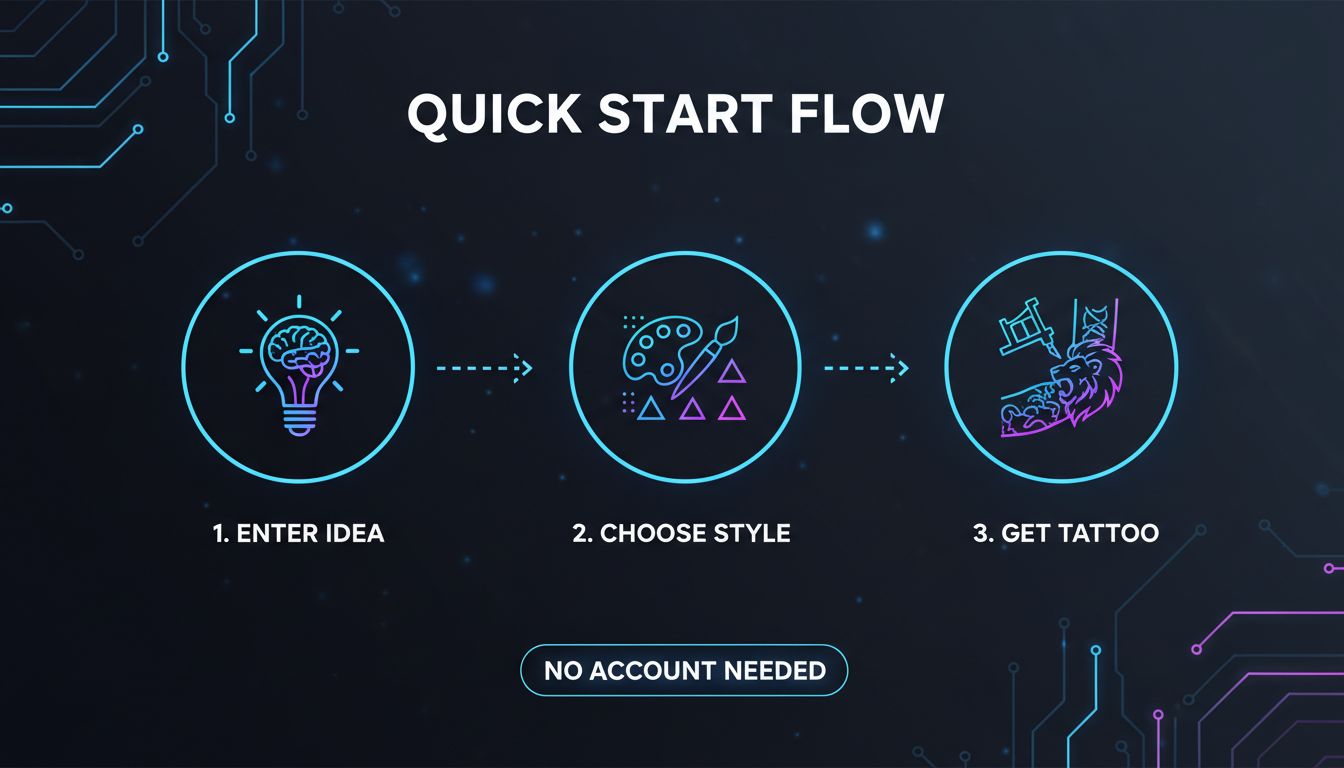
One more thing belongs on the list: nothing that identifies you, at least not to get started. If you can generate a design without creating an account, the app has quietly proven it does not need your identity to function. That is why no-sign-up tattoo generators are a safer place to begin than ones gating the first result behind a registration form.
What "Uploading a Photo" Actually Means
This is the part most privacy explainers skip, and it is the part that matters. When you add a photo to an AI tattoo app — a picture of your arm for an on-body preview, or a reference image you want reinterpreted as ink — the app does not analyse it on your phone. The image is compressed, sent over an encrypted HTTPS connection to a server, and passed to a large AI model that reads the pixels and renders a new image from them. The result travels back and lands in your history.
Three consequences follow from that, and all three are worth internalising:
- The photo leaves your device. Always. There is no configuration in which modern image generation happens locally on a phone — the models are orders of magnitude too large. Any app promising offline AI generation is either running a simple filter or is being loose with the truth.
- More than one company usually touches the file. Most tattoo apps do not train their own image models; they call a model provider. So your image is typically handled by the app you installed and by at least one infrastructure or model company behind it. A good privacy policy names these subprocessors or at least their categories.
- Encryption in transit is table stakes, not a promise. HTTPS protects the file while it is moving. It says nothing at all about how long the file sits on a server afterwards, who can read it there, or what it gets used for. Those are separate questions with separate answers.
None of this is sinister — it is how every cloud photo editor or transcription service works too. But it does mean that "I only uploaded it for a second" is not how the system behaves. Our walkthroughs of photo-to-tattoo generation and on-body try-on cover what those features do; this article covers what to ask before using them.
Five Questions to Ask Any AI Tattoo App
Use this as a checklist for any app, including ours. Every answer should be findable in the privacy policy, not inferred from the marketing copy. If an app makes you hunt for more than a minute, that is itself an answer.
| Question | Why It Matters | A Good Answer Looks Like |
|---|---|---|
| How long are uploads kept? | A photo held indefinitely is a photo that can be breached, subpoenaed or repurposed years later. | A stated retention period, or storage tied to your history with a delete control you can reach yourself. |
| Are my images used to train models? | Training use is a different thing from processing your request — it means your body photo contributes to a product. | An explicit statement either way, ideally with an opt-out. Silence on training is not a no. |
| Can I delete everything? | Deletion is the only privacy control that works retroactively once you have already uploaded. | In-app deletion of individual designs and the whole account, without emailing support to beg. |
| Is sharing opt-in or automatic? | Some apps publish results to a public gallery by default, including designs made from your own photos. | Private by default. Nothing appears publicly unless you deliberately tap share. |
| Who else processes my image? | Nearly every app relies on third-party model and hosting providers, which extends the chain of custody. | Named subprocessors or clearly described categories, plus where data is stored. |
| Who owns the designs? | You are potentially putting this on your skin forever — ambiguity about rights is a real problem. | A plain statement that the designs are yours, including the right to get them tattooed. |
Red Flags Worth Walking Away From
Some warning signs do not require reading a policy at all. If you see these, close the app — there are plenty of alternatives, and our comparison of AI tattoo apps is a better place to start than a random search result.
- No privacy policy, or a link that leads nowhere. A broken policy link is not an oversight on a live commercial product.
- No named company anywhere. If you cannot find who is legally behind the app, you have nobody to hold to any promise it makes.
- A public feed you were opted into. Finding your design in a gallery you never posted to means the app treats your output as its content.
- Permission demands before any use. Full photo library access, contacts or location requested on first launch, before you have generated anything.
- Face or ID verification for a design tool. No tattoo generator has a legitimate design reason to want a selfie video or an identity document.
- A paywall that appears only after the upload. Your image is already sitting on their servers while you decide whether to pay.
- Vague, unlimited language. Terms granting a perpetual, worldwide, sublicensable right to your uploads for "any purpose" are doing a lot of quiet work.
The safest AI tattoo app is not the one that promises the most. It is the one that asks for the least, tells you where your photo goes, and lets you delete it without asking permission.
How INK Handles Your Photos and Designs
Here is where we hold ourselves to the same checklist. INK is published by Rocket Digital Limited in Hong Kong, and works on iOS, Android and in the browser at app.inkaitattoo.com.
You can use it without an account. Anonymous use is supported on every platform, so you can generate designs before giving us any identity. The free tier is three AI generations a day with no credit card, and free exports carry a small watermark. Signing in with Google, Apple or email is optional and exists for one reason: syncing designs across devices. Pro (on the web, 14.99 dollars a month, 39.99 a year, or 179 once for lifetime; priced by the stores on mobile) removes the daily cap and the watermark and unlocks high-resolution export.
Photos you upload are used to run the generation you asked for. The result saves to your private design history, which you can delete at any time. Nothing is public unless you actively choose to share it to the in-app Community feed — sharing is opt-in, never automatic. The designs belong to you, including taking them to an artist and getting them tattooed.
It does not work offline, and we would rather say so plainly. Generation runs on cloud AI models, so a connection is required — the honest trade behind every feature in the app.
On model training, read the policy, not this page. Whether uploads contribute to model improvement is exactly the kind of commitment that belongs in a binding legal document rather than a blog post written by marketing — including ours. Our privacy policy is the authoritative answer, and we would encourage you to apply the same standard to every app you evaluate: if the claim only exists on a landing page, it is not a policy.
Tattoo Apps, Teenagers and Minors
Tattoo design apps attract a lot of under-18s, for the obvious reason that planning a first tattoo starts well before you are legally allowed to get one. Designing is not tattooing, and there is nothing wrong with a sixteen-year-old sketching ideas for a piece they will get at eighteen. The privacy question is narrower: uploading photos of your body to a cloud service is a different act from typing a description, and deserves more caution.
The guidance is simple. Under 18, stick to text-to-design and skip the photo-based features — you lose nothing creatively and you upload nothing. Parents evaluating an app should check the age rating and data disclosure on the store listing, whether an account is required (one that is not leaves no data trail), and whether a public feed exists and posting to it is opt-in. The tattoo itself stays age-restricted almost everywhere regardless of how good the design looks on screen.
Practical Habits That Work in Any App
Even with a trustworthy app, a few habits meaningfully reduce what you expose. None of these cost you design quality.
- Crop tightly and keep your face out of it. For an on-body preview the AI needs the limb, not your head, your bedroom, or the people behind you. Incidental background detail — mail on a table, a school badge, a house number in a mirror — is usually the most identifying part of a body photo.
- Stay anonymous until you actually need sync. If the app lets you generate without an account, use that mode while exploring and sign in only when you want your designs on a second device.
- Use text-to-design when a photo is not required. If you are exploring styles rather than checking placement, a written description gets you there without uploading anything. Our guide to writing good prompts covers how to get close on the first few tries.
- Export, then delete. Once a design is saved to your device and sent to your artist, there is no reason for the source photo to stay in your history. Delete it.
- Read the store listing, not just the app. Apple privacy labels and Google Play data safety sections are self-declared, but they are structured, comparable and quick to scan across three candidate apps.
The Final Word
AI tattoo generators are not dangerous, and treating them as inherently risky means missing a tool that genuinely helps people avoid permanent regret. But they are cloud services that process pictures of your body, and that deserves a minute of attention rather than a reflexive Allow. The minute is all it takes: find the policy, check retention and deletion, confirm sharing is opt-in, see whether you can start without an account, and notice whether the company behind the app names itself.
Apply that test to every app you try, including this one. An app that has thought about your privacy makes the answers easy to find — and one that has not will make you work for them, which is itself the answer.
Design Your Tattoo Free in INK
Three free designs a day, no sign-up and no credit card. Designs save to your private history and stay private unless you share them.
Try INK Free →

Create Your Perfect Tattoo Design
Use AI to generate unique tattoo designs and preview them on your body before committing to ink.
Start Designing for FreeWritten by

Laura Schmitz
Tattoo Content Lead, INK
Laura Schmitz leads tattoo content at INK. She has spent years researching tattoo styles, symbolism and aftercare, and works directly with the AI tattoo generator to test how each style translates from prompt to skin — so every guide here reflects designs that are actually tattooable, not just images that look good on screen.
More about the author