
AI Tattoo Drawing Generator: Turn Any Idea into Line Art
How an AI tattoo drawing generator turns a rough idea, word, or photo into clean, tattoo-ready line art — and how to get sharper drawings out of it.
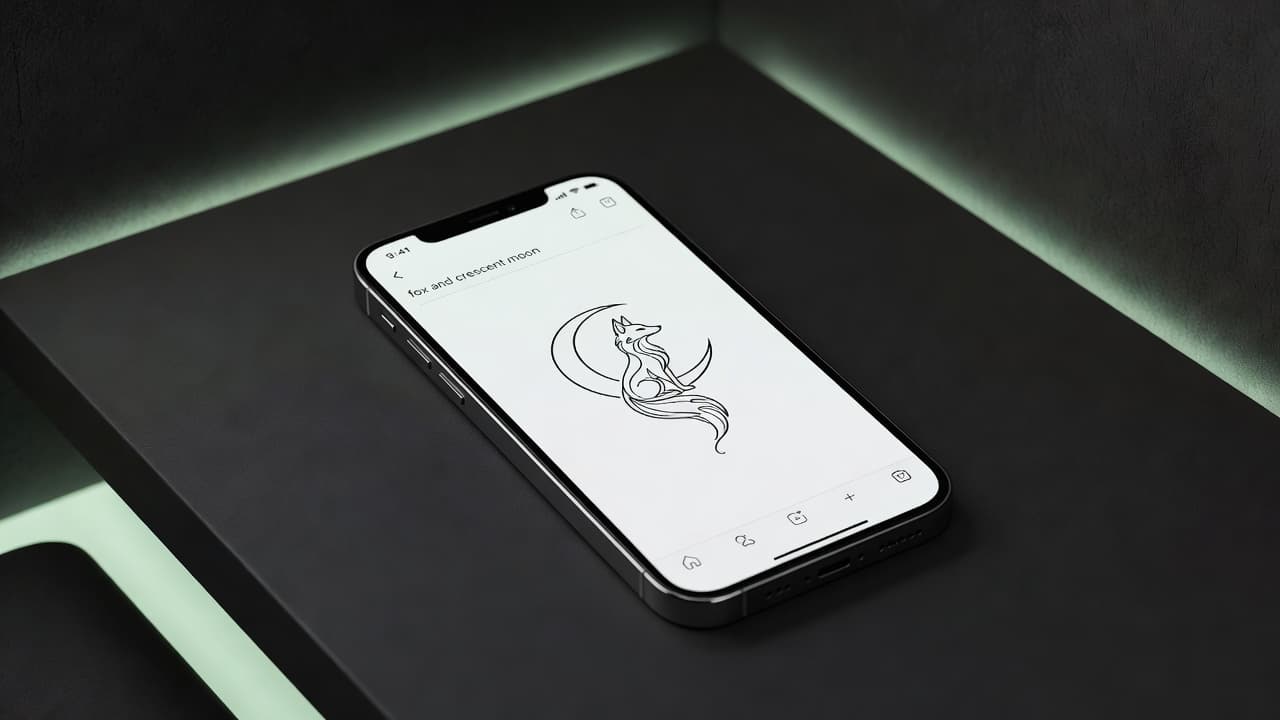
Most tattoo ideas do not start as a fully rendered design — they start as a mental sketch, a photo on your phone, or a single sentence describing a vibe. An AI tattoo drawing generator is what turns that rough idea into clean, tattoo-ready line art: solid outlines, deliberate line weight, and none of the shading noise a general-purpose image generator would add.
In short: an AI tattoo drawing generator takes a text description, sketch, or photo and renders it as linework built specifically for skin — not a painting, not a photo, but the kind of clean-contour drawing an artist can actually work from. In INK, this happens in seconds: describe your idea or upload a reference, pick a line-art style, and adjust the result until the drawing is sharp enough to bring to a consultation. This guide covers how AI tattoo drawing actually works, how to get cleaner lines out of it, and how a drawing turns into an actual tattoo.
What Is an AI Tattoo Drawing Generator?
A regular AI image generator is built to produce a finished-looking picture — full shading, color, texture, sometimes even a background. A tattoo drawing generator is tuned differently: it is trained to produce line art — a subject reduced to its outlines and key contour details, the same visual language a tattoo artist actually draws in before they ever pick up a machine.
That distinction is the whole point. A photorealistic AI image might look impressive on a screen, but hand it to a tattoo artist and it usually needs to be redrawn from scratch, because ink does not reproduce soft gradients and fine texture the way a photo does. A clean line drawing skips that translation step — it already speaks the language tattoos are made in. If you already have a fully rendered design from our text-to-tattoo generator or photo-to-tattoo generator, a drawing generator is often the tool you reach for next to strip it down to its essential lines.
How Does an AI Tattoo Drawing Generator Work?
The process is straightforward, but each step matters for how clean the final linework turns out.
- Start with a description or reference. Type what you want — "a fox curled around a crescent moon" — or upload a photo of a pet, person, or object you want translated into a drawing.
- Pick a line-art style. Fine-line, bold blackwork, or minimalist outline styles all render as pure linework rather than shaded illustration.
- Let the AI trace the subject. The generator identifies the subject's contours, key features, and silhouette, then renders those as clean strokes instead of a filled-in image.
- Refine the result. Adjust line thickness, remove background clutter, and simplify overcrowded areas until the drawing reads clearly at a glance.
- Compare a few versions. Generate the same idea more than once — small variations in how the AI interprets a prompt can make one version noticeably cleaner than another.
This is closely related to edge detection techniques used in classical image processing, extended by AI to understand which edges actually matter for a recognizable, tattoo-ready drawing versus which are just visual noise.
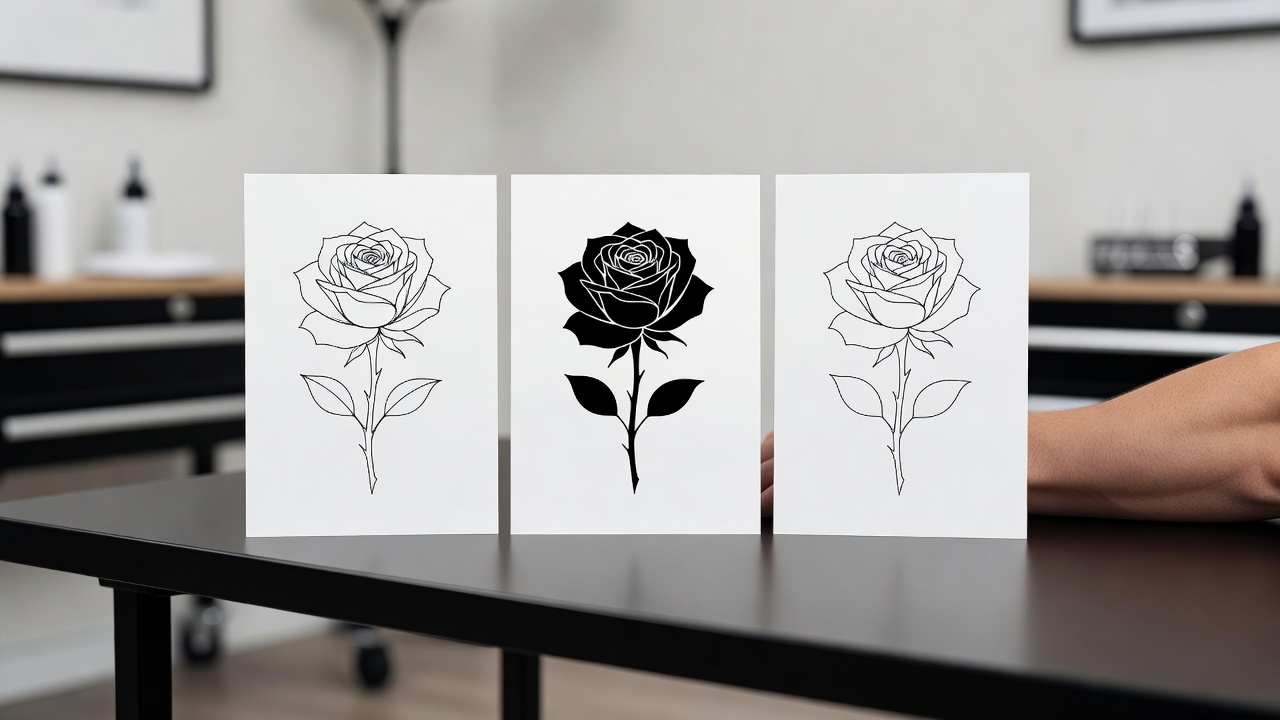
How Do You Get Cleaner Lines Out of an AI Drawing?
Not every first attempt comes out tattoo-ready. A few habits make a real difference in how clean the linework ends up.
Be Specific About Detail Level
Vague prompts tend to produce either overly busy drawings or ones that lose the subject entirely. Naming a detail level explicitly — "simple outline, minimal detail" versus "detailed linework with texture" — gives the AI a clearer target and cuts down on unusable first drafts.
Strip the Background Early
If you are working from a photo, a busy background is one of the most common reasons a drawing comes out cluttered. Asking for "subject only, no background" or manually removing background elements from the reference before uploading it produces noticeably cleaner results.
Watch Your Line Weight
Thin, delicate lines look elegant on screen but can blur or fade as skin ages — the same reason fine-line tattoos require more careful upkeep. If you want a drawing that holds its shape for decades, ask for bolder, more consistent line weight, especially on outer contours. Our fine-line tattoo guide covers this trade-off in more depth if delicate linework is what you're after anyway.
A tattoo drawing does not need to look impressive on a screen — it needs to still look right on skin ten years from now.
From Drawing to Actual Tattoo
An AI drawing is a strong starting reference, not a finished stencil. Here is how the gap between the two usually gets closed.
- Bring it to a consultation. A clean drawing gives your artist a concrete starting point instead of a verbal description, which cuts down on back-and-forth about what you actually want.
- Expect redrawing. Most artists will redraw or adjust the linework by hand to fit their own machine, your specific skin, and the exact placement and curvature of the body part.
- Preview scale first. Use AR try-on to check how the drawing looks at real size on the body part you're planning before you ever sit down for a session — details that read fine on a screen can disappear at small sizes.
- Export at high resolution. A low-resolution drawing loses crisp edges when scaled up; export a high-resolution file so your artist has clean lines to work from, not a pixelated reference.
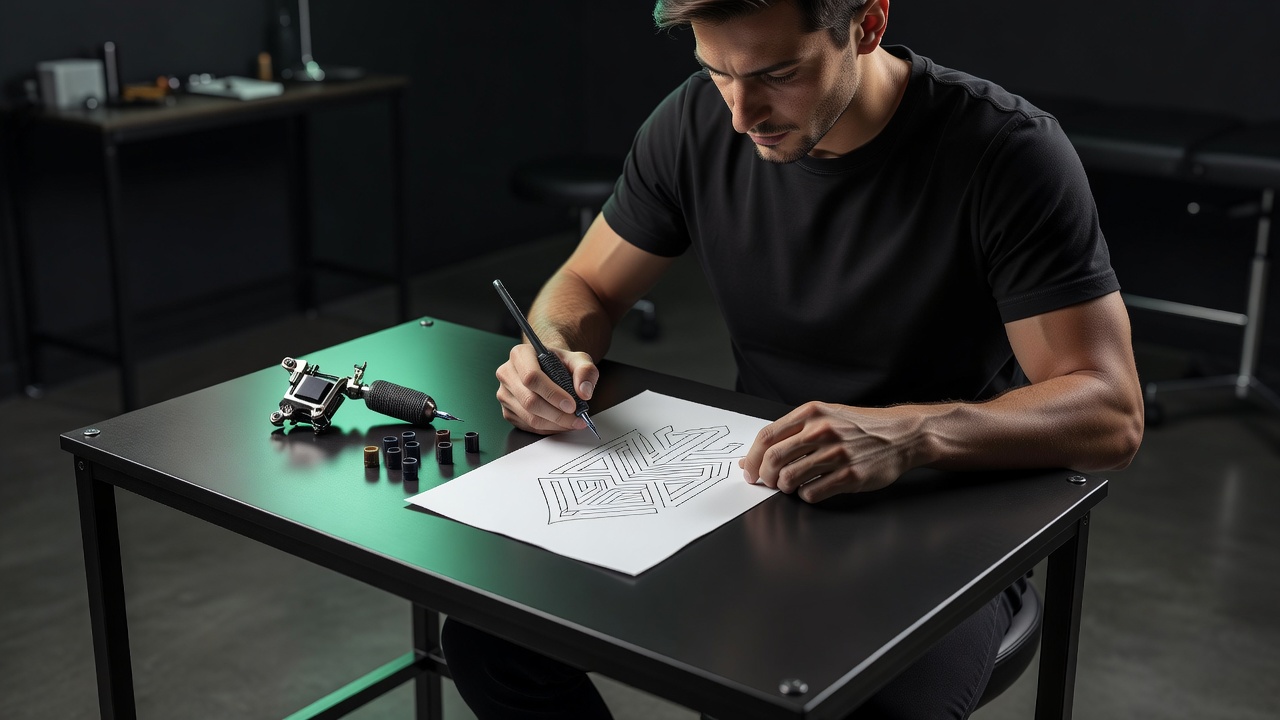
Which Tattoo Styles Work Best from a Drawing?
Line art translates more directly into some tattoo styles than others.
| Style | How well it translates from a drawing |
|---|---|
| Fine-line / minimalist | Near-direct — the drawing largely is the final design. |
| Blackwork | Very close — bold outlines are the core of the style. |
| Traditional | Strong starting point, artist adds bold color and shading. |
| Realism | Structural sketch only — most detail is added during shading. |
| Watercolor | Outline guide only — color blending is developed separately. |
If you're not sure which direction to take a drawing, our AI tattoo art generator guide walks through turning a rough sketch into a fully rendered design once the linework is locked in, and our AI tattoo stencil maker guide covers the last step of preparing a drawing for the actual tattooing session.
Can You Use Your Own Sketch as a Starting Point?
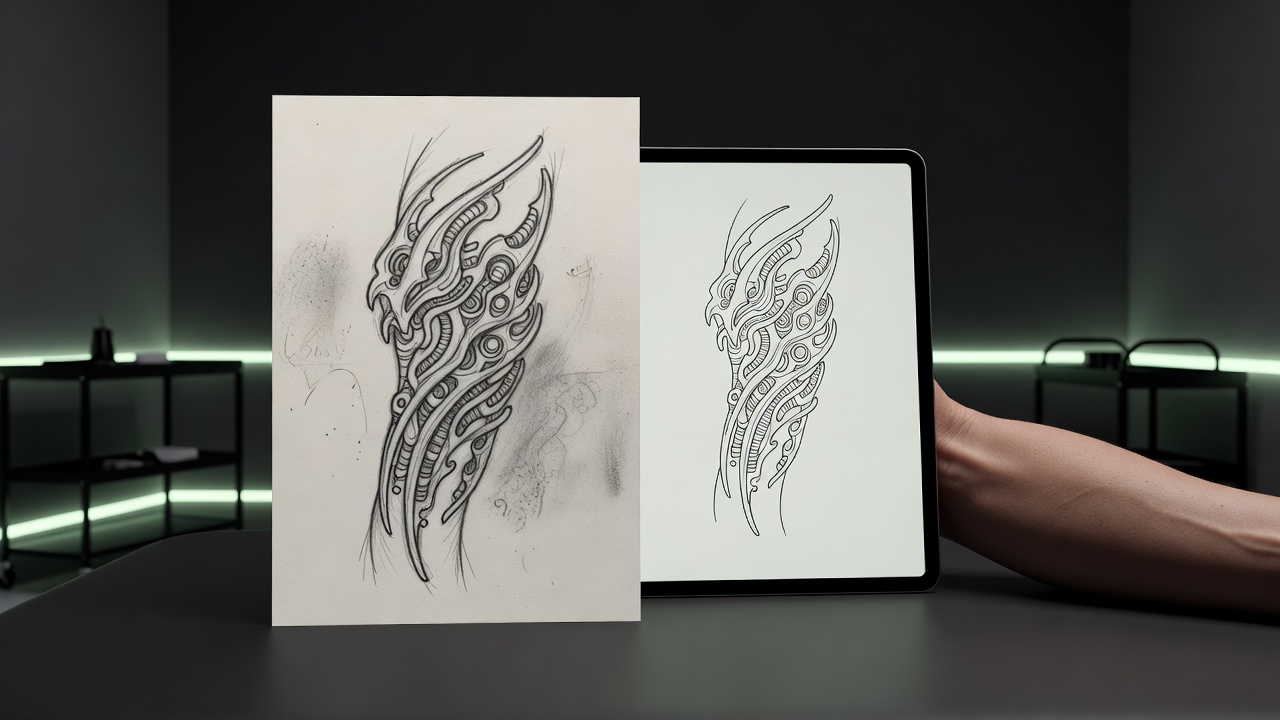
Yes — and it often produces better results than starting from a blank text prompt. If you already have a rough sketch, even a quick doodle on paper photographed with your phone, an AI tattoo drawing generator can use it as a structural reference rather than starting from nothing.
This matters because a hand-drawn sketch already encodes decisions a text prompt can't easily capture: proportions, how elements overlap, where negative space sits. Uploading that sketch and asking the AI to "clean up and refine this linework" keeps your original composition while smoothing out shaky lines, evening up spacing, and tightening proportions that are hard to get right freehand. It's a faster path to a polished drawing than describing the same layout in words and hoping the AI reconstructs it the way you pictured it.
The same approach works for existing tattoo flash or reference images you like the general shape of but want reworked into something original — upload the reference, describe what should change, and let the AI rebuild the linework rather than copying it directly. That keeps the result genuinely yours rather than a redraw of someone else's tattoo.
Common Mistakes to Avoid
A few habits tend to trip people up when generating tattoo drawings with AI.
- Asking for too much detail. Intricate micro-detail that looks fine at screen resolution often disappears or blurs together once tattooed at real size.
- Ignoring line weight consistency. Mixing very thin and very thick lines in the same drawing can look uneven once it's actually inked and healed.
- Skipping the comparison step. Settling for the first generation instead of comparing two or three variations means missing a cleaner version that was one click away.
- Treating the drawing as final. Walking into a shop expecting the AI drawing to be tattooed pixel-for-pixel skips the redrawing and sizing your artist needs to do for a piece that will actually last.
The Final Word
An AI tattoo drawing generator closes the gap between "I have an idea" and "I have something to show an artist." It won't replace the hand-drawn stencil work that happens in the chair, but it removes the hardest part of getting started — turning a vague mental image into clean, specific line art you can actually discuss, refine, and eventually get tattooed. Describe it, draw it, adjust it, and bring it in.
Turn Your Idea into a Tattoo Drawing Free in INK
Describe your idea or upload a photo, generate clean line art, and preview it on your body before you ink. No sign-up needed.
Try INK Free →

Create Your Perfect Tattoo Design
Use AI to generate unique tattoo designs and preview them on your body before committing to ink.
Start Designing for FreeWritten by
INK Team