
AI Tattoo Studio: Design Like a Pro Artist From Home
How to run your own AI tattoo studio from your phone — designing, iterating, and refining like a working tattoo artist would.

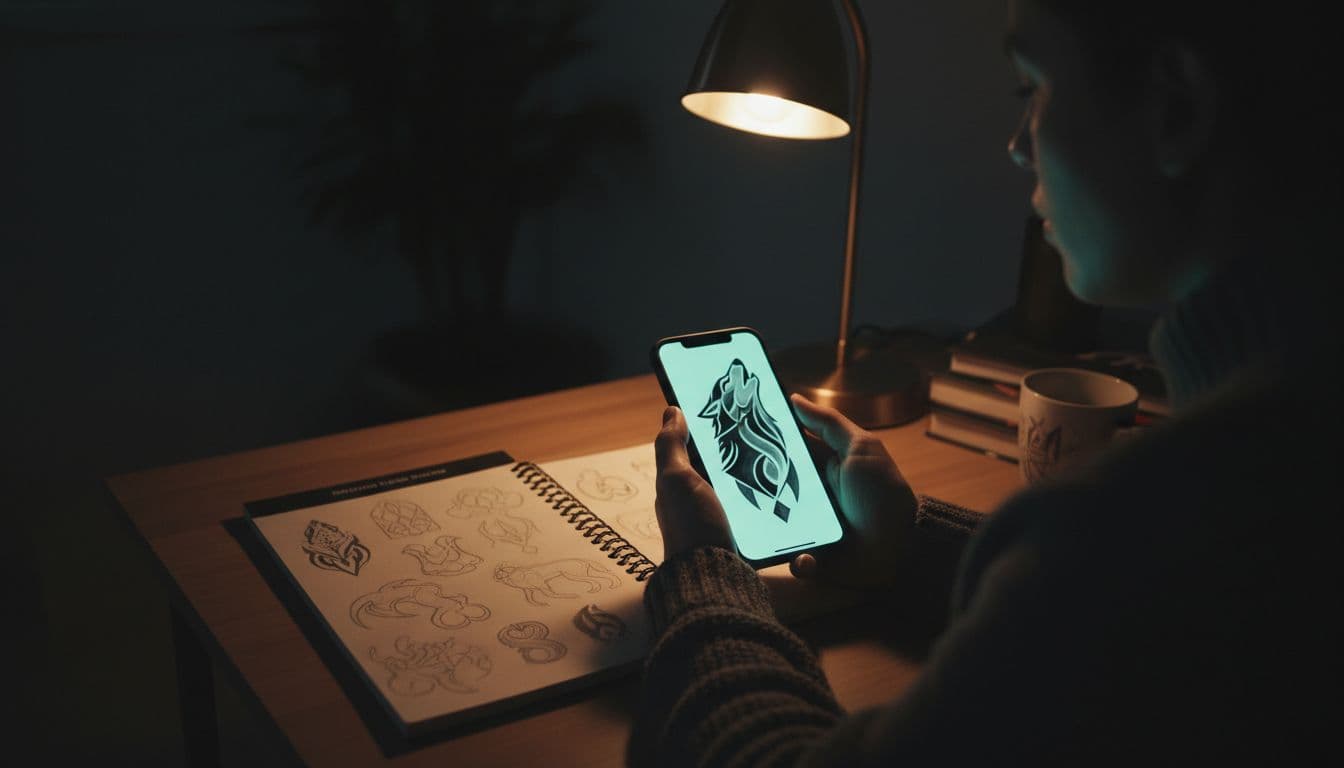
Ten years ago, designing a tattoo meant a couple of consultations with an artist, weeks of email back-and-forth, and crossed fingers that the final stencil matched what was in your head. Today you can run your own ai tattoo studio from your couch — sketching, iterating, and refining like a working tattoo artist would, all before you book a single appointment.
This guide walks through how to actually do that: what tools you need, the workflow professional artists use that you can mimic, and the mindset shifts that turn AI-generated images into ready-to-tattoo designs.
What an AI Tattoo Studio Workflow Actually Looks Like
A real tattoo artist's workflow looks like this: they meet you for a consultation, sketch rough concepts based on what you described, refine over several rounds, finalize the design at the right size for your body, then execute on the day of your session.
An AI tattoo studio replicates everything except the final execution. You become both the client and the conceptual artist — the AI is your sketch tool, your reference library, and your variation generator. The actual ink work still goes to a real artist, but you arrive with a portfolio-quality design instead of a vague request.
This isn't theoretical. It's how a growing number of tattoo collectors now design every piece they get. Studios are adapting to clients who walk in with finished concepts rather than rough ideas.
The Tools You Actually Need
Forget the YouTube influencer setups with $2,000 tablets. A real AI tattoo studio runs on minimal equipment.
- A modern smartphone — That's it for hardware. Most AI tattoo apps run beautifully on iOS or Android.
- An AI tattoo generator with AR preview — Critical. The AR is what makes home design legitimate.
- A good notes app — For prompt iterations, design briefs, and ideas you'll come back to.
- Decent lighting — For when you take reference photos of the body area you want to tattoo.
That's the complete kit. No tablet, no Procreate license, no Wacom. The point is to use AI to do the heavy creative lifting, then bring final designs to a professional artist who has the actual studio gear.
Working Like a Real Tattoo Artist
Here's the mindset shift that separates dabblers from people who design tattoos worth getting. Real artists don't generate one image and call it done. They follow a discipline.
Step 1: Write a Design Brief
Before any generation, write down: subject, style, mood, placement, size, special elements, and what you absolutely don't want. This becomes your reference for every prompt — and it stops you from drifting toward whatever the AI happens to produce first.
Step 2: Explore Broadly
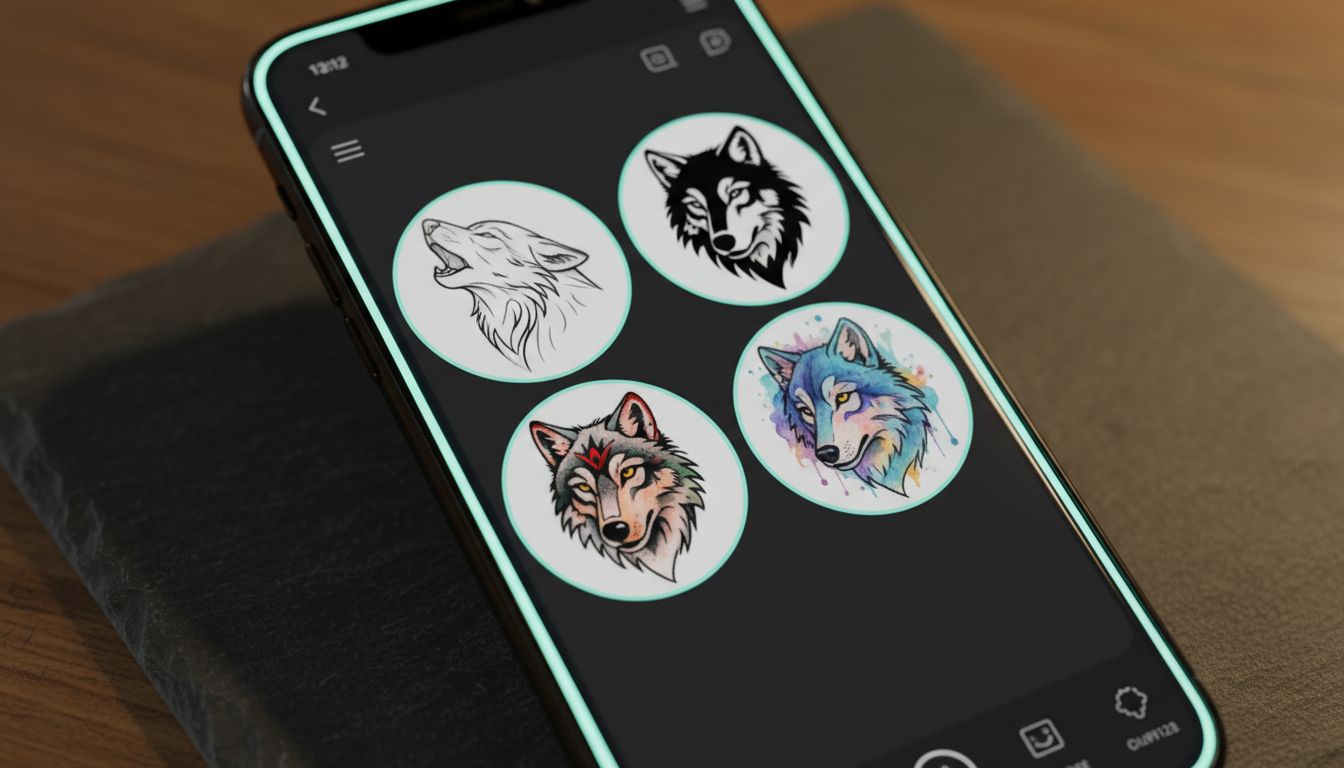
Generate variations across multiple styles. Even if you think you want a Japanese-style koi, try the same concept in blackwork, fine line, and neo-traditional. You'll often discover the right style was something you weren't initially considering.
Step 3: Narrow and Refine
Pick 2-3 favorites and iterate hard. Same composition, cleaner lines. Same lines, more negative space. Same negative space, different placement orientation. Each pass should remove something or sharpen something — never just regenerate hoping for luck.
Step 4: Test on Your Body
AR preview is non-negotiable here. A design that's beautiful in isolation often fails on actual skin. Walk around with it on, sit down, look from different angles. If it looks awkward in any position, it's not done.
Step 5: Finalize and Sit With It
Two weeks minimum before you book. Look at the design daily. If you still love it after 14 days, it's clear of impulse and ready for an artist consultation. Our complete AI tattoo generator workflow guide goes deeper into each step.
Building a Personal Reference Library
Real artists keep folders of references for every project — color palettes, line treatments, compositional ideas, body placement examples. You should too. Set up a notes folder or photo album organized by:
- Designs you generated and loved (even if you didn't use them)
- Style references — what makes Japanese tattoos look Japanese, what makes blackwork distinctive
- Placement references — how tattoos flow on different body areas
- Color palettes you respond to
- Future tattoo ideas — concepts to explore later
Within a few months you'll have a personal library that informs every new design. This is what professional tattoo artists do, and it makes them faster and better with every project.
Pick a Style and Get Good
One trap home designers fall into: bouncing between every style for every tattoo. Real artists specialize. Even artists who can do anything tend to be known for one or two styles they've truly mastered.
You don't have to specialize as a collector — but understanding one style deeply makes every tattoo you ever get better. Pick a style you love, study it, generate dozens of variations within it, learn what makes good examples great. Even when you eventually try other styles, that depth carries over.
For style breakdowns, browse our guides on Japanese, traditional, fine line, and geometric tattoo styles.
Bringing It to a Real Artist
Here's the part to be clear about: an AI tattoo studio designs the concept. It does not execute the tattoo. The actual ink work — line weight that holds, ink saturation that lasts, skin behavior that varies person to person — is craft that takes years to develop in human hands.
When you bring AI references to a tattoo artist:
- Bring 3-4 polished references, not 30
- Be clear about what's essential vs. flexible
- Trust their adjustments for line weight and density
- Treat their input as collaboration, not interference
The best results happen when AI design and human craft work together. You bring vision and iteration; the artist brings hands-on mastery.
Mistakes Home Designers Make
- Treating AI as final art. It's a reference, not a stencil.
- Skipping AR preview. A "perfect" flat design can fail on skin.
- Ignoring artist input. Their experience saves you from designs that look great but don't ink well.
- Picking the first generation. The best version is rarely the first one.
- Designing for screens, not skin. What looks good at 4K resolution may not translate to 4 inches on a forearm.
AI Tattoo Studio FAQ
Can AI replace a tattoo artist? No. AI handles design exploration; the actual needle work is hands-on craft AI can't replicate.
Do I need expensive software? No. A modern AI tattoo app on a smartphone is the entire studio.
How long does designing a tattoo at home take? 15-30 minutes for a first solid concept; 2-3 hours of iteration over a week for polished work.
Will my artist mind if I bring AI references? Most welcome it. Clear briefs save consultation time.
Running your own AI tattoo studio is less about replacing artists and more about being a smarter, more prepared client. The tattoos you walk into a studio with are dramatically better than the tattoos you describe — and that difference is what makes home AI design worth doing.
Open Your AI Tattoo Studio Tonight
Generate, iterate, and AR-preview your next tattoo from anywhere. INK is the studio that fits in your pocket — free to start.
Launch INK Free →

Create Your Perfect Tattoo Design
Use AI to generate unique tattoo designs and preview them on your body before committing to ink.
Start Designing for FreeWritten by

Laura Schmitz
Tattoo Content Lead, INK
Laura Schmitz leads tattoo content at INK. She has spent years researching tattoo styles, symbolism and aftercare, and works directly with the AI tattoo generator to test how each style translates from prompt to skin — so every guide here reflects designs that are actually tattooable, not just images that look good on screen.
More about the author